Acti-Matt
PRIVATE SOFTWARE
arcane
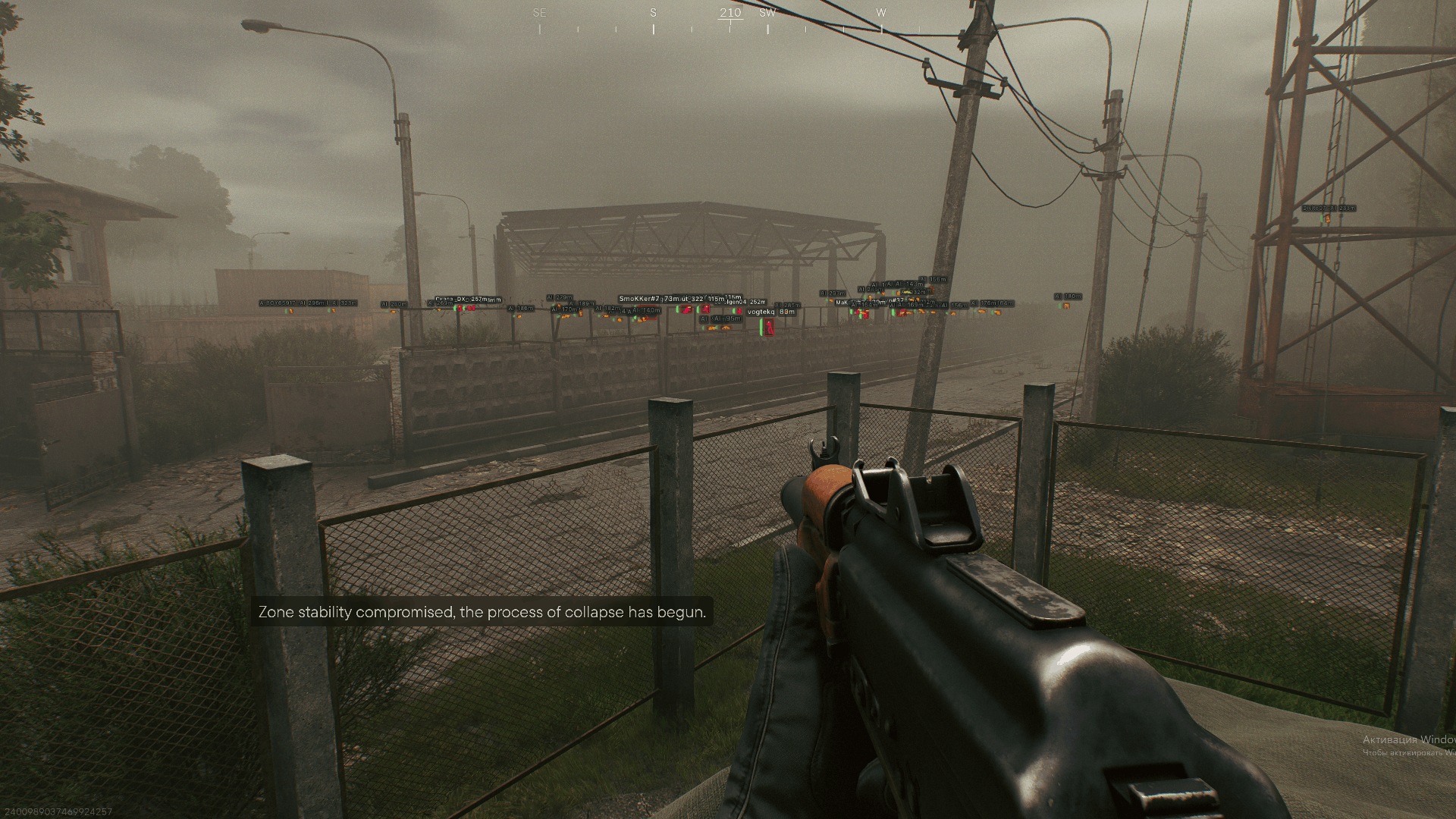
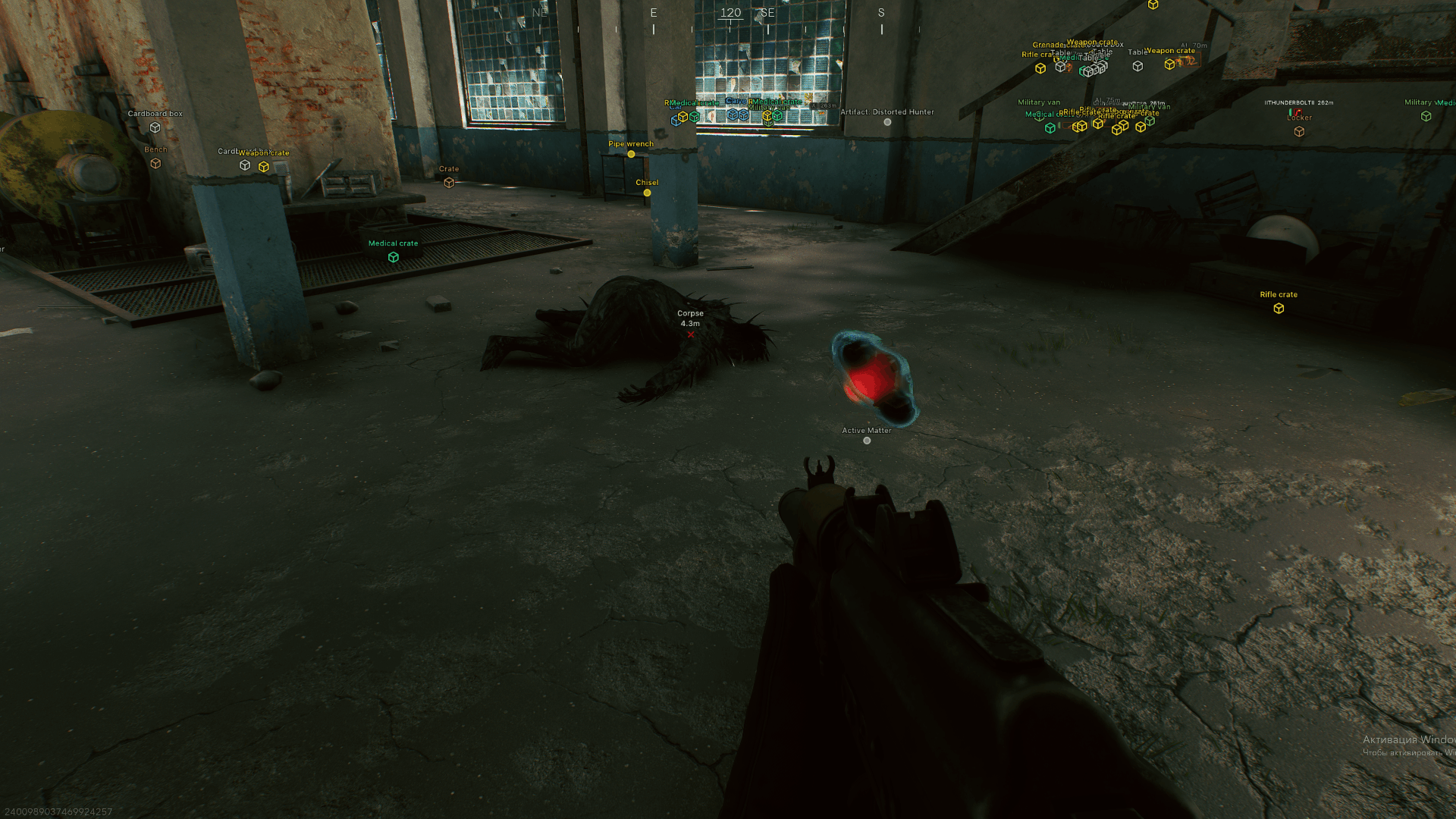
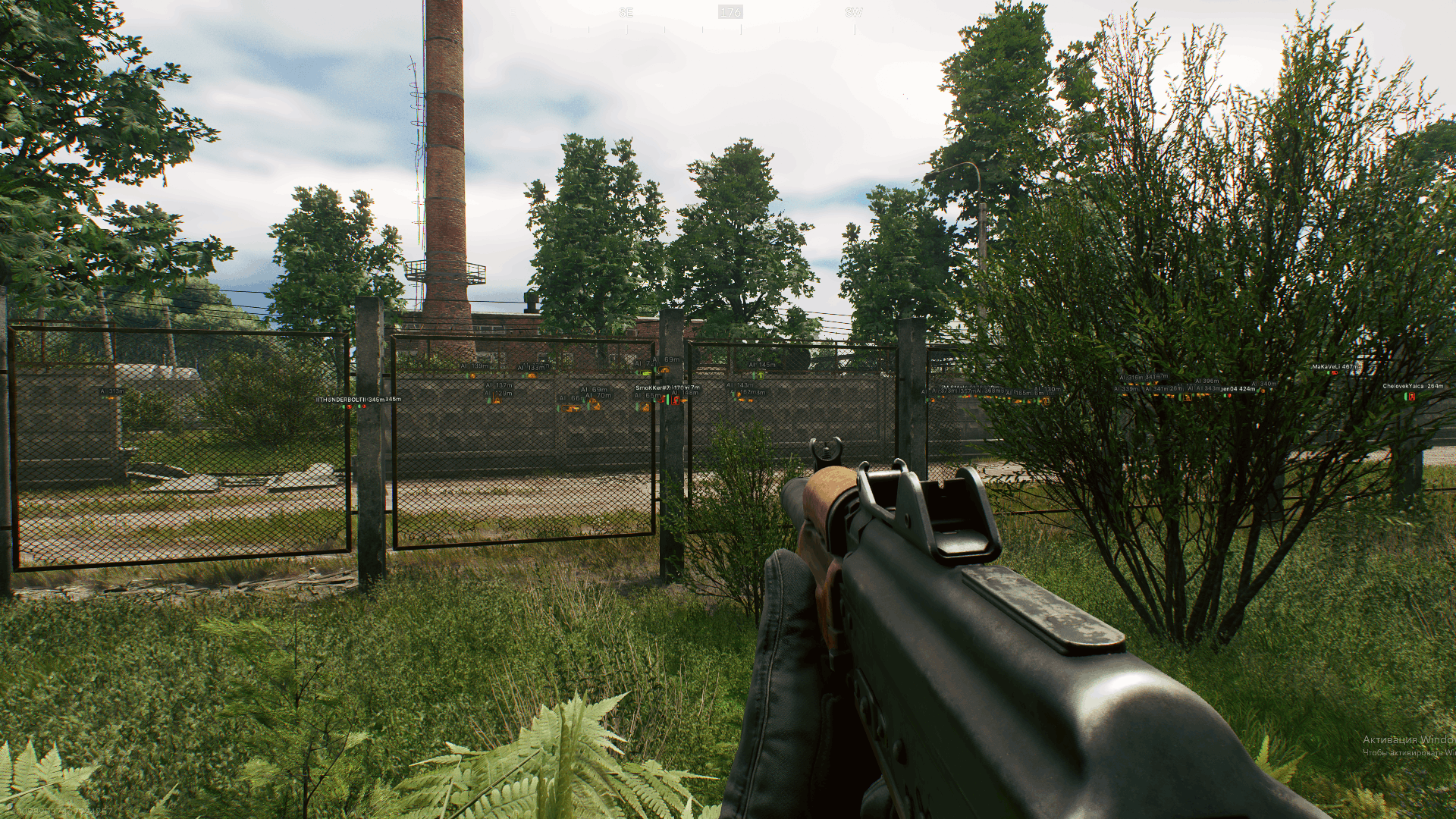
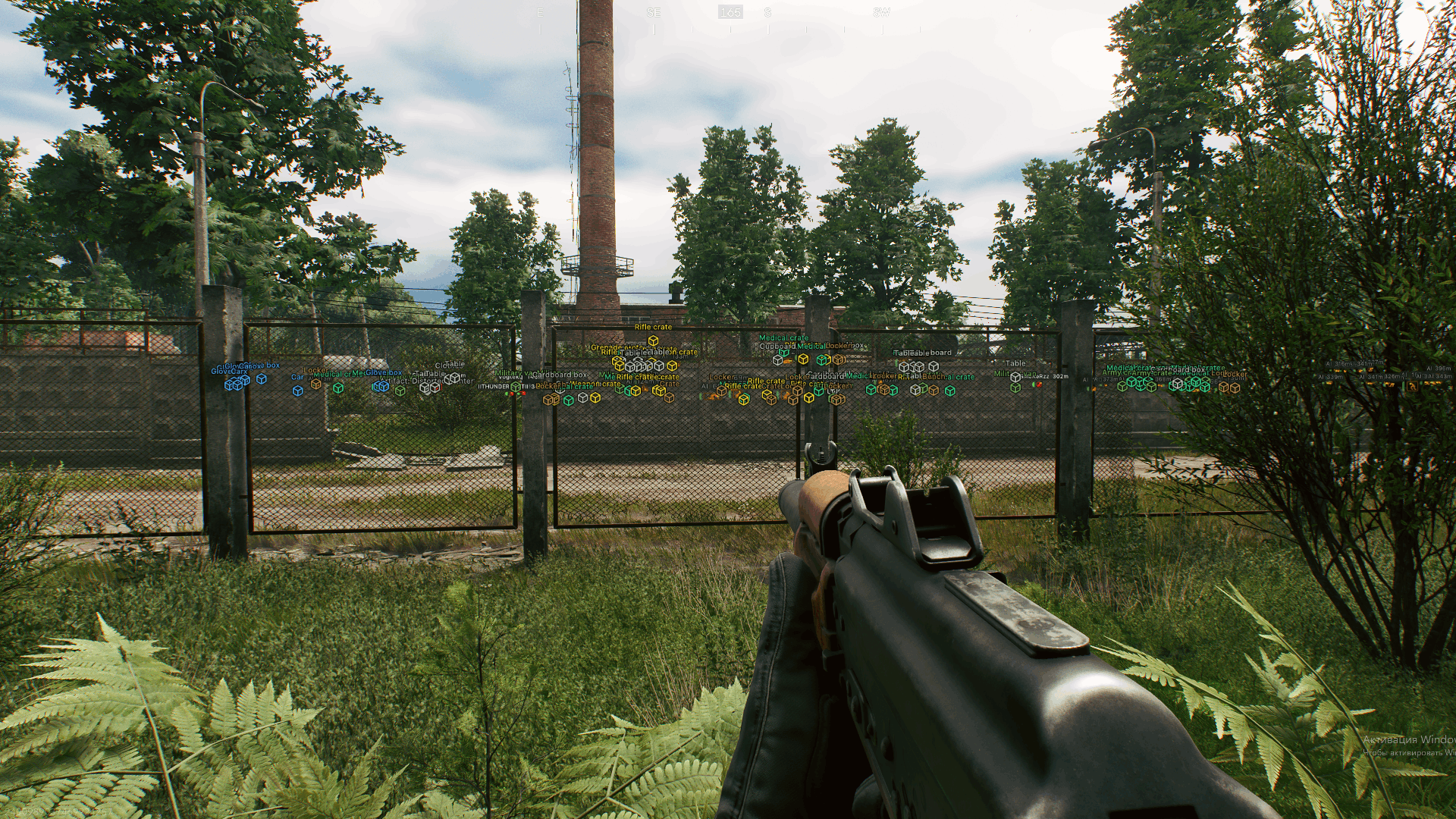
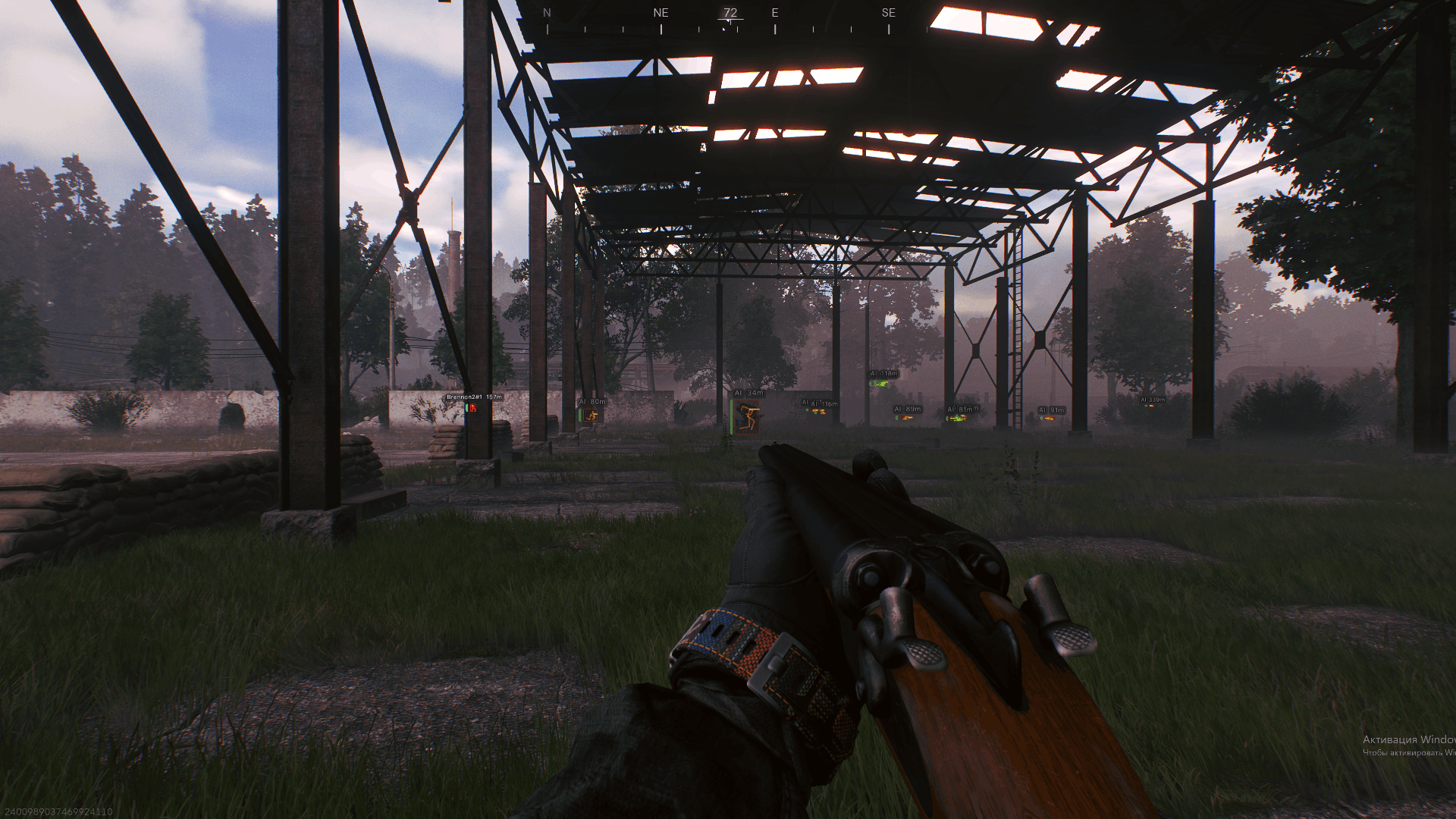
Arcane for Active Matter combines aim support and situational awareness to help you choose how to approach each encounter. Aimbot, entity ESP and item ESP support precise aiming, tracking opponents and locating supplies, while radar and off-screen indicators keep positions in view beyond the immediate fight. Separate no-recoil, no-spread and no-sway controls give you more control over weapon handling. Assess nearby threats, pick your next objective and move with a clearer picture of the action.
STATUS
UNDETECTED

FEATURES
AIMBOT
- Enable
- Keybind
- Mode
- Aim Type
- Targets
- Find bone type
- Bones selection
- Visibility check
- Draw FOV Border
- Draw FOV Background
- FOV Size
- Smoothness
- Max distance
ENTITIES ESP
- Bounding box
- Box fill
- Skeleton
- View line
- Line to enemy
- Health bar
- Name
- Distance
- Draw BOTs
- Draw teammates
- Visibility check
- Bot transparency
- Max distance
ITEMS ESP
- Show count
- Show distance
- Objects:
- Corpses
- UAZ-67
- Airdrop
- Anomaly
- Creatures
- Items:
- Weapons
- Ammunition
- Medicines
- Equipment
- Weapon mods
- Keys
- Goods
- Containers
- Alerts
- Chronogenes
- Dog tags
- Cortical vaults
- Furniture
- Other items
- Containers:
- Hide looted
- Weapon crates
- Military crates
- Medical crates
- Industrial
- Vehicles
- Furniture and civil
- Other containers
MISC
- No recoil
- No spread
- No sway
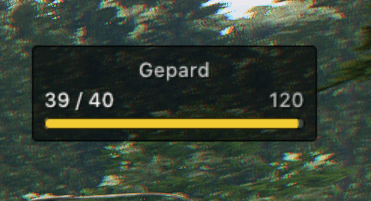
- Show ammo count
RADAR
- Enable
- Entities
- Distance rings
- FOV cone
- Scale by distance
- Zoom
- Size
- Transparency
OFF-SCREEN
- Enable
- Entities
- Distance
- Range
- Size
SETTINGS
- Menu key
- Unload key
- Crosshair
- DPI scale
- VSync
- FPS limit
CONFIGS
- Create
- Delete
- Load
- Save
- Share
MEDIA