Acti-Matt
PRIVATE SOFTWARE
PUSS
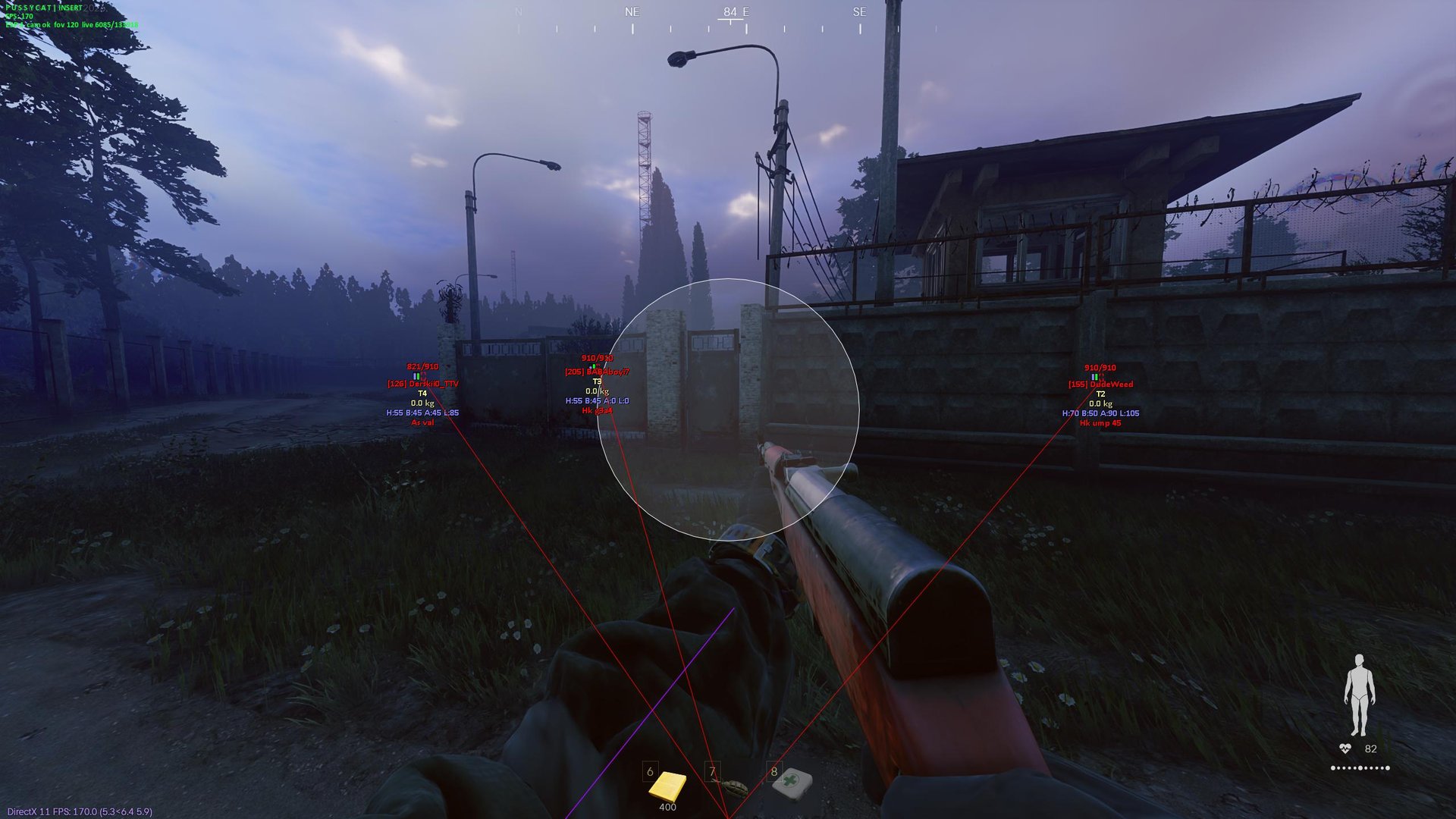
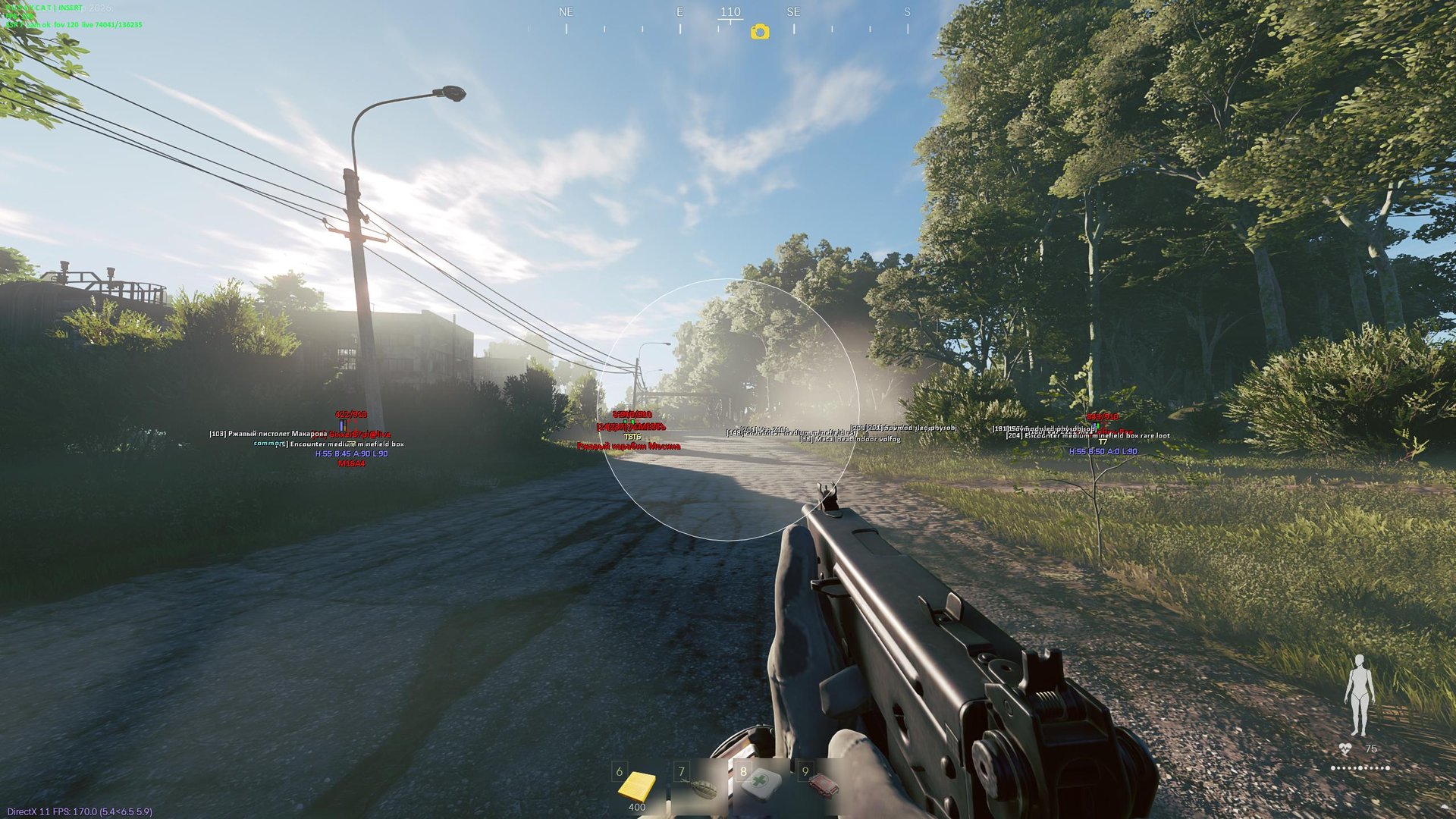
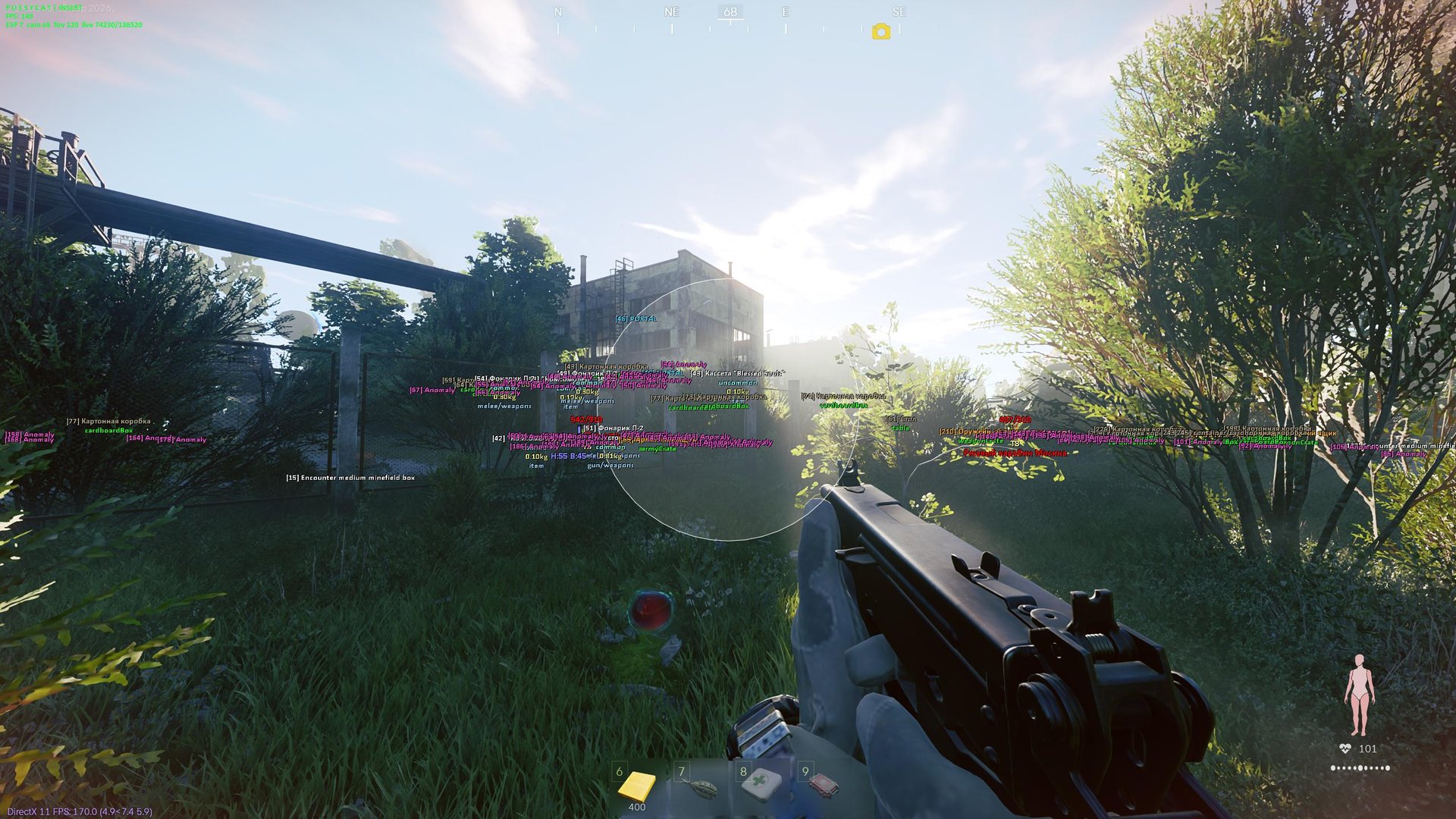
PUSS for Active Matter brings aiming control and a clearer view of your surroundings into one package. Aimbot and player ESP help you focus engagements and track nearby threats, while world and loot markers highlight equipment, exits and anomalies worth considering before your next move. Adjust visibility checks, display distance and item filters to concentrate on the information you need. Follow the fight, weigh your options and plan your route with more of the scene in view.
STATUS
UNDETECTED
FEATURES
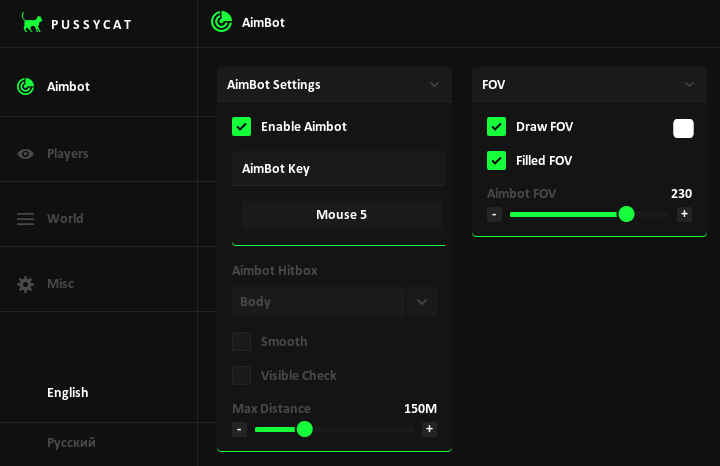
Aimbot
- AimBot Settings
- Enable Aimbot
- AimBot Key
- Aimbot Hitbox
- Smooth
- Smooth Amount
- Visible Check
- Max Distance
- FOV
- Draw FOV
- Filled FOV
- Aimbot FOV
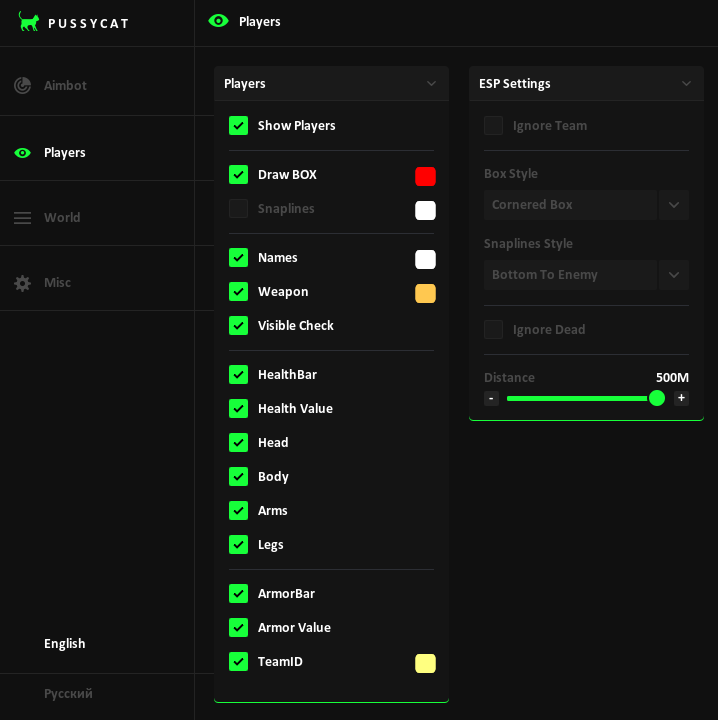
Players
- Show Players
- Visuals
- Draw BOX
- Snaplines
- Names
- Weapon
- Visible Check
- HealthBar
- Health Value
- Head
- Body
- Arms
- Legs
- ArmorBar
- Armor Value
- TeamID
- Settings
- Ignore Team
- Box Style
- Snaplines Style
- Ignore Dead
- Distance
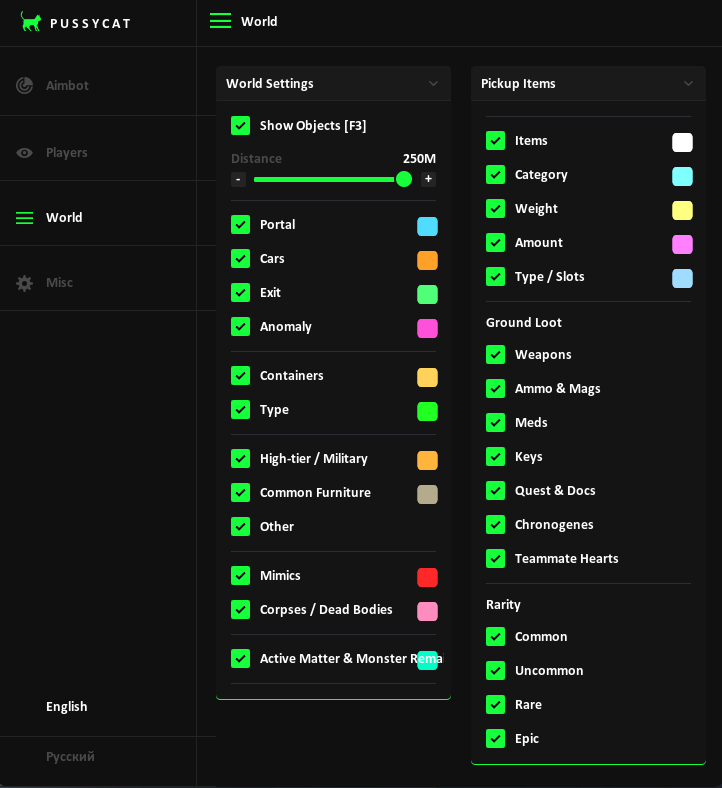
World
- Show Objects [F3]
- Distance
- Portal
- Cars
- Exit
- Anomaly
- Containers
- Type
- High-tier / Military
- Common Furniture
- Other
- Mimics
- Corpses / Dead Bodies
- Active Matter & Monster Remains
- Pickup Items
- Items
- Category
- Weight
- Amount
- Type / Slots
- Ground Loot
- Ground Loot — Weapons
- Ground Loot — Ammo & Mags
- Ground Loot — Meds
- Ground Loot — Keys
- Ground Loot — Quest & Docs
- Ground Loot — Chronogenes
- Ground Loot — Teammate Hearts
- Rarity
- Rarity — Common
- Rarity — Uncommon
- Rarity — Rare
- Rarity — Epic
Settings
- Font Settings
- Enemy Font Size
- Item Font Size
- Crosshair
- Crosshair
- Thickness
- Size
- Config
- Lock Overlay FPS
- Save Config
- Load Config
- Unload software
- Menu Key
MEDIA