Arena Breakout: Infinite
PRIVATE SOFTWARE
B-Radar
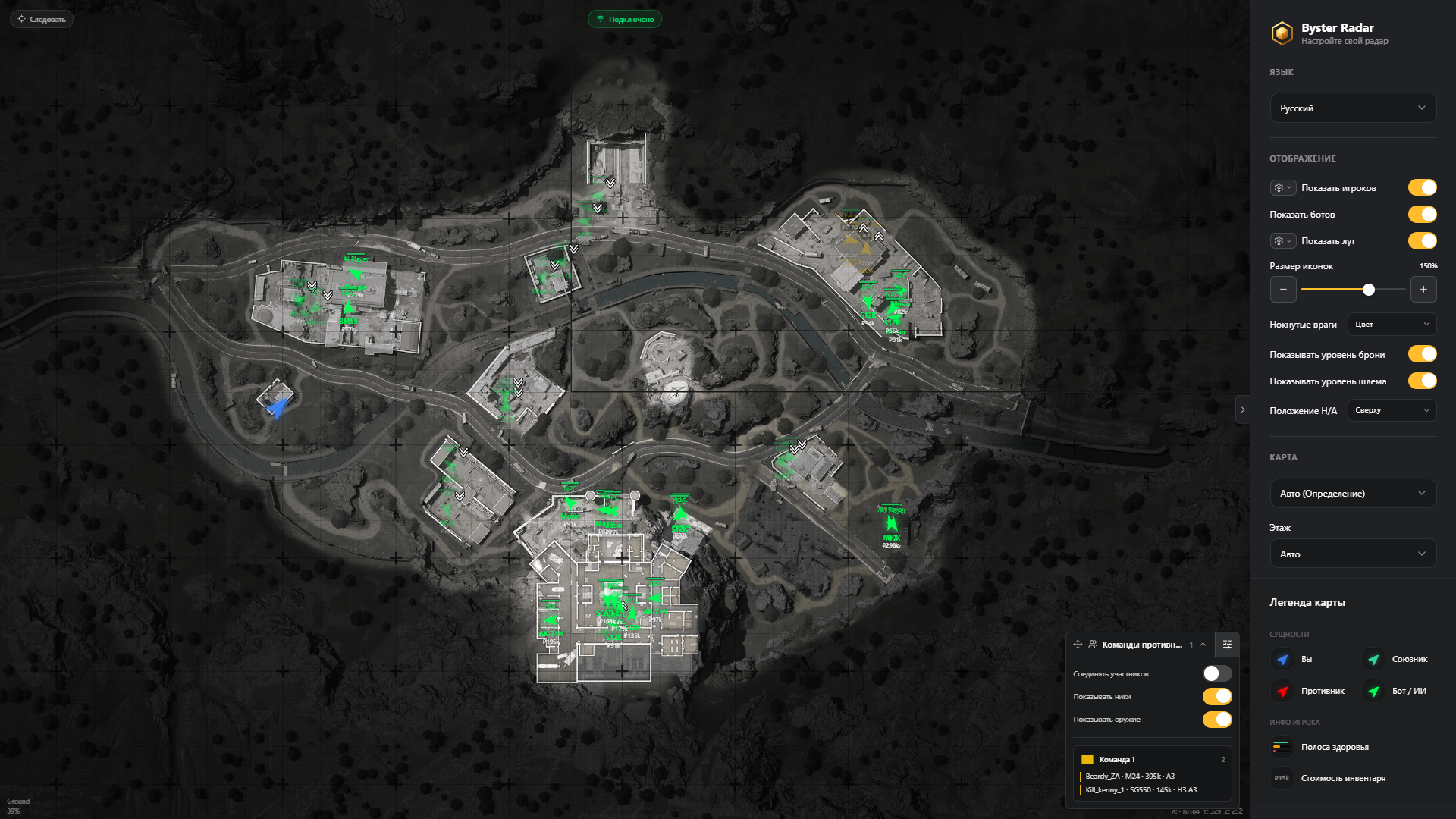
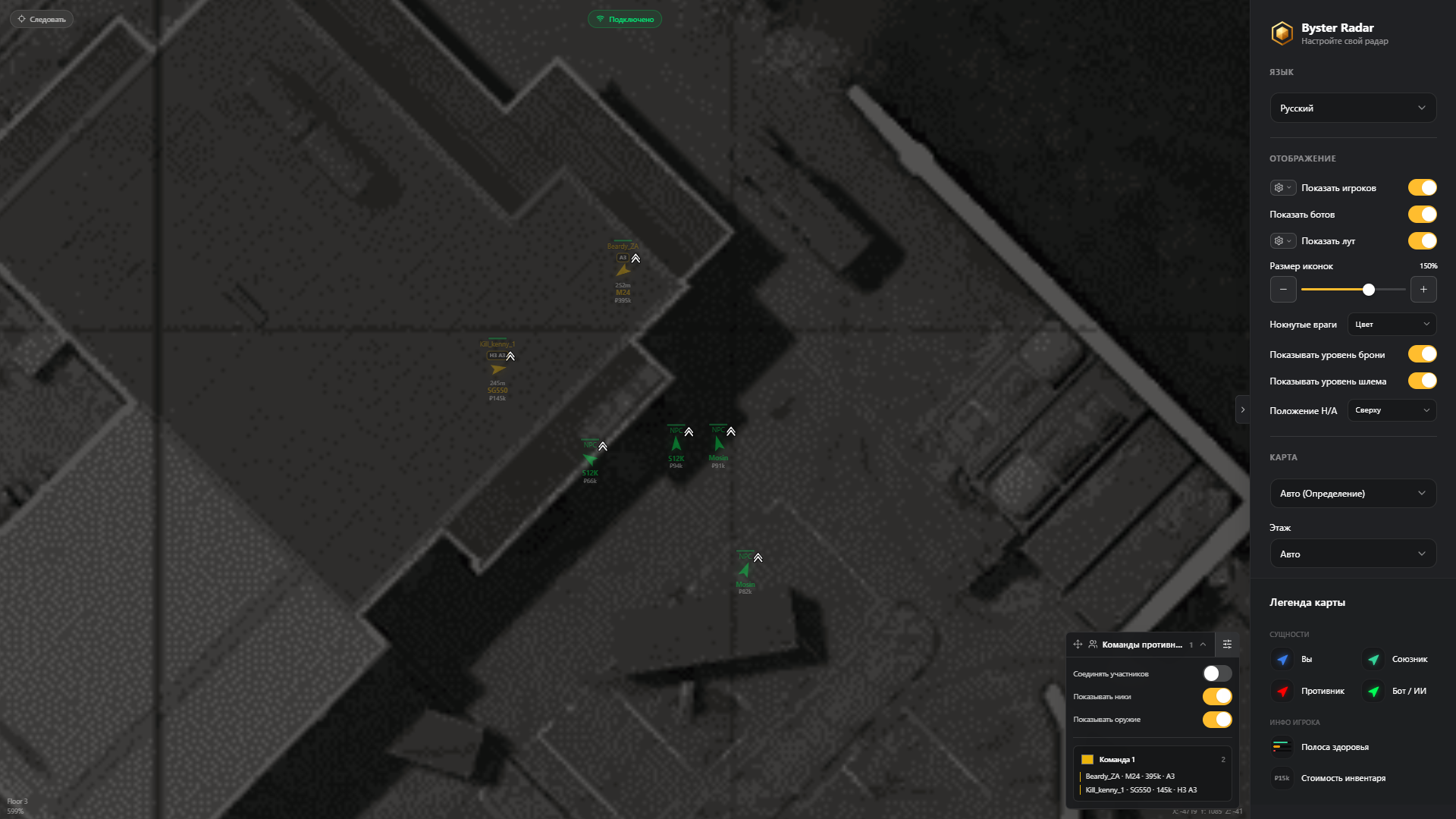
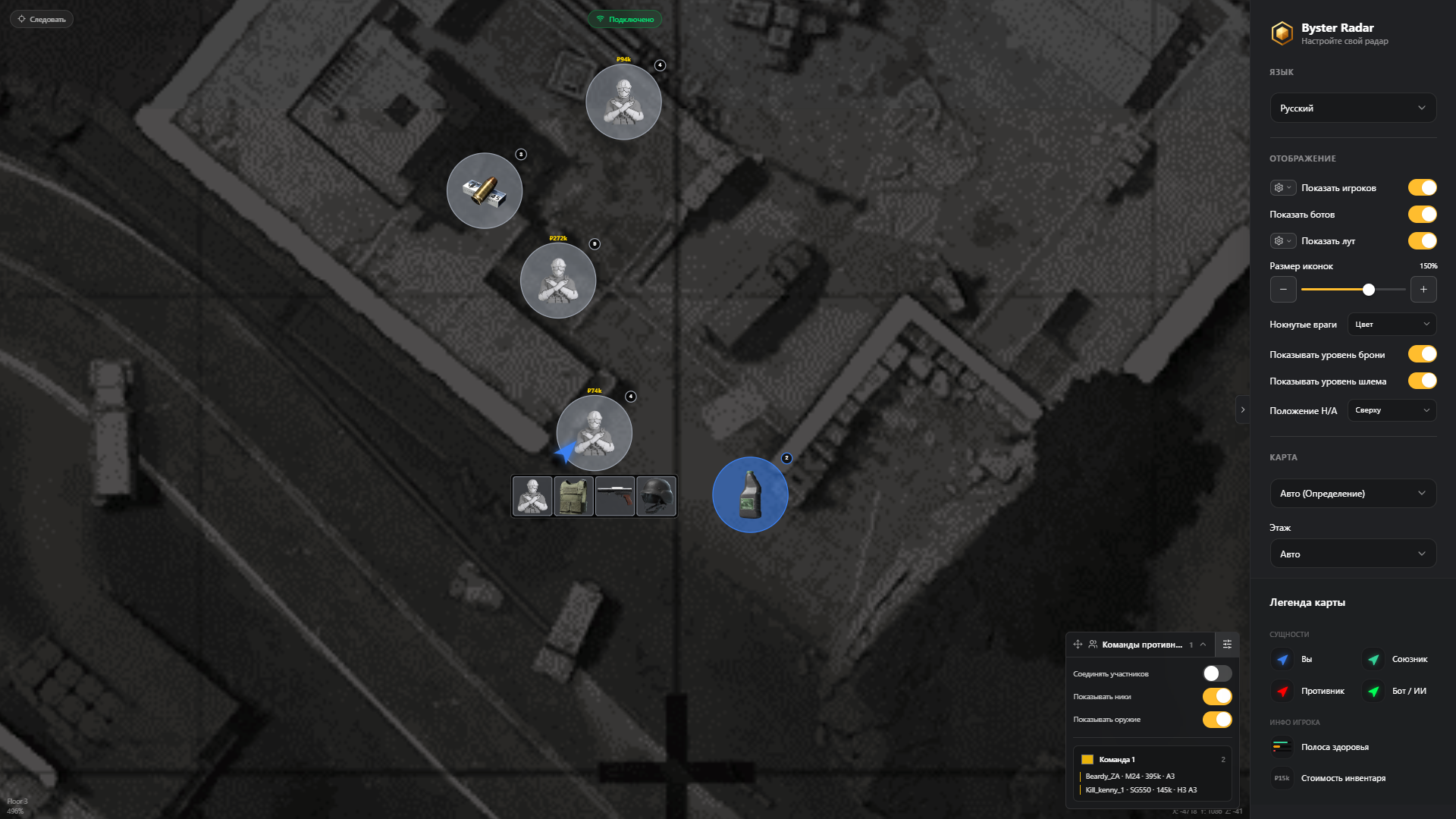
Byster Radar is a web radar for Arena Breakout: Infinite that delivers fast map visibility, advanced player and loot ESP, precise location tracking, and smart floor filtering. Share your map with friends, spot high-value items and player/bot targets instantly, and tune every display with RGBA color settings, presets, and multi-language support.
STATUS
ON UPDATE
FEATURES
MAP & NAVIGATION
- Real-time players, bots & loot
- Farm
- Valley
- Arsenal
- Terminal
- Northridge
- TV Station
- Automatic map detection
- Manual map selection
- Automatic floor detection
- Manual floor selection
- Above / below indicators
- Mouse and touch drag controls
- Mouse-wheel and pinch zoom
- Follow mode
- Saved zoom level
- View direction
- PC, phone & tablet support
- Map sharing with friends
PLAYERS & BOTS
- Own position
- View direction
- Enemies
- Allies
- Regular NPCs & bots
- AI Players
- Nicknames
- Team ID
- Current health
- Maximum health
- Alive / knocked / dead state
- Knocked-state marker: color, text, or both
- Held weapon
- Total inventory value
- Helmet level
- Armour level
- Distance
TEAMS & PERSPECTIVE
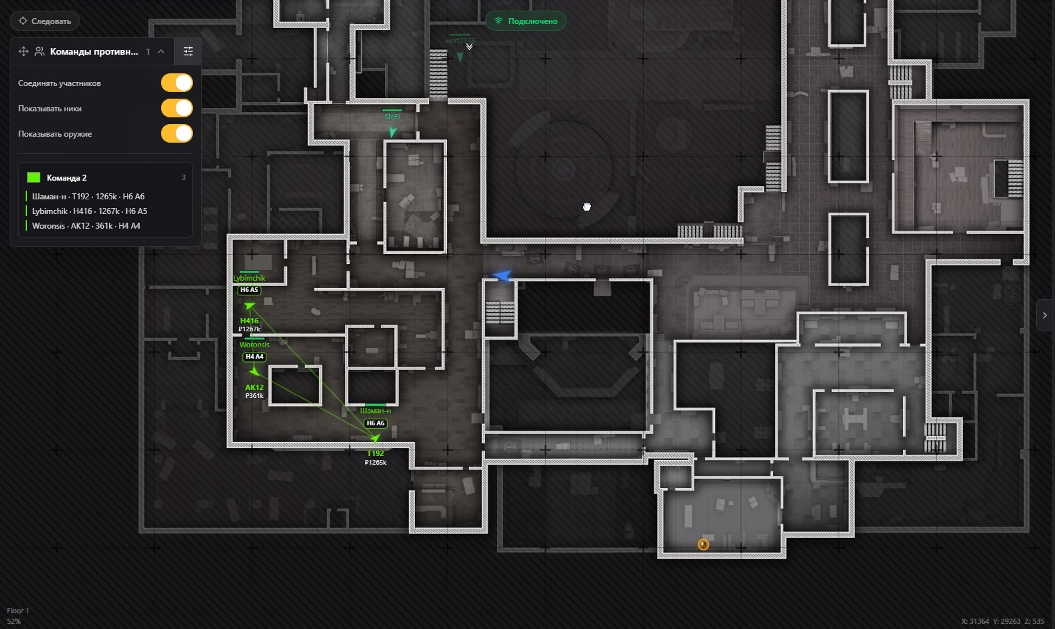
- Automatic grouping by Team ID
- Separate color for each team
- Manual team color settings
- Links between team members
- Team-member nicknames
- Team-member weapons
- Team-member inventory value
- Team-member helmet level
- Team-member armour level
- Compact settings panel
- Collapsible settings panel
- Panel position: any screen corner
- View the radar from an ally’s position
- Select an ally from their marker
- Return to your character
- Keep the selected ally between matches
- Follow mode relative to the selected ally
- Floor detection relative to the selected ally
- Distance calculations relative to the selected ally
LOOT, CONTAINERS & BODIES
- Ground items
- Item name
- Item icon
- Item rarity
- Item price
- Item quantity
- Six rarity tiers
- Separate rarity colors
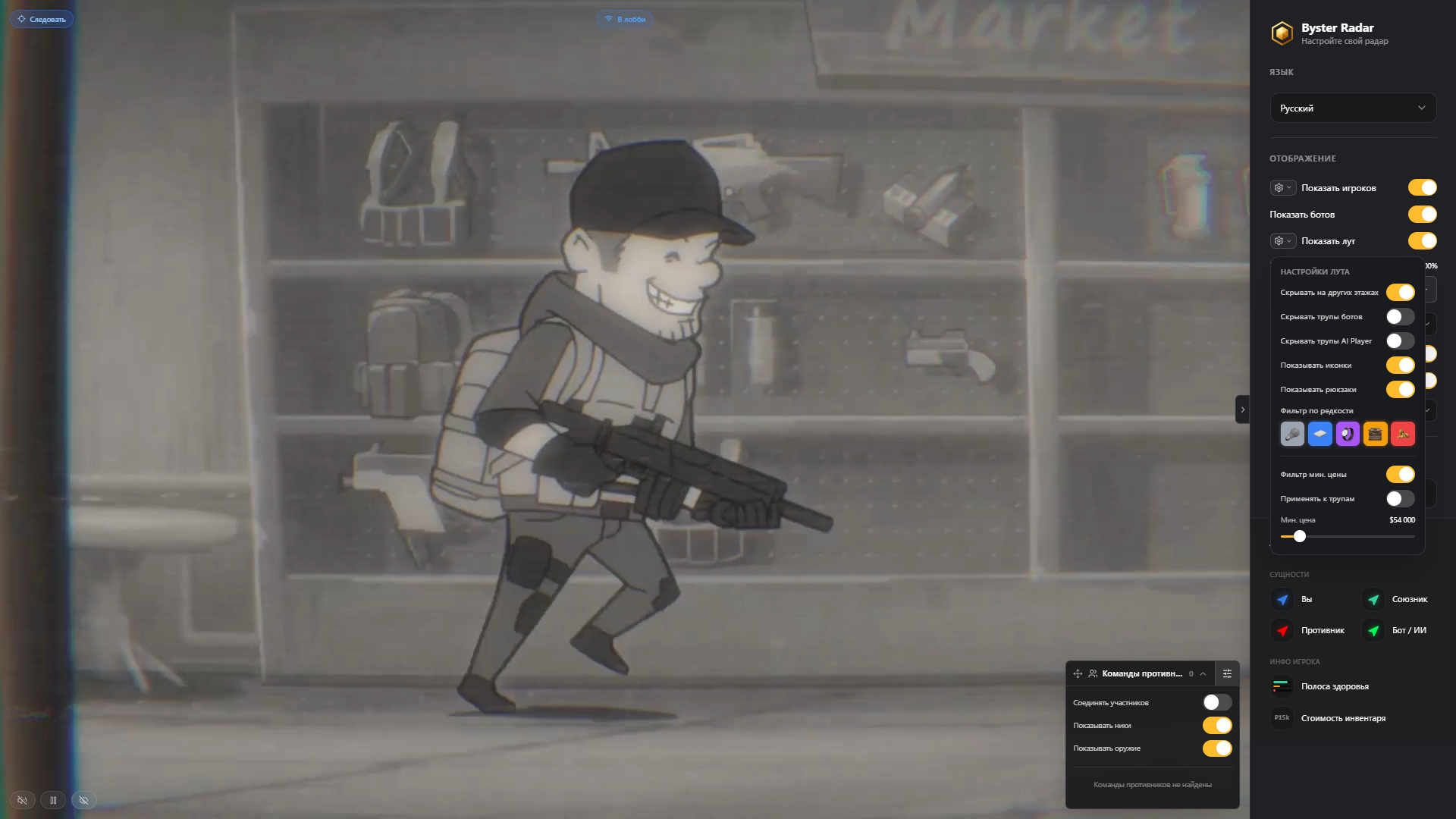
- Rarity filter
- Minimum-price filter
- Hide items on other floors
- Toggle item icons
- Ground backpacks outside the rarity filter
- Exclude backpacks inside bodies from ground-backpack markers
- Containers
- Container contents
- Player bodies
- Regular-bot bodies
- AI Player bodies
- Body contents
- Minimum total-value filter for bodies
- Hide regular-bot bodies
- Hide AI Player bodies
DISPLAY SETTINGS
- Own-character color
- Ally color
- Enemy color
- Bot color
- Overall marker size
- Font size
- Health-bar size
- Helmet / Armour placement: top, bottom, left, or right
- Player and bot transparency on other floors
MEDIA