Arena Breakout: Infinite
PRIVATE SOFTWARE
GHOST
Ghost Full's External version is a private Arena Breakout: Infinite cheat built around configurable aimbot control and clear raid information. Shape your aiming with Humanize, while ESP and radar help you track threats and locate loot as you plan your next move. Recoil removal and saved settings keep the setup adaptable, from choosing an engagement to preparing for the next raid.
STATUS
ON UPDATE
FEATURES
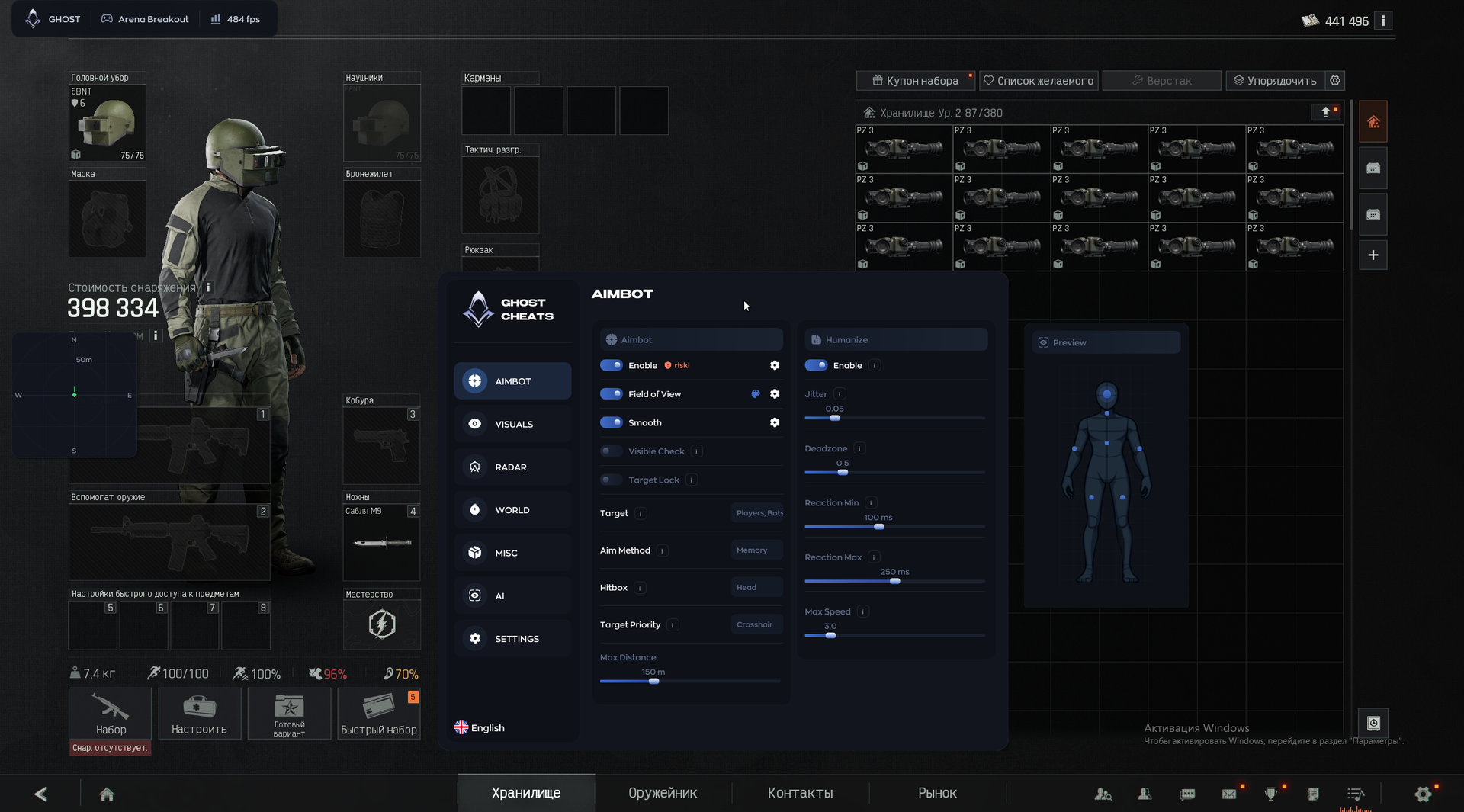
AIMBOT
- Aimbot toggle
- Aim FOV — target-acquisition radius (viewing angle).
- Aim smoothing — higher values make crosshair movement look more natural.
- Visible-target check — aim only at enemies in direct line of sight.
- Target lock — hold one target until elimination.
- Target selection — players and bots.
- Aim method — Memory / Mouse.
- Multi Hitbox — select multiple bones for aiming.
- Target priority
- Maximum aim distance
Humanize
- Humanized aim toggle
- Jitter — small crosshair movements that simulate hand tremor.
- Deadzone — no aim correction within the selected zone.
- Reaction delay — minimum and maximum delay before aiming begins.
- Maximum crosshair speed
VISUALS
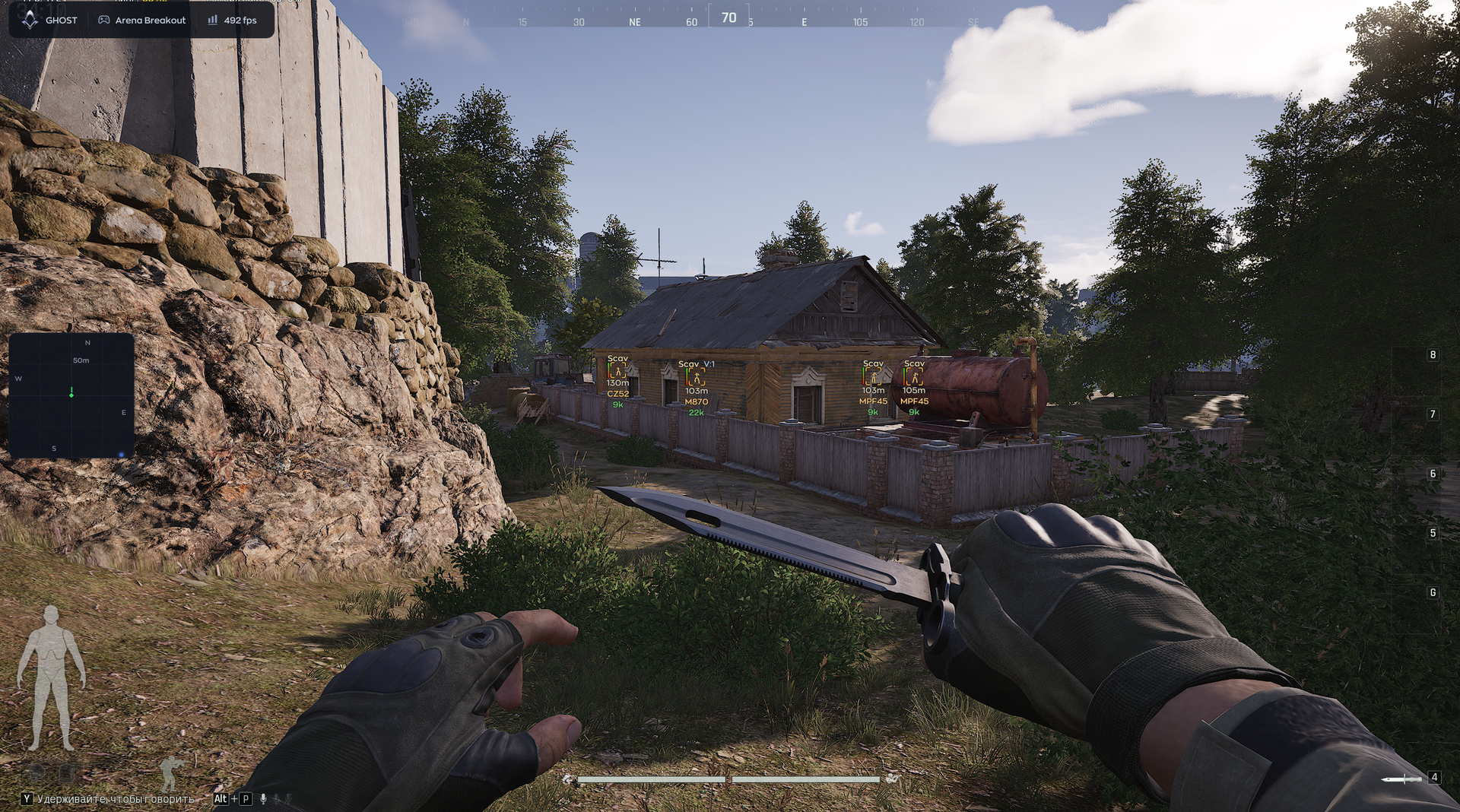
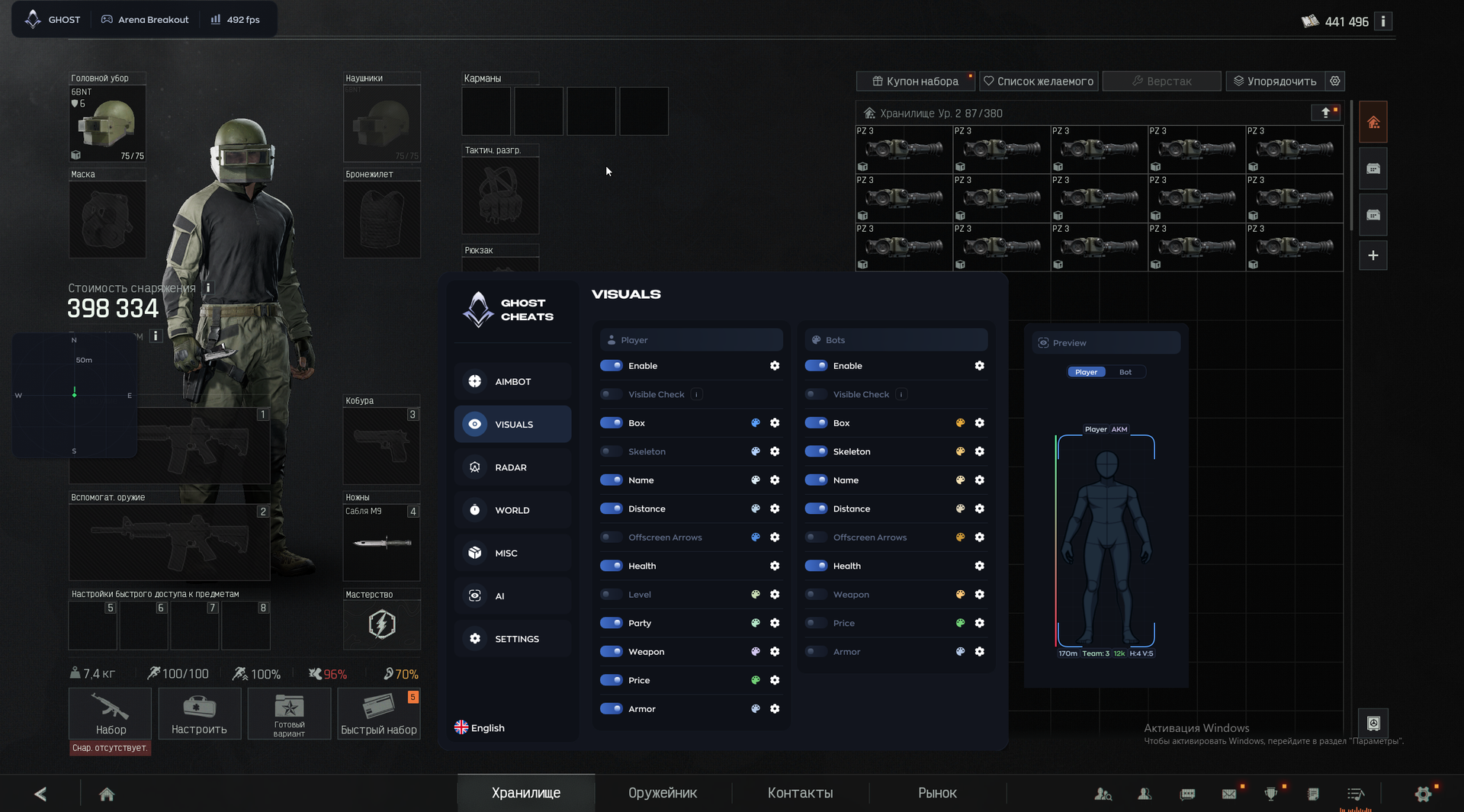
- ESP toggle
- Visibility colors — different ESP colors for visible players and players behind walls.
- Box ESP
- Player and bot skeletons
- Player names
- Target distance
- Off-screen arrows — directions to enemies outside the field of view.
- Health (HP)
- Player level
- Teammate and group highlighting
- Weapon held by the opponent
- Total enemy equipment value
- Equipped armor and condition
RADAR
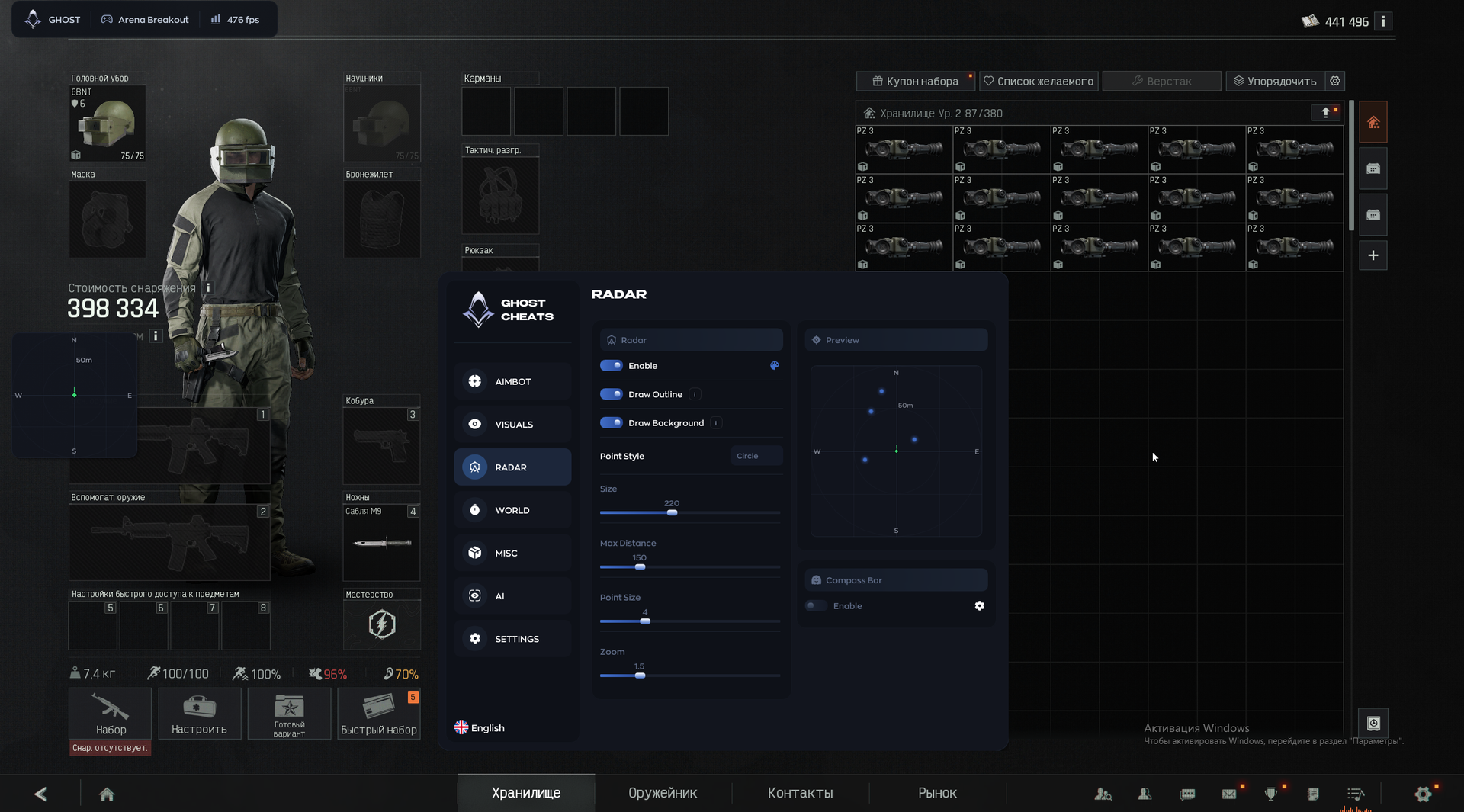
- On-screen 2D radar toggle
- Radar outline
- Dark radar background
- Enemy marker style — for example, Circle.
- Radar window size
- Maximum scanning radius
- Enemy marker size
- Radar map zoom
Compass Bar
- Compass toggle — a bar with enemy markers.
WORLD
Corpse
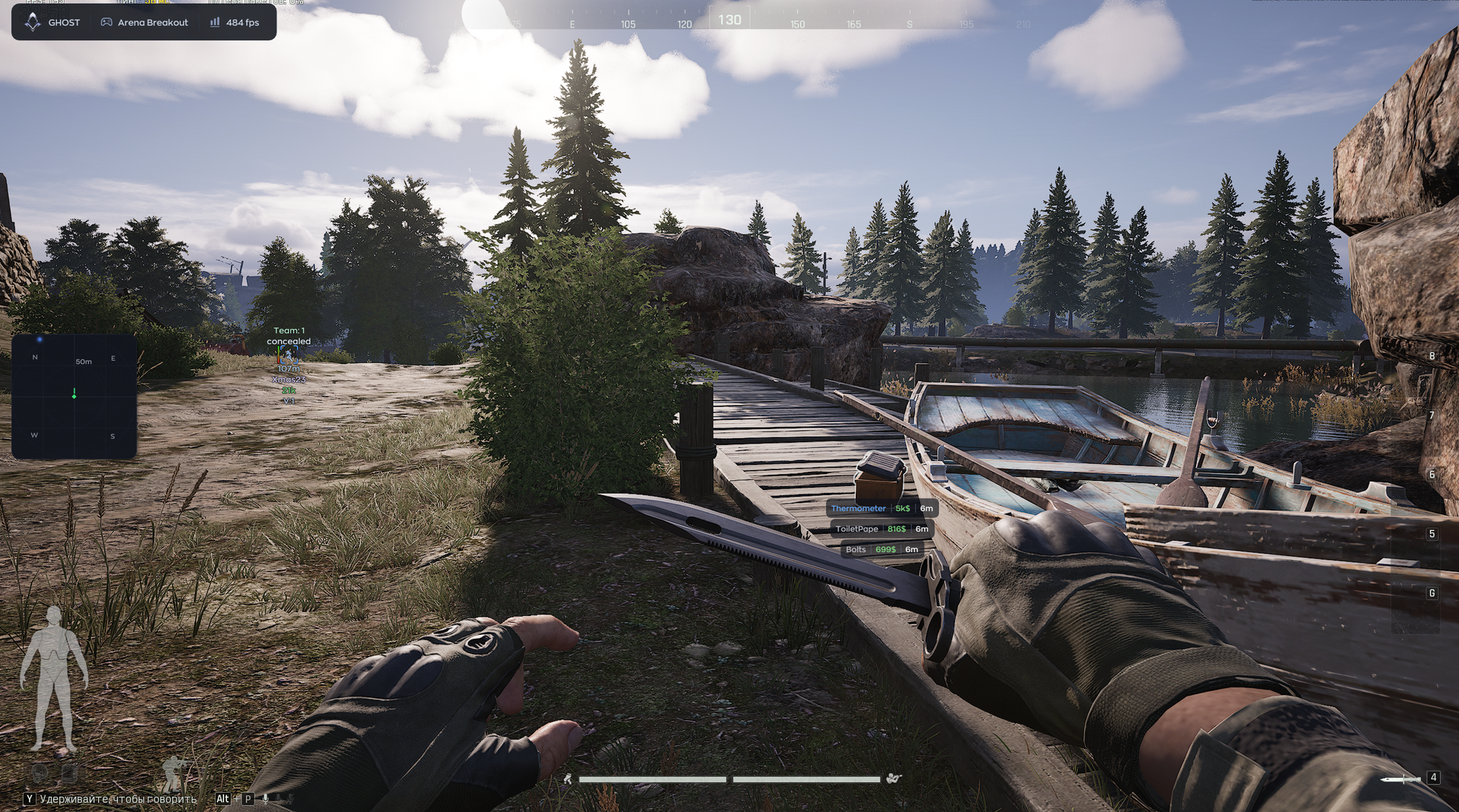
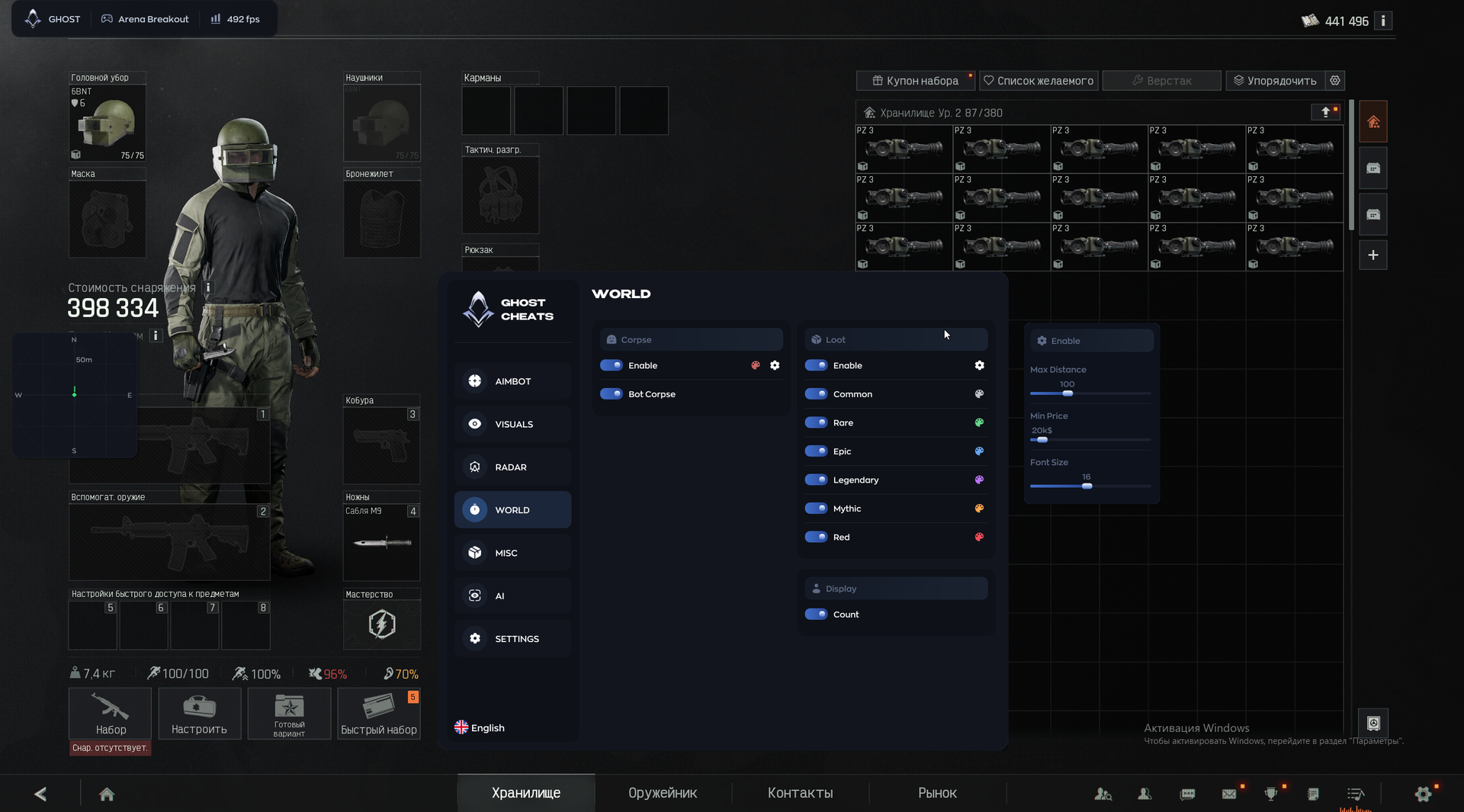
- Player and bot corpse ESP
- Separate bot corpse toggle
LOOT
- Item ESP toggle
- Value / rarity filter and highlighting — Common / Rare / Epic / Legendary / Mythic / Red.
Display
- Item count in stacks and containers
- Maximum loot ESP distance
- Minimum-price filter — show only items at or above the selected value.
- Loot label font size
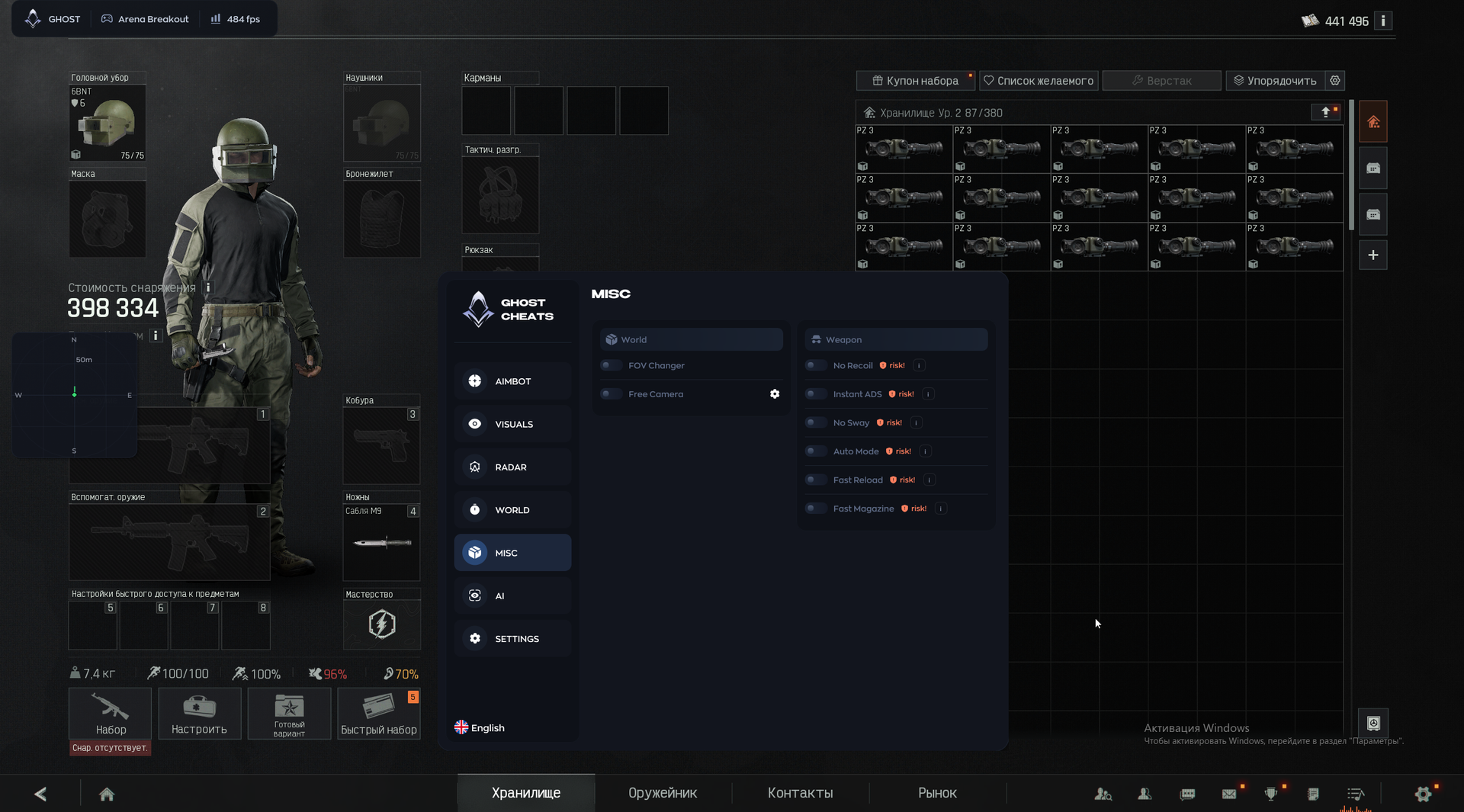
MISC
- Camera FOV adjustment
- Free camera — detach the camera from the character for scouting.
- No recoil — completely disable recoil when firing.
- Instant ADS
- No weapon or crosshair sway
- Automatic fire — for any weapon, including single-fire weapons.
- Fast reload
- Instant magazine swap / loading
AI
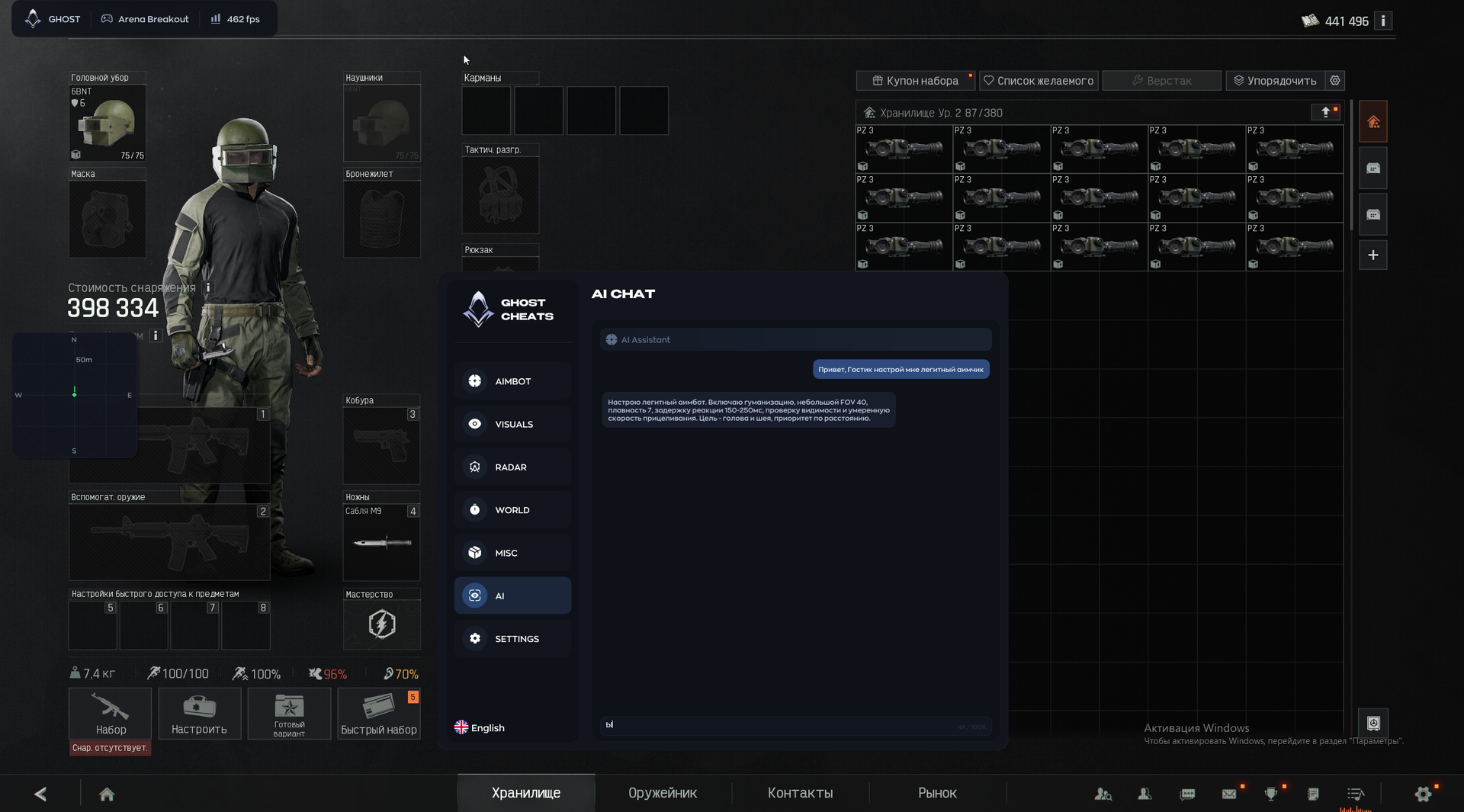
- AI Assistant / AI Chat — automatically select and configure cheat settings through chat, such as a quick, subtle legit-aim setup on request.
SETTINGS
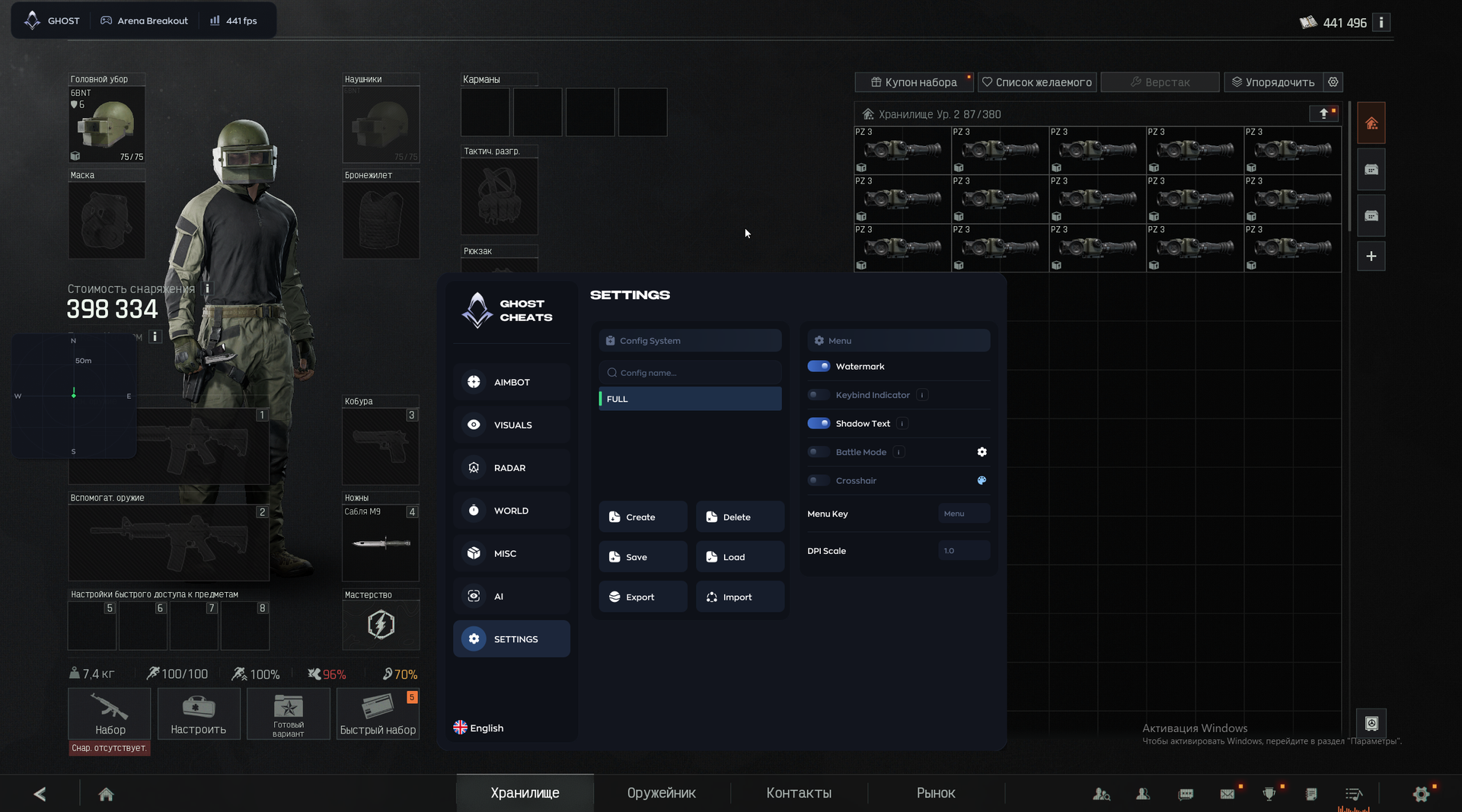
Config System
- Create / save / load / delete configurations
- Export / import configurations
Menu
- On-screen logo / watermark
- Assigned-hotkey panel
- Menu and ESP text shadows — improve readability.
- Battle Mode — quickly hide unnecessary interface elements for a clearer combat view.
- Custom crosshair overlay
- Menu open / close key
- Menu DPI scale
MEDIA