ARK Ascended
PRIVATE SOFTWARE
arcane
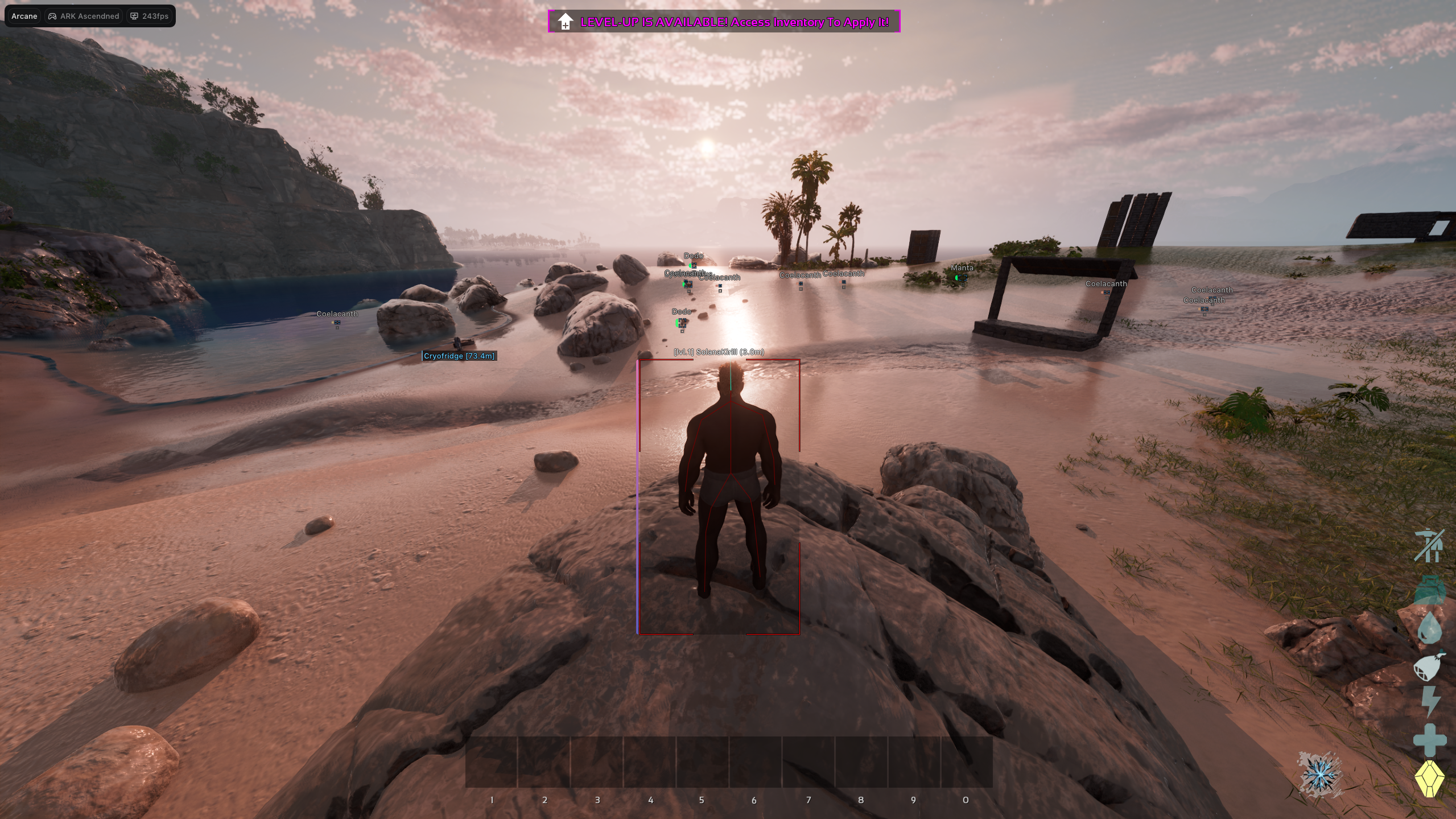
Arcane for ARK: Survival Ascended is a private cheat packed with powerful features, including aimbot for accurate targeting and ESP for players, dinos, loot, and world objects. It also includes a range of useful exploits to enhance your gameplay, giving you full control and a strong advantage in every situation.
STATUS
UNDETECTED

FEATURES
AIMBOT
- Enable
- Target (Players, Dinos)
- Keybind
- Prediction
- Humanize (Humanize Factor)
- Priority (Screen Center, Distance)
- Draw FOV Border
- Draw FOV Background
- FOV Size
- Smoothness
- Max Distance
PLAYERS ESP
- Bounding Box (Box, Corner)
- Fill Box (Static, Gradient)
- Health Bar (Static, Health Based, Gradient)
- Health Text
- Skeleton (Thickness)
- Item in Hand
- Name
- Distance
- Level
- Show Dead
- Show Sleeping
- View Line (Start Color, End Color)
- Line to Enemy (Top, Bottom, Center)
- Max Distance
DINO ESP
-
Bounding Box (Box, Corner)
-
Fill Box (Static, Gradient)
-
Health Bar (Static, Health Based, Gradient)
-
Dino Species
-
Distance
-
Level
-
Health
-
Stamina
-
Weight
-
Show Dead
-
Show Sleeping
-
Display Type (Always, On Hover)
-
Line to Enemy (Top, Bottom, Center)
-
Min Level
-
Max Distance
-
Filter
- Filter Mode (Match All, Match Any)
- Carnivore
- Herbivore
- Tamable
- Flying
- Water Ridable
- Agro
ITEMS ESP
-
Distance
-
Max Distance
-
Categories
- Clothes
- Resources
- Weapons
- Structures
- Consumables
- Ammo
- Artifacts
- Skins
-
Objects
- Supply Crate
- Sleeping Bag
- Simple Bed
- Tek Bed
- Storage Small
- Storage Large
- Storage Huge
- Storage Tek
- Dedicated Storage
- Ammo Container
- Tek Generator
- Cryo Fridge
- Turret
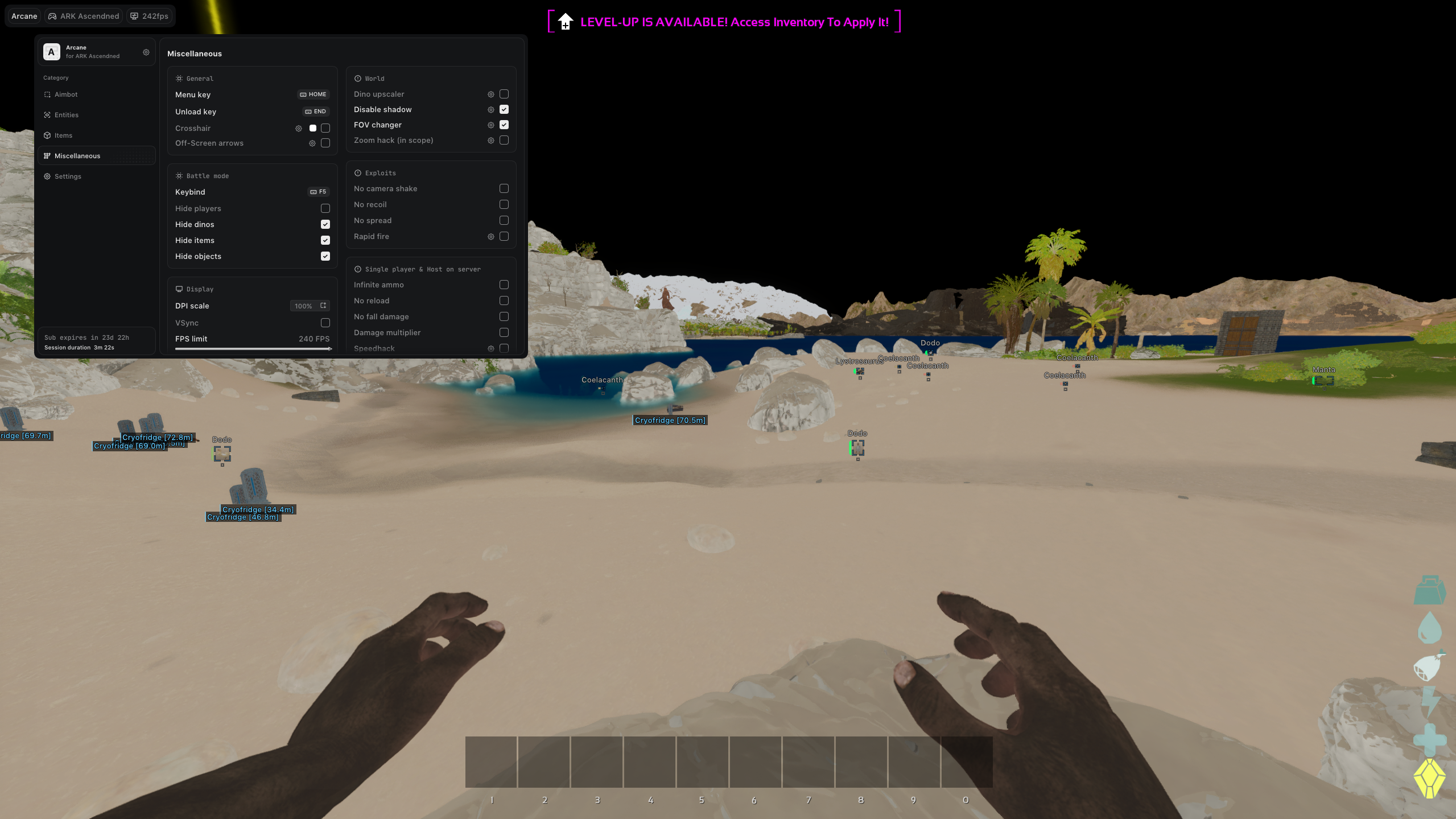
MISC
-
Crosshair (Style, Size, Thickness)
-
Off-Screen Arrows (Target, Range, Size, Distance)
-
Battle Mode
- Keybind
- Hide Players
- Hide Dinos
- Hide Items
MEDIA