Bodycam
PRIVATE SOFTWARE
Mason
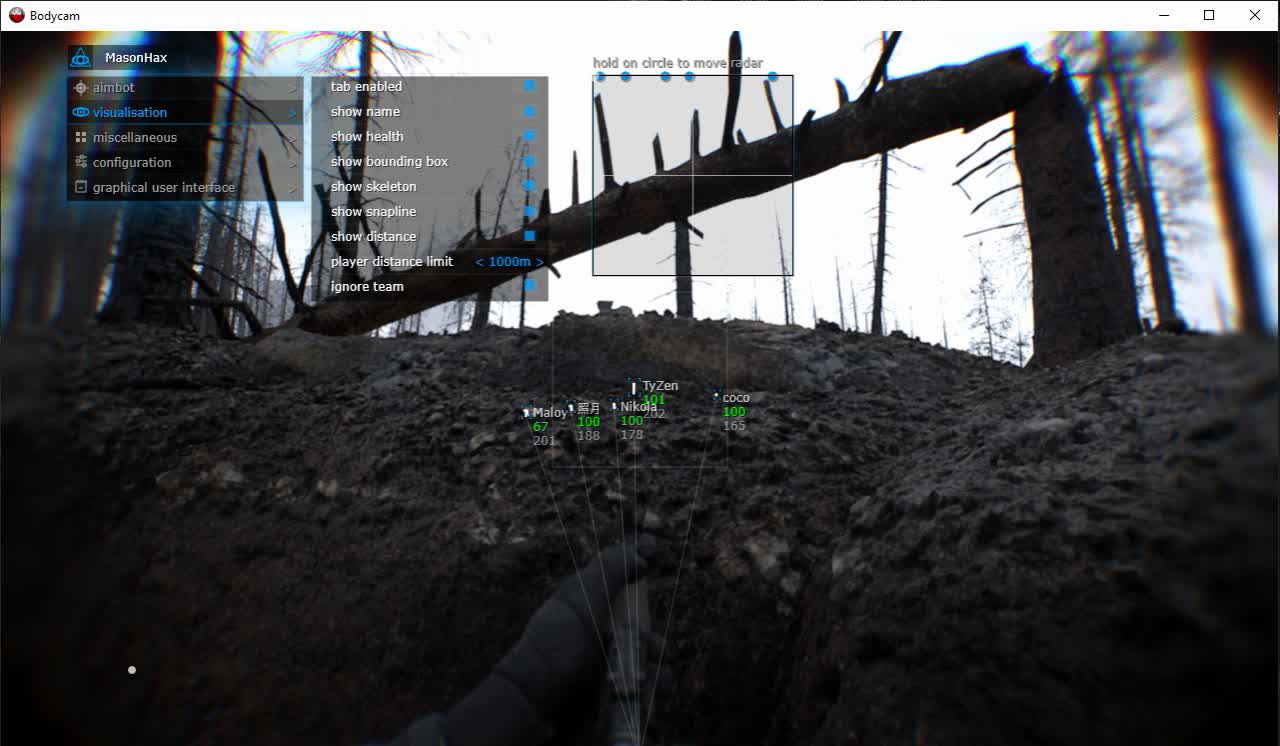
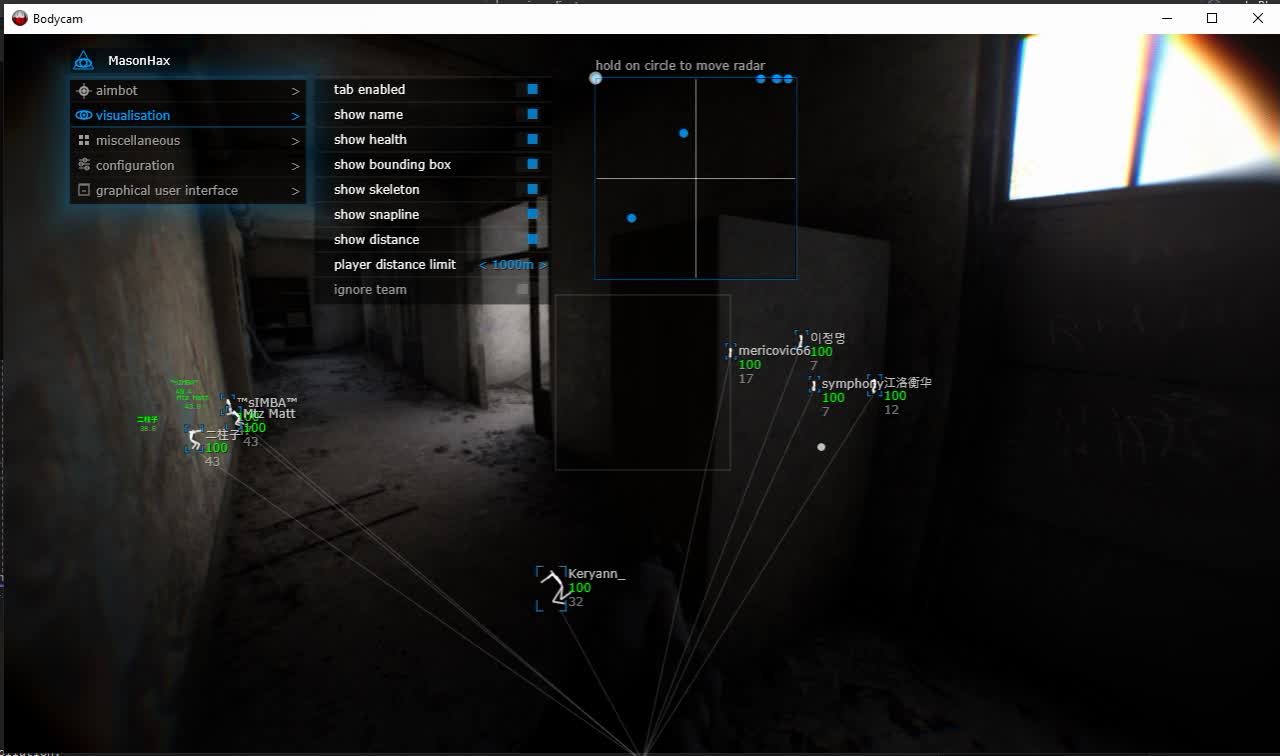
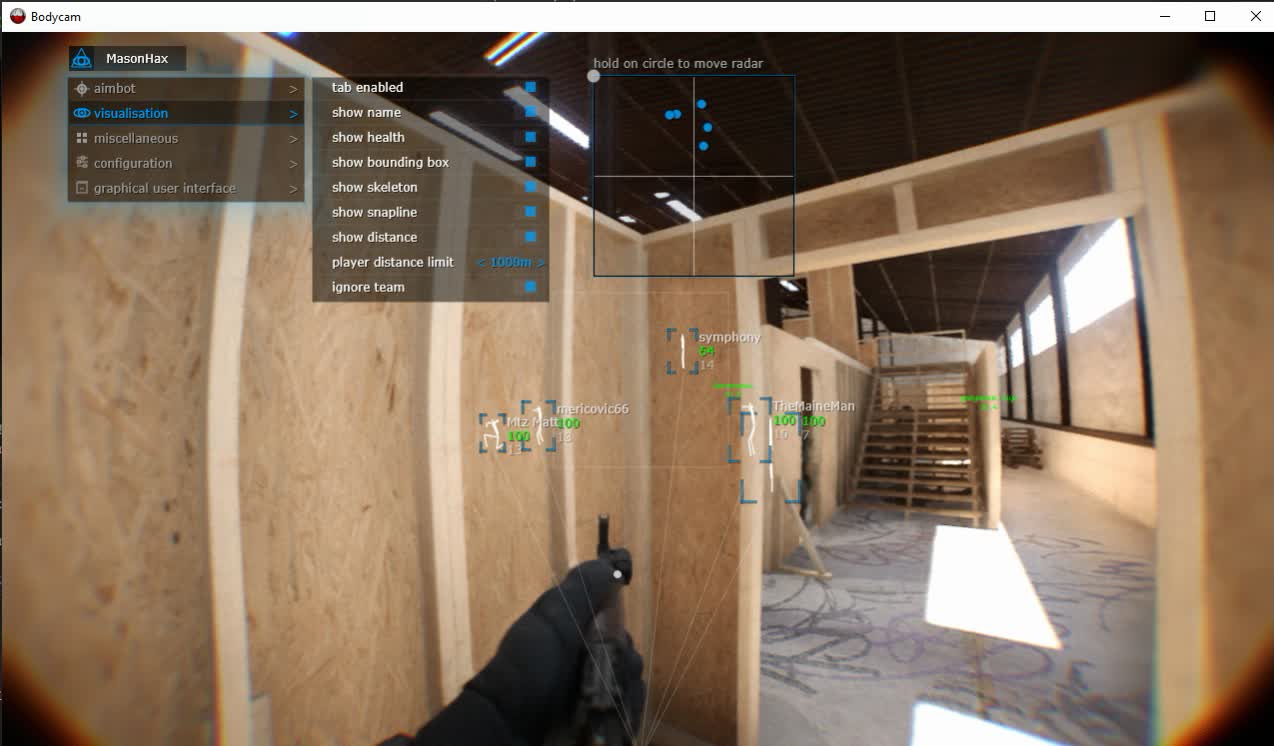
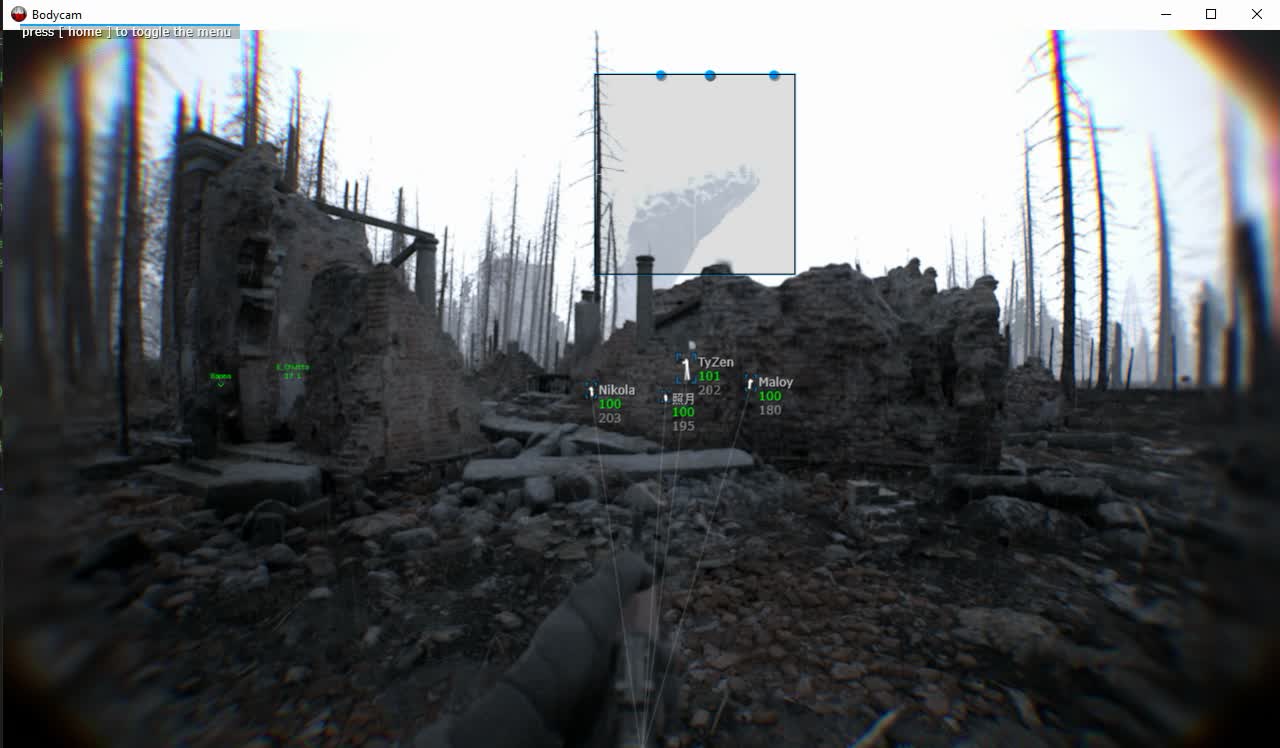
Mason for Bodycam brings aim support and a clearer view of the fight into one configurable package. Aimbot, player ESP and radar help you follow opponents, assess their positions and choose when to engage. Adjust your aim and display settings, then save your configuration through the clipboard for the next session. Keep the information you need in view and approach the next encounter on your terms.
The developer may change the feature set.
STATUS
UNDETECTED
FEATURES
AIMBOT
- Enable aimbot
- Aim activation key
- Aim radius
- Aim spot selection
PLAYER VISUALISATION
- Enable player ESP
- Player bounding boxes
- Player names
- Player health
- Player skeletons
- Snaplines to players
- Player distance
- Player display distance limit
- Ignore team
CONFIGURATION
- Save CPU option
- Menu key
- Panic key to disable the program
- Load configuration from clipboard
- Save configuration to clipboard
GRAPHICAL USER INTERFACE
- Show aim radius
- Additional crosshair
- Enable radar
- Radar size
- Radar radius
- Move the radar by holding its circle
- Hide the overlay from video and screenshots
MEDIA