Dayz
PRIVATE SOFTWARE
arcane
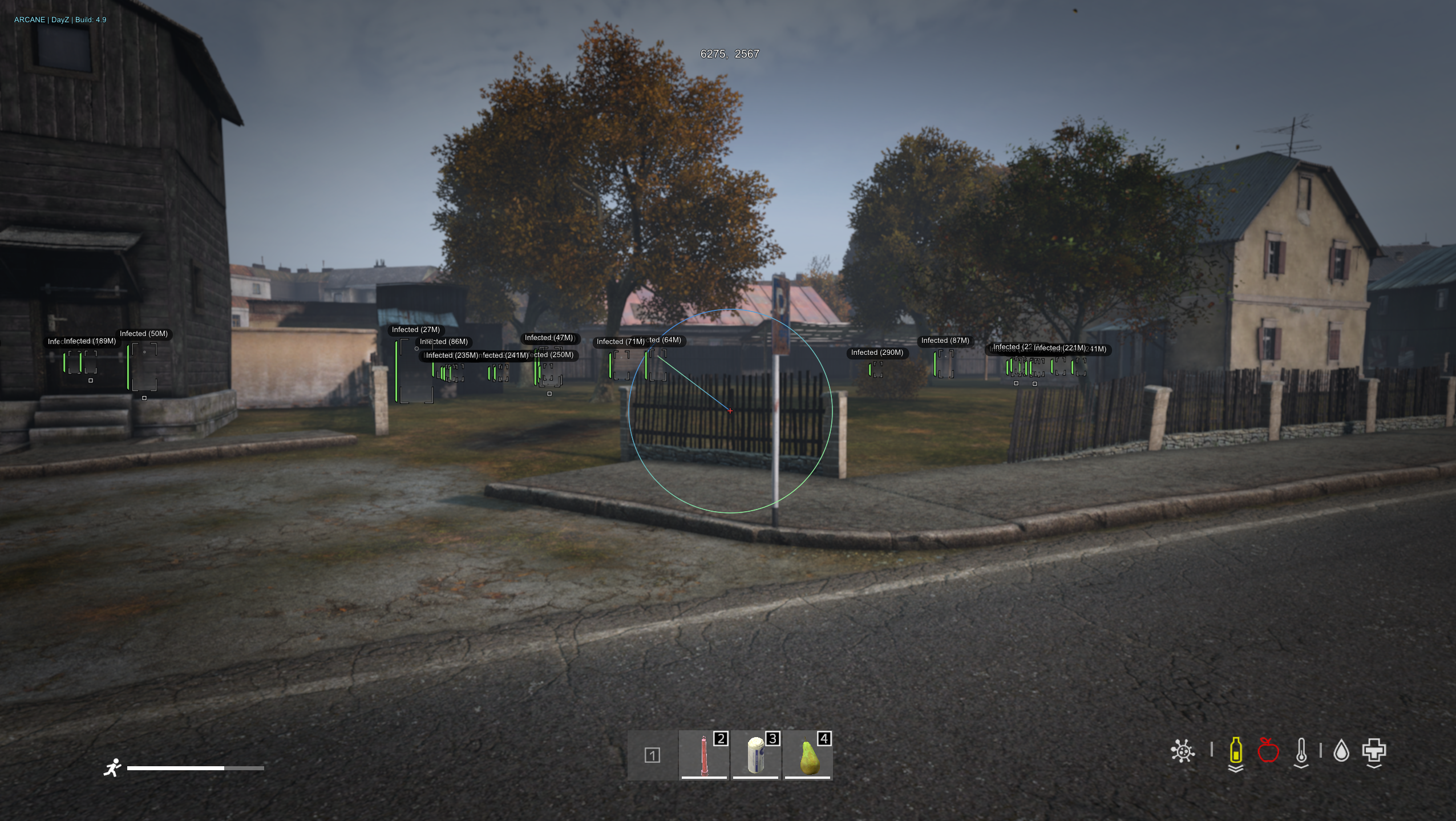
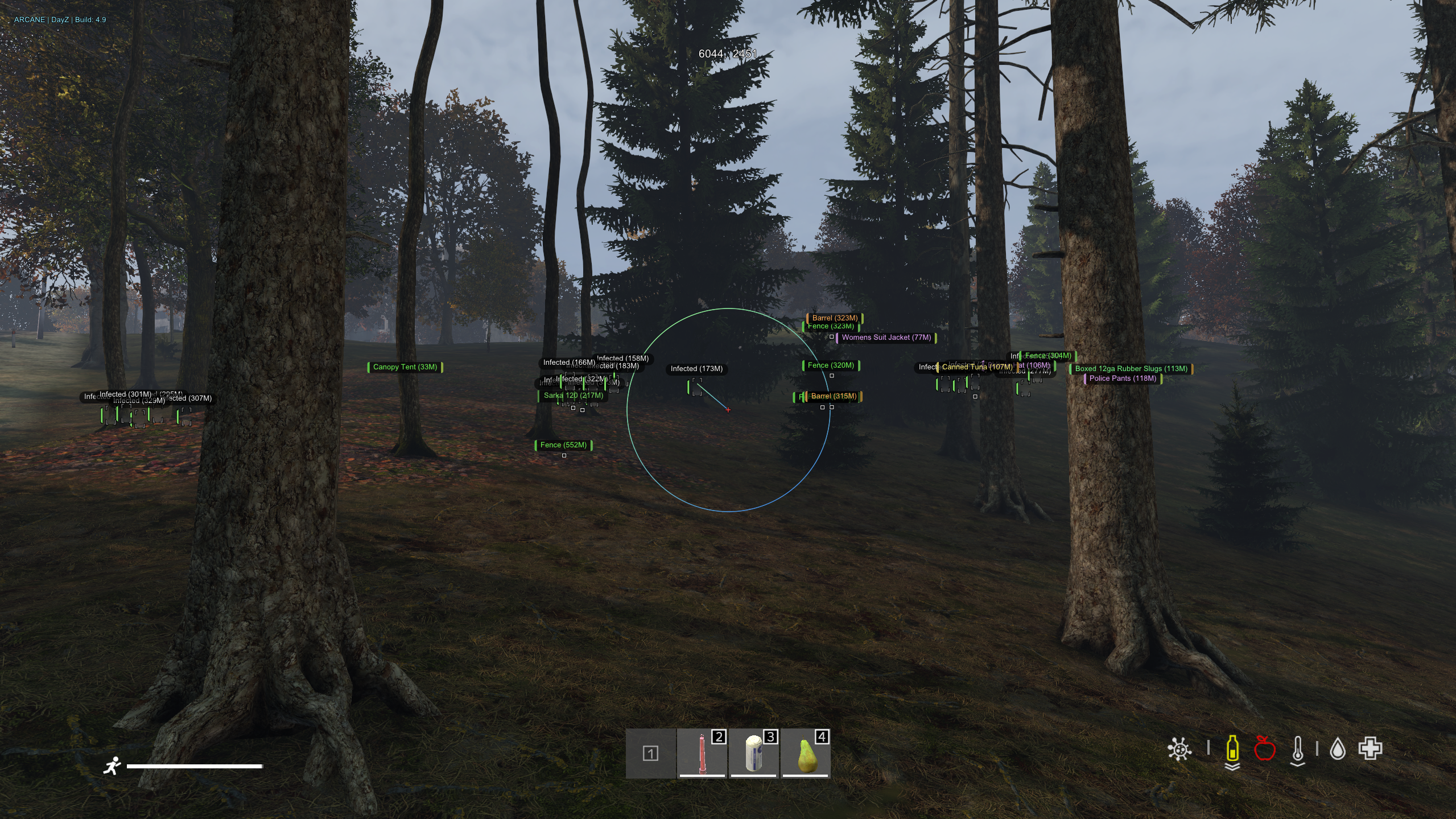
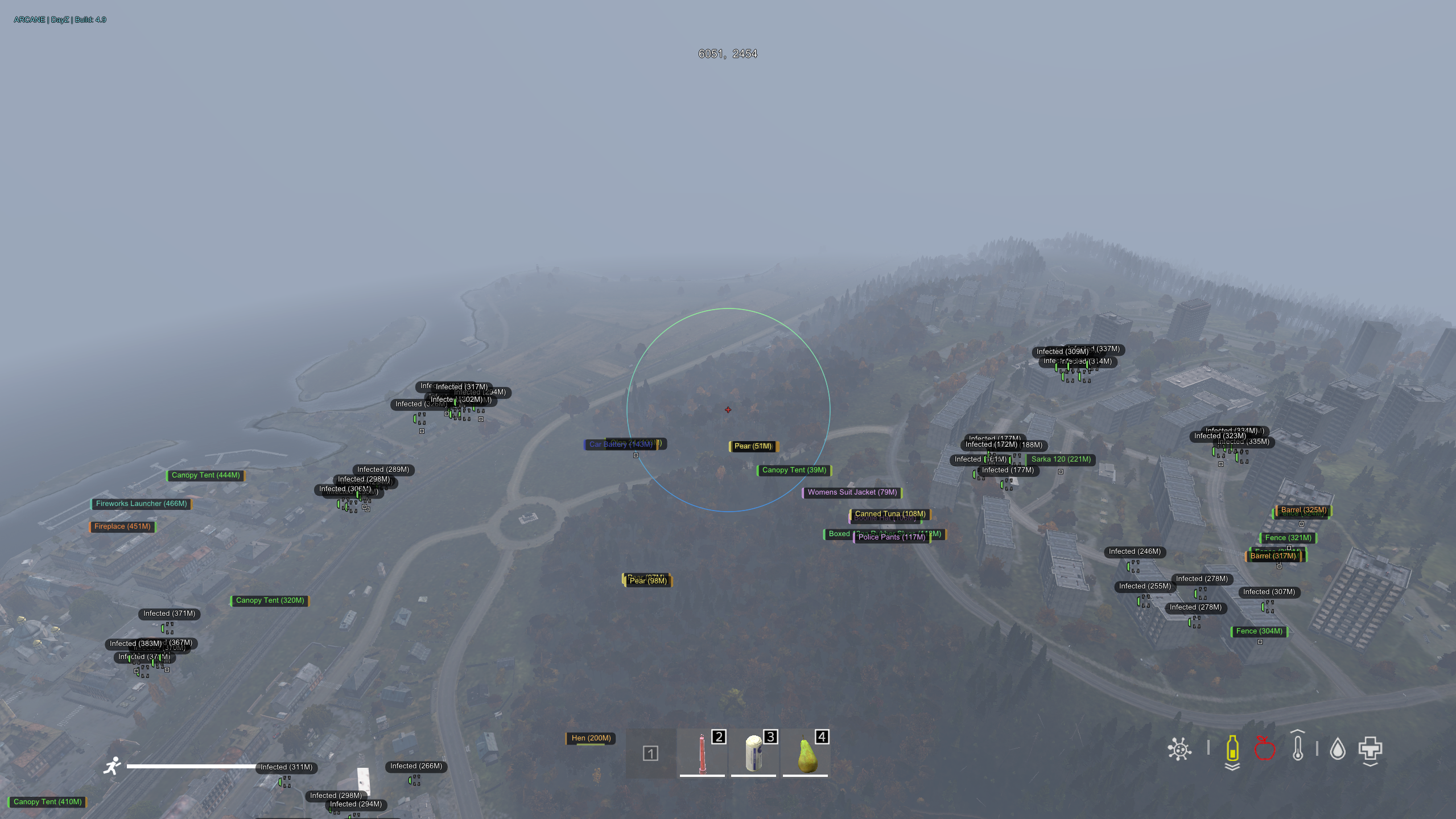
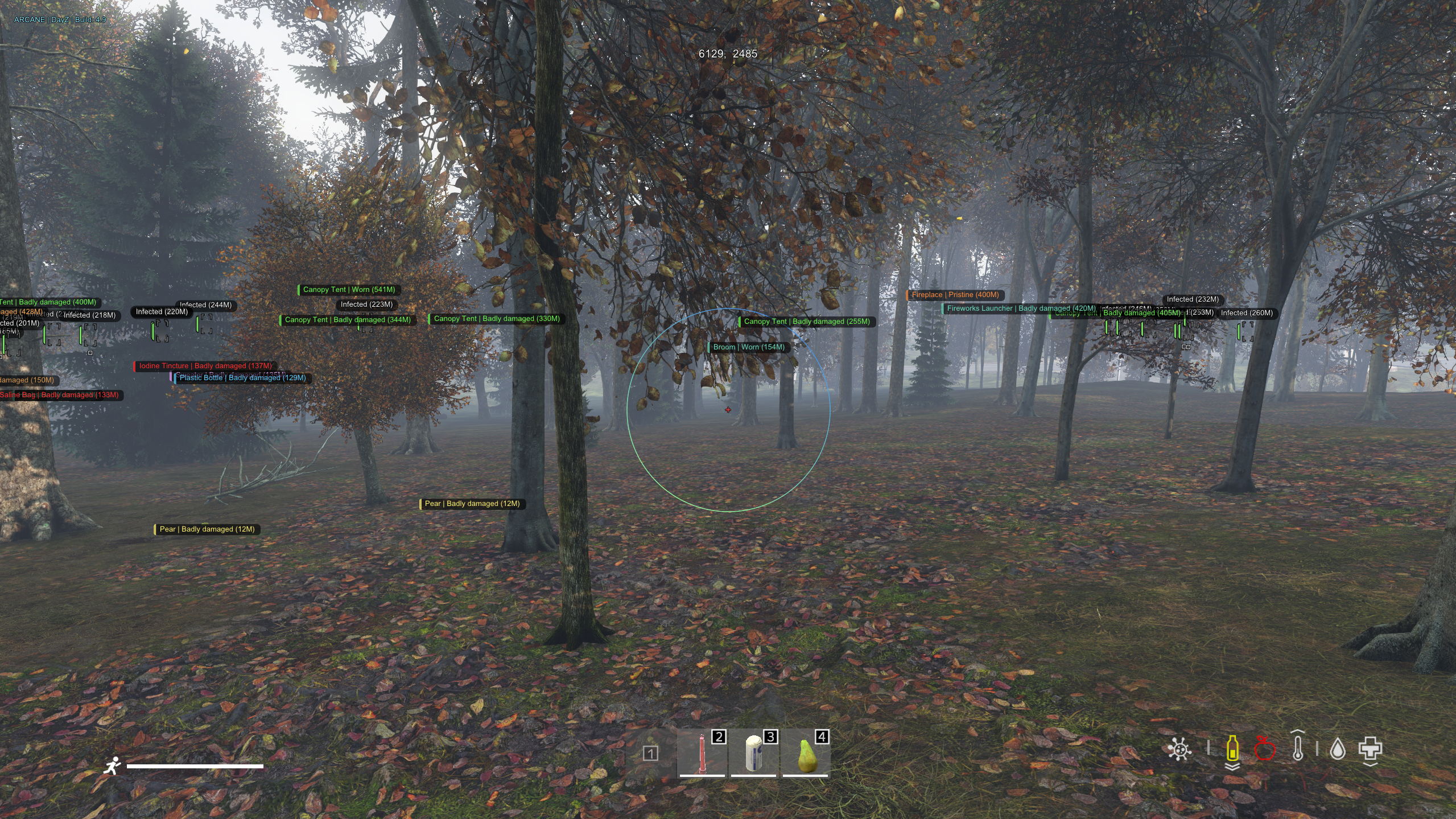
Arcane is the ultimate private cheat for DayZ, meticulously crafted to enhance your gameplay with sophisticated visual enhancements. Featuring ESP for players, zombies, and loot, Arcane provides a substantial advantage. Its aimbot and various additional options support aggressive gameplay strategies. Moreover, Arcane includes a spoofer for enhanced security, ensuring a seamless and protected gaming experience.
STATUS
UNDETECTED

FEATURES
AIMBOT
- Enable
- Radius FOV
- Max Distance
- Ignore (Players, Infected, Animals)
- Bone (Nearest, Head, Neck, Pelvis)
- FOV Style (Solid, Gradient)
- Line to target (Solid, Gradient)
ESP PLAYERS
- Enable
- Friends
- Box (Corner, Box)
- Filled Box (Solid, Gradient)
- Head dot
- Health Bar
- Name
- Distance
- Inventory
- Intem in hands
- Traces
- Max Distance
ESP INFECTED
- Enable
- Box (Corner, Box)
- Filled Box (Solid, Gradient)
- Head dot
- Health Bar
- Name
- Distance
- Inventory
- Traces
- Max Distance
WORLD ESP
- Animals
- Enable
- Health (Text, Bar)
- Distance
- Max Distance
- Cars
- Enable
- Distance
- Inventory
- Max Distance
- Others
- Helicrash
- Crosshair
ITEMS ESP
- Enable
- Distance
- Quality Style (Text, Bar)
- Categories (Wapons, Magazines, Ammo, Explosive, Suppressors, Optics, Attachments, Food, Drink, Cooking, Backpacks, Vests, Clothing, Medical, Melee, Vehicle Supplies, Consumables)
- Qualityes (Pristine, Worn, Damaged, Badly damaged, Ruined)
- Inventory
- Max Distance
- Battle Mode
- Show only when hovering
- Player Corpse
- Enable
- Distance
- Inventory
- Hide in Battle Mode
- Max Distance
- Infected Corpse
- Enable
- Distance
- Inventory
- Hide in Battle Mode
- Max Distance
- Animal Corpse
- Enable
- Distance
- Hide in Battle Mode
- Max Distance
MISC
- No Clip
- Always Day
- Local position
- Thirdperson unlock
- No grass
- Config System
- Language (English, Chinese)
- Save
- Load
MEDIA