Dayz
PRIVATE SOFTWARE
Mason
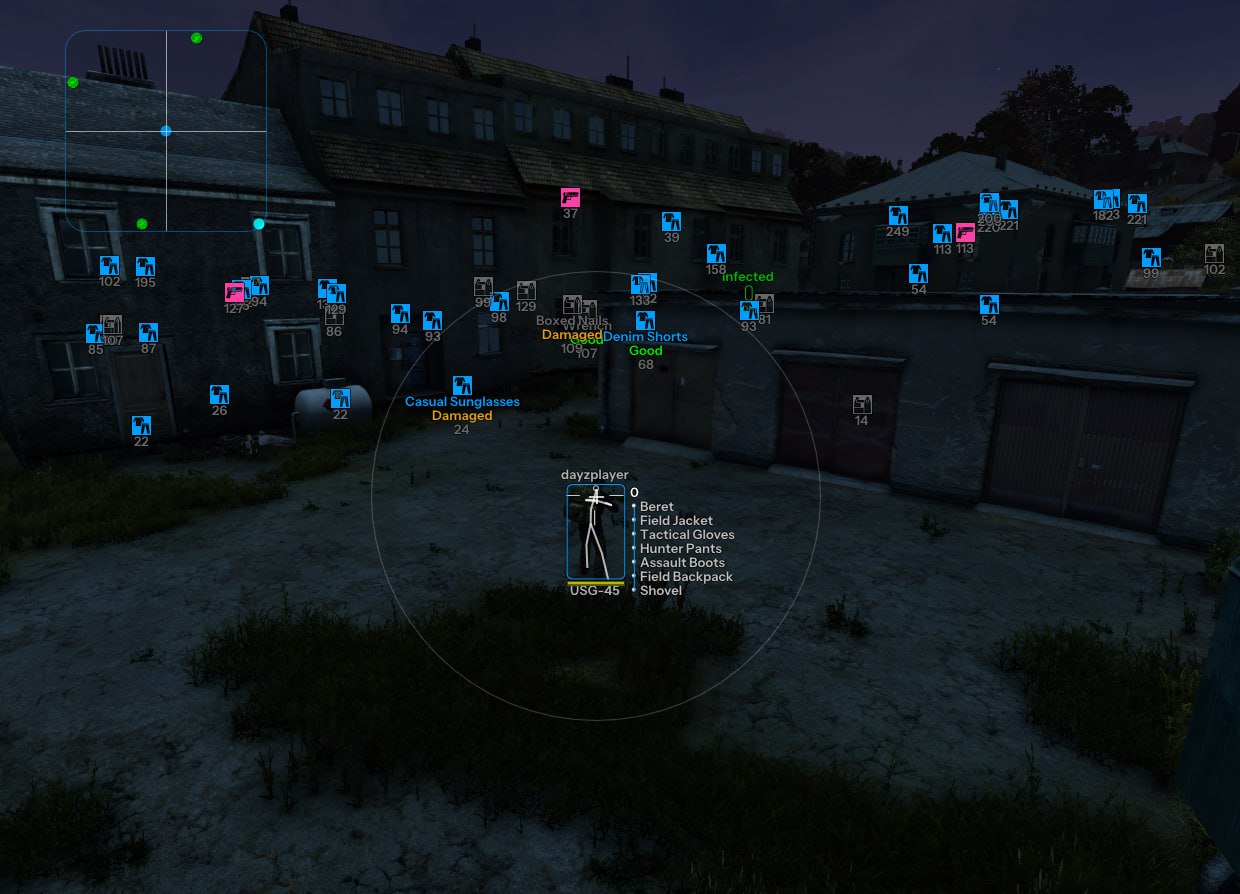
Mason for DayZ brings aiming and situational awareness together for a more informed approach to survival. Aim assist, player ESP and loot ESP help you assess nearby threats, line up engagements and decide which supplies are worth collecting. Radar and world markers give your route a wider frame of reference, while time and weather controls add flexibility to how you read the surroundings. Choose your next move with a clearer view of the players, infected and equipment around you.
STATUS
UNDETECTED

FEATURES
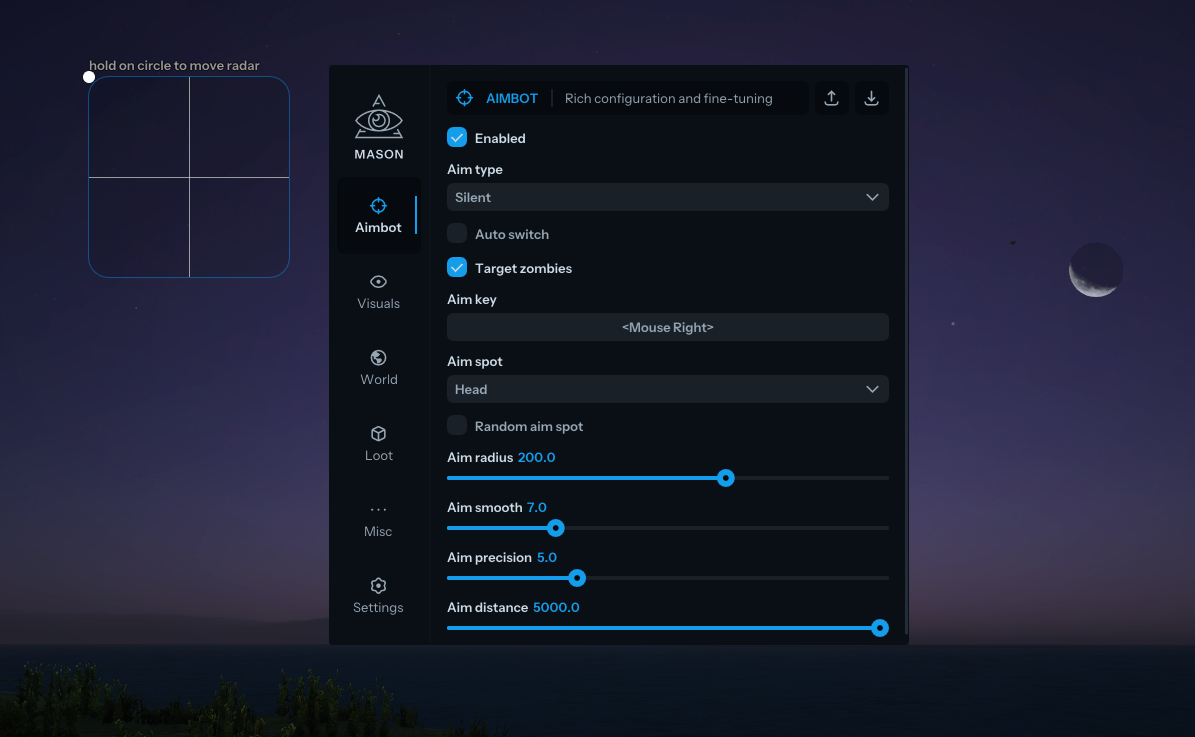
AIM ASSIST
- Enabled
- Aim type
- Silent
- Auto switch
- Target zombies
- Aim key
- Aim spot
- Head
- Random aim spot
- Aim radius
- Aim smooth
- Aim precision
- Aim distance
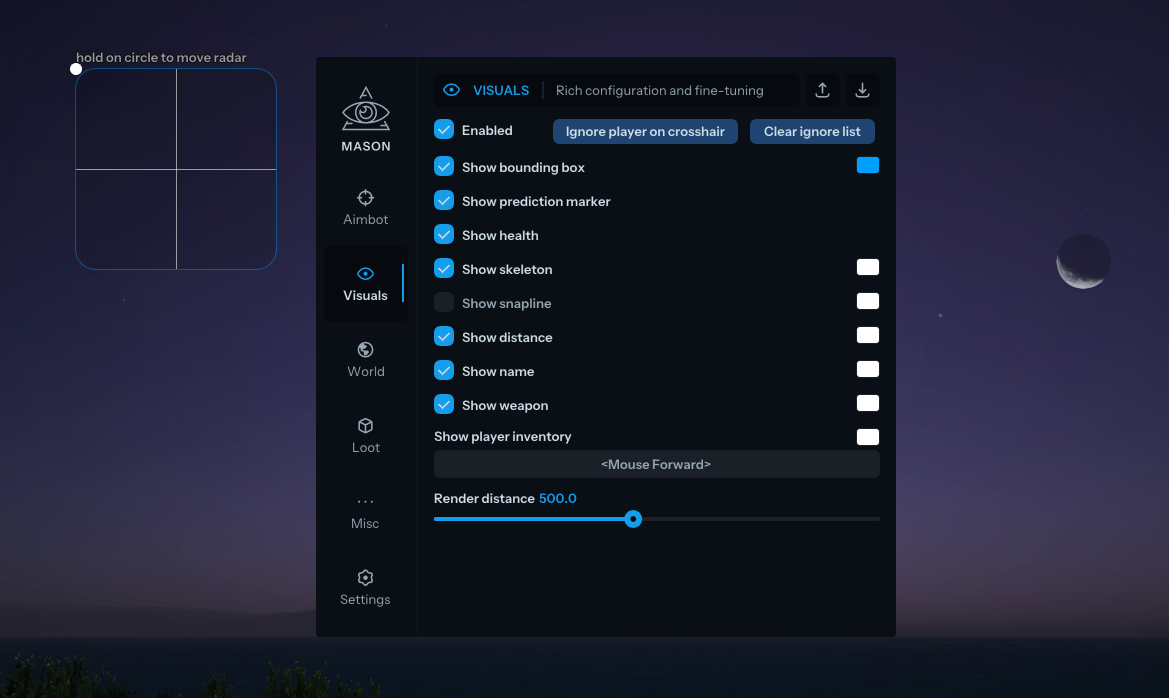
VISUALS
- Enabled
- Ignore player on crosshair
- Clear ignore list
- Show bounding box
- Show prediction marker
- Show health
- Show skeleton
- Show snapline
- Show distance
- Show name
- Show weapon
- Show player inventory
- Render distance
- Ignore wounded
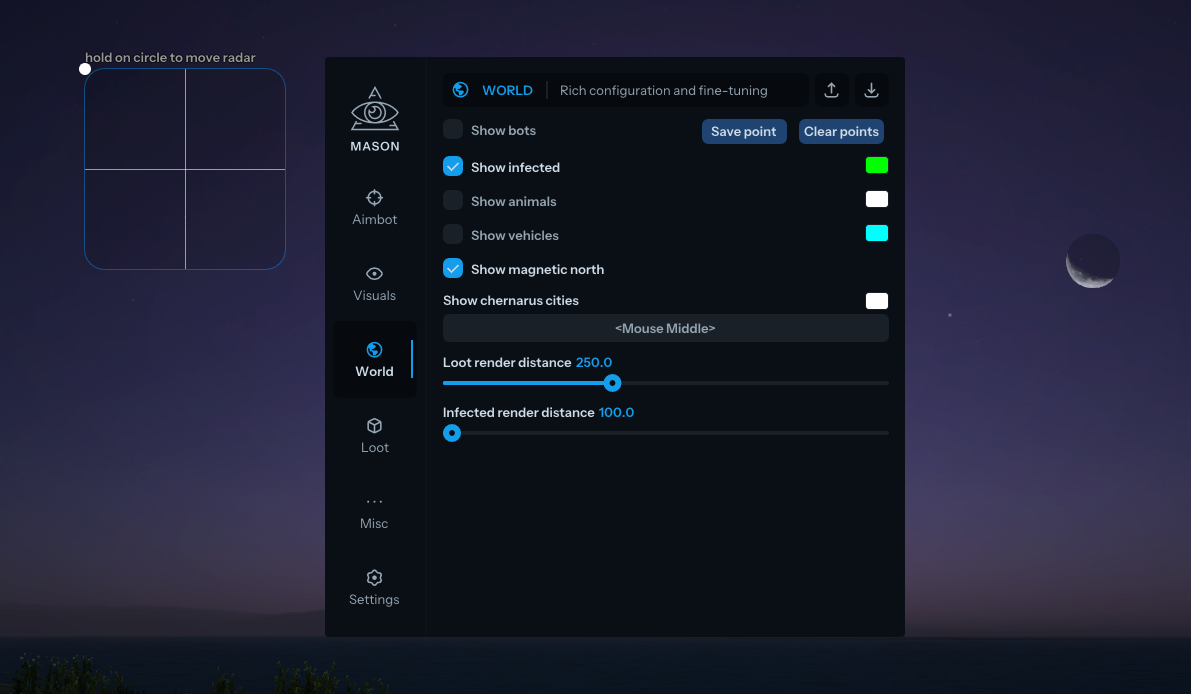
WORLD
- Show bots
- Save point
- Clear points
- Show infected
- Show animals
- Show vehicles
- Show magnetic north
- Show chernarus cities
- Loot render distance
- Infected render distance
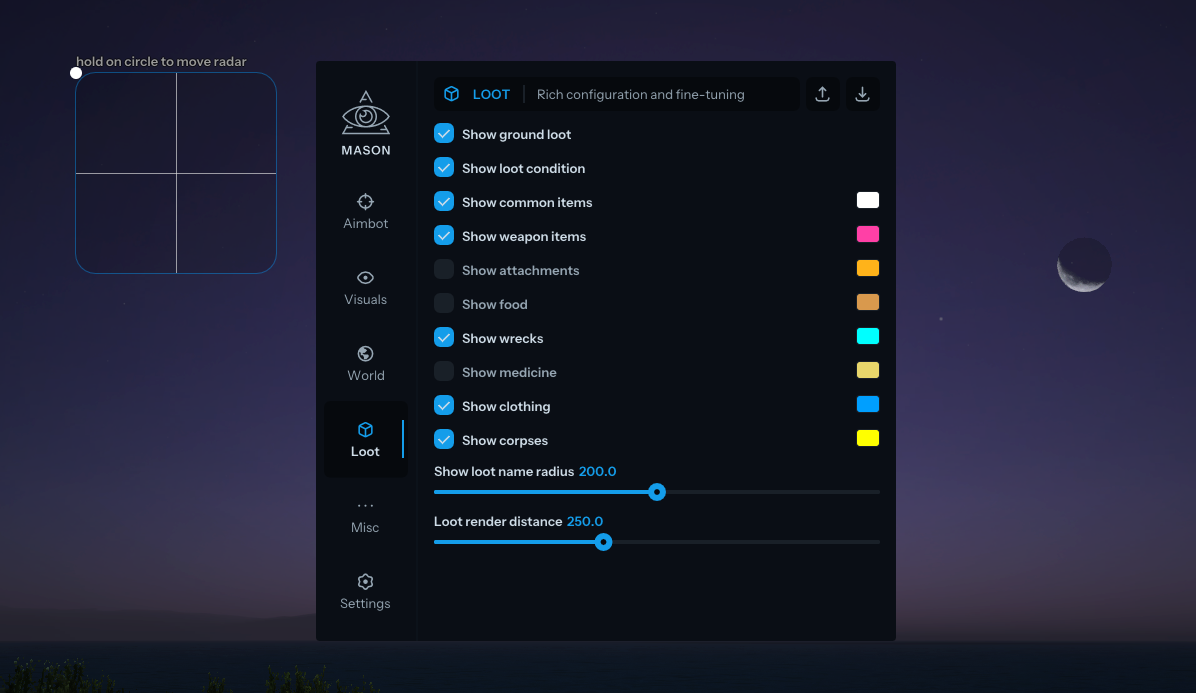
LOOT
- Show ground loot
- Show loot condition
- Show common items
- Show weapon items
- Show attachments
- Show food
- Show wrecks
- Show medicine
- Show clothing
- Show corpses
- Show loot name radius
- Loot render distance
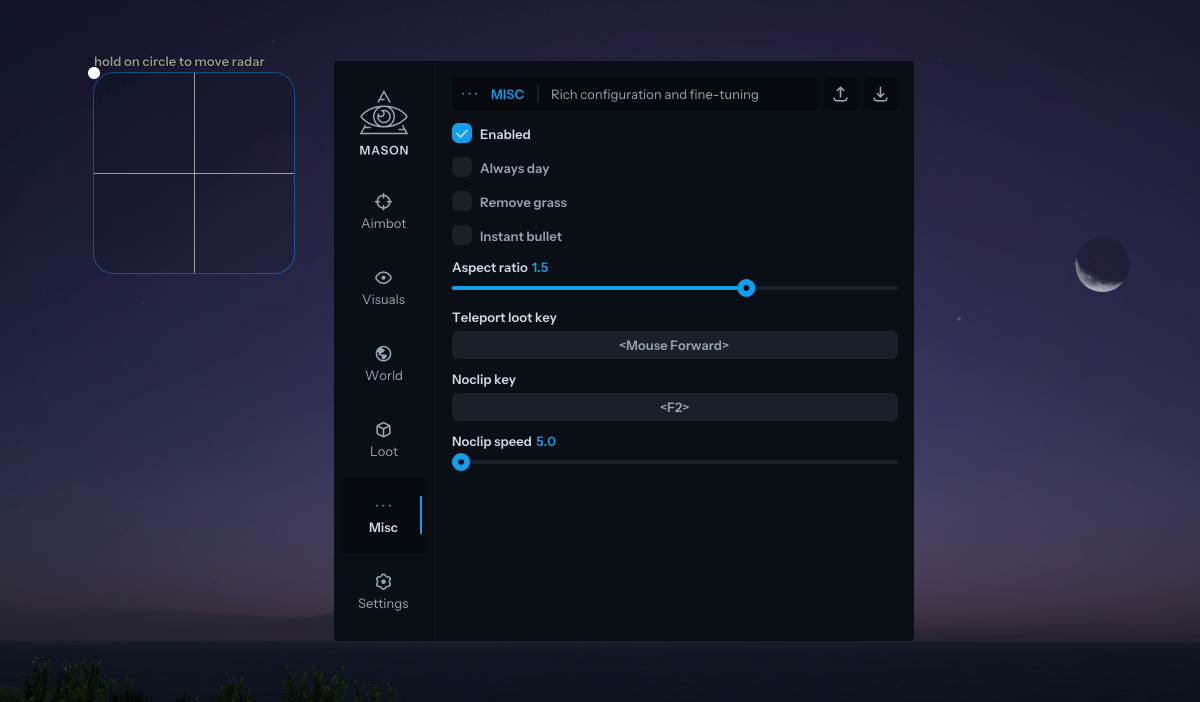
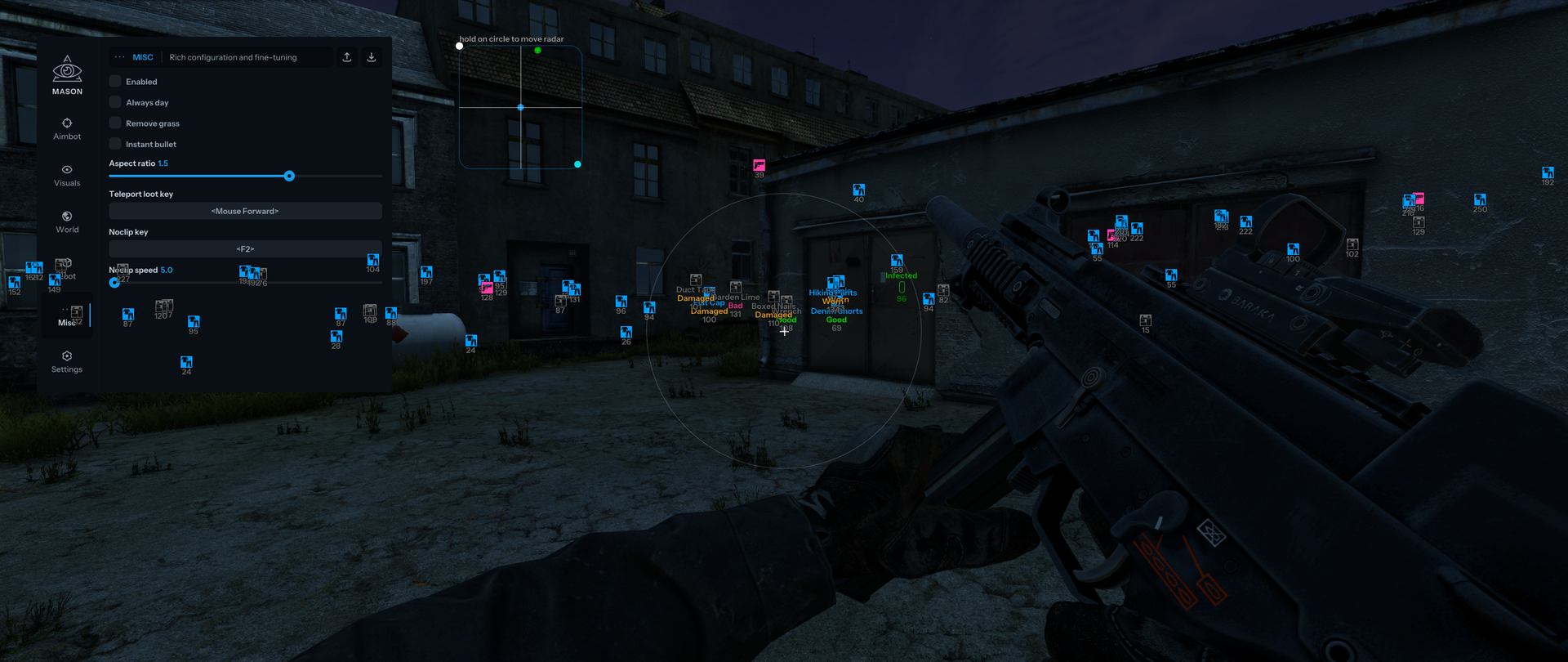
MISC
- Enabled
- Always day
- Remove grass
- Instant bullet
- Aspect ratio
- Teleport loot key
- Noclip key
- Noclip speed
- Weather controls (fog, rain and overcast)
- Enable third-person view on first-person servers
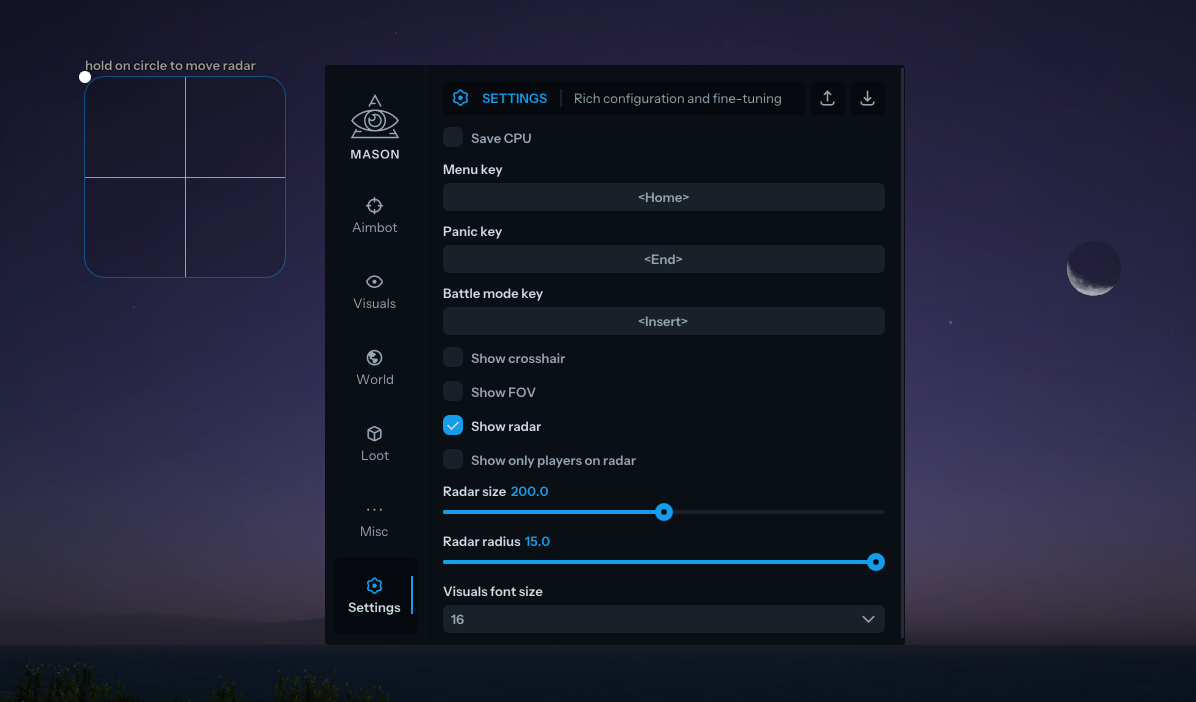
SETTINGS
- Save CPU
- Menu key
- Panic key
- Battle mode key
- Show crosshair
- Show FOV
- Show radar
- Show only players on radar
- Radar size
- Radar radius
- Visuals font size
- Show team ID to identify a player’s team
MEDIA