Delta Force
PRIVATE SOFTWARE
ANCIENT RADAR
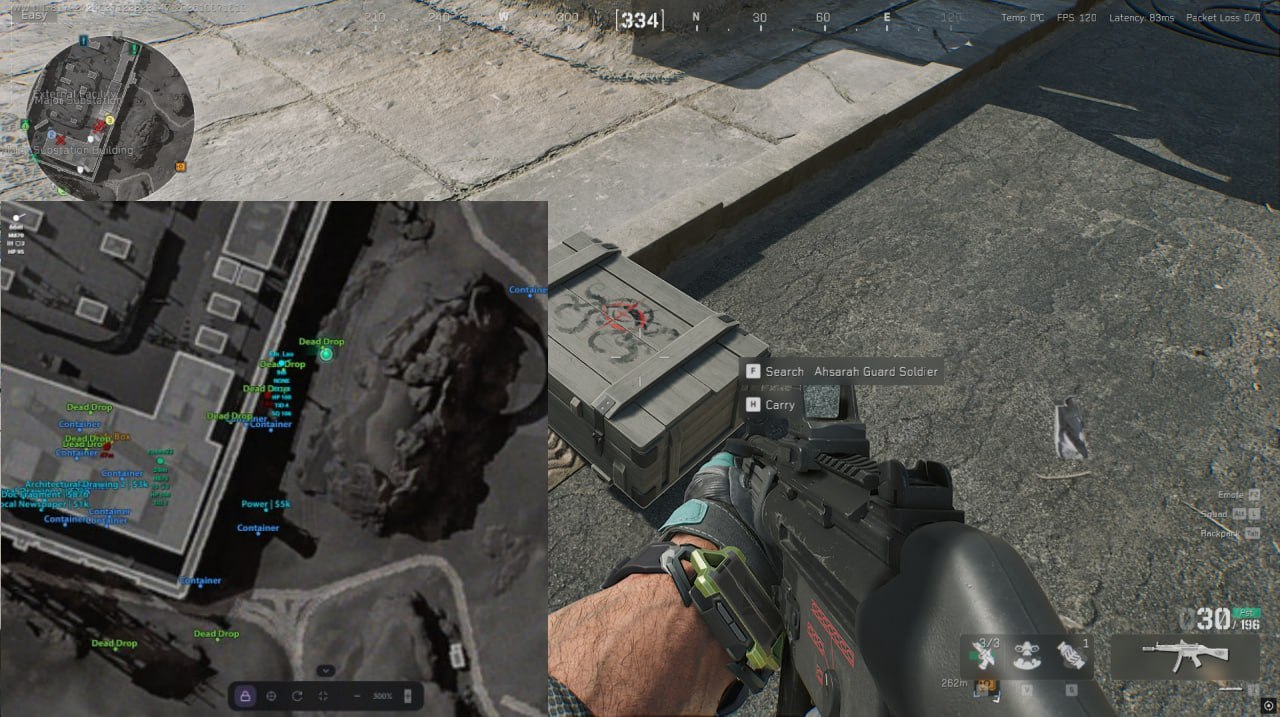
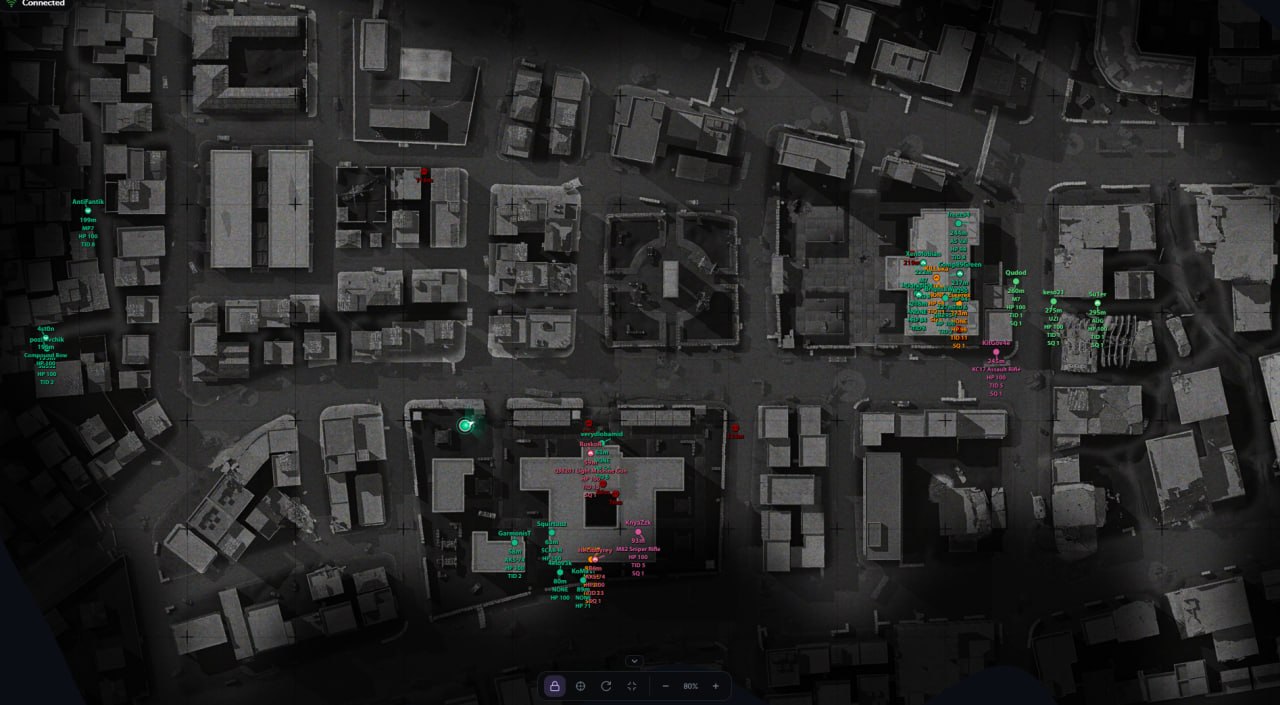
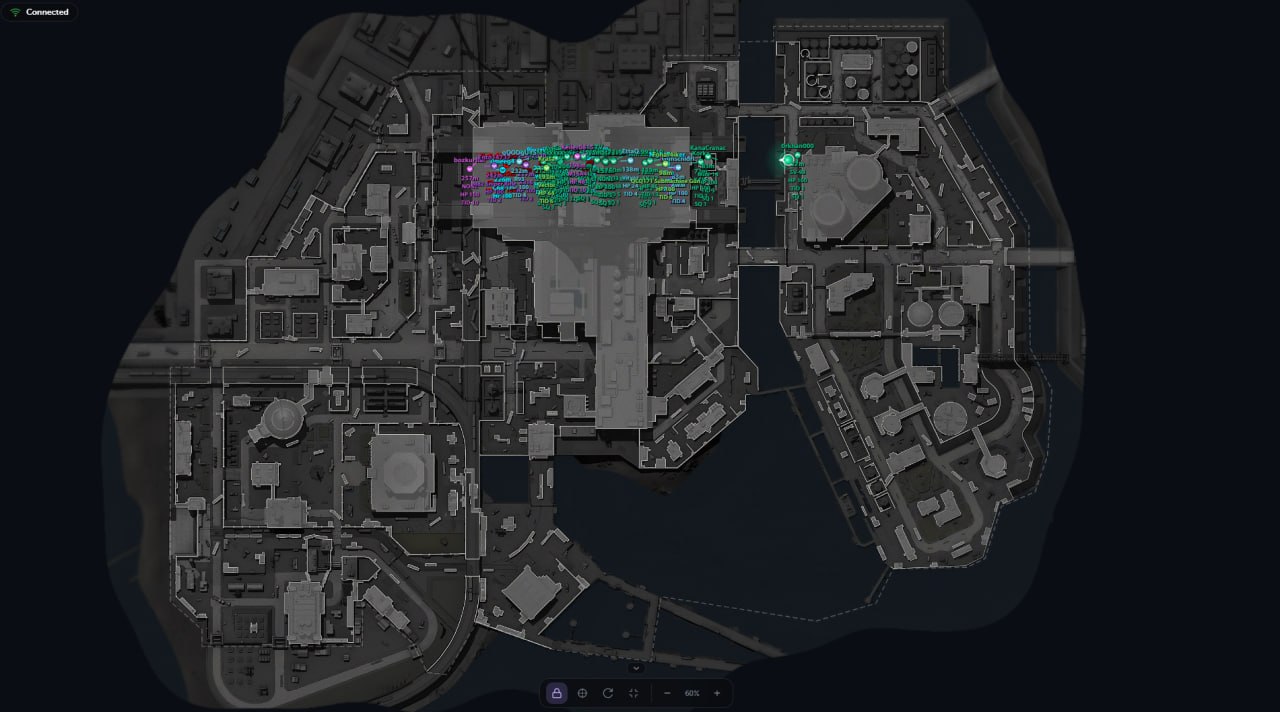
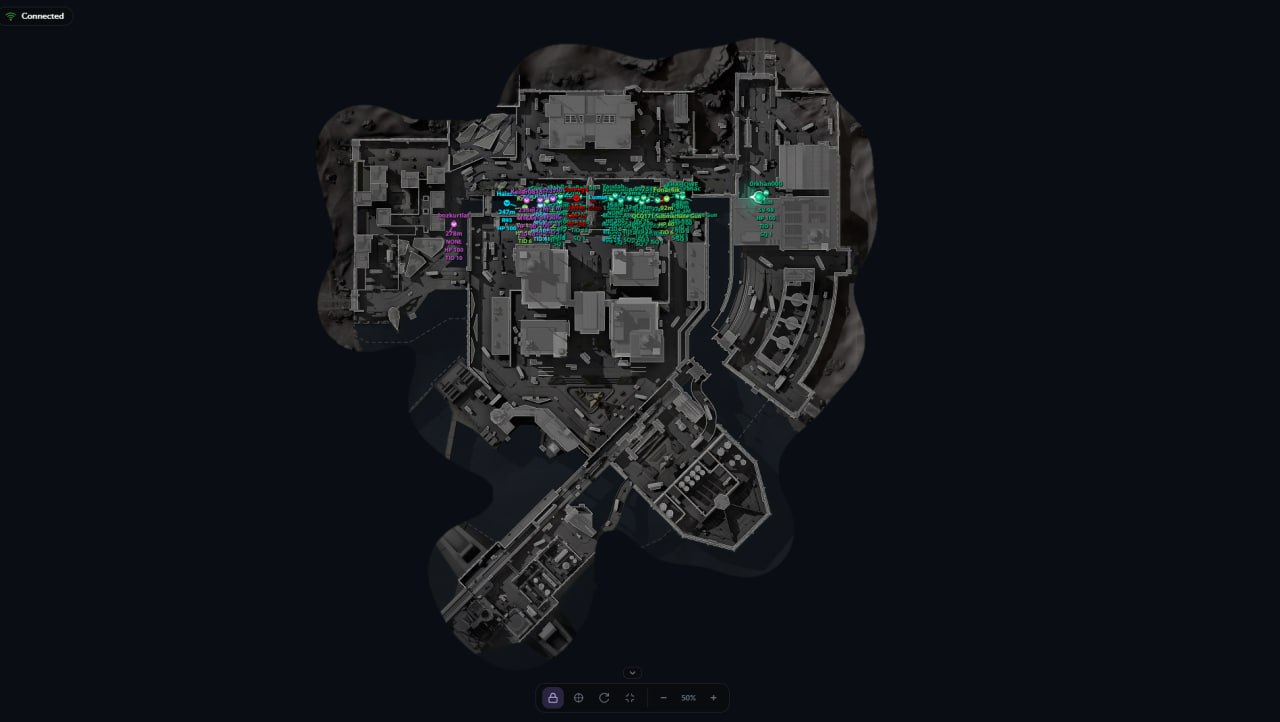
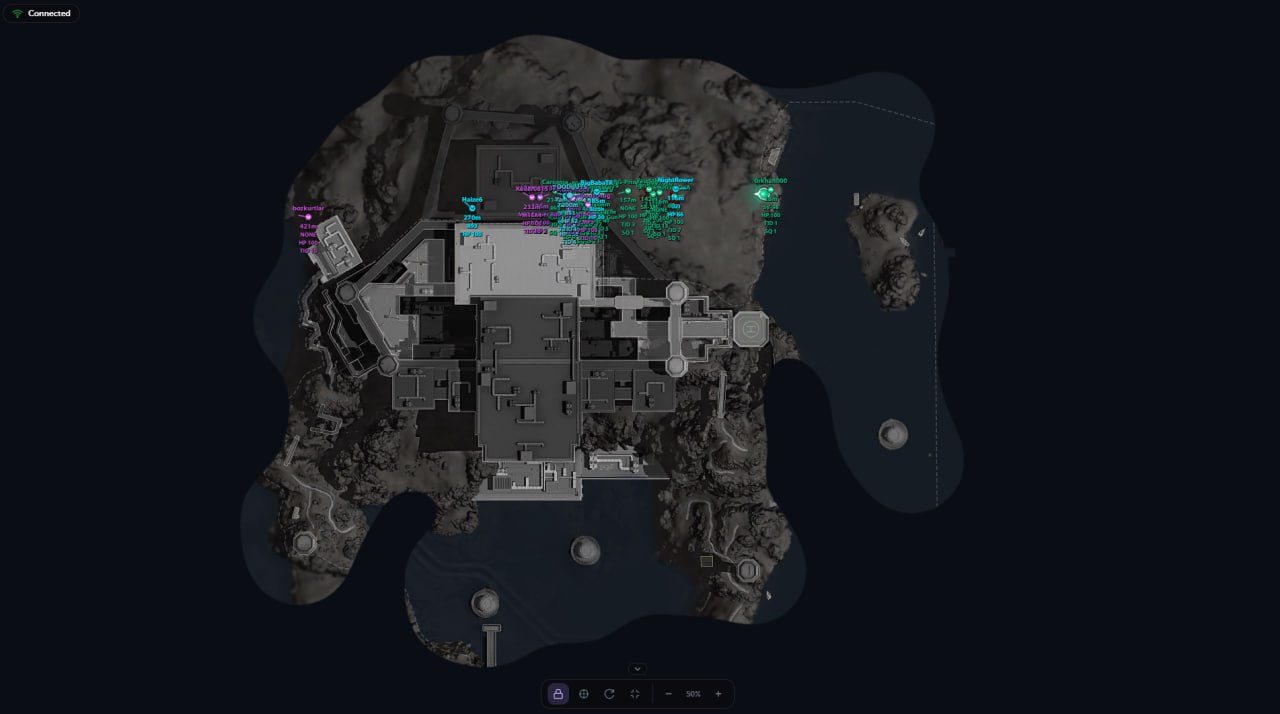
Ancient Radar for Delta Force is a browser-based radar that gives you a broader view of the fight, with players, AI and bosses placed on the map so you can assess threats and plan your next move. On Operations maps, category and value filters help you focus on the loot worth a detour. Multi-floor filtering and flexible map controls keep that overview useful as you move. Share the radar link and approach your next route with the map in mind.
STATUS
UNDETECTED
FEATURES
YOU CAN SHARE RADAR LINK
Players and AI
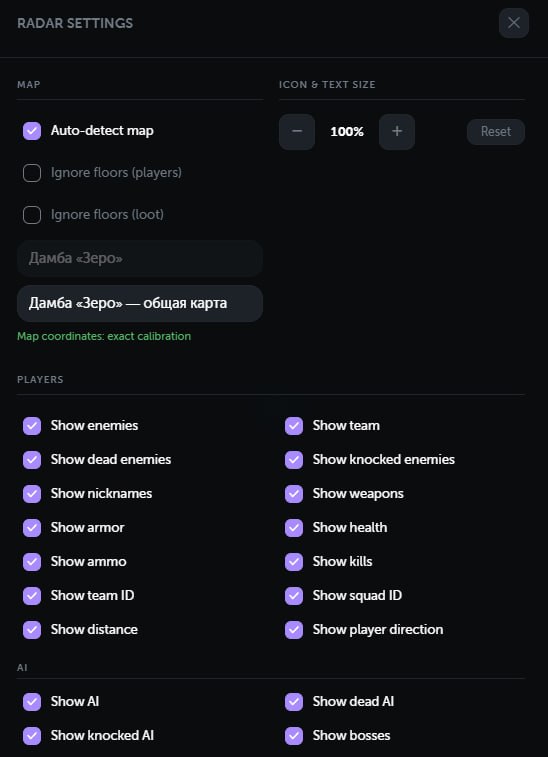
- Real-time display of enemies and teammates.
- Display of regular AI enemies and bosses.
- Separate markers for alive, knocked, and dead targets.
- Player nicknames.
- Currently equipped weapon.
- Current and maximum ammunition.
- Health and knocked health.
- Helmet and body armor levels.
- Kill count.
- Team and squad IDs.
- Distance to each target.
- Player facing direction.
- Indicators showing whether a target is above or below the current floor.
- Separate colors for visible targets.
- Automatic color grouping for enemies from the same team.
- Correct player positioning while inside vehicles.
Loot
-
Loot is displayed only on Operations maps.
-
Supported categories:
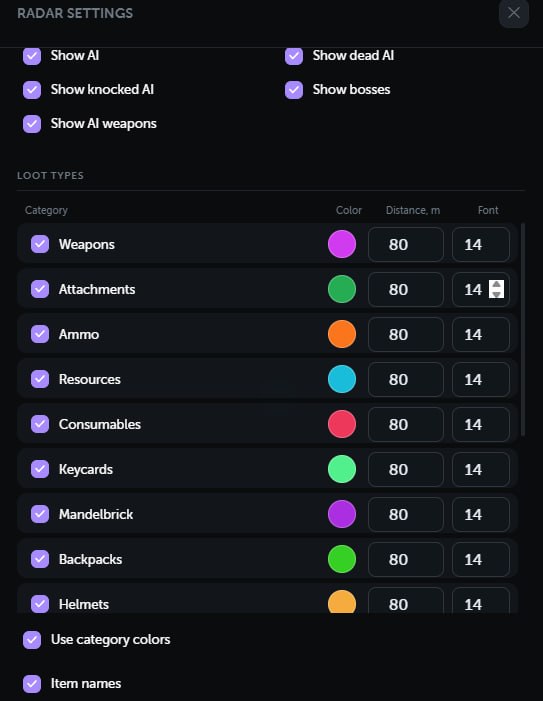
- Weapons.
- Attachments.
- Ammunition.
- Resources.
- Consumables.
- Keycards.
- MandelBricks.
- Backpacks.
- Helmets.
- Body armor.
- Chests.
- Dead bodies.
- Computers.
- Containers.
- Safes.
- Unknown items for diagnostics.
-
Loot settings:
- Enable or disable each category separately.
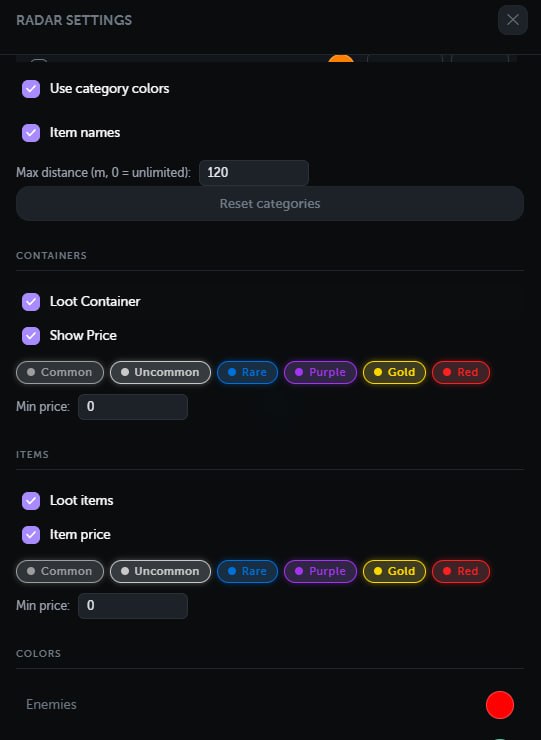
- Display item names.
- Display item or container value.
- Rarity filters from level 1 to 6.
- Minimum price filter.
- Global maximum distance.
- Individual distance limit for each category.
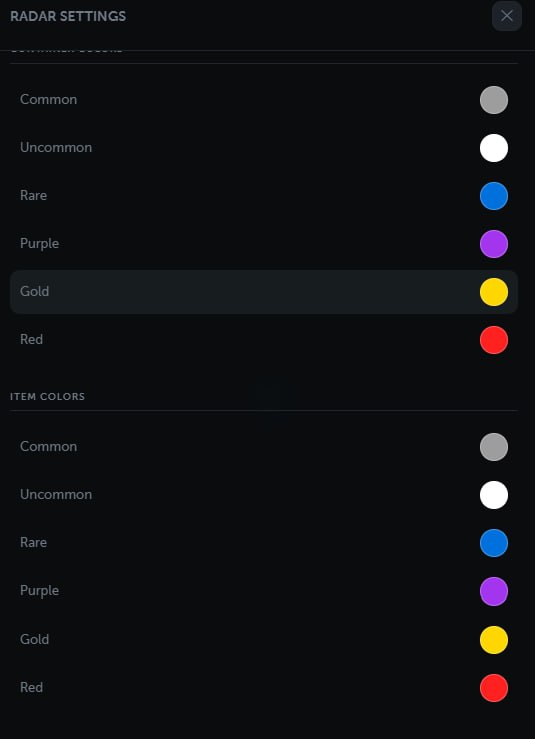
- Individual color for each category.
- Individual text size for each category.
- Separate settings for items and containers.
- Loot filtering by floor.
Maps
- Support for 22 Delta Force maps.
- Automatic current map detection.
- Manual map selection.
- Support for multiple floors and map layers.
- Separate floor filtering options for players and loot.
- Accurate affine world-to-map calibration.
- Built-in calibration tool for new maps.
- Calibration controls are automatically hidden on calibrated maps.
- Relative coordinate mode for maps that have not been calibrated yet.
- Loot is automatically disabled on maps where loot should not appear.
Radar Controls
- Automatic tracking of the local player.
- Free map movement using a mouse or touchscreen.
- Quick recentering on the local player.
- Optional map rotation based on the player’s direction.
- Zoom using buttons, the mouse wheel, or touch gestures.
- Fullscreen mode.
- Collapsible bottom control panel.
- Adjustable marker and text size.
- Local player direction and field-of-view display.
Interface
- Player, AI, and loot counters.
- Client connection status.
- Notification when the client is not in a match.
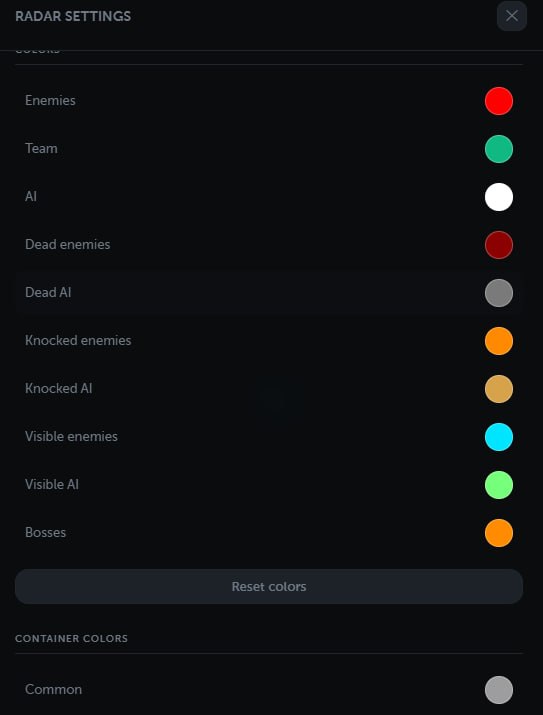
- Custom colors for every target type.
- Separate rarity colors for items and containers.
- Browser-based settings storage.
- Russian, English, and Chinese interface.
- Desktop and mobile device support.
MEDIA