Delta Force
PRIVATE SOFTWARE
GHOST
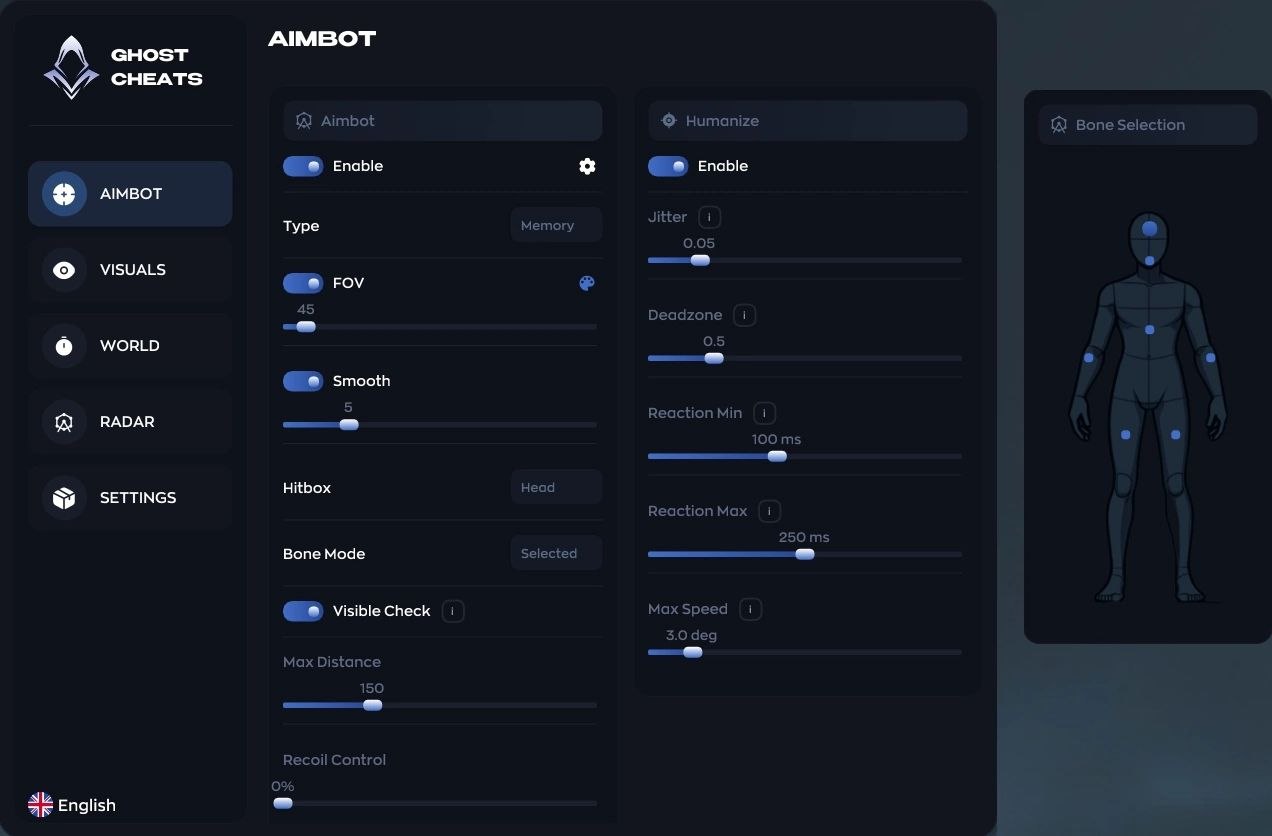
Ghost — Delta Force (Full Version) combines configurable aim, player and bot visuals, world and loot information, radar, and profile controls in one interface. Choose Memory or Silent aim behavior, tailor targeting with Humanize controls, configure the information shown for players, bots, corpses, containers, and loot, then save the setup as a profile.
STATUS
UNDETECTED
FEATURES
AIMBOT
-
Type — Choose Memory or Silent mode.
-
FOV — Set the target acquisition angle.
-
Smoothing — Control how gradually the aim moves.
-
Hitbox — Select the target area, such as head or body.
-
Bone Mode — Select a specific character-model bone.
-
Max Distance — Set the maximum aimbot range.
-
Humanize
- Enable — Enables Humanize behavior.
- Jitter — Adds small micro-movements while aiming.
- Deadzone — Keeps the aim still until the target leaves the selected zone.
- Reaction Min / Max — Set the minimum and maximum aiming delay.
- Max Speed — Limit the maximum aiming speed.
PLAYERS & BOTS
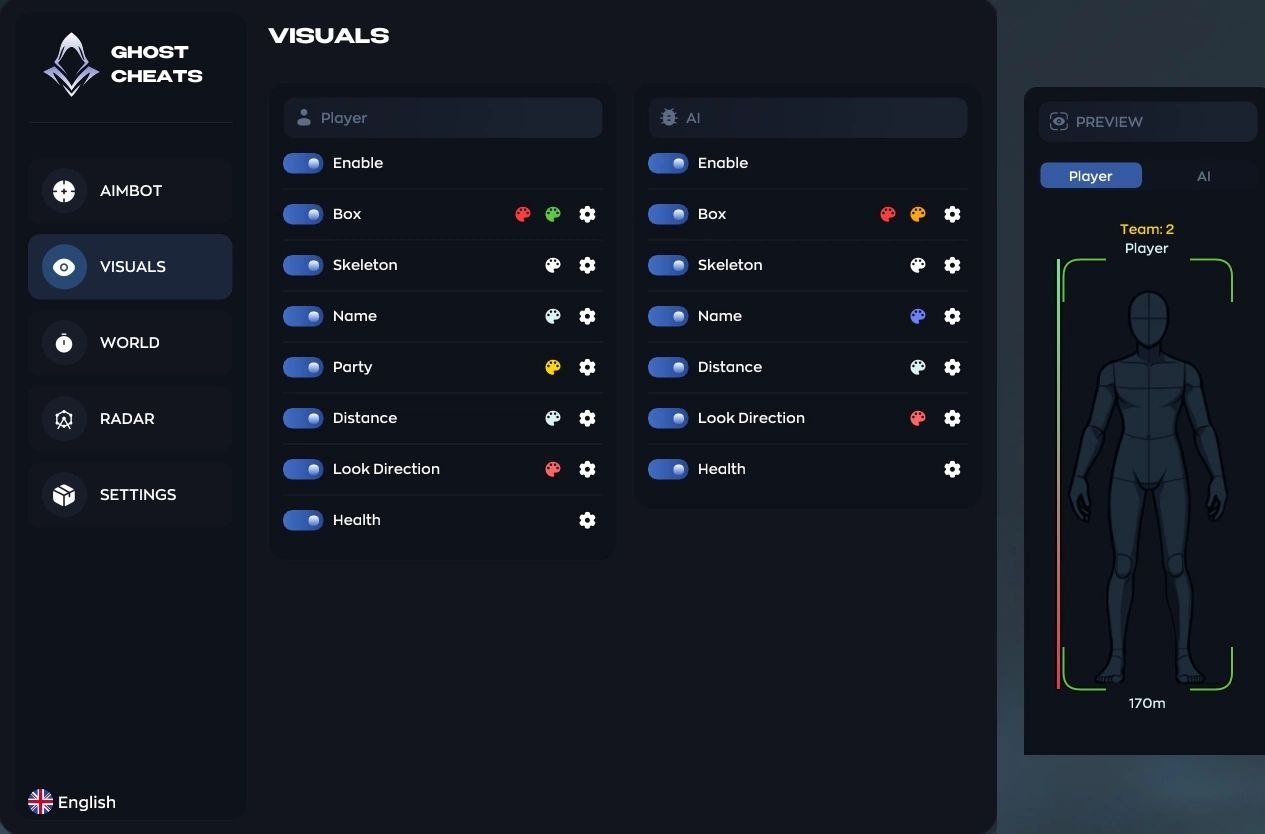
- Enable — Enables ESP rendering.
- Box — Draw a frame around the model.
- Skeleton — Show character-bone lines.
- Name — Display the player name or target type.
- Party — Highlight teammates.
- Distance — Show the target distance.
- Look Direction — Draw the target's viewing direction.
- Health — Show HP.
WORLD & LOOT
-
Corpses
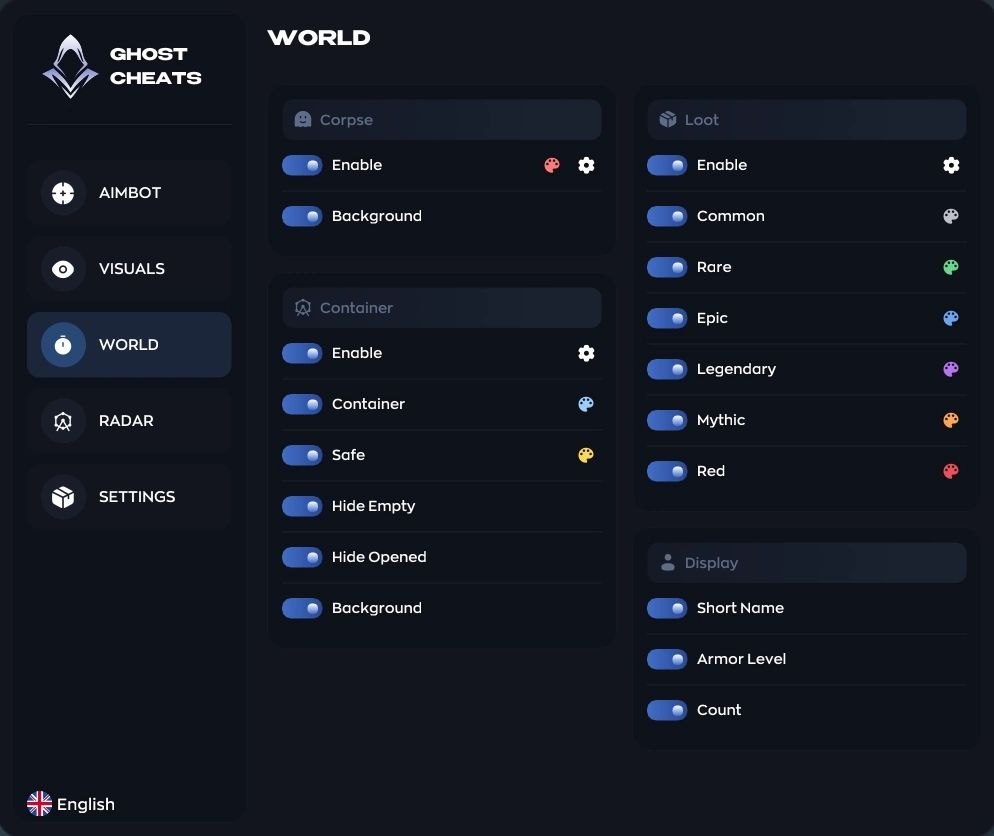
- Enable — Show corpses.
- Bot Corpses — Show bot corpses only.
-
Containers
- Enable — Show containers.
- Safe — Highlight safes.
- Hide Empty — Exclude empty containers.
- Hide Opened — Exclude containers that have already been looted.
-
Loot
- Enable — Show items.
- Rarity — Filter Common, Rare, Epic, and Legendary items.
- Short Name — Use a compact item-name format.
- Armor Level — Show armor level.
- Count — Show item quantity.
RADAR
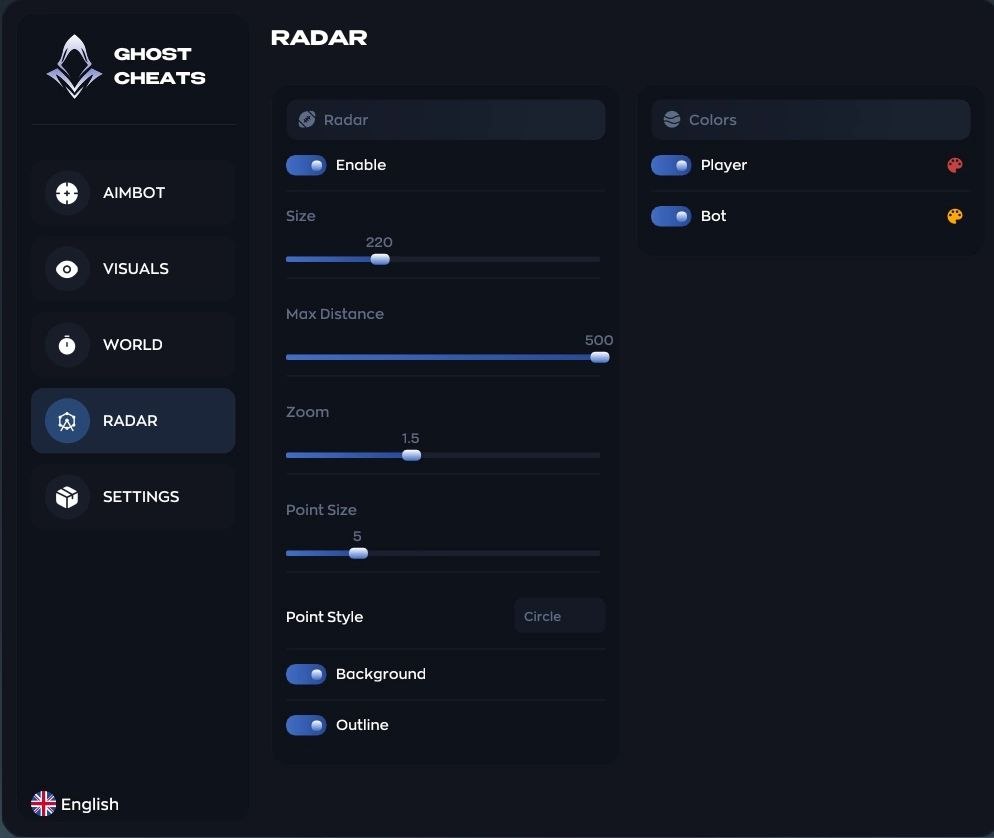
- Enable — Enable the mini-radar.
- Size — Set the radar window size.
- Max Distance — Set detection range.
- Zoom — Adjust radar scale.
- Point Size — Adjust marker size.
- Point Style — Choose circle, square, or triangle markers.
SETTINGS
-
Configs
- Create, Delete, Save, and Load profiles.
-
Interface
- Text Shadow — Improve text readability.
- Watermark — Display the cheat logo.
- Bind List — Show configured hotkeys.
- Battle Mode — Switch to a fast combat profile.
- Menu Key — Assign the menu-opening key.
- DPI Scale — Adjust interface scale.
- Russian — Select the interface language.
MEDIA