EFT
PRIVATE SOFTWARE
◯ Au_Trainer
Authority Trainer for Escape from Tarkov is a private tool designed as a personal gameplay assistant. It displays valuable loot, containers, and dead players, along with general raid information to help you make better decisions. Featuring a few helpful exploits to streamline your experience, it avoids unfair advantages by not revealing live players, keeping your gameplay focused and balanced.
STATUS
ON UPDATE
FEATURES
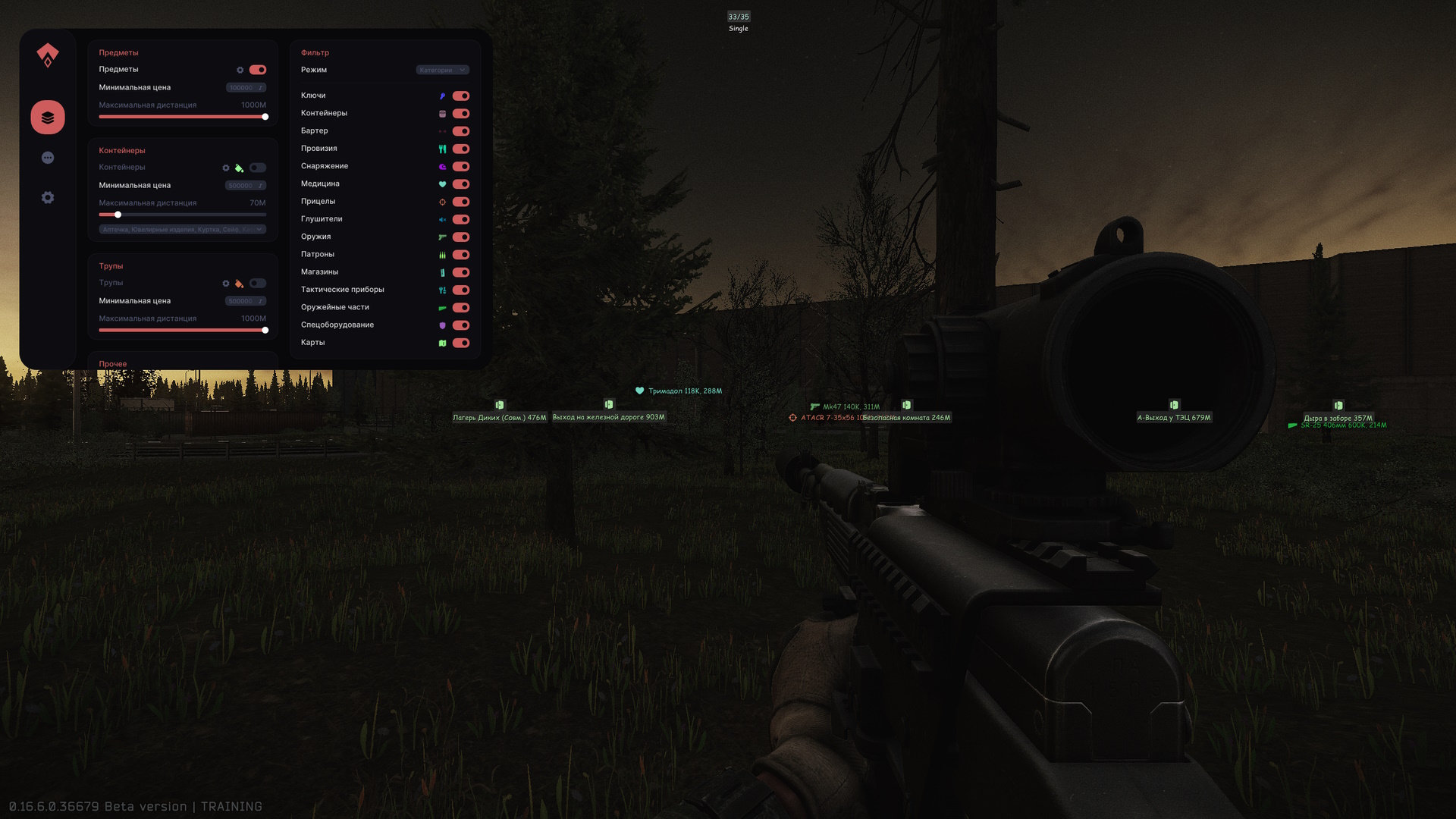
ITEMS
- Items
- Show background
- Show distance
- Show price
- Show name
- Show icon
- Show non-market items (color selection)
- Max distance (non-market items)
- Custom items (color selection)
- Containers
- Only untouched
- Show background
- Show title
- Show icon
- Hide content if not aiming
- Preview distance
- Corpses
- Show background
- Show title
- Show icon
- Hide content if not aiming
- Preview price
- Preview distance
- Set your custom title
- Other
- Quest items (color selection + additional settings)
- Quest zones (color selection + additional settings)
- Item localization (color selection + additional settings)
MISC
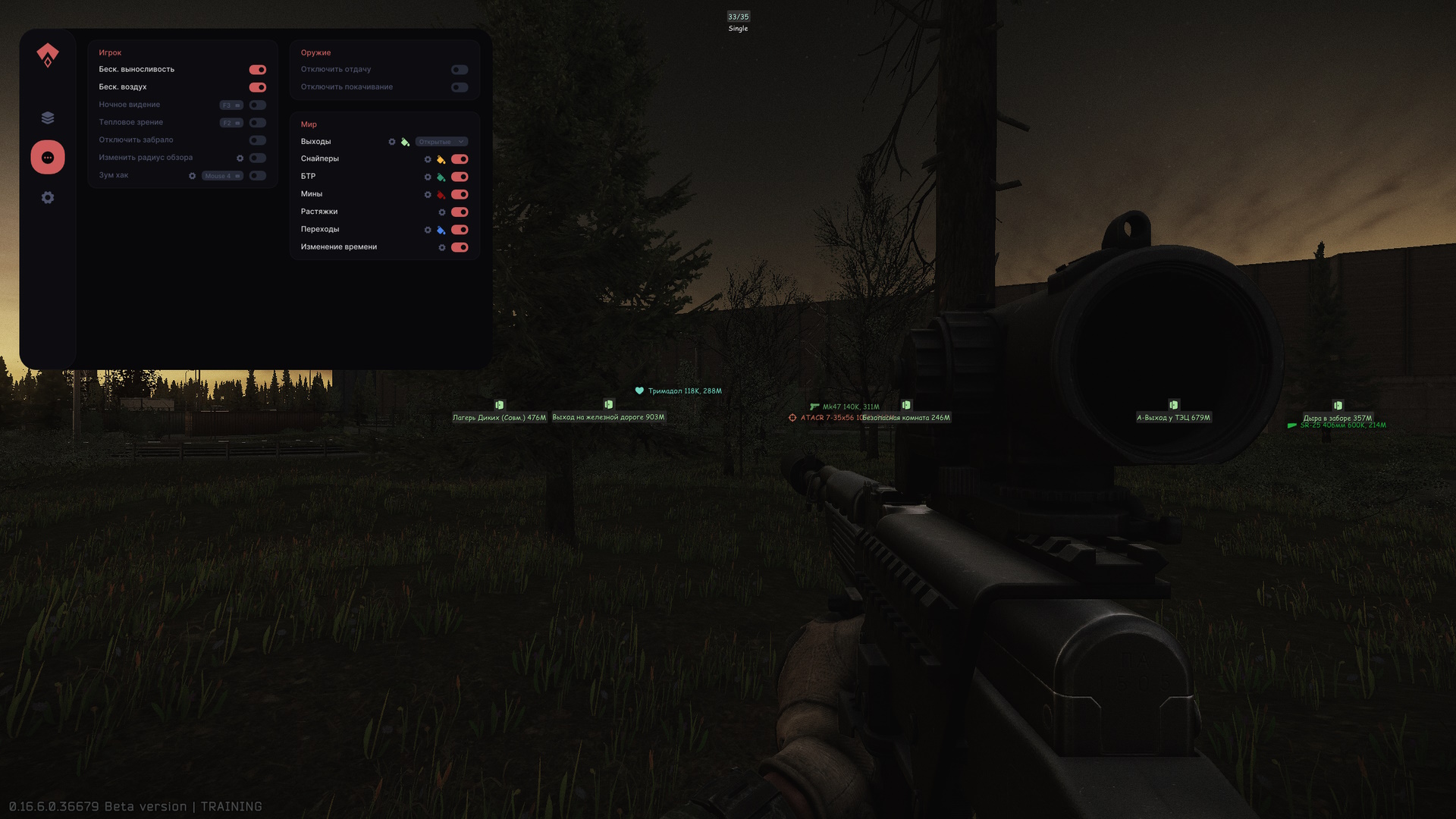
- Player
- Infinite stamina
- Infinite oxygen
- Night vision (select button)
- Thermal vision (select button)
- No visor
- FOV changer
- Zoom hack (view radius value)
- Disable grass
- Full Bright (fully lit environment)
- Clear weather
- Disable shadows
- Fast duck
- Long jump
- No inertia
- No malfunctions
- Disable weapon collision
- Fast mag load/unload
- Disable screen effects
- No recoil
- No sway
- World
- Exfiltrations (color selection + additional settings)
- Bullet tracers (color selection + additional settings)
- Sniper zones (color selection + additional settings)
- BTR (color selection + additional settings)
- Mines (color selection + additional settings)
- Tripwires (color selection + additional settings)
- Transit zones (color selection + additional settings)
- Radar (color selection + additional settings)
- Time changer (select time)
SETTINGS
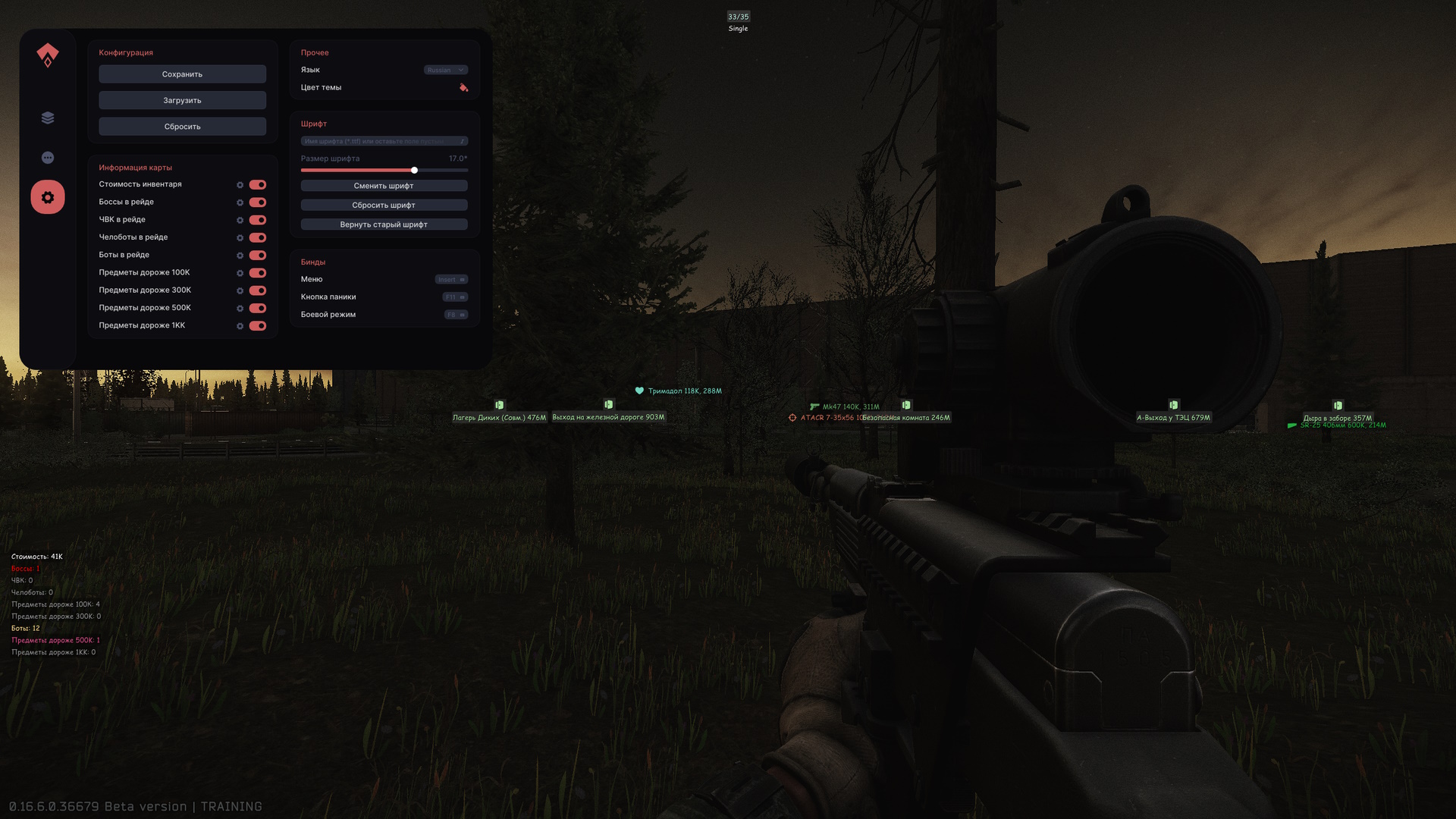
- Config
- Save settings
- Load settings
- Reset settings
- Map informer
- Self price (color selection + additional settings)
- Bosses in raid (color selection + additional settings)
- Players in raid (color selection + additional settings)
- Scavs in raid (color selection + additional settings)
- AI in raid (color selection + additional settings)
- Items over 100k/300k/500k/1kk (color selection + additional settings)
- Other
- Language
- Theme color
- Font
- Font name
- Font size
- Change font
- Reset font to default
- Reset to previous font
- Binds
- Menu (select button)
- Panic button (select button)
- Battle mode (select button)
MEDIA