EFT
PRIVATE SOFTWARE
COLLAPSE
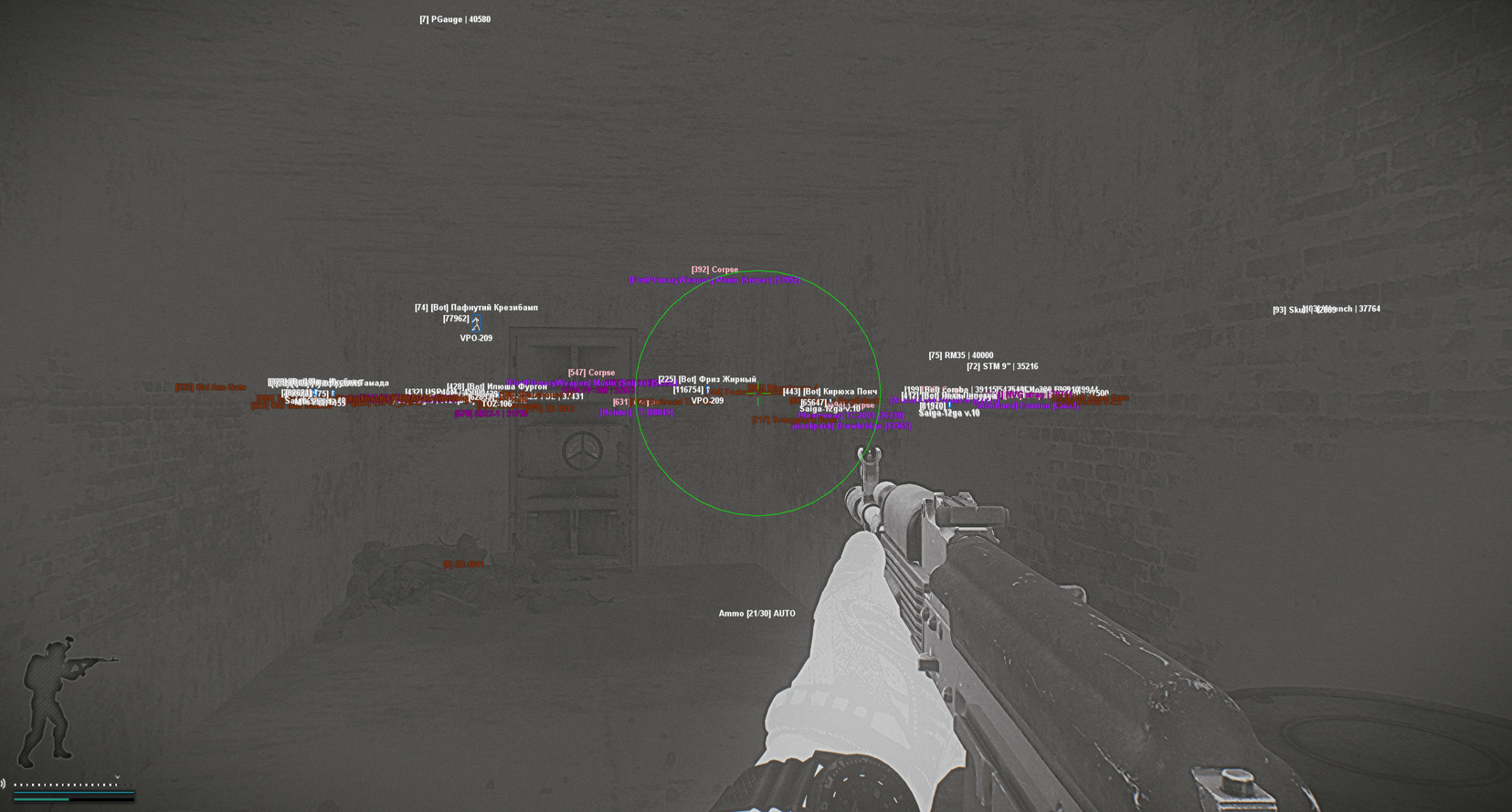
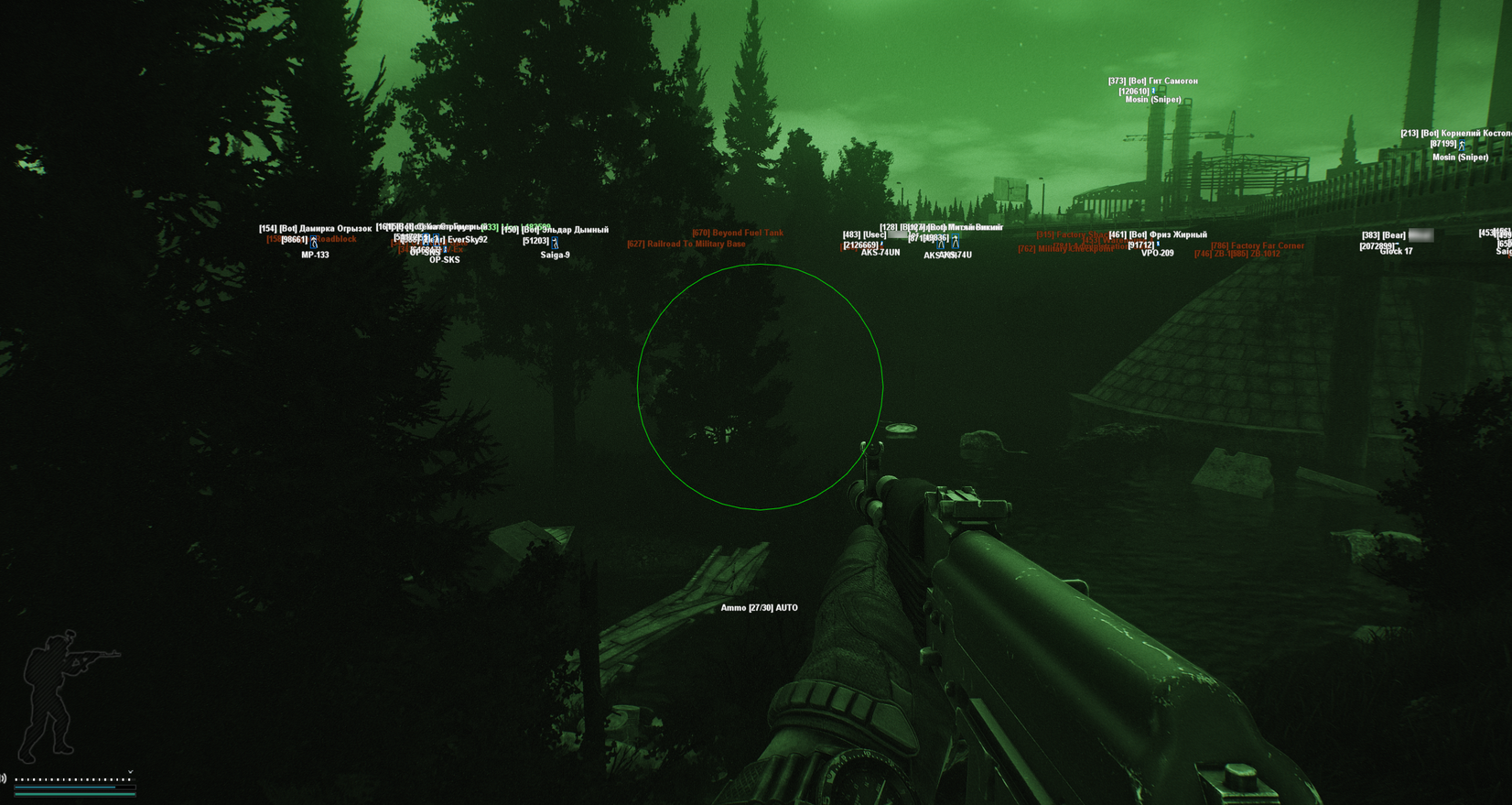
Collapse for Escape from Tarkov is a private cheat designed for precision, awareness, and security. It features a silent aimbot for undetectable accuracy, ESP for players, loot, and quest items, along with a range of powerful exploits to enhance your gameplay. Compatible with Windows 24H2, Collapse offers a reliable and seamless advantage in every raid.
STATUS
UNDETECTED
FEATURES
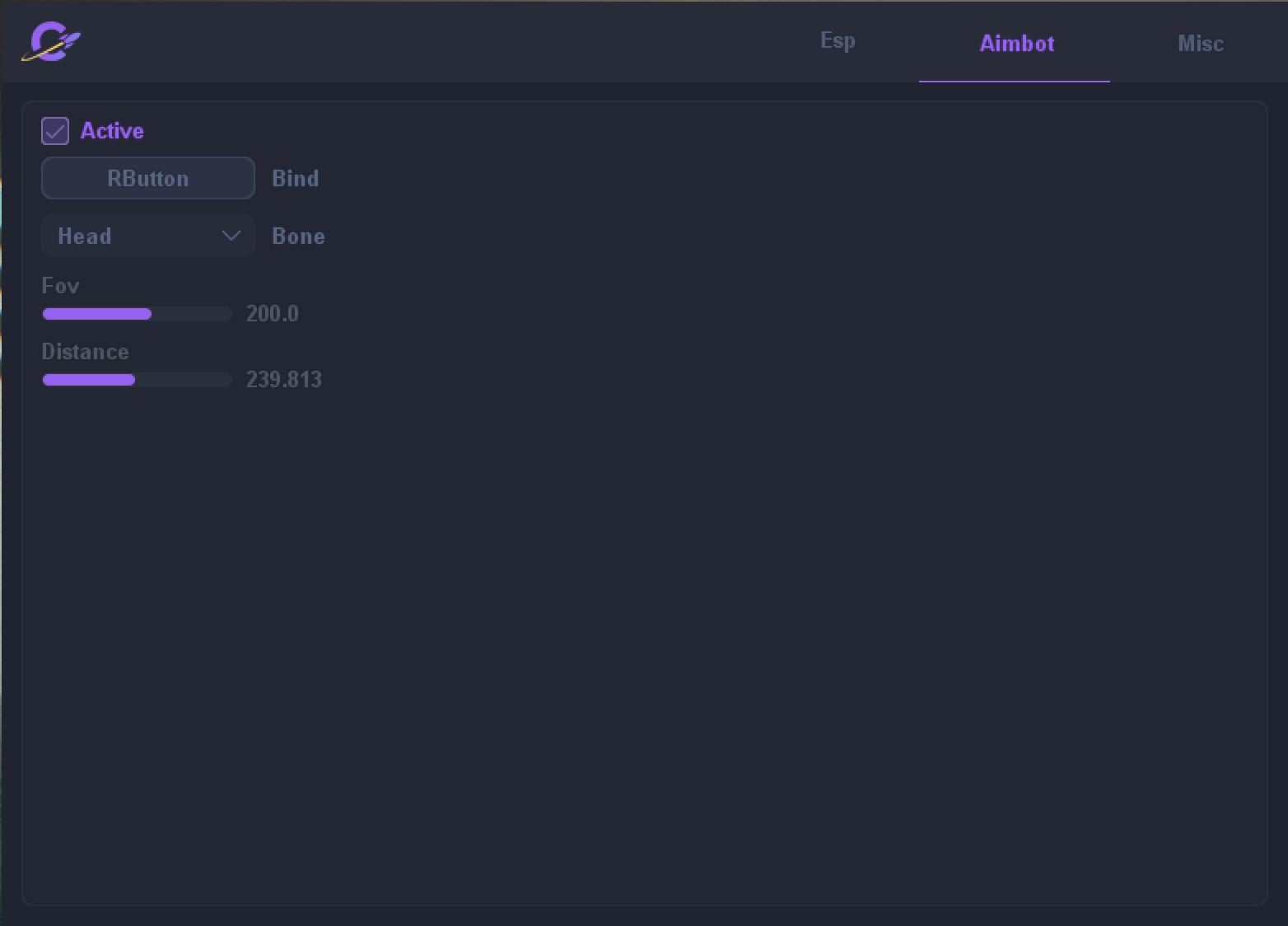
AIM
- Active - Enable
- Bind - Button selection
- Bone - Select body part to target (Head/Neck/Chest/Proximal Body Part)
- Fov - Selection of aiming radius (1-300)
- Distance - Selection of work distance (1-500)
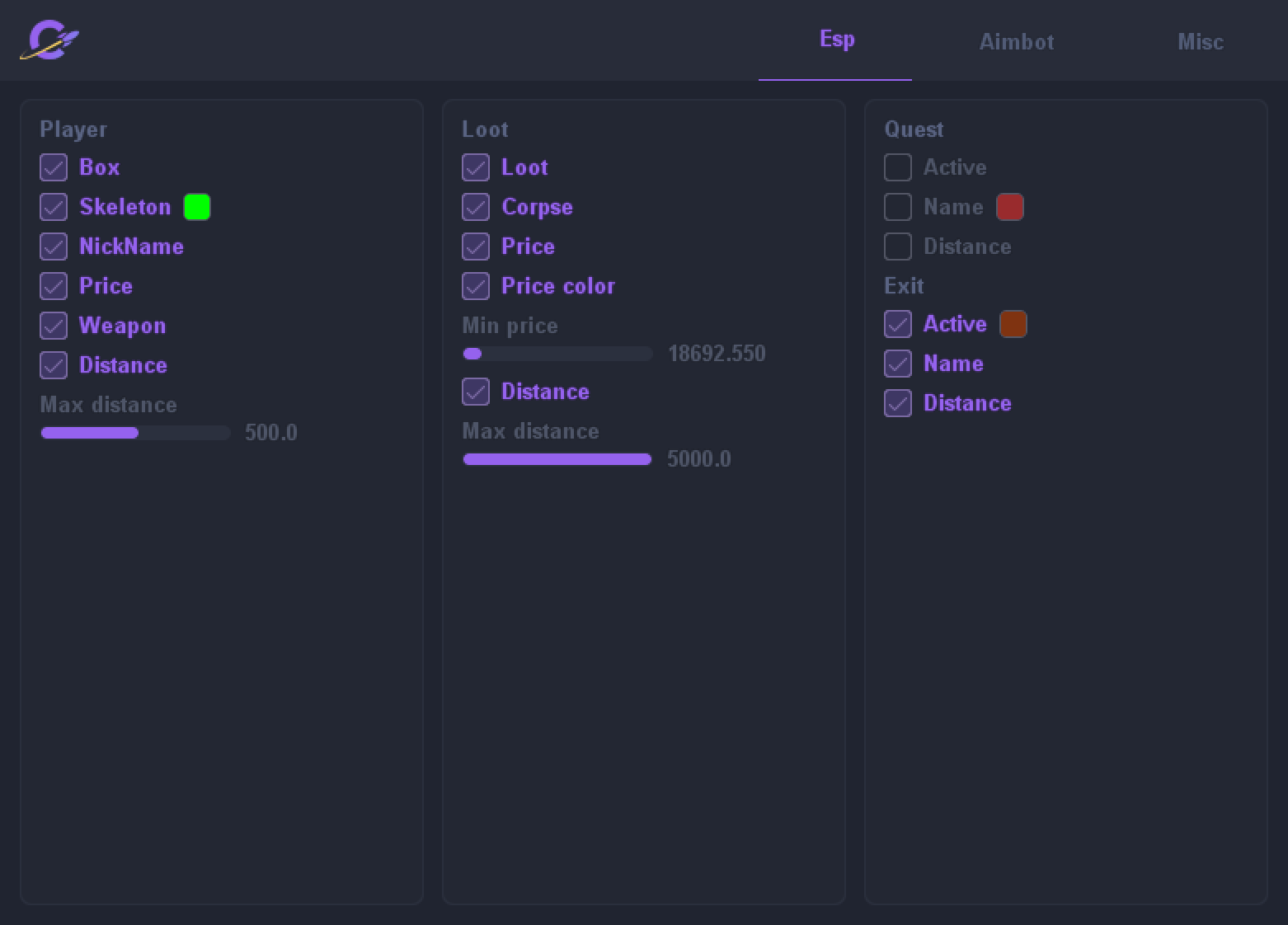
PLAYER ESP
- Box - Display boxes on players
- Skeleton - Displays the player's skeleton
- Nickname - Display the player's nickname
- Price - Displays the price of the entire inventory in players
- Health - Display the current level of health
- Weapon - Display weapons in the hands
- Ammo - Show ammo in weapons
- LVL - Player level display
- KD - Display player's KD
- Distance - Display the distance of the current ESP block
- Max Distance (0-1000) - Selection of the backlight distance of the current ESP block
LOOT
- Active - Enable all loot on the map
- Loot - Enable showing all loot on the map
- Corpse - Turn on the illumination of corpses
- Ignore corpse min price - Corpses will work even if its price is less than the minimum price
- Price - Display the price of items
- Only price summ - Show only the total price of lootable items in bags, jackets, crates, etc.
- Price color - Price difference shown in different colors
- Min Price - Select the minimum price of the item (0-500000r)
- Distance - Display the distance of the current ESP block
- Max Distance (0-5000) - Selection of the backlight distance of the current ESP block
QUEST
- Active - Enable highlighting quests
- Name - Display the name of the quests
- Distance - Display the distance of the current ESP block
EXIT
- Active - Enable outputs
- Name - Display the output name
- Distance - Display the distance of the current ESP block
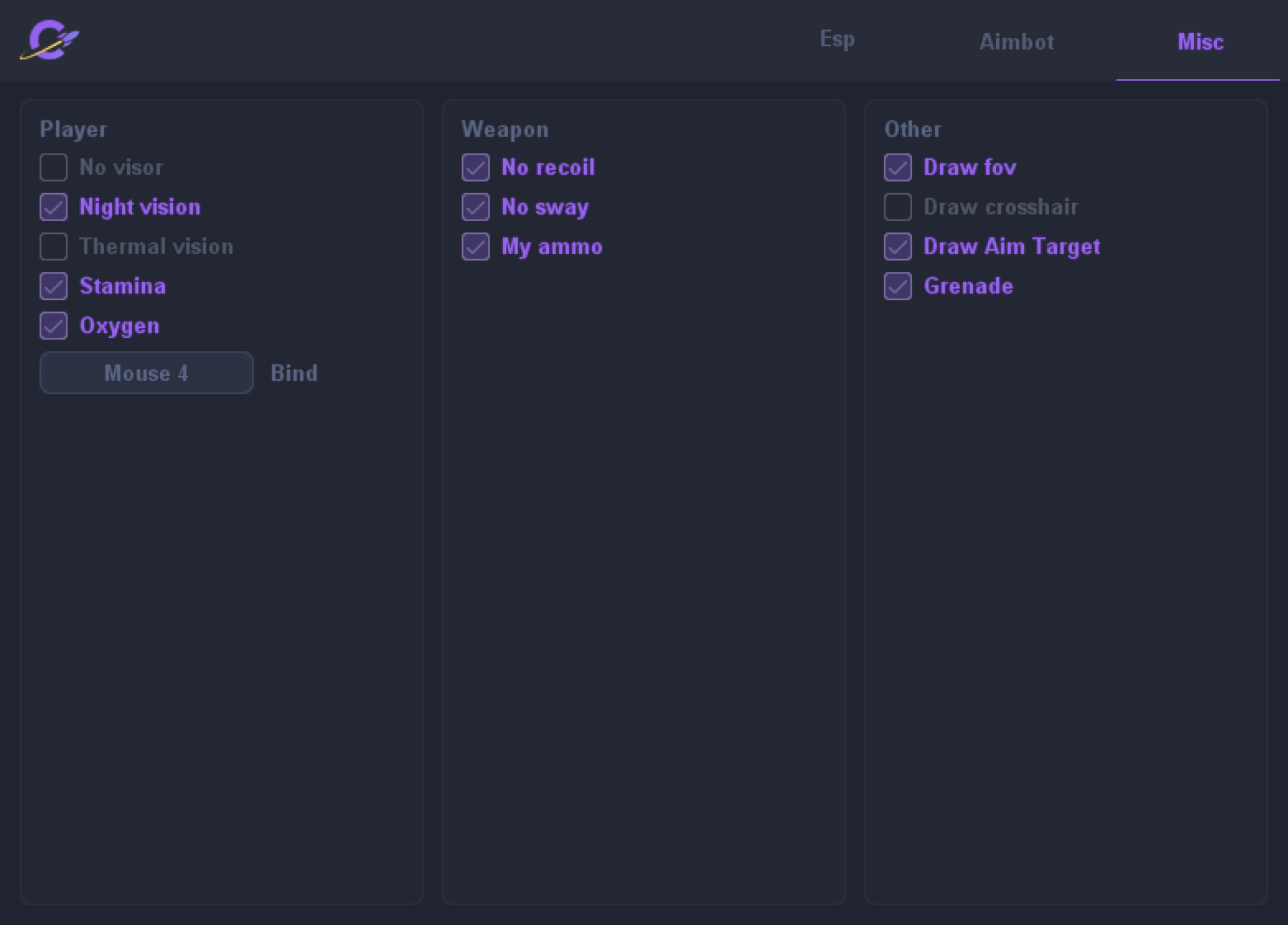
MISC
- PLAYER
- No Visor - No effect from the visor
- Night vision - Night vision
- Thermal vision - Thermal vision
- Stamina - Infinite stamina
- Oxygen - Infinite oxygen
- WEAPON
- No Recoil - No recoil
- No Sway - No shaking
- My Ammo - My ammo
- OTHER
- Draw Fov - Show the radius of the pickup
- Draw Crosshair - Crosshair in the center of the screen
- Draw Aim Target - Display the current target of the aimbot
- Grenades - Display grenades in flight
MEDIA