EFT
PRIVATE SOFTWARE
CRUSADER
Crusader for Escape from Tarkov is a private cheat featuring a basic vector aimbot, customizable ESP for players and loot, and a set of useful exploits. Built for reliable performance and flexibility, Crusader gives you the tools to enhance your awareness, improve your aim, and gain a strong advantage in every raid.
STATUS
UNDETECTED
FEATURES
AIMBOT
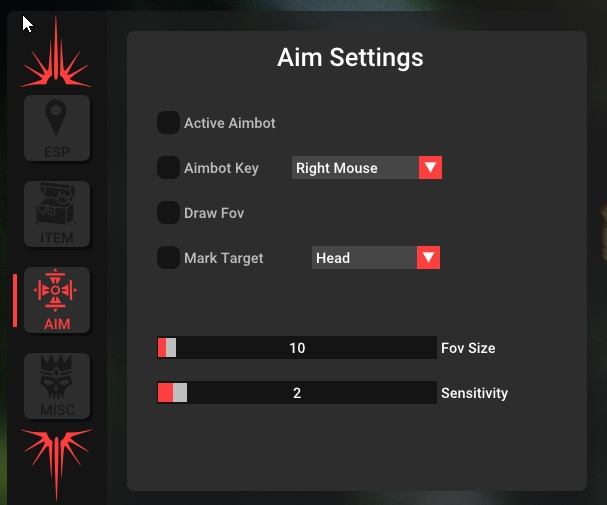
- Active Aimbot - activate aimbot; the vector aimbot assists you in aiming at targets during shooting, simulating human mouse movements
- Key - ability to bind a key to activate the aimbot
- Fov Size - size of the area in which the aimbot will select targets
- Draw Fov - display the FOV on the screen as a circle around the crosshair
- Bone - select the body part the aimbot will aim at
- Mark Target - highlight the current aimbot target
- Sensitivity - aimbot movement smoothness
PLAYER ESP
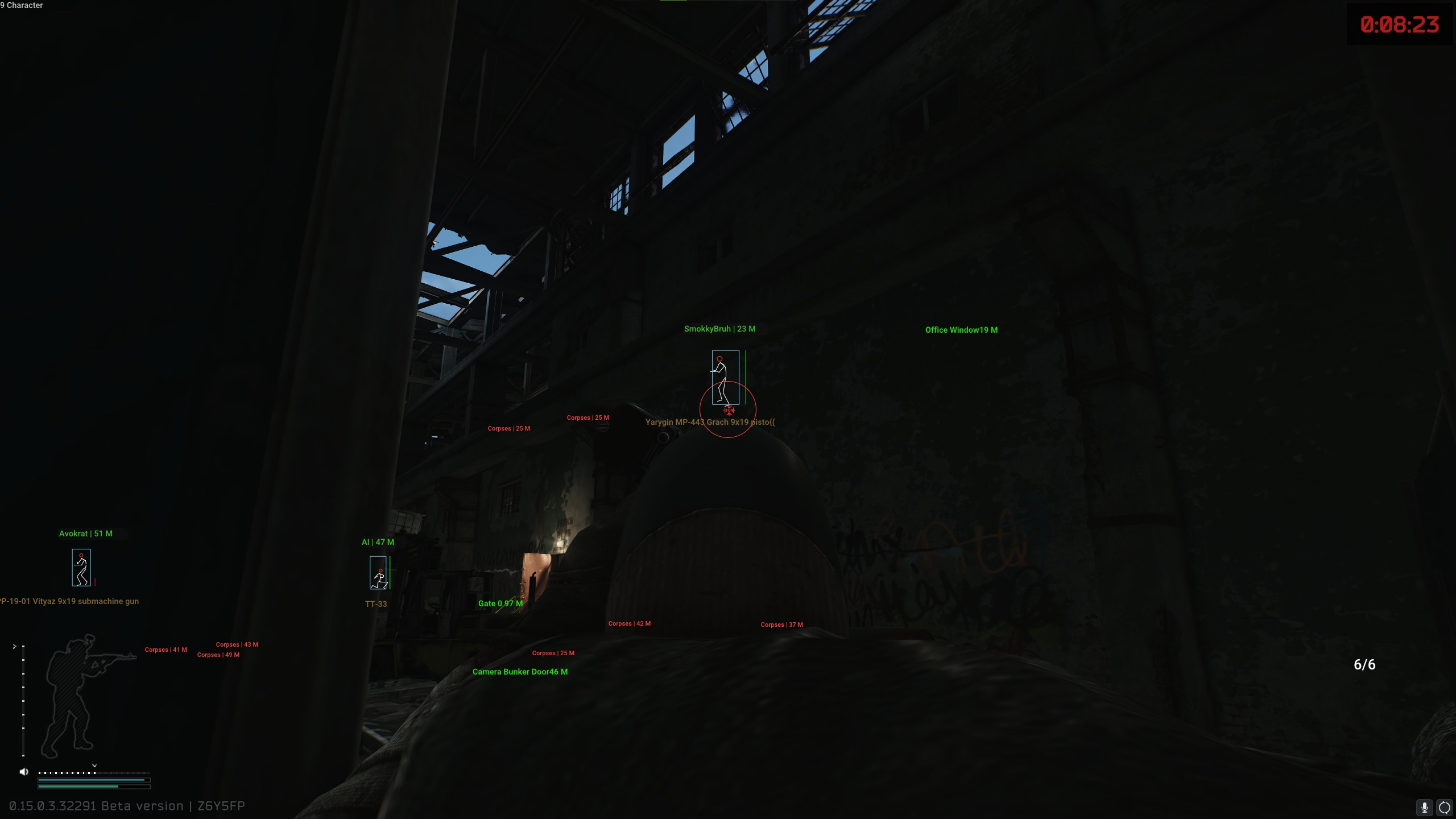
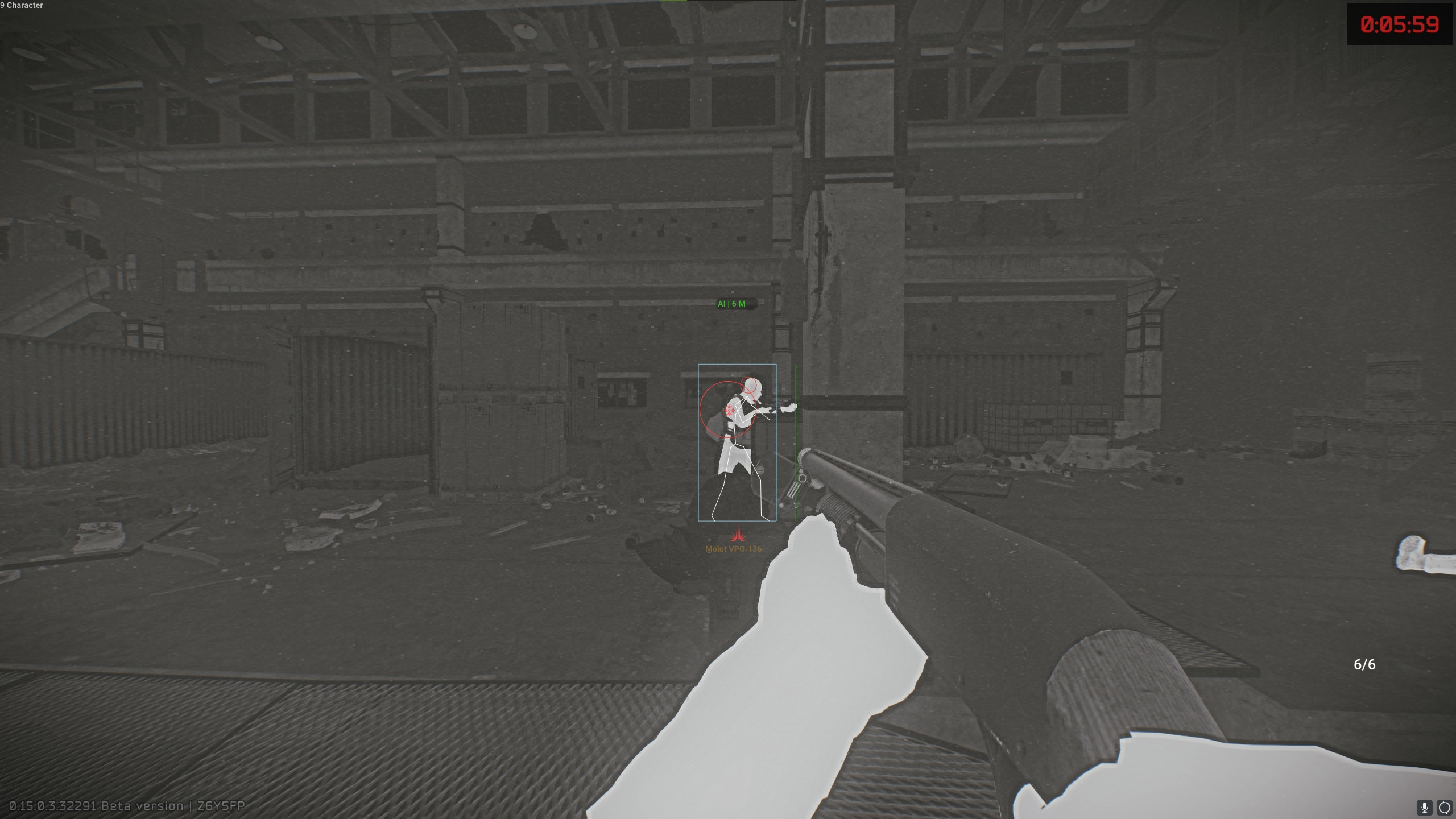
- Player ESP - display players and bots
- Box - ESP in the form of boxes
- Line - wallhack in the form of lines
- Distance - show distance to targets (in meters)
- Skeleton - wallhack in the form of a skeleton
- Name - display player nicknames and other character names
- Head - highlight the head hitbox separately
- Weapon - weapon in the hands of players or AI
- Health (Bar / Text) - show HP amount (as a bar or text)
- Role - shows roles (nicknames for players, roles for bots, names for bosses)
- Max Distance - configure the working distance of ESP
LOOT
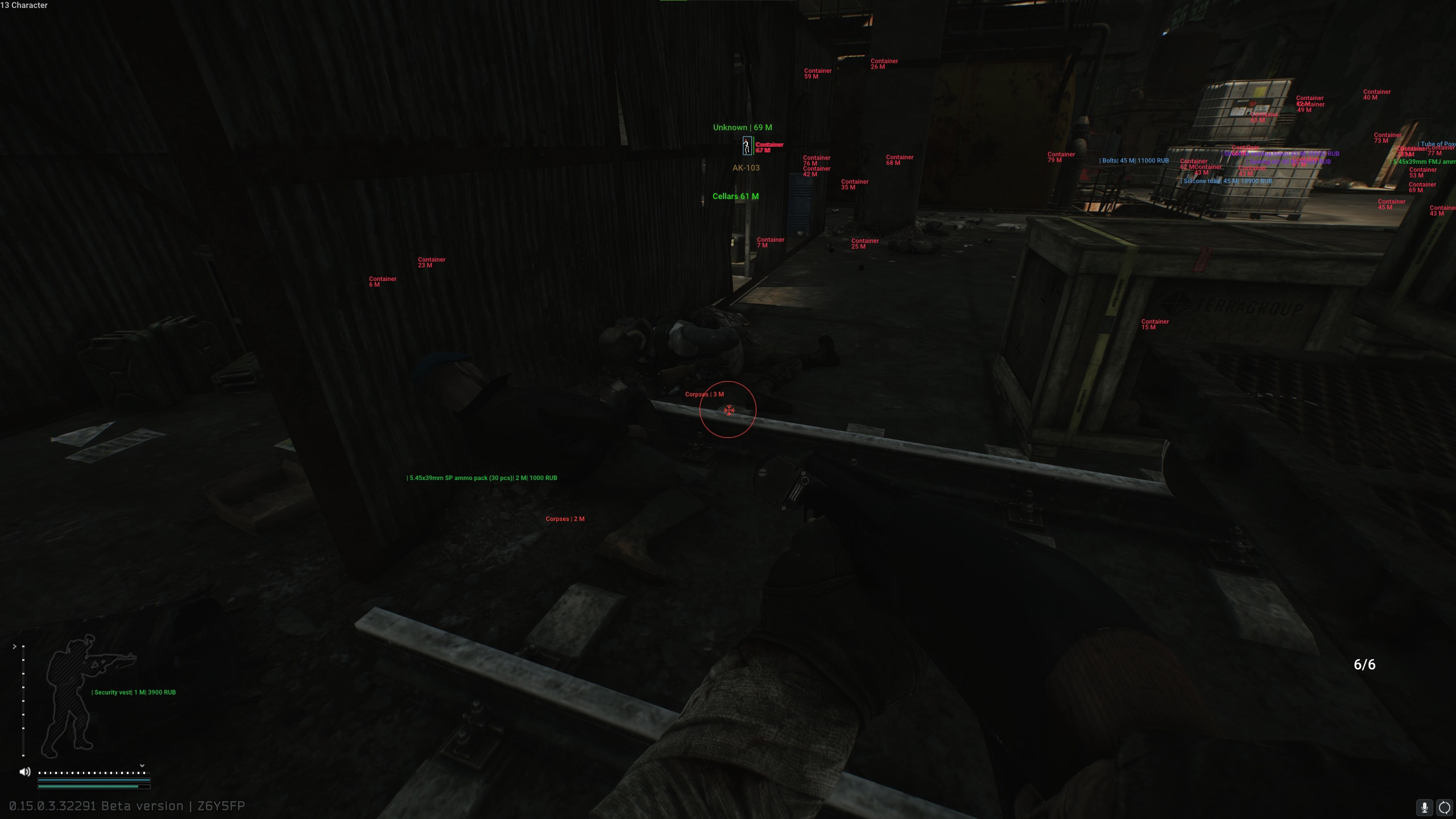
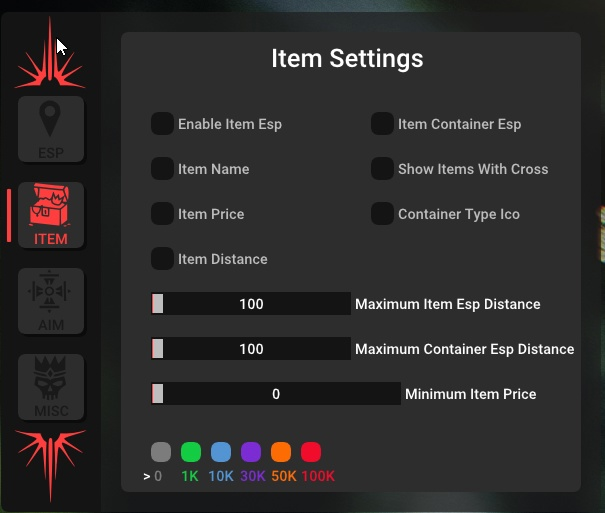
- Enable Item ESP - enable wallhack displaying items
- Item Name - display item names
- Item Price - display item prices
- Distance - distance to loot (in meters)
- Containers - display containers
- Container Type Icon - different icons for different container types
- Max Items ESP Distance - configure maximum distance for item ESP
- Max Containers ESP Distance - configure maximum distance for container ESP
- Min Item Price Filter - loot filter based on minimum price
- Corpses - show player corpses
MISC
- Extraction Points (Exits) - display exit points (name + icon + distance)
- Grenades ESP - highlight thrown grenades
- Ammo Count - display ammo count in your weapon
- Crosshair - static crosshair in the center of the screen
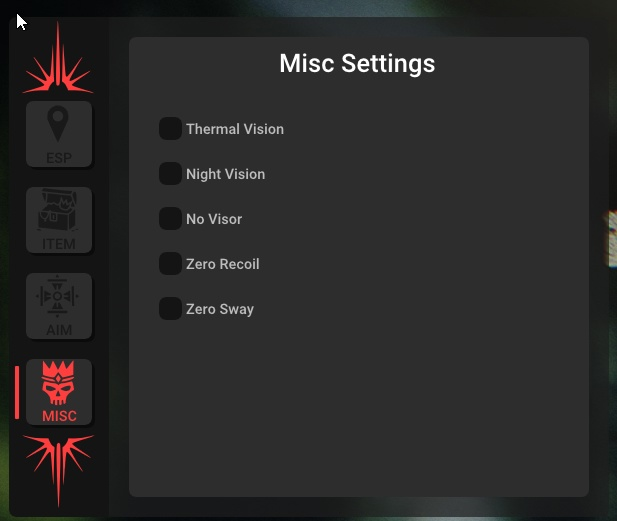
- Thermal Vision - thermal vision mode
- Night Vision - night vision mode
- No Visor - disable helmet visor effects
- Zero Recoil - completely remove weapon recoil while shooting
- Zero Sway - disable camera sway during shooting
MEDIA