PRIVATE SOFTWARE
Mason Full
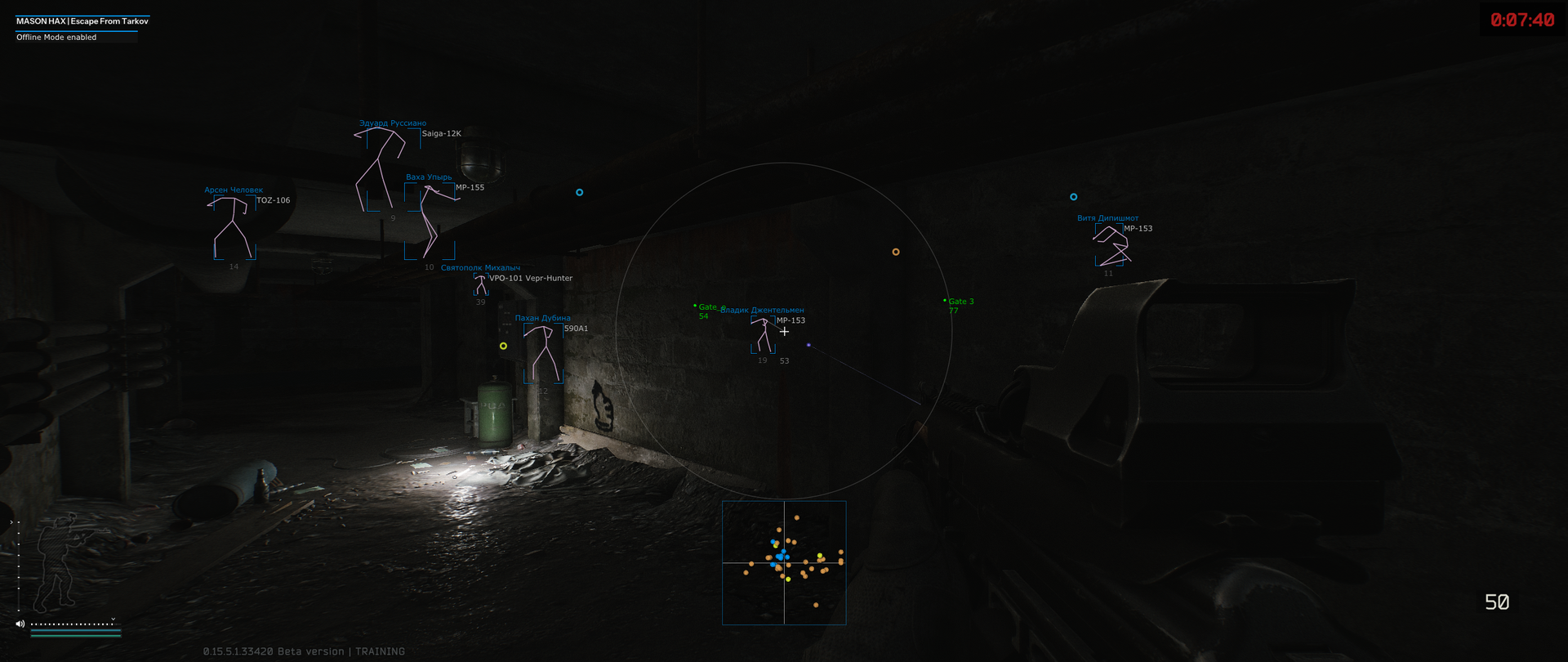
Mason Full for Escape from Tarkov brings aiming support and raid awareness into one configurable cheat. Aimbot, player ESP and loot ESP help you assess nearby threats, control engagements and choose which items to collect rather than searching blindly. World markers keep mines, grenades and extractions in view, while radar and adjustable loot filters support your next move. Recoil controls and thermal vision add options for handling encounters. Set up the information you need and approach the next raid with a clearer picture.
Built-in HWID spoofer is optional: it may not work in some cases and its operation is not guaranteed. Video and screenshot concealment is listed as supported; this is not an account-safety guarantee. The developer may change the feature set.
FEATURES
AIMBOT
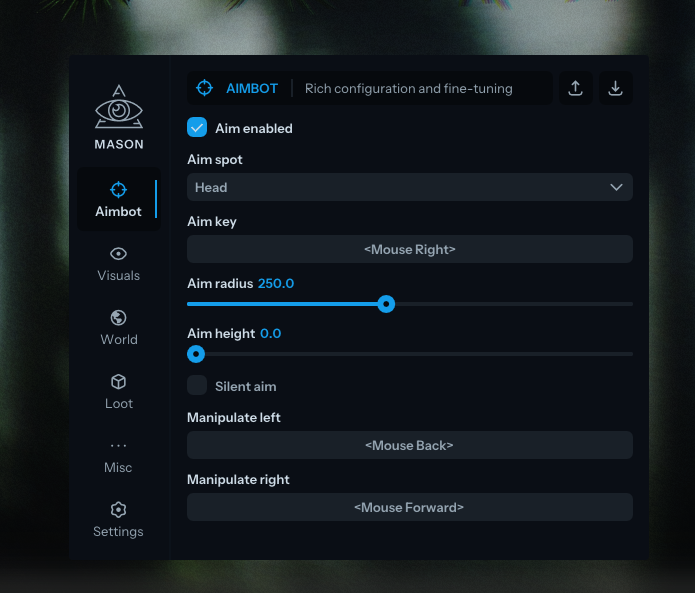
- Enable aimbot
- Select the body part to aim at
- Set the aim activation key; hold the selected key to activate
- Set the aim radius
- Adjust aiming height
- Enable silent aim
- Manipulate left and right: shift the shot origin, including behind a wall, to shoot without exposing yourself
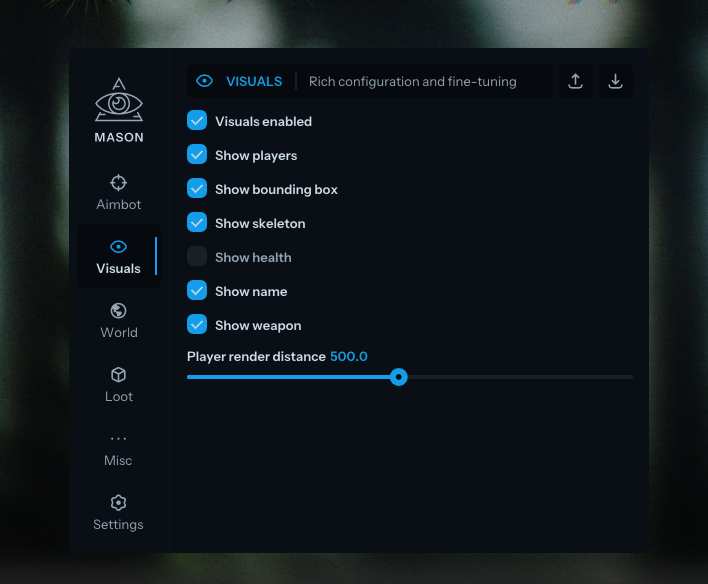
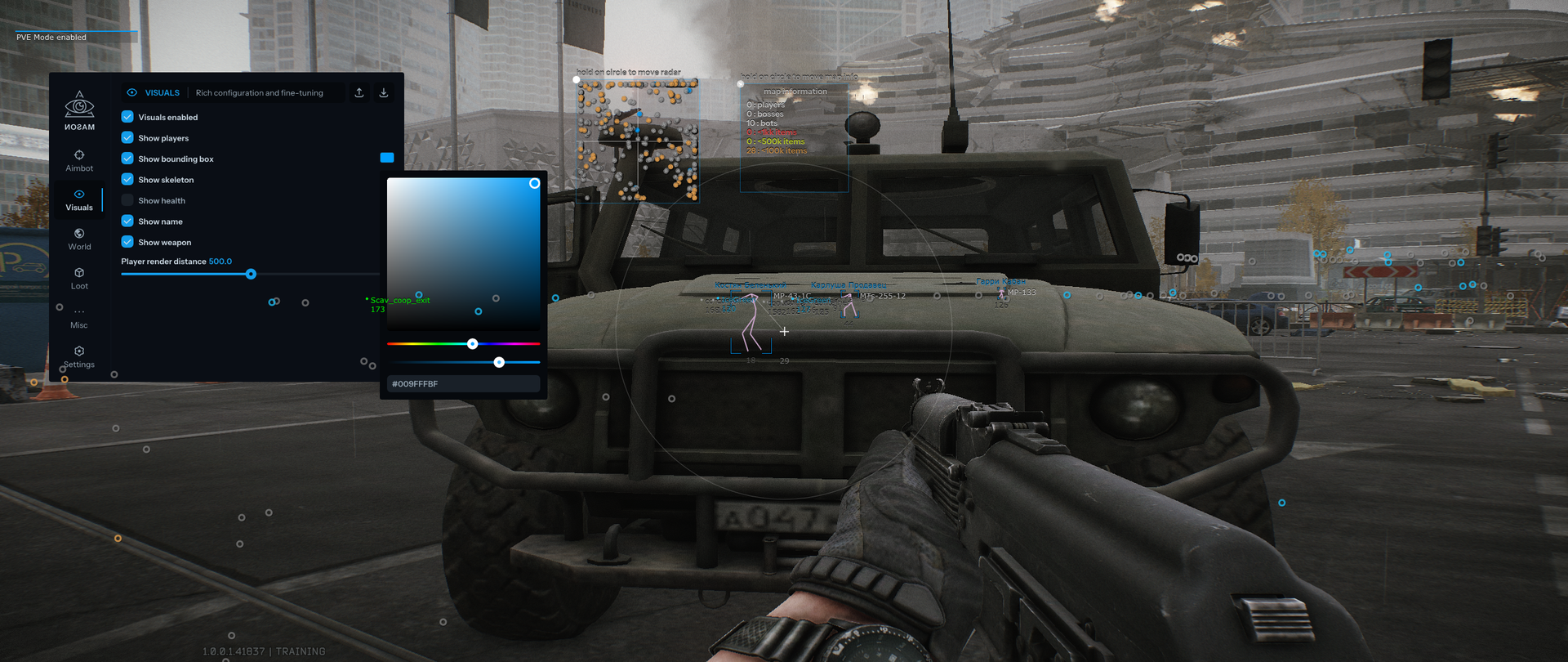
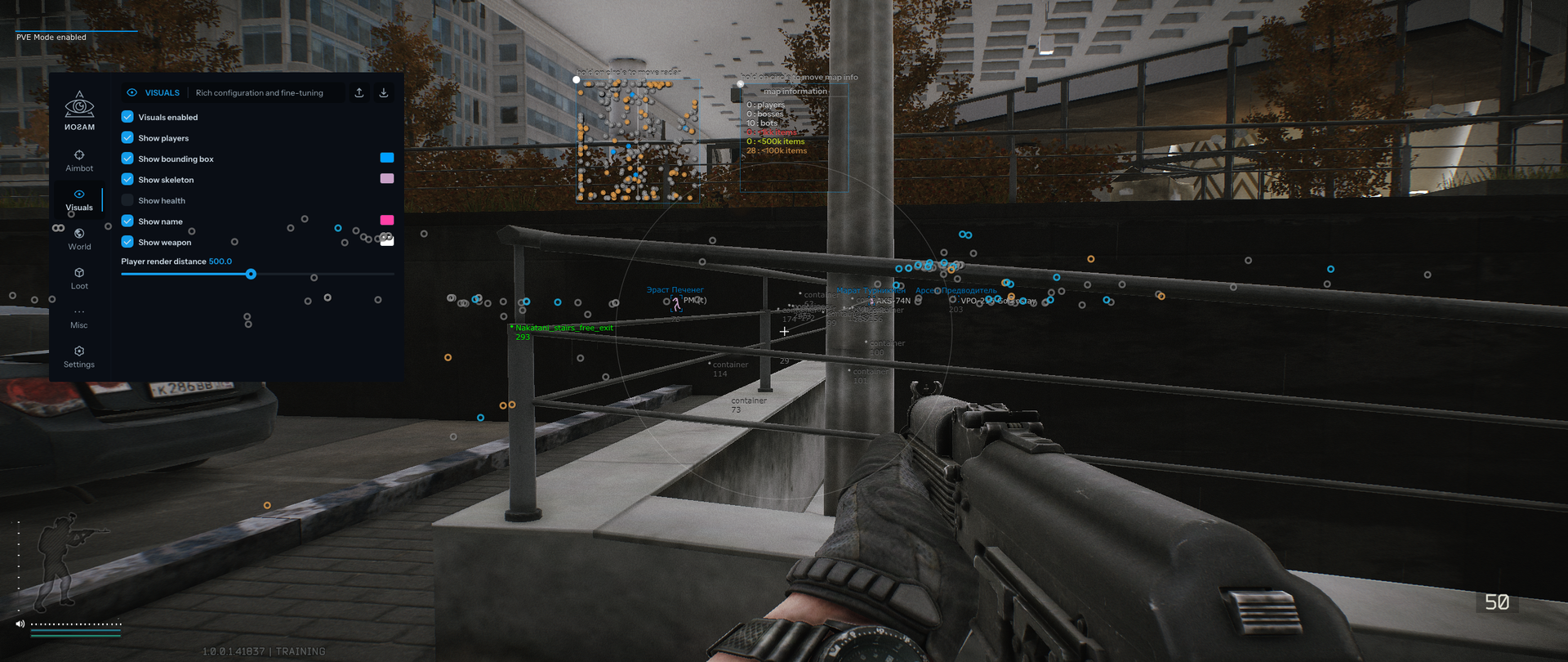
VISUALS
- Enable visuals
- Show players
- Show 2D bounding boxes
- Show skeletons
- Show health
- Show names
- Show weapons
- Set player render distance
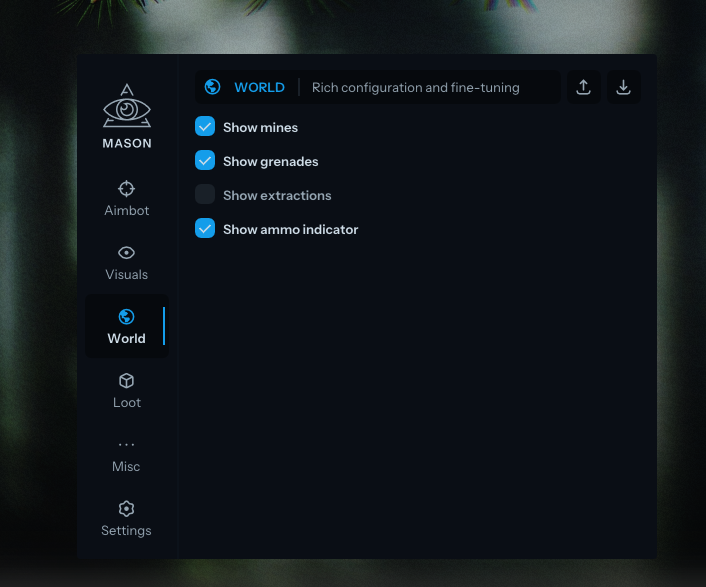
WORLD
- Show mines
- Show grenades
- Show extractions
- Show the ammunition indicator
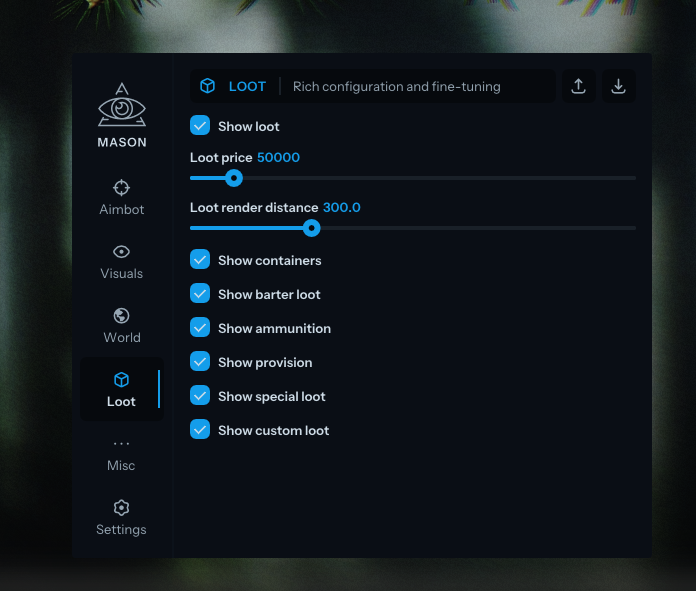
LOOT ESP
- Show loot
- Set the price filter for displayed loot
- Set loot render distance
- Show containers
- Show barter items
- Show ammunition
- Show provisions
- Show special loot configured in the custom item filter
- Show custom items using a custom item filter
MISC
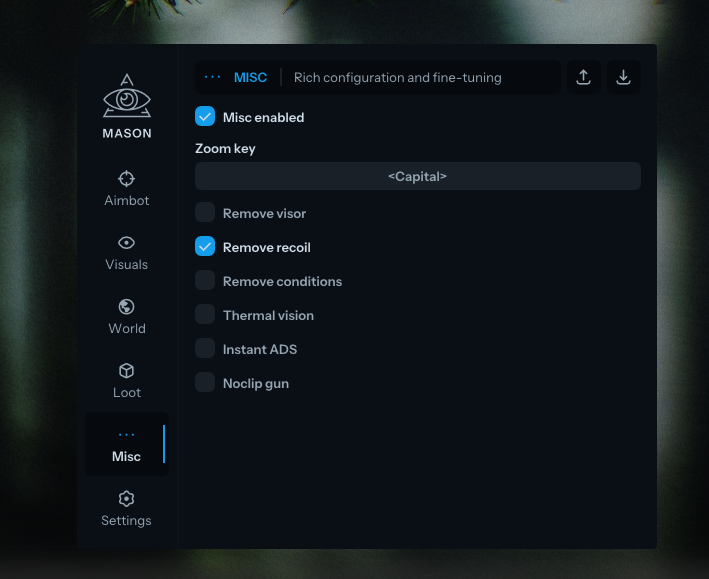
- Enable miscellaneous features
- Set a zoom activation key; zoom works like binoculars
- Remove the visor overlay
- Remove weapon recoil
- Remove conditions such as headache, low health and broken legs
- Enable thermal vision
- Enable instant ADS
- Noclip gun: allow the gun barrel to pass through walls
- Remove map vegetation
- Fast magazine loading and unloading
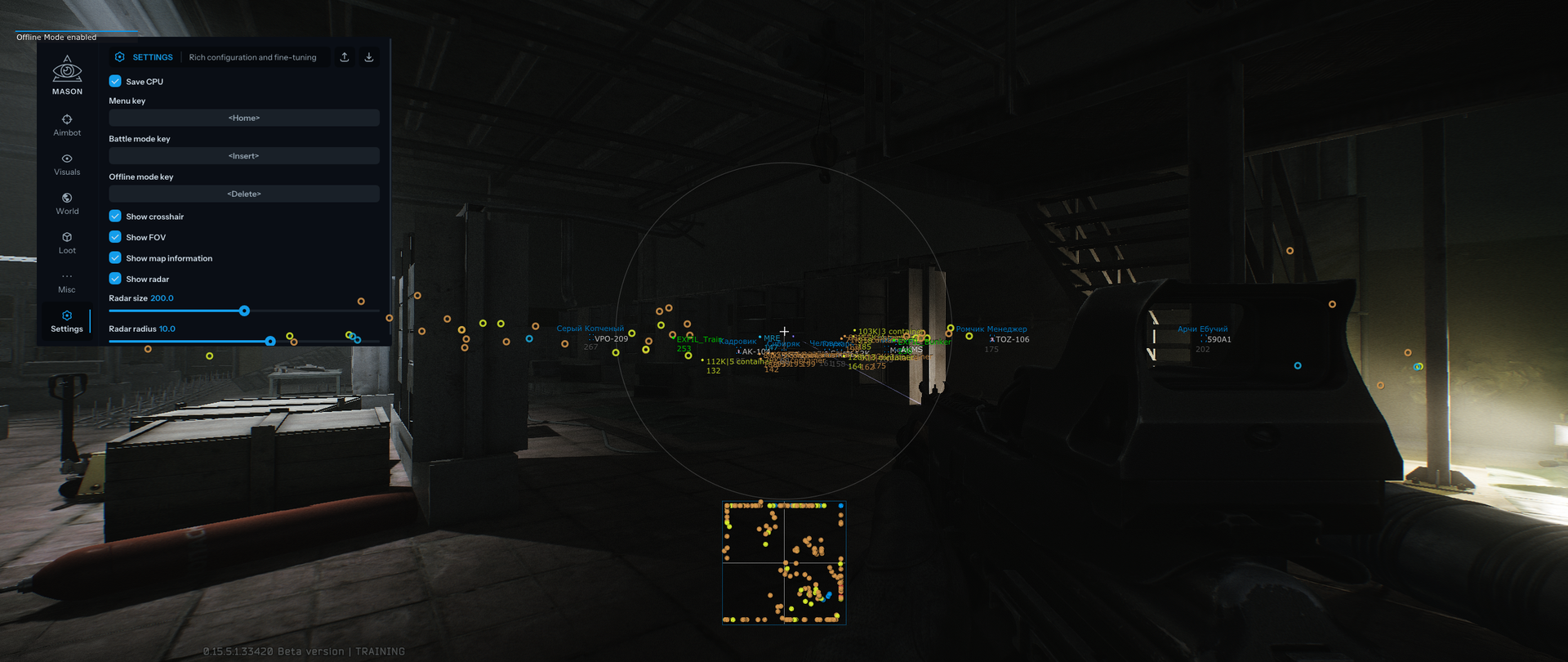
SETTINGS
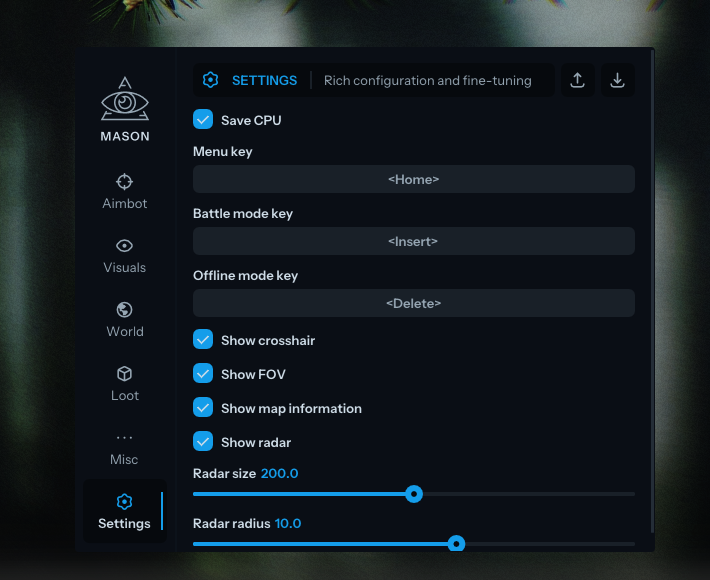
- Save CPU: resource-saving setting for the cheat
- Set the menu key; Home is the default
- Set the battle mode key; this mode disables unnecessary visual features
- Set the offline mode key
- Show a crosshair in the centre of the screen
- Show the FOV circle indicating the aim radius
- Show map information
- Show radar
- Set radar size
- Set radar radius
MEDIA