EFT
PRIVATE SOFTWARE
MDS Lite
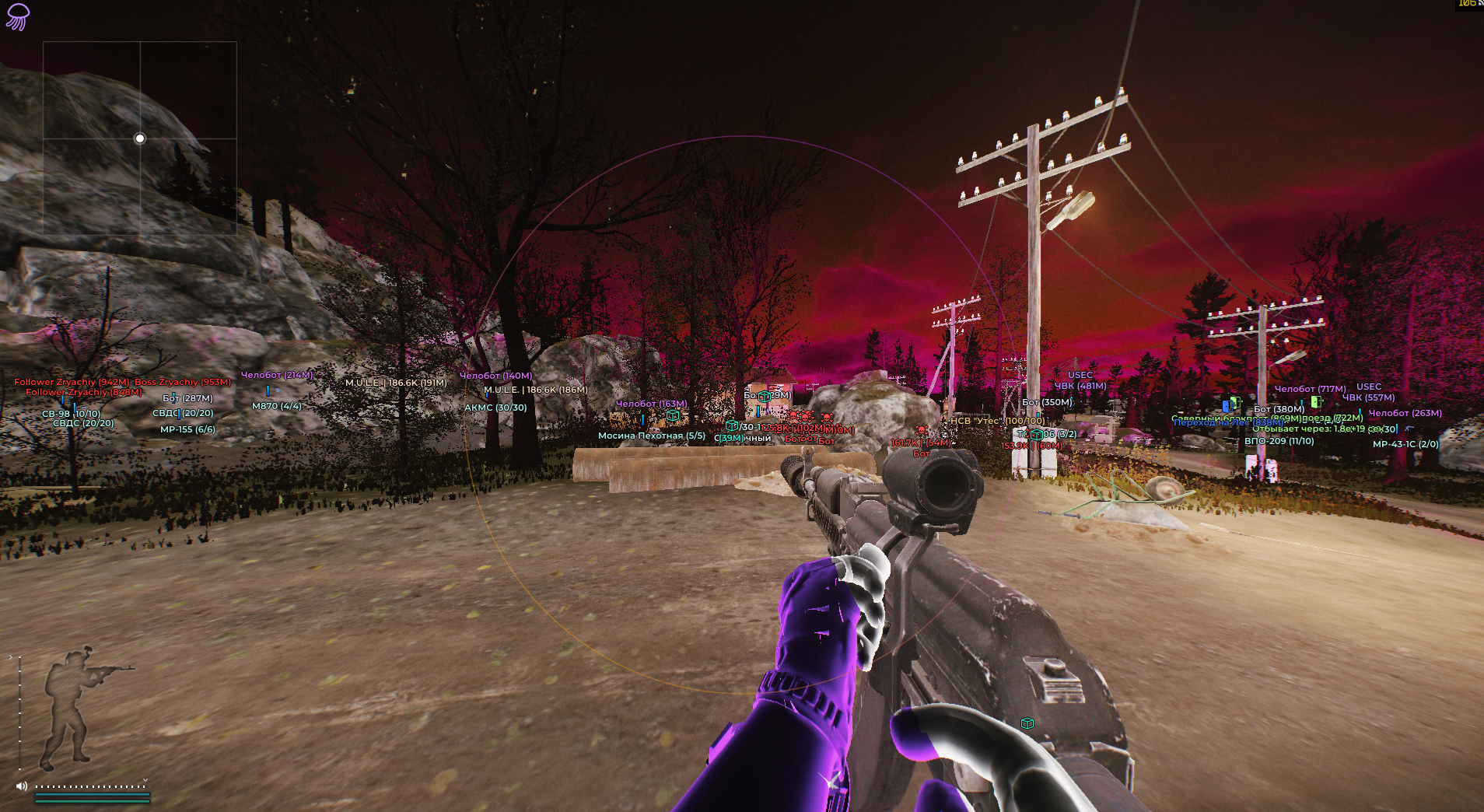
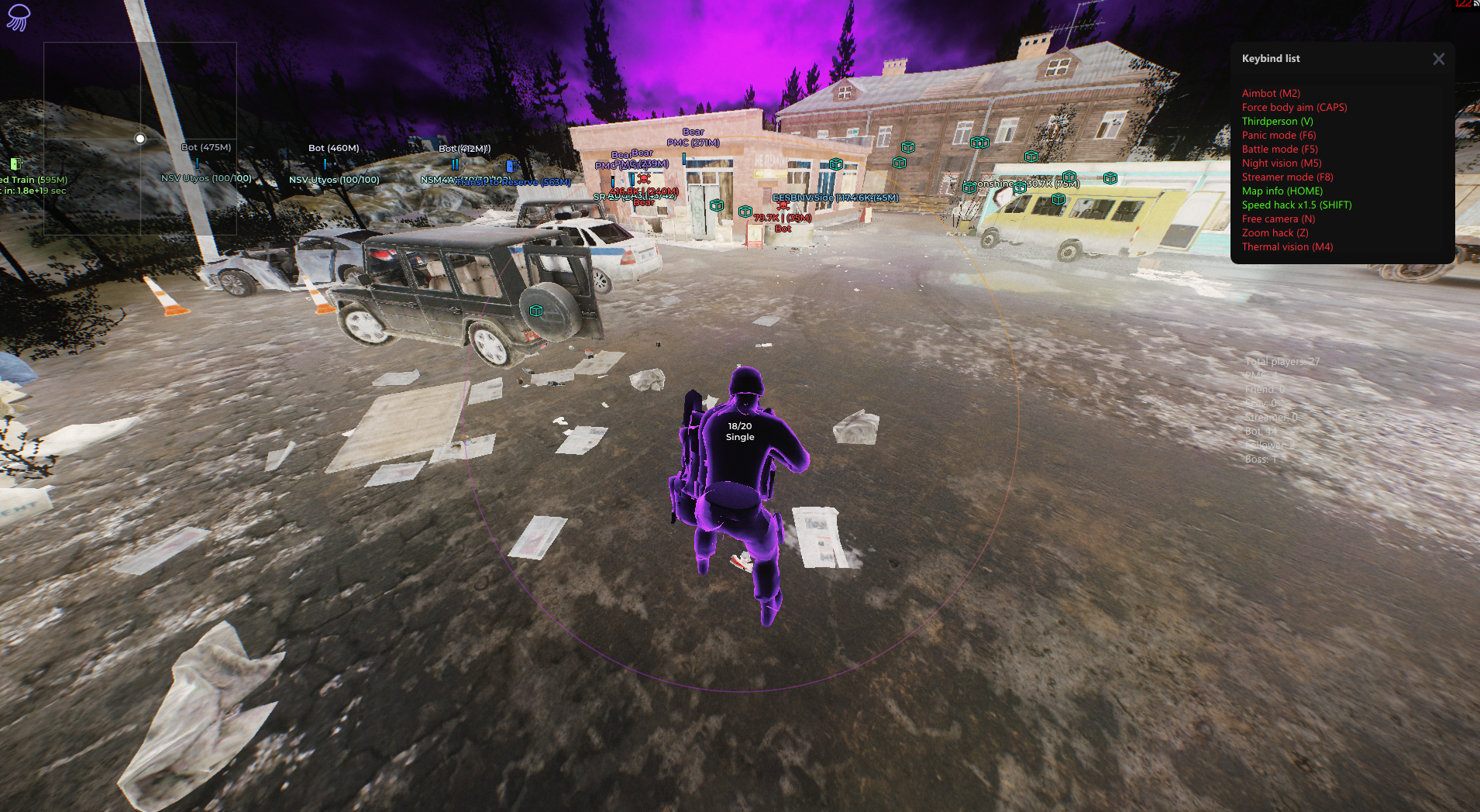
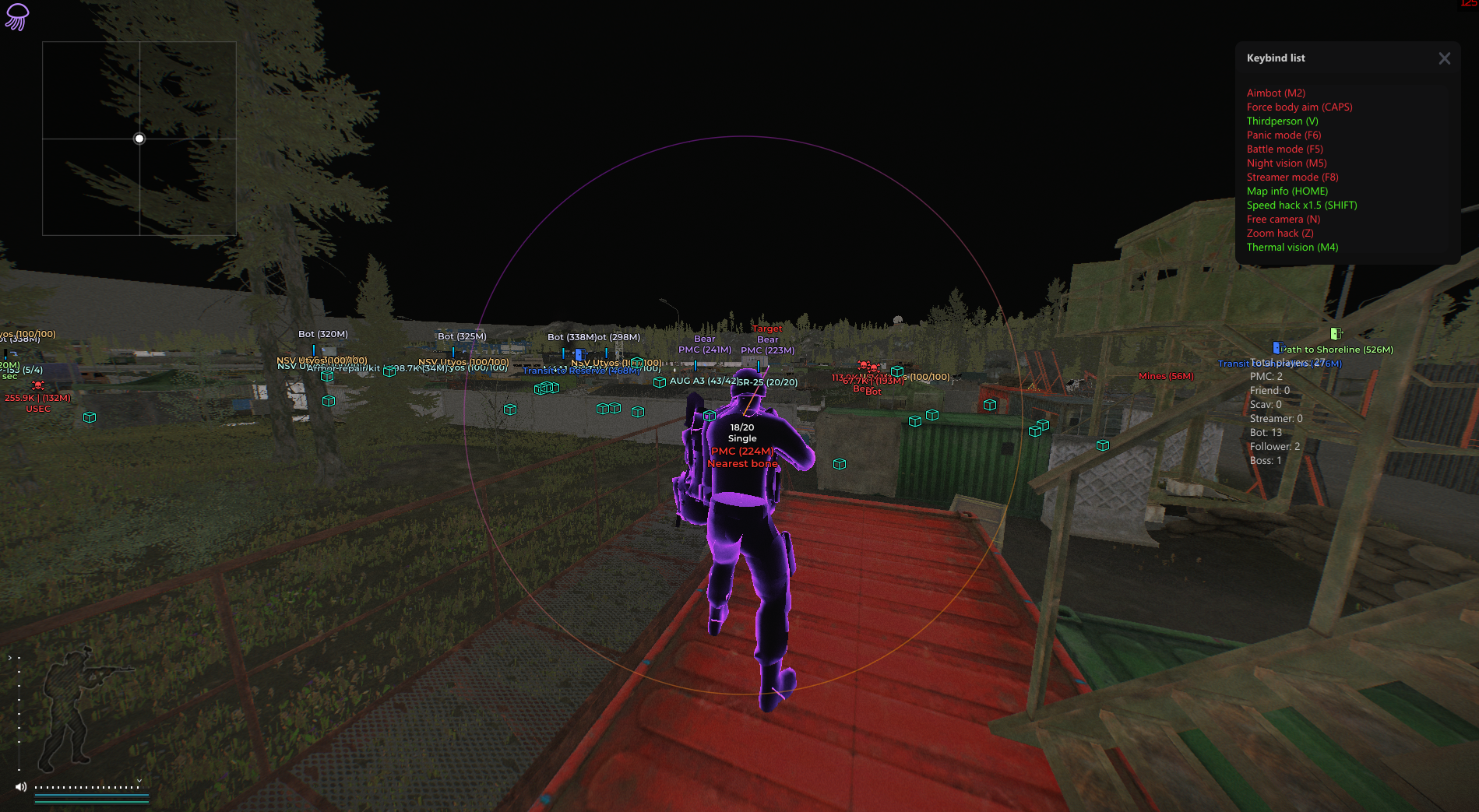
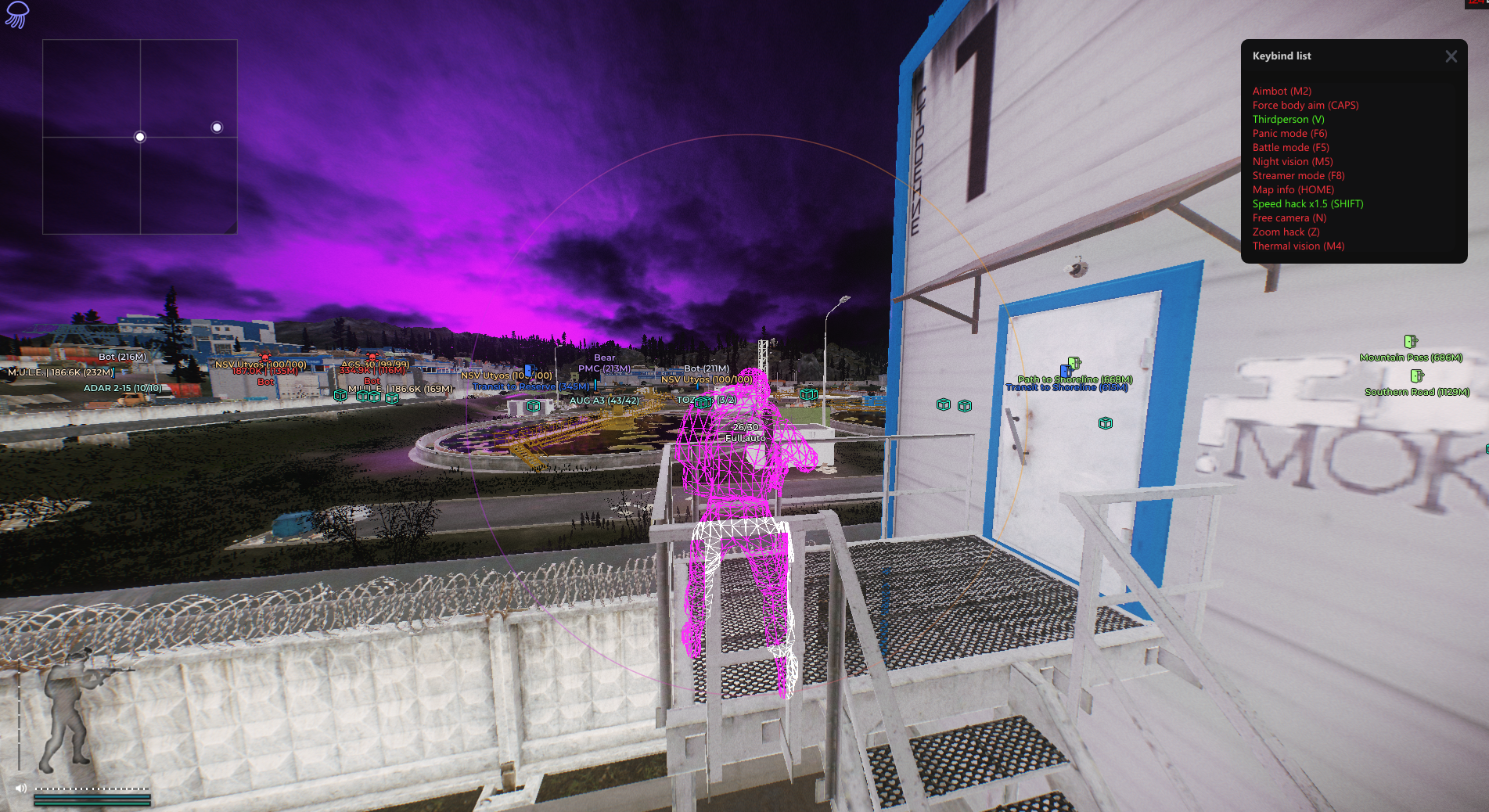
Medusa Lite for Escape from Tarkov is a private cheat offering essential features for legit gameplay. It includes a reliable aimbot, detailed ESP for players and loot, and a set of subtle exploits designed to give you an edge without compromising realism. Perfect for players who want effective tools while staying under the radar. BE spoofer included!
STATUS
UNDETECTED
FEATURES
AIMBOT
- Main
- Enable
- Force body aim
- Force legs aim
- Instant hit
- Radius
- Max distance
- Target
- Closest bone
- Bone (Head/Neck/Pelvis)
- Ignore roles (PMC/Friend/PlayerBot/Streamer/Bot/Entourage/Boss)
- Target info (Above target/Middle of screen)
- Show line to target
- Custom color
- Line style (Solid/Gradient)
- Miscellaneous
- Show radius
- Custom color
- Radius style (Solid/Gradient)
- Radius animation (Static/Animated)
- Show filled radius
- Custom color
- Filled radius style (Solid/Gradient)
- Filled radius animation (Static/Animated)
VISUALS (ENEMIES)
- Enable
- Show on radar
- Box style (Corners & outline, Corners, Box & outline, Box)
- Custom color
- Filled box
- Custom color
- Skeleton
- Custom color
- View direction
- Custom color
- Direction style (Solid/Gradient)
- Direction line thickness
- Show chams
- Chams style (Latex/Glowing/Glass glow/Wireframe glow)
- Other chams styles (Custom/X-ray/Amogus glow/Deep glow/Light glow/Dark glow/Solid glow/Wireframe glow)
- Chams effect strength
- Chams intensity
- Chams color
- Secondary chams color
- Health bar
- Custom color
- Health bar style (Solid/Gradient)
- Show info (Name/Distance/Faction/Team ID, R/D Level, Playtime, Survivals in a row)
- Player color
- Scav color
- Streamer color
- Friend color
- Show scav nickname
- Weapon
- Custom color
- Inventory
- Custom color
- Show total value
- Min inventory value
- Lines
- Custom color
- Max distance
VISUALS (WORLD)
- Grenades
- Show grenades
- Custom color
- Grenade types (Frag/Flashbang/Smoke)
- Display style (Text/Icon)
- Element settings
- Distance
- Timer
- Trajectory
- Sphere
- Radius
- Trajectory style (Solid/Gradient)
- Trajectory animation (Static/Animated)
- Radius style (Static/Animated)
- Max distance
- Stationary Weapons
- Show
- Custom color
- Max distance
- Danger Zones
- Show
- Custom color
- Types (Mines/Snipers)
- Display style (Text/Icon/Text & Icon)
- Show text on hover
- Exits
- Show
- Custom color
- Display style (Text/Icon/Text & Icon)
- Show text on hover
- APC
- Show
- Custom color
- Display style (Text/Icon/Text & Icon)
- Show text on hover
- Bullet Tracers
- Show
- Custom color
- Style (Solid/Gradient)
- Disappear delay
- Hit Marker
- Hit point
- Hit sound
- Map Info
- Player count (Total/PMCs/Scavs/Bots/Entourage/Bosses)
- Local Player
- Chams style (Custom/X-ray/Amogus glow/etc.)
- Custom color
- Chams settings (Strength/Intensity/Additional colors)
- Weapon info (Ammo/Fire mode)
- Custom color
- Crosshair
- Custom color
LOOT
- Main
- Enable
- Short item names
- General categories
- Quest items
- Custom color
- Only active quests
- Items
- Display
- Custom color
- Info (Price/Distance)
- Use general categories
- Price filter
- Hide in scope
- Hide in combat mode
- Show only on hover
- Max distance
- Corpses
- Display
- Custom color
- Info (Price/Distance)
- Display style (Text/Icon)
- Player info (Name/Faction)
- Show info only on hover
- Use general categories
- Price filter
- Hide in scope
- Hide in combat mode
- Show only on hover
- Max distance
- Containers
- Display
- Custom color
- Info (Price/Distance)
- Display style (Text/Icon)
- Types (List of container types)
- Show info only on hover
- Hide opened containers
- Use general categories
- Price filter
- Hide in scope
- Hide in combat mode
- Show only on hover
- Max distance
- Colors
- Category-specific colors (Weapons, Ammo, etc.)
FILTER
- Main
- Enable
- Show only selected
- Use same settings for all
- Settings
- Color
- Custom color
- Font size
- Filter
- Category selection
- Show only selected
- Search
QUEST HELPER
- Main
- Enable
- Only active
- Completed requirements
- Max distance
- Hide in scope
- Hide in combat mode
- Filter
- Toggle all
- Search
- Quest list
MISCELLANEOUS
- Loot & Inventory
- Silent loot
- Custom color
- Line style (Solid/Gradient)
- Line animation (Static/Animated)
- Open containers instantly
- Pick up items instantly
- Remove blur
- Fast mag load/unload
- Movement
- Infinite stamina
- Speedhack x1.5
- High jump
- Run and shoot
- Weapon
- Modifiers (No malfunctions/etc.)
- Other
- Anti-AFK
- Auto captcha
- Change session ID
- Streamer mode
- K/D Dropper
- Enable
- Max raids
- Max reconnects
- Max search time
- Camera
- Disable effects
- Lighting settings (Color/Style/Intensity)
- Thermal vision
- Thermal style (Light/Dark)
- Night vision
- No visor
- Free cam
- Movement & rotation speed
- Third person
- Radius
- Zoom hack
- Ignore collisions
- Zoom
- FOV settings
- Radius
- Aspect ratio
- Environment
- Time changer
- Clock
- Sky settings (Color/Style/Intensity)
- Fog intensity
- Rain intensity
- Interface
- Hotkey list
- Only active keys
- Transparent window
CONFIGURATION
- Add
- Save
- Load
- Rename
- Delete
- Default autoload
- Export section
- Export all
- Import
- Reset settings
SETTINGS
- Menu button
- Panic button
- Combat mode button
- Primary color
- Style (Solid/Gradient)
- Theme (Dark/Light)
- DPI scale
- Language (EN/RU/CH)
- Watermark (Icon/Text)
- Save
- Load
GAME ITEMS
- Update names
MEDIA