Halloween: The Game
PRIVATE SOFTWARE
GHOST
Ghost for Halloween: The Game combines precise aim control with player ESP, object ESP and radar information for clearer situational awareness. Adjust the field of view, smoothing, hitbox, bone mode, reaction limits and humanization settings, then use player and object overlays, radar display and saved configurations to stay in control.
STATUS
ON UPDATE

FEATURES
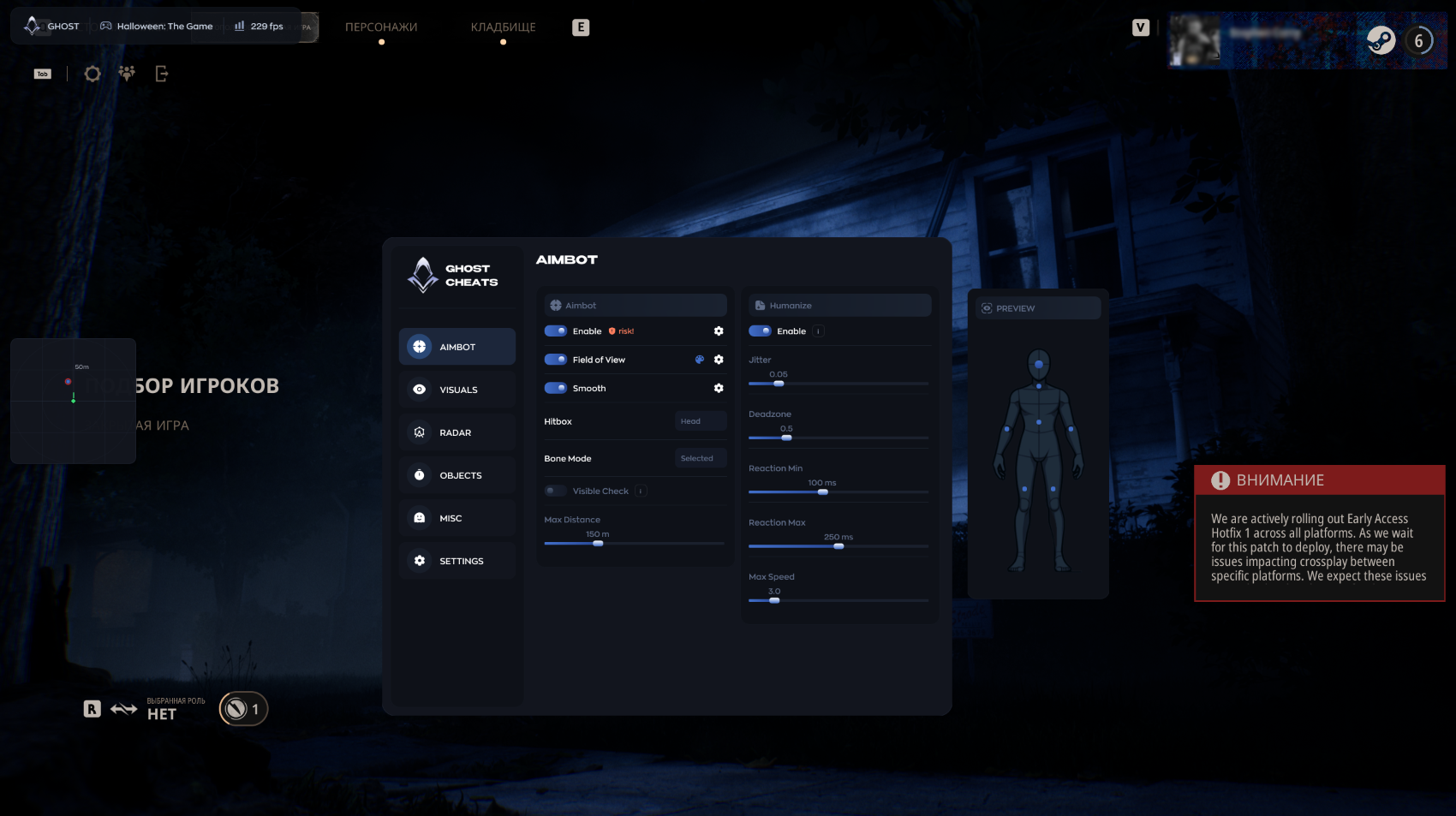
AIMBOT
- Enable
- Field of View
- FOV Circle
- Smooth
- Hitbox
- Bone Mode
- Max Distance
- Humanize:
- Enable
- Jitter
- Deadzone
- Reaction Min
- Reaction Max
- Max Speed
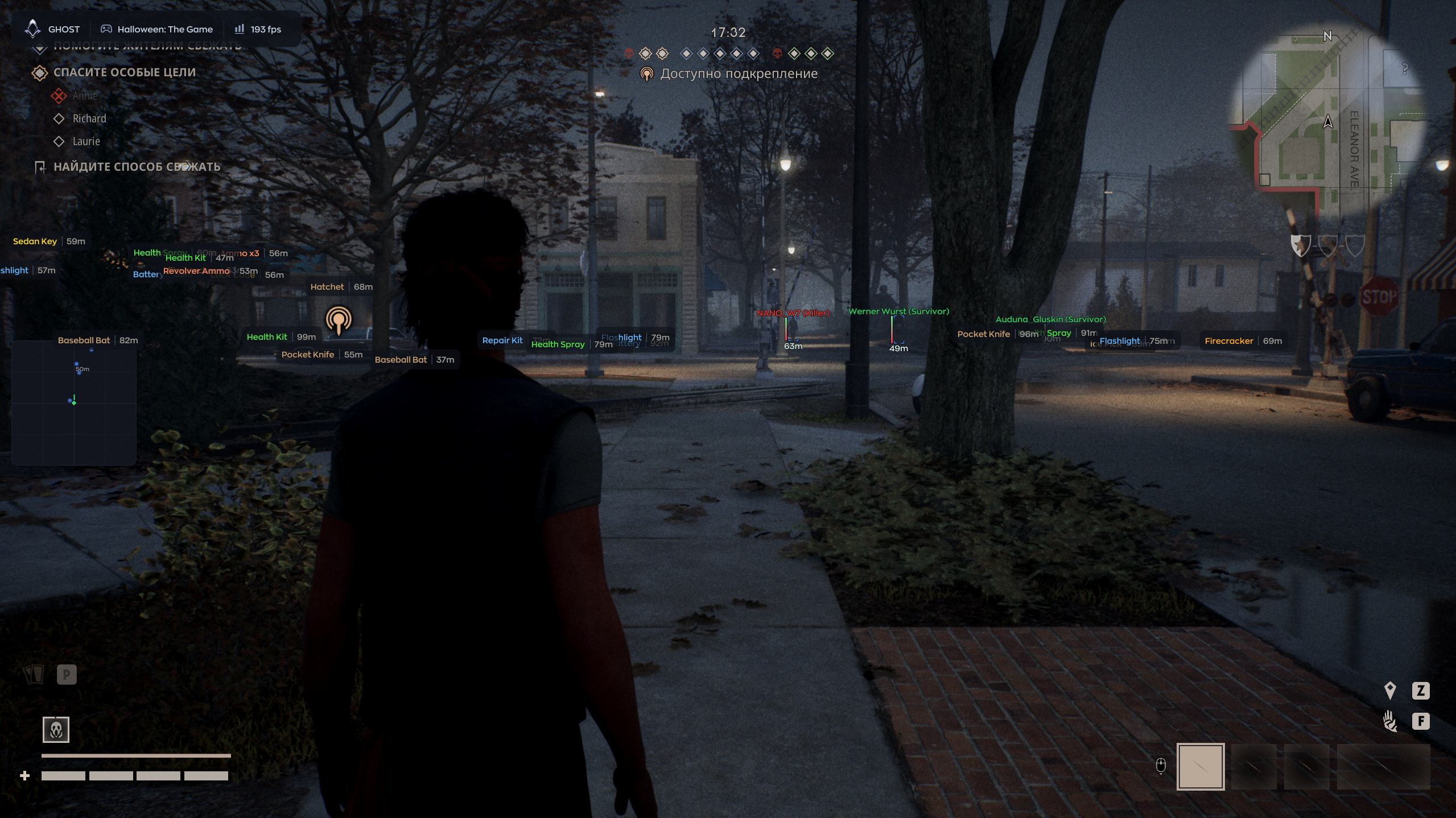
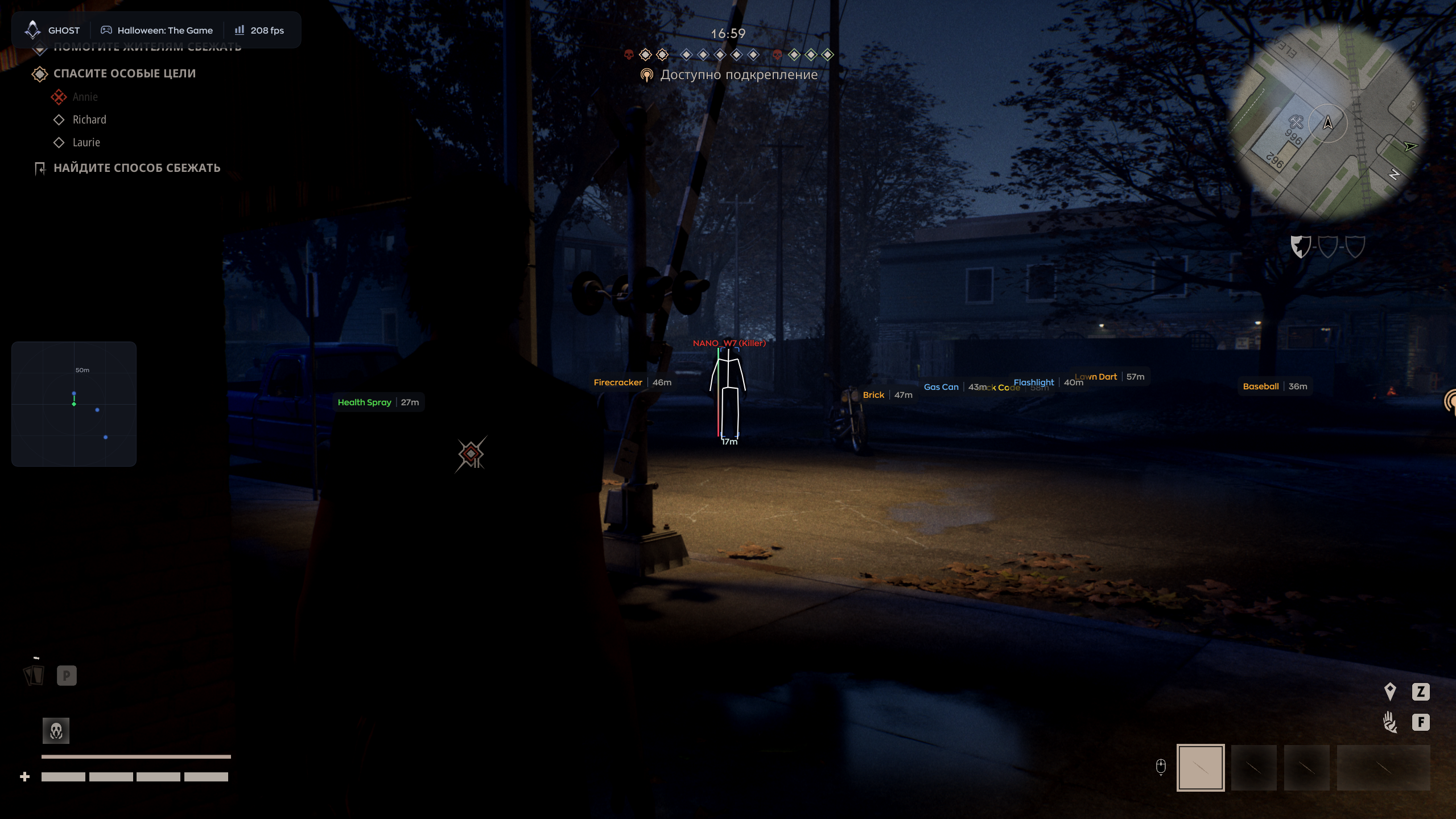
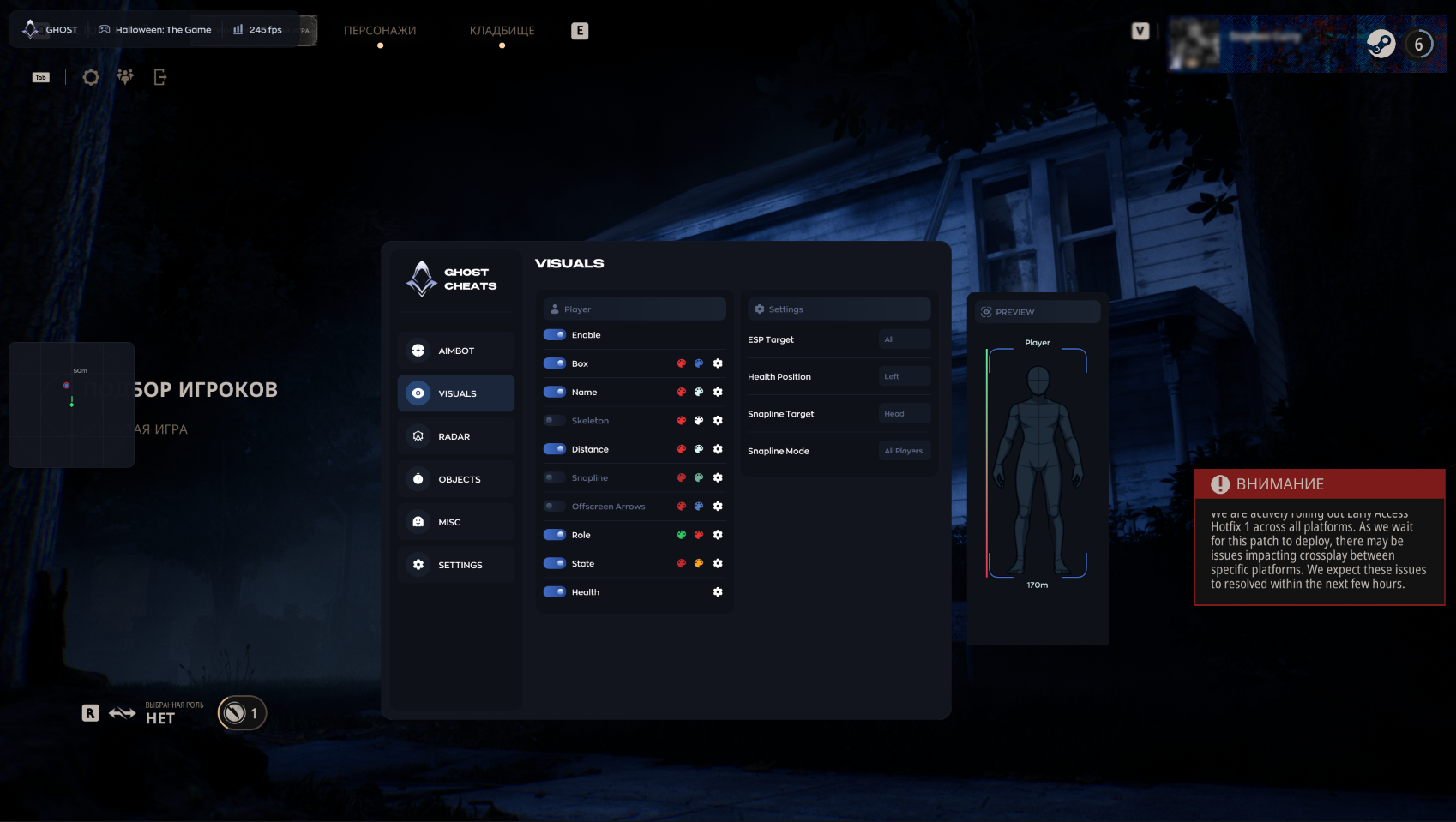
VISUAL
- Enable
- Box
- Name
- Skeleton
- Distance
- Snapline
- Snapline Target
- Snapline Mode
- Offscreen Arrows
- Role
- State
- Health
- Health Position
- ESP Target
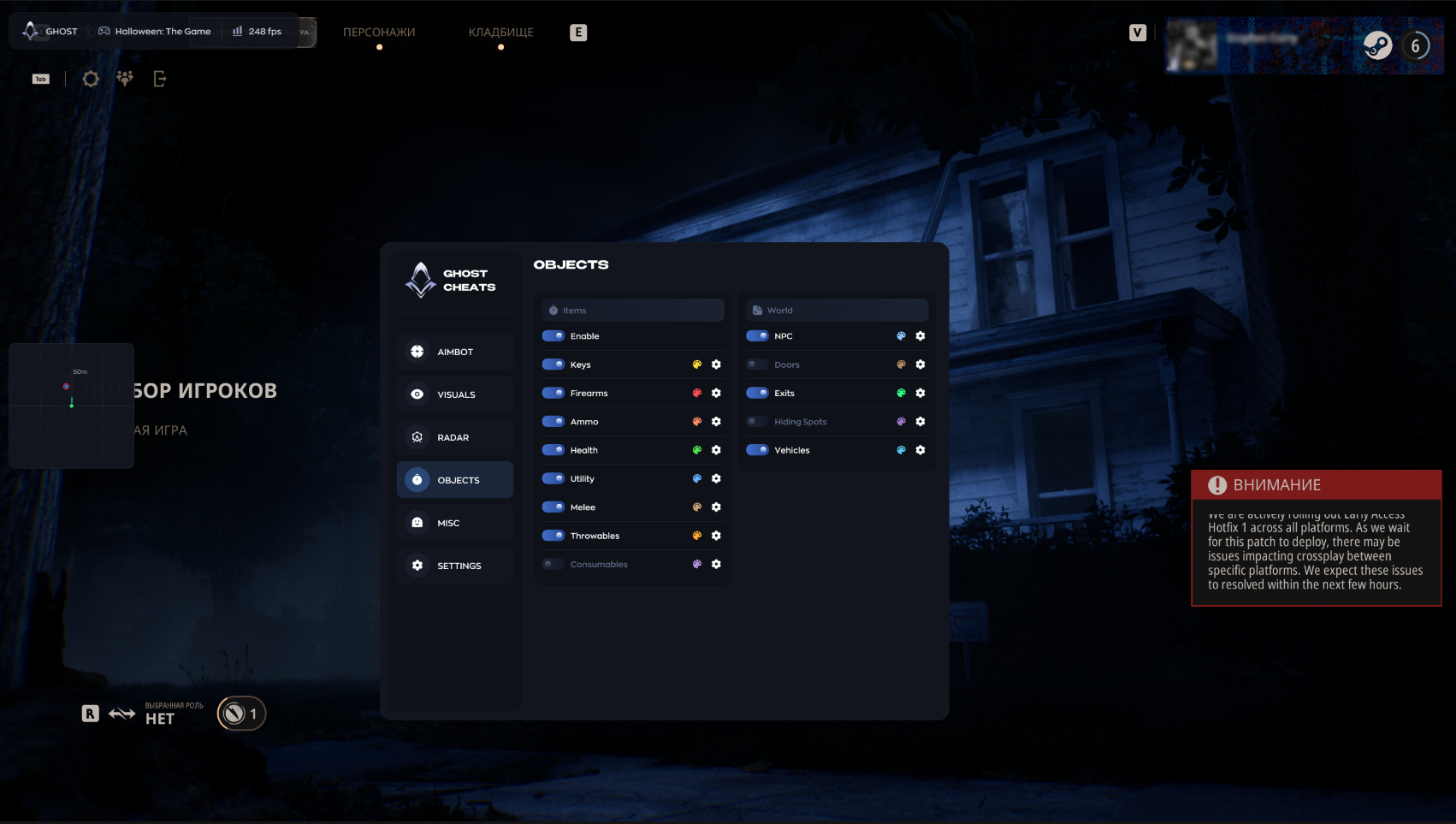
OBJECT
- Enable
- Keys
- Firearms
- Ammo
- Health
- Utility
- Melee
- Throwables
- Consumables
- World:
- NPC
- Doors
- Exits
- Hiding Spots
- Vehicles
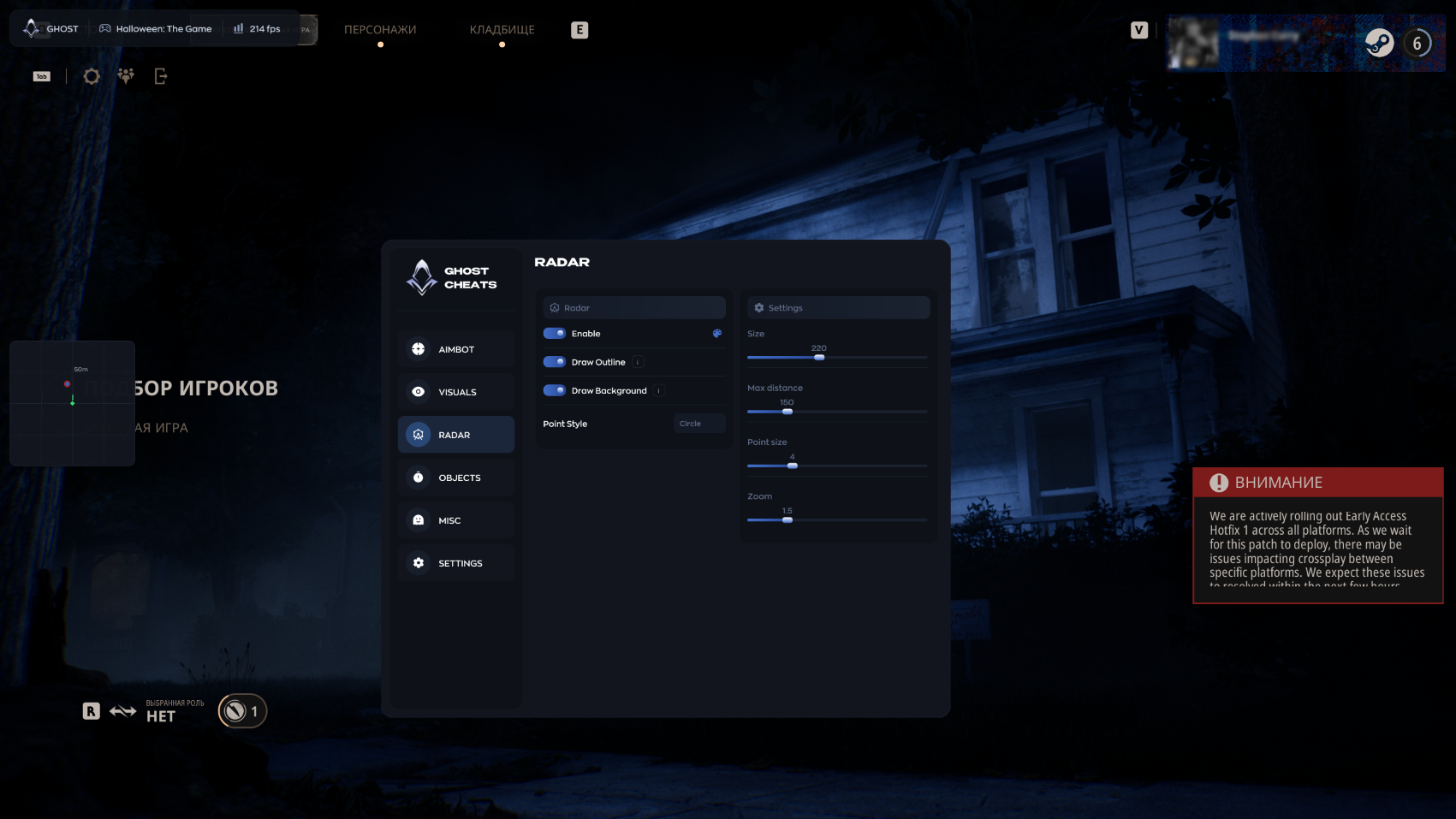
RADAR
- Enable
- Draw Outline
- Draw Background
- Point Style
- Size
- Max Distance
- Point Size
- Zoom
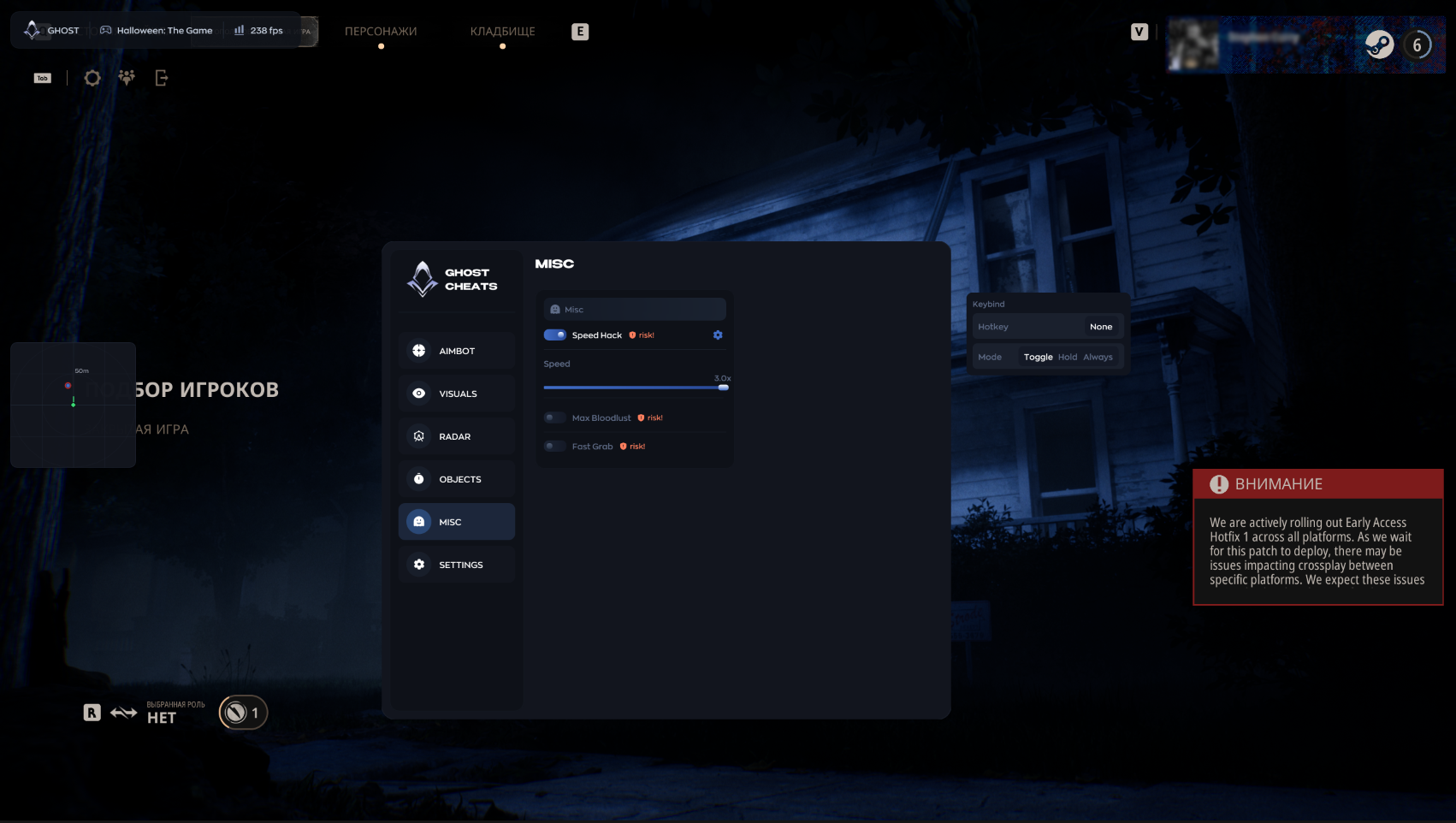
MISC
- Speed Hack
- Max Bloodlust
- Fast Grab
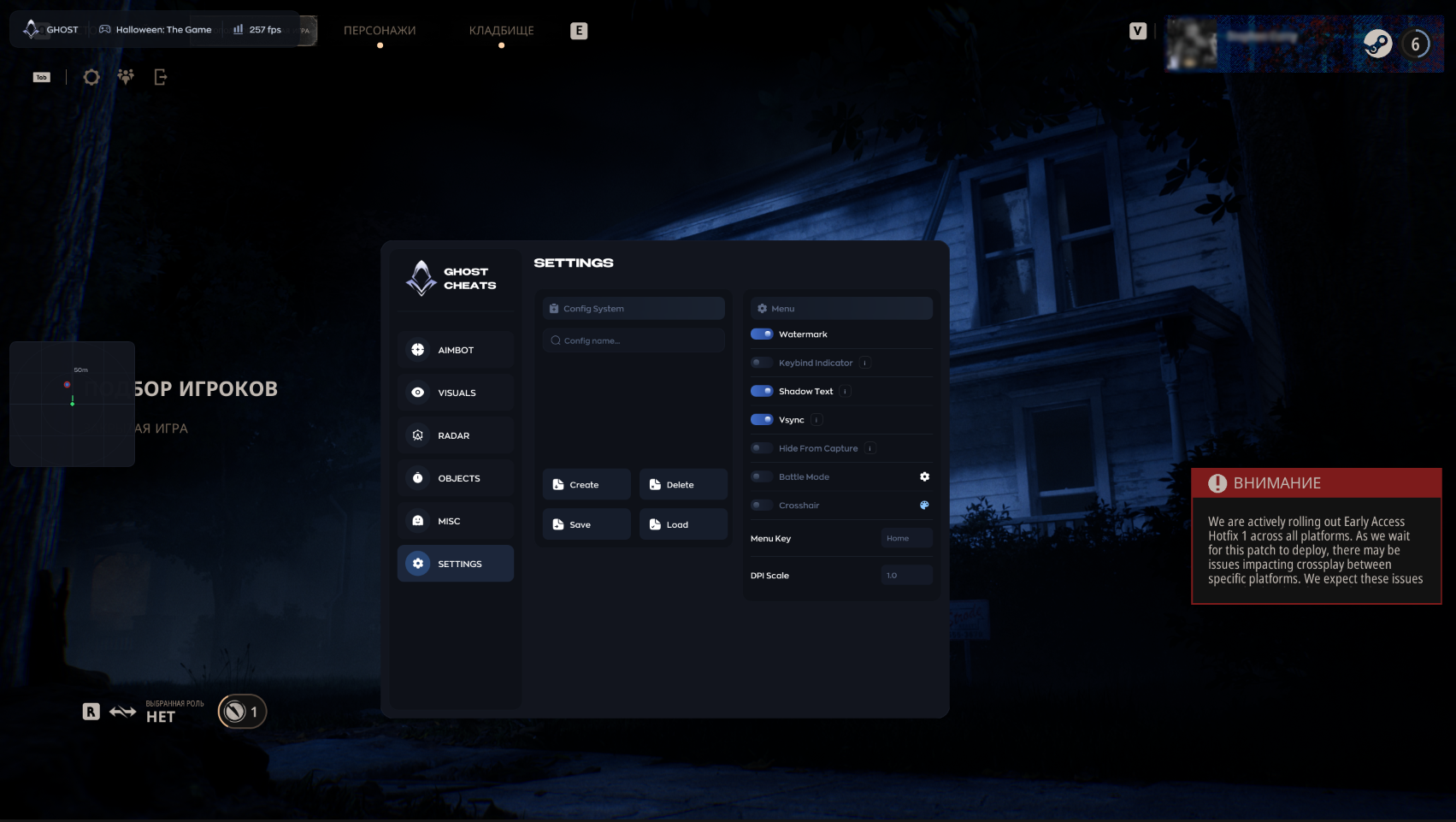
SETTING
- Config System
- Watermark
- Keybind Indicator
- Shadow Text
- Vsync
- Hide From Capture
- Battle Mode
- Crosshair
- Menu Key
- DPI Scale
MEDIA