Hunt Showdown
PRIVATE SOFTWARE
Byster
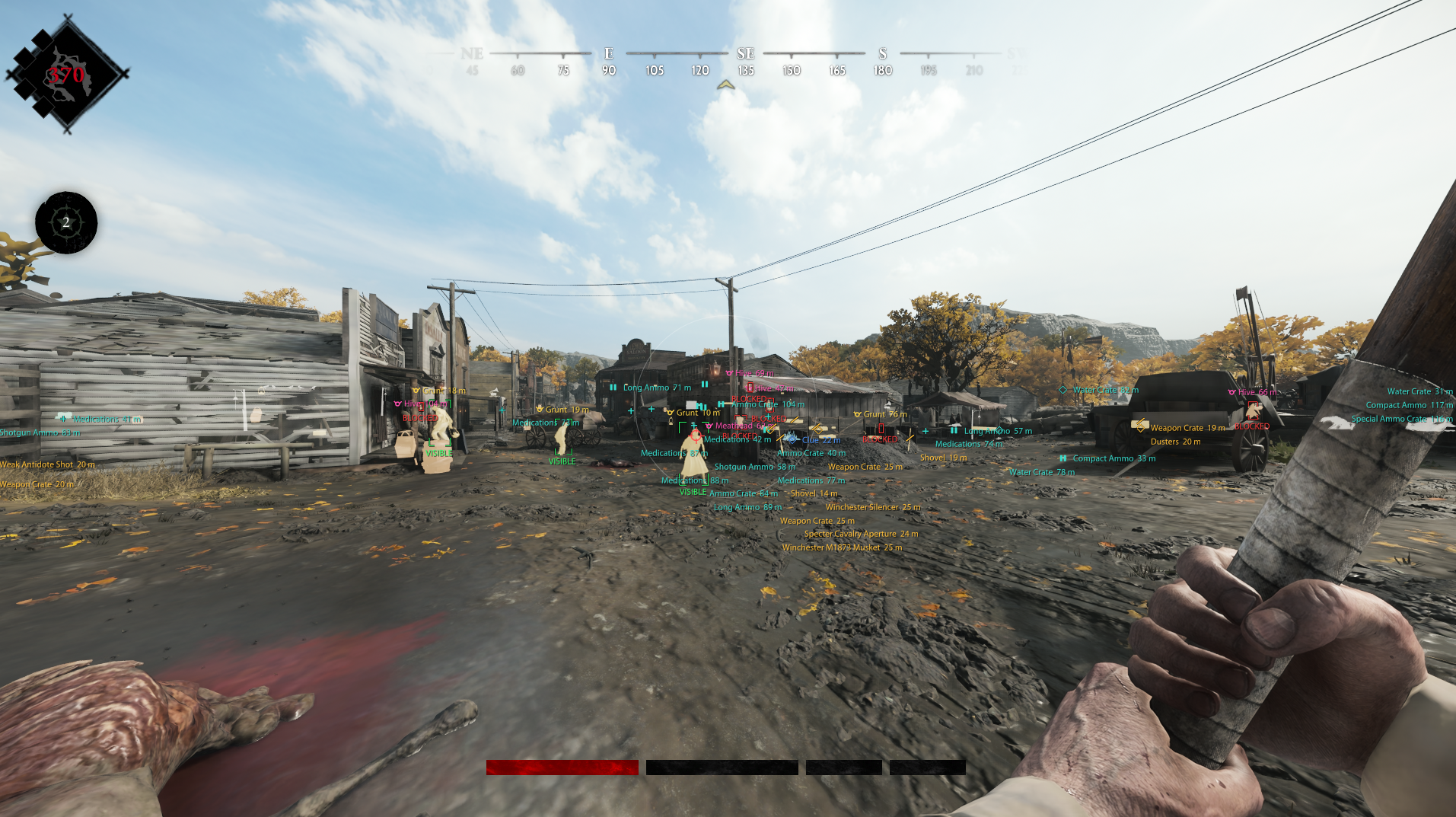
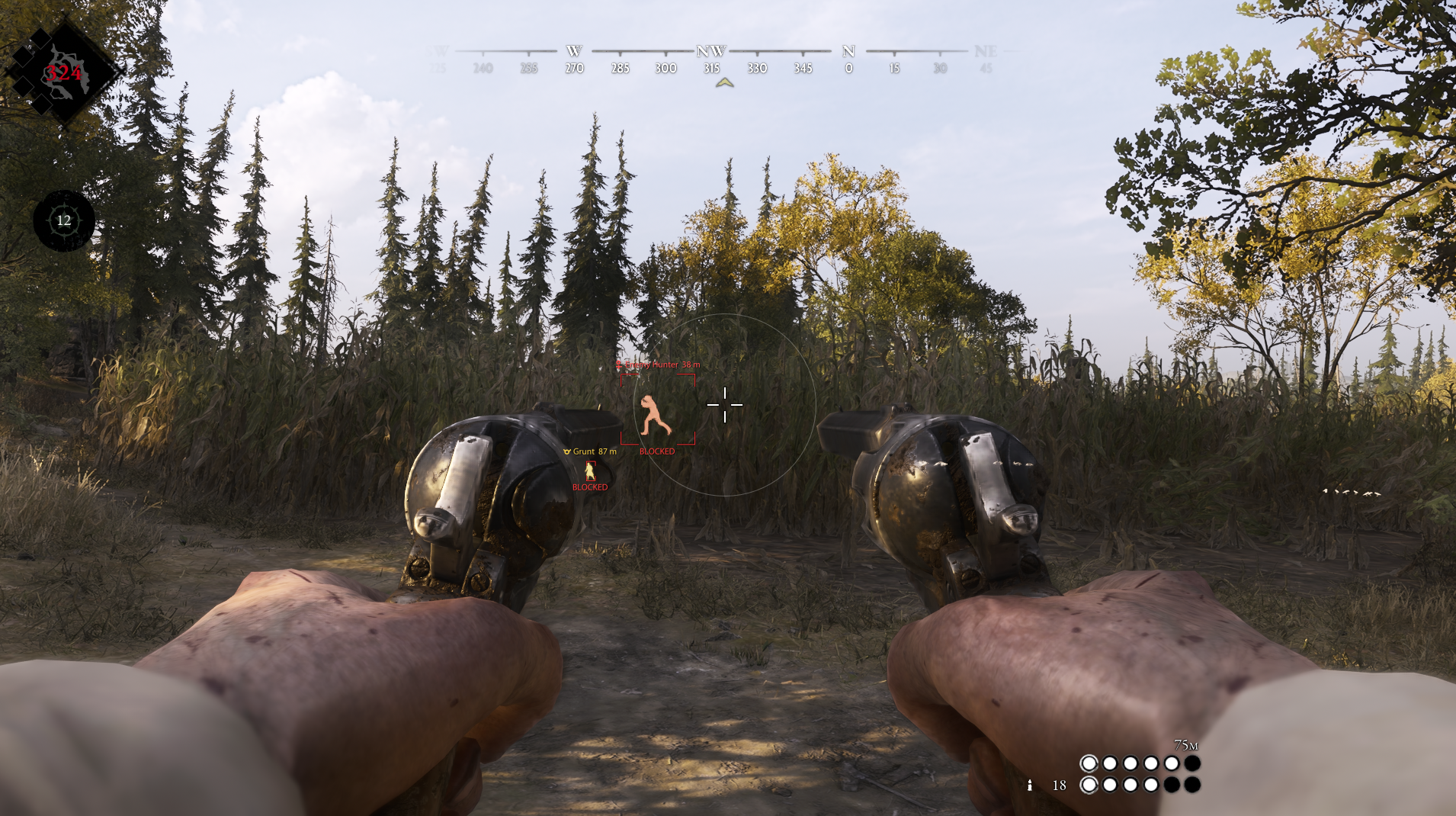
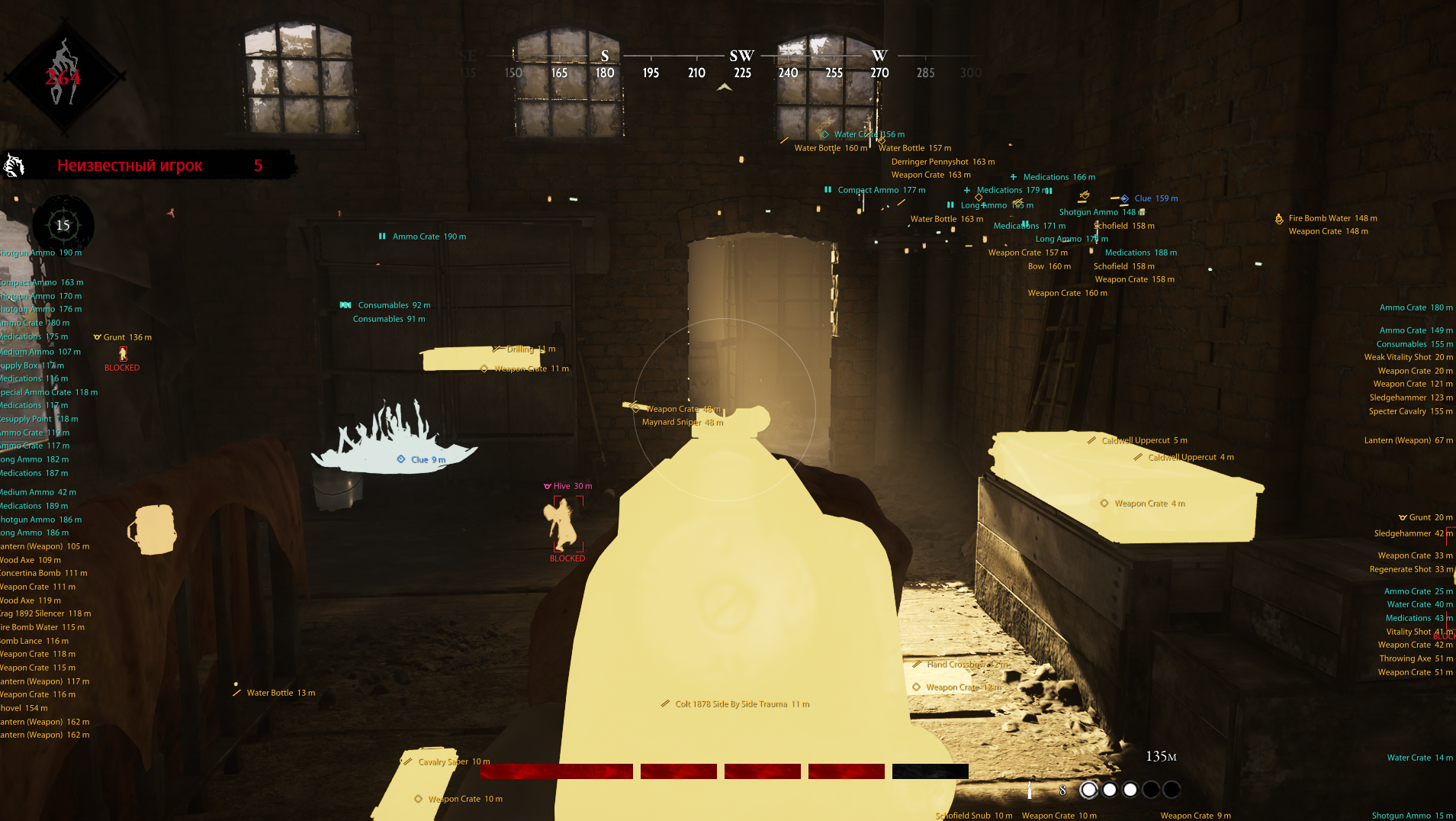
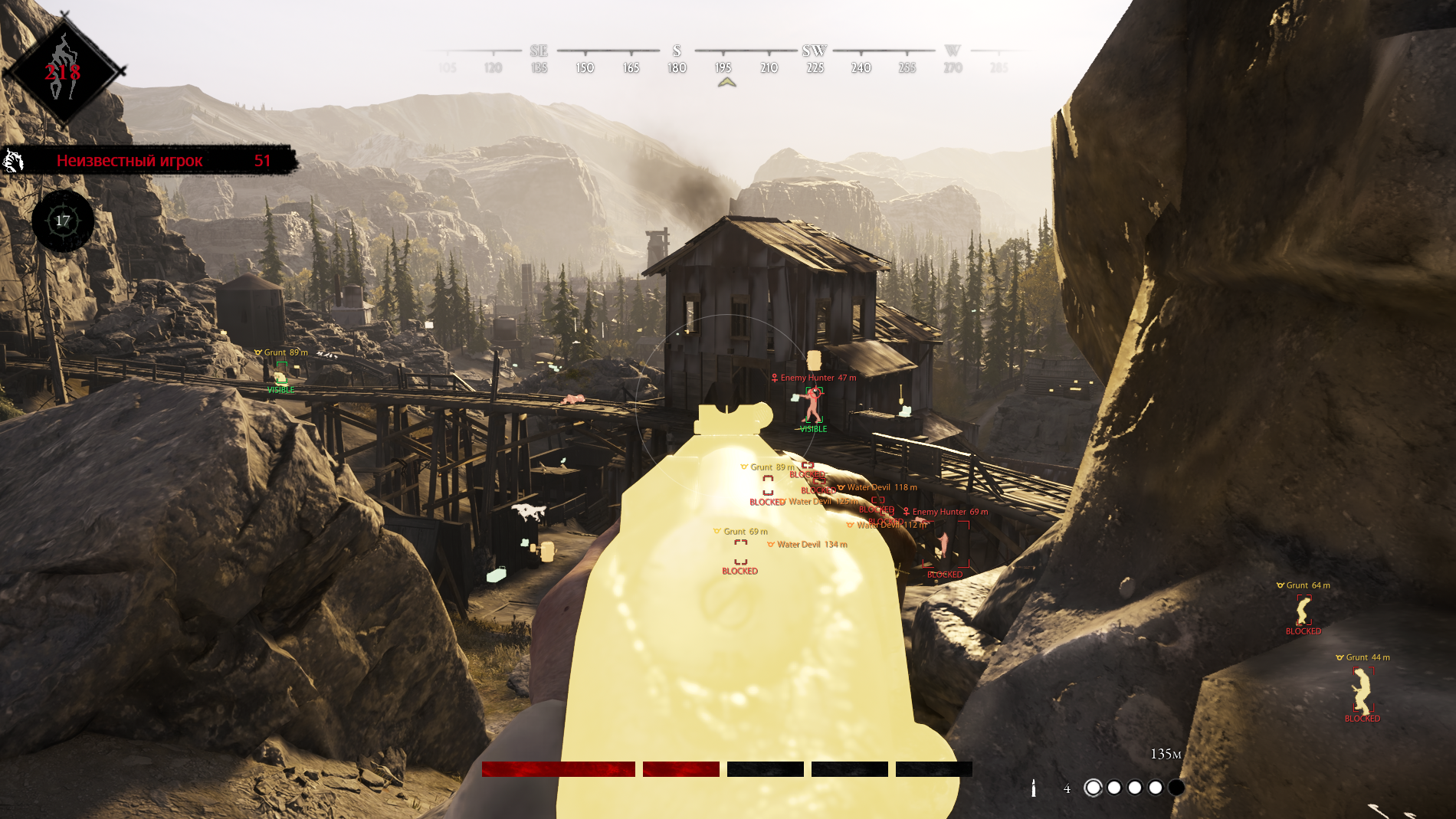
Byster is a private Hunt: Showdown tool for players who want a clear view of a busy raid. The aim module combines target selection, motion prediction and projectile settings with recoil and spread controls. Its ESP organizes hunters, creatures, bosses, objectives and equipment, while radar, camera FOV and Battle Mode add configurable awareness without hiding the product’s practical focus on Hunt Showdown 1896.
STATUS
ON UPDATE

FEATURES
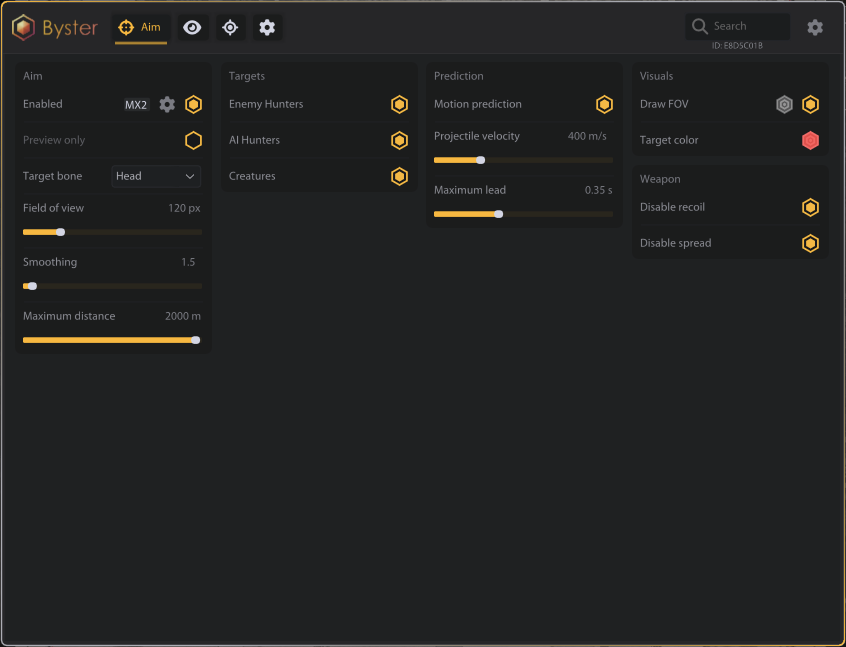
AIM
- Enabled
- Preview only
- Target bone
- Field of view
- Smoothing
- Maximum distance
- Targets:
- Enemy Hunters
- AI Hunters
- Creatures
- Prediction:
- Motion prediction
- Projectile velocity
- Maximum lead
- Visuals:
- Draw FOV
- Target color
- Weapon:
- Disable recoil
- Disable spread
VISUALS
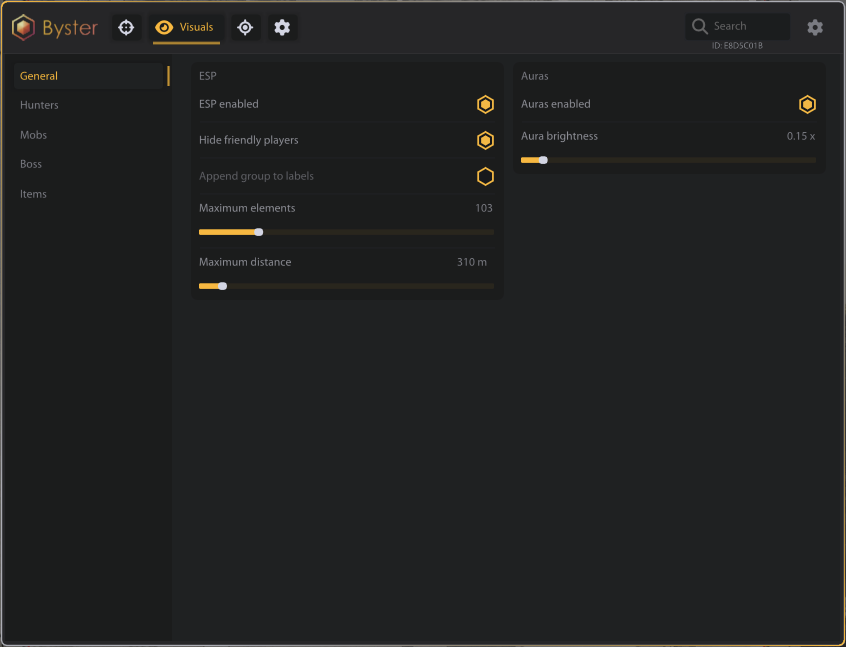
- General:
- ESP enabled
- Hide friendly players
- Append group to labels
- Maximum elements
- Maximum distance
- Auras:
- Auras enabled
- Aura brightness
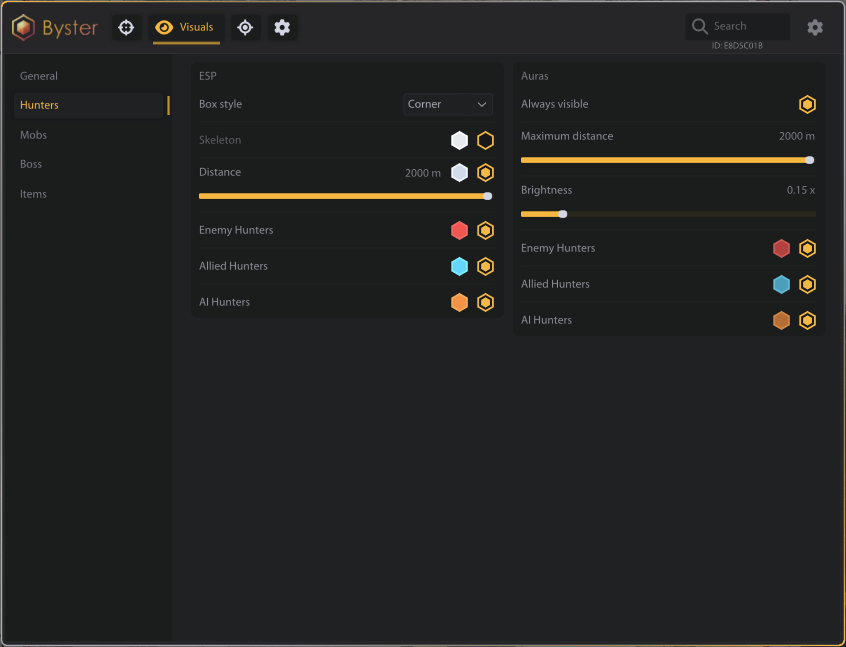
- Hunters:
- Box style
- Skeleton
- Distance
- Enemy Hunters
- Allied Hunters
- AI Hunters
- Always visible
- Maximum distance
- Brightness
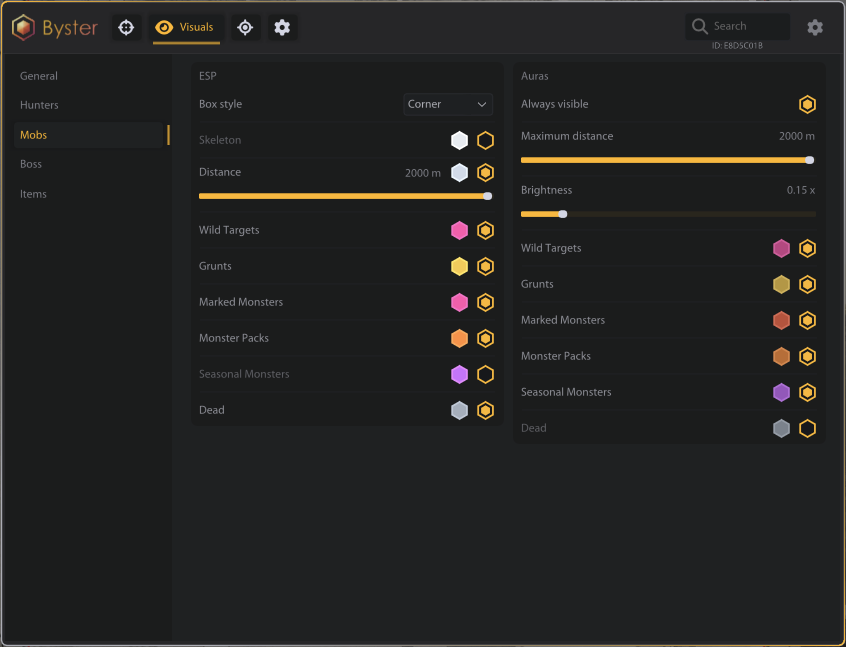
- Mobs:
- Box style
- Distance
- Wild Targets
- Grunts
- Marked Monsters
- Monster Packs
- Seasonal Monsters
- Dead
- Always visible
- Maximum distance
- Brightness
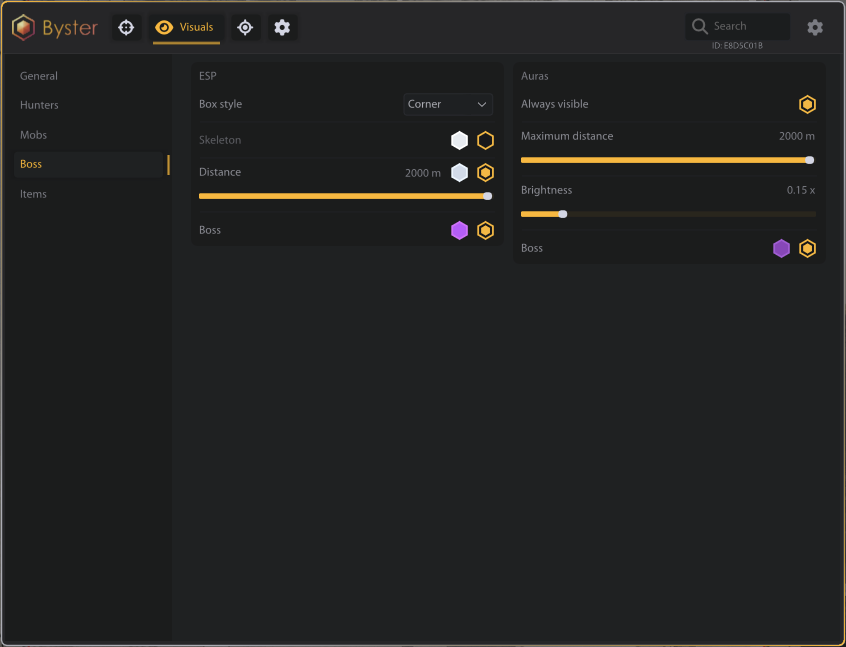
- Boss:
- Boss
- Always visible
- Maximum distance
- Brightness
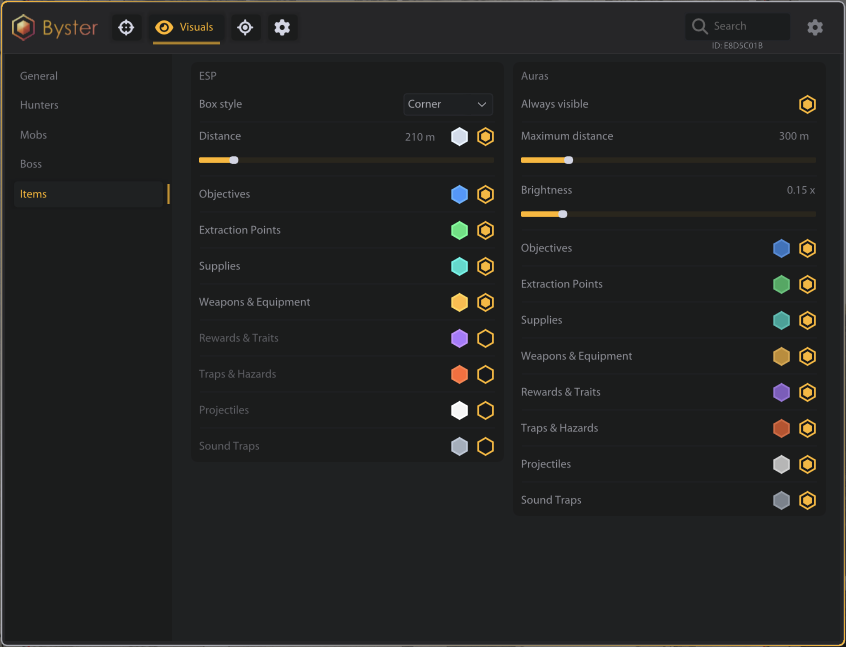
- Items:
- Box style
- Distance
- Objectives
- Extraction Points
- Supplies
- Weapons & Equipment
- Rewards & Traits
- Traps & Hazards
- Projectiles
- Sound Traps
- Always visible
- Maximum distance
- Brightness
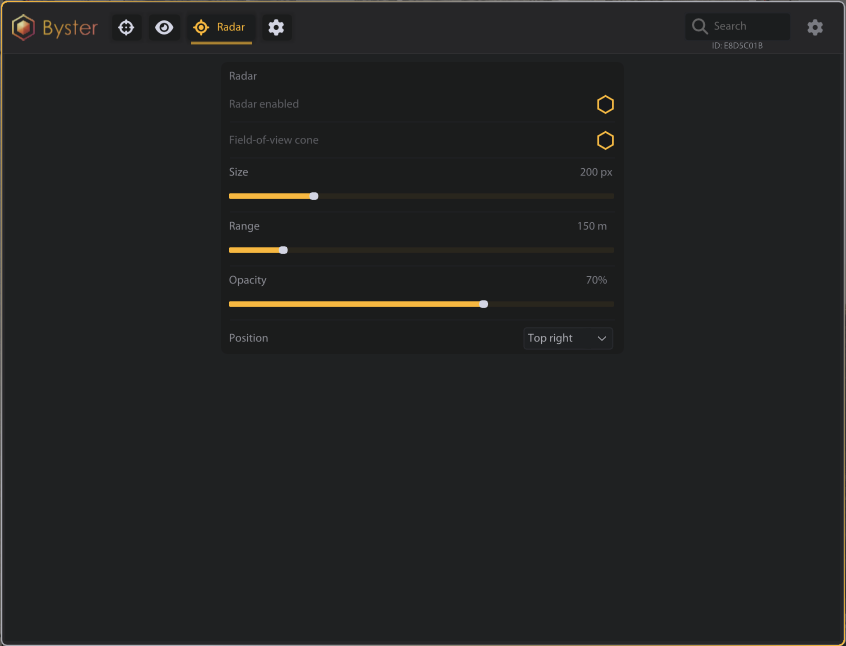
RADAR
- Radar enabled
- Field-of-view cone
- Size
- Range
- Opacity
- Position
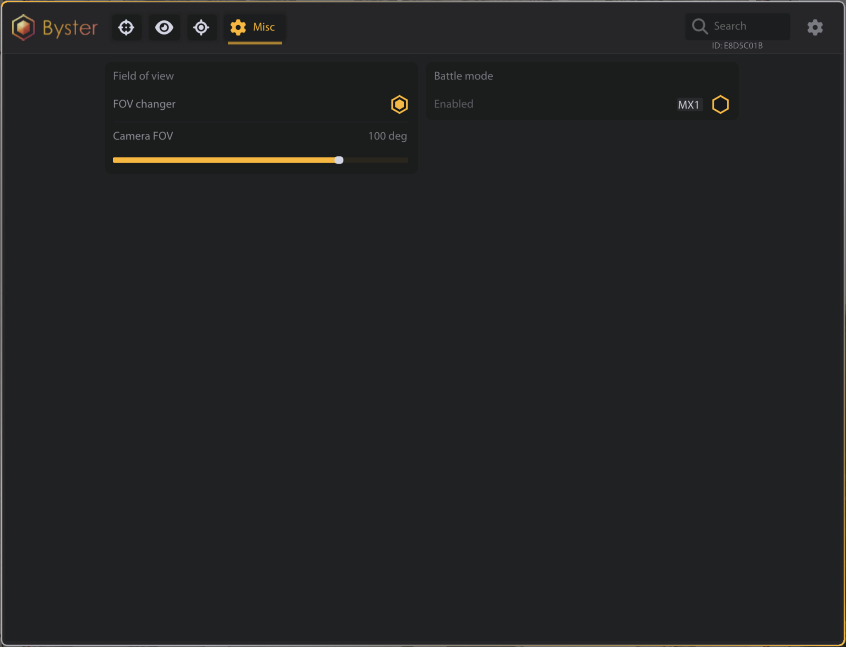
CAMERA / FOV
- FOV changer
- Camera FOV
BATTLE MODE
- Enabled
MEDIA