Once Human
PRIVATE SOFTWARE
Puss
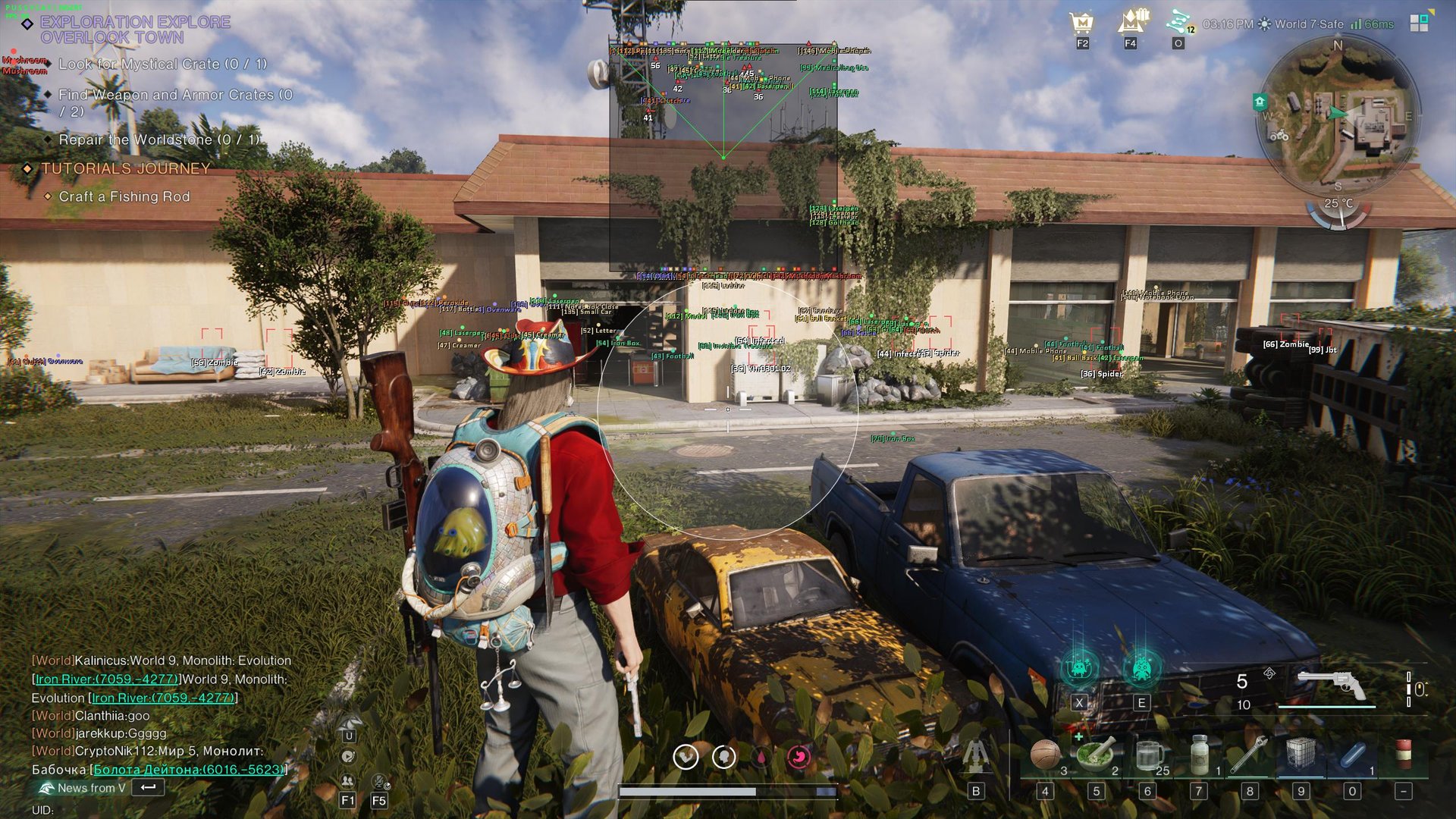
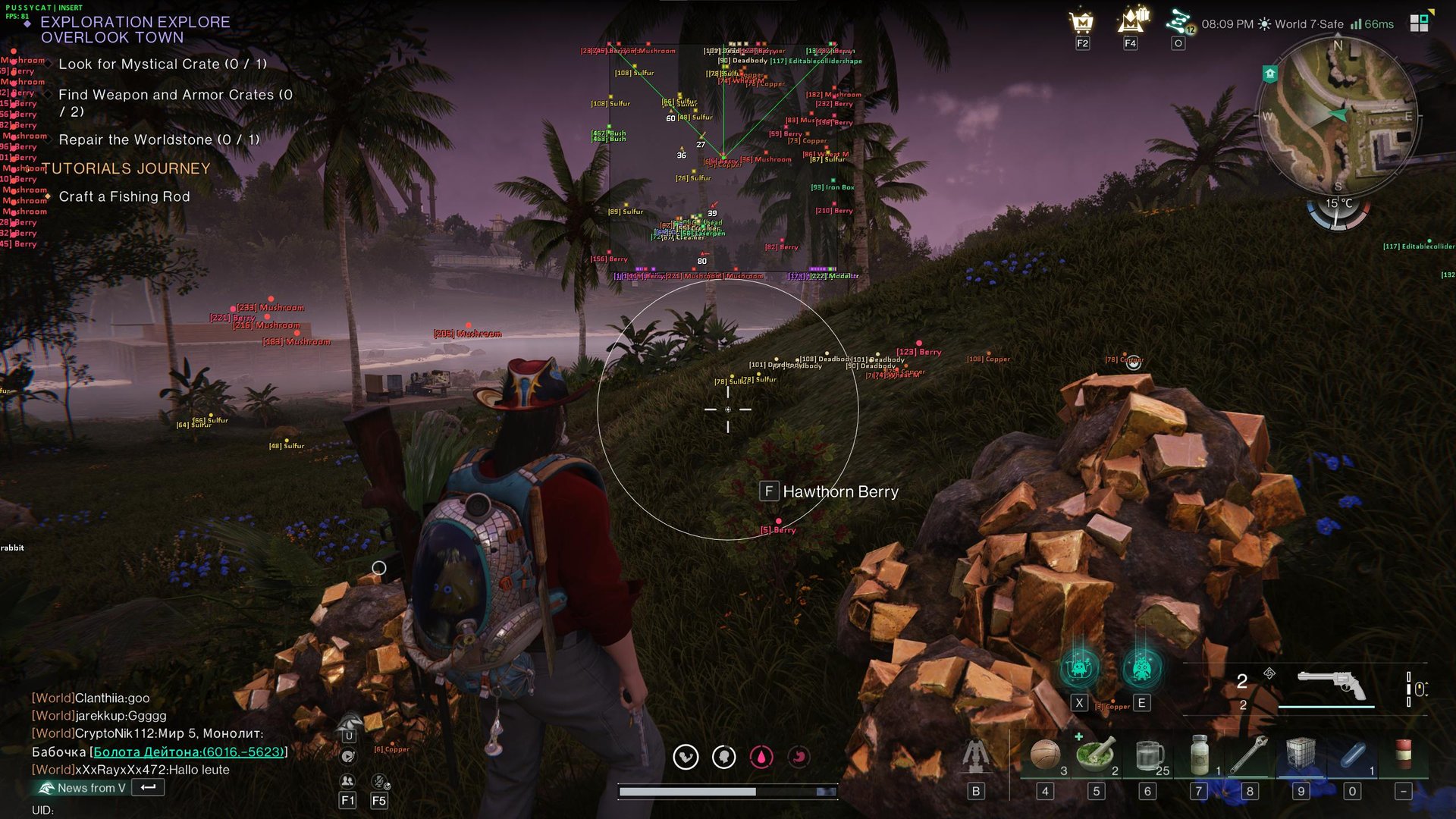
Puss for Once Human brings aiming control and a clearer view of the world to your survival runs. Aimbot, player ESP and entity ESP help you follow nearby threats and choose when to engage, while world markers point out loot, resources and useful objects along the way. Adjust the radar and display distance to keep the information relevant to your next move. From a fight with creatures to a gathering route, approach the next encounter with more of the scene in view.
STATUS
UNDETECTED

FEATURES
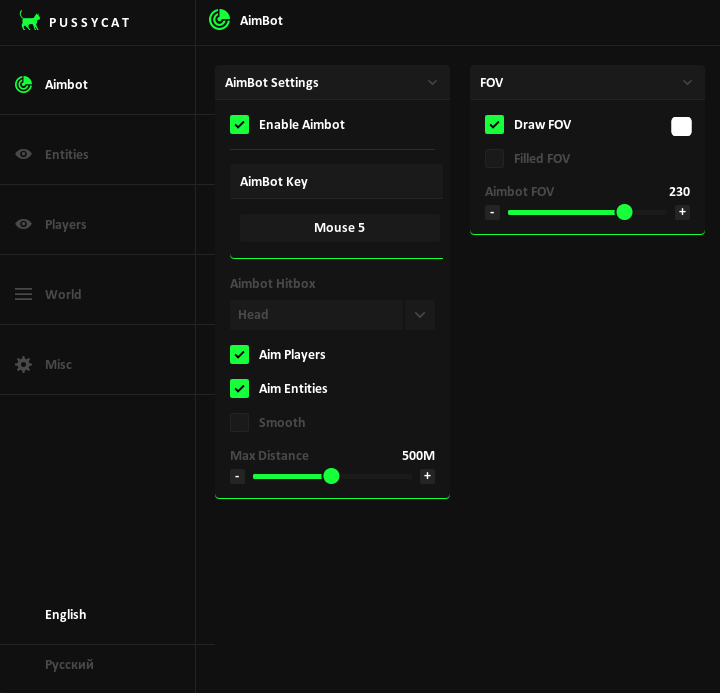
Aimbot
- Aimbot settings
- Enable Aimbot
- Aimbot key
- Aimbot Hitbox
- Aim Players
- Aim Entities
- Smooth
- Smooth Amount
- Max Distance
- FOV
- Draw FOV
- Filled FOV
- Aimbot FOV
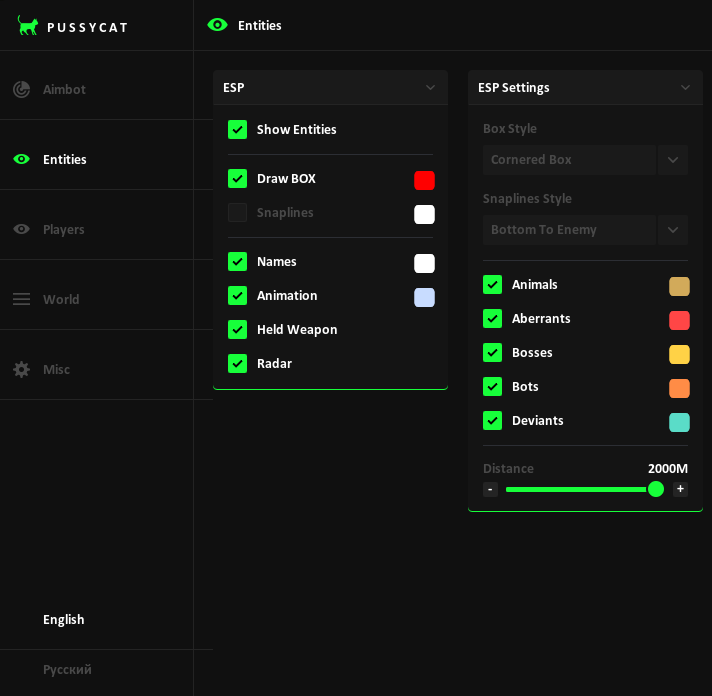
Entities
- ESP
- Show Entities
- Draw boxes
- Snaplines
- Names
- Animation
- Held Weapon
- Radar
- ESP Settings
- Box Style
- Snaplines Style
- Animals
- Aberrants
- Bosses
- Bots
- Deviants
- Distance
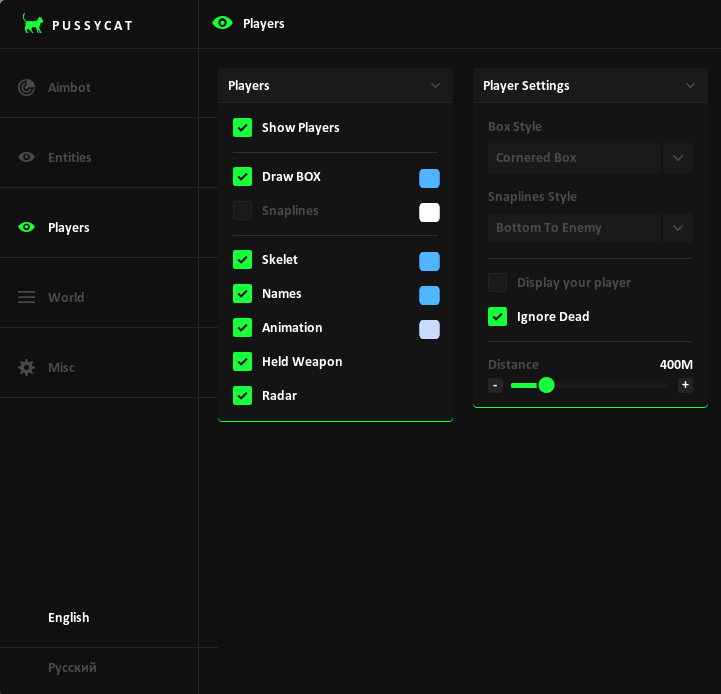
Players
- Players
- Show Players
- Draw boxes
- Snaplines
- Skeleton
- Names
- Animation
- Held Weapon
- Radar
- Player Settings
- Box Style
- Snaplines Style
- Display your player
- Ignore Dead
- Distance
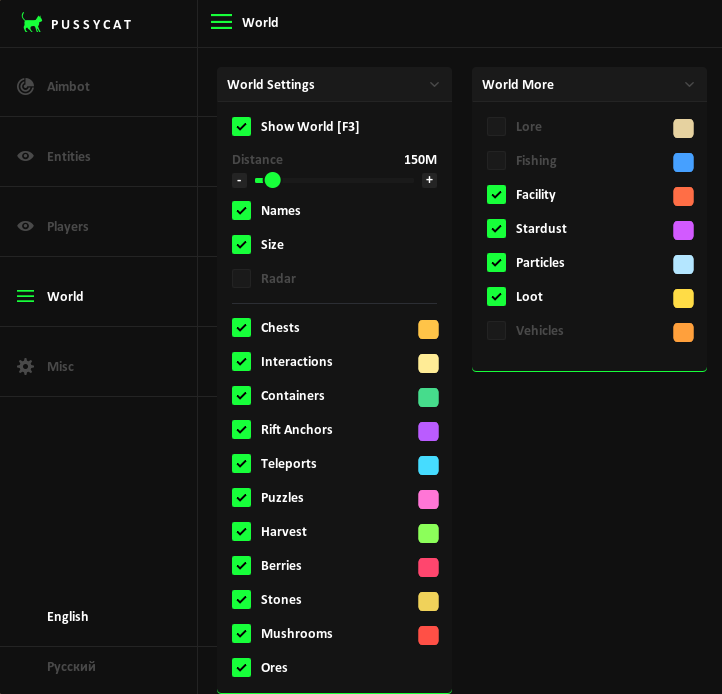
World
- World Settings
- Show World [F3]
- Distance
- Names
- Size
- Radar
- Chests
- Interactions
- Containers
- Rift Anchors
- Teleports
- Puzzles
- Harvest
- Berries
- Stones
- Mushrooms
- Ores
- World More
- Lore
- Fishing
- Facility
- Stardust
- Particles
- Loot
- Vehicles
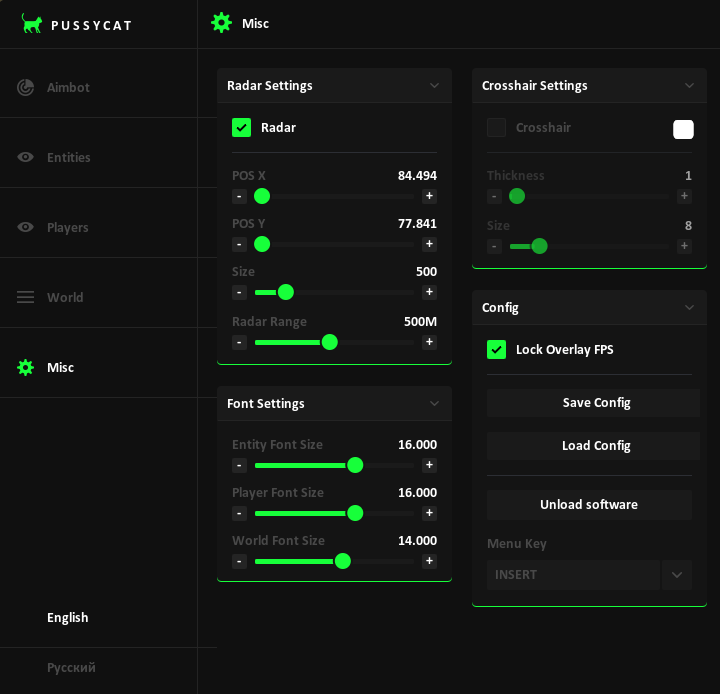
Misc
- Radar Settings
- Radar
- X position
- Y position
- Size
- Radar Range
- Font Settings
- Entity Font Size
- Player Font Size
- World Font Size
- Crosshair Settings
- Crosshair
- Thickness
- Size
- Config
- Lock Overlay FPS
- Save Config
- Load Config
- Unload software
- Menu Key
MEDIA