ROB RUN
PRIVATE SOFTWARE
Ancient
Ancient for ROB RUN brings aiming control and situational awareness together, helping you read an encounter before choosing your next move. Aimbot and player ESP support controlled engagements while keeping Police, Robber and Civilian roles in view. Loot markers and map tools help you locate items and plan where to go, while nearby-player warnings draw attention to activity around you. With recoil and spread controls alongside these systems, Ancient gives you practical ways to adapt your approach to the action.
STATUS
UNDETECTED

FEATURES
Players
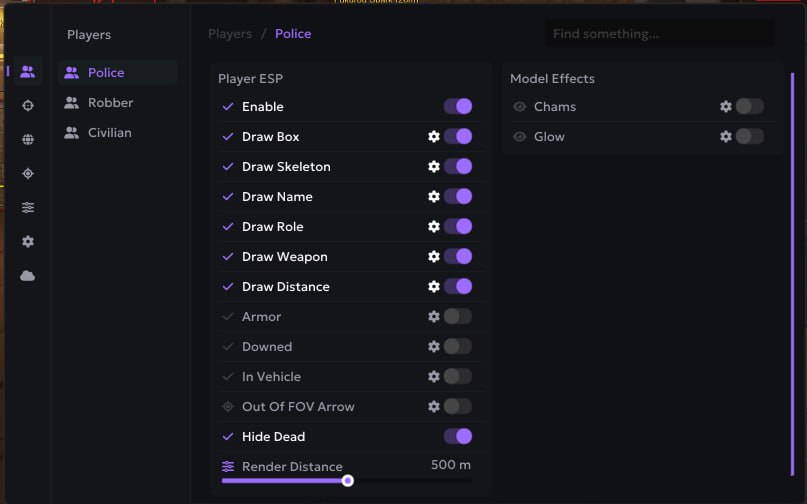
Player ESP [Police, Robber, Civilian]
- Enable
- Draw Box
- Draw Skeleton
- Draw Name
- Draw Role
- Draw Weapon
- Draw Distance
- Armor
- Downed
- In Vehicle
- Out Of FOV Arrow
- Hide Dead
- Render Distance
Model Effects [Police, Robber, Civilian]
- Chams
- Glow
Aim
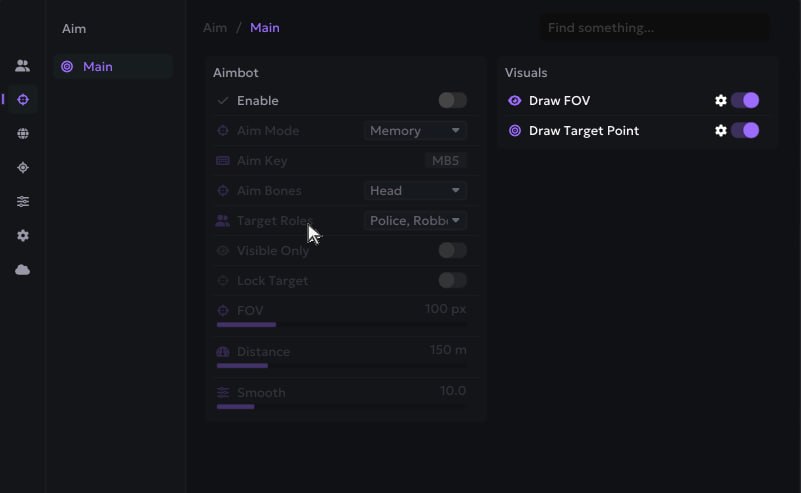
Aimbot [Main]
- Enable
- Aim Mode
- Aim Key
- Aim Bones
- Target Roles
- Visible Only
- Lock Target
- FOV
- Distance
- Smooth / Hit Chance
Visuals [Main]
- Draw FOV
- Draw Target Point
World
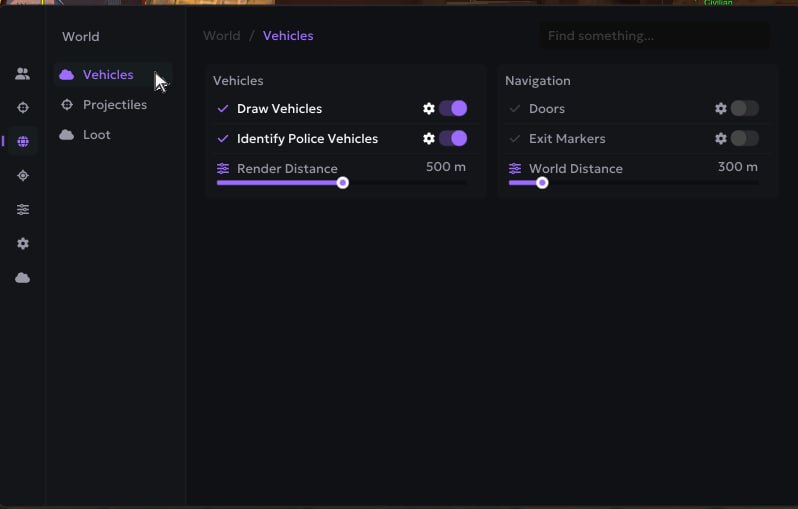
Vehicles [Vehicles]
- Draw Vehicles
- Identify Police Vehicles
- Render Distance
Navigation [Vehicles]
- Doors
- Exit Markers
- World Distance
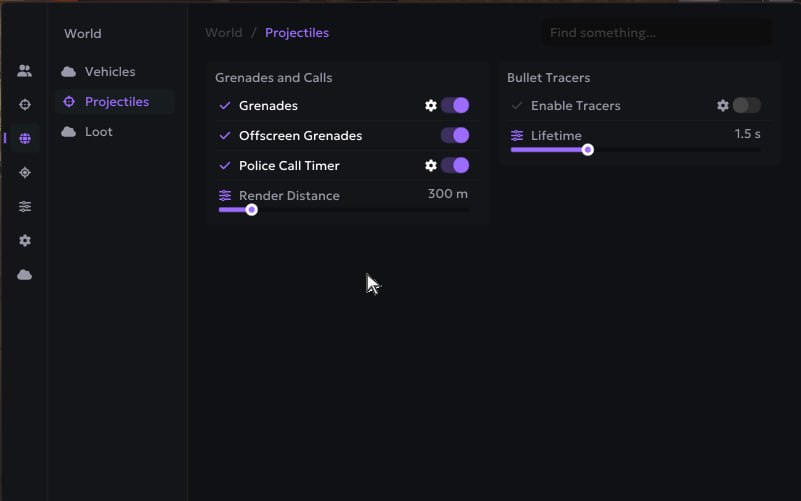
Grenades and Calls [Projectiles]
- Grenades
- Offscreen Grenades
- Police Call Timer
- Render Distance
Bullet Tracers [Projectiles]
- Enable Tracers
- Lifetime
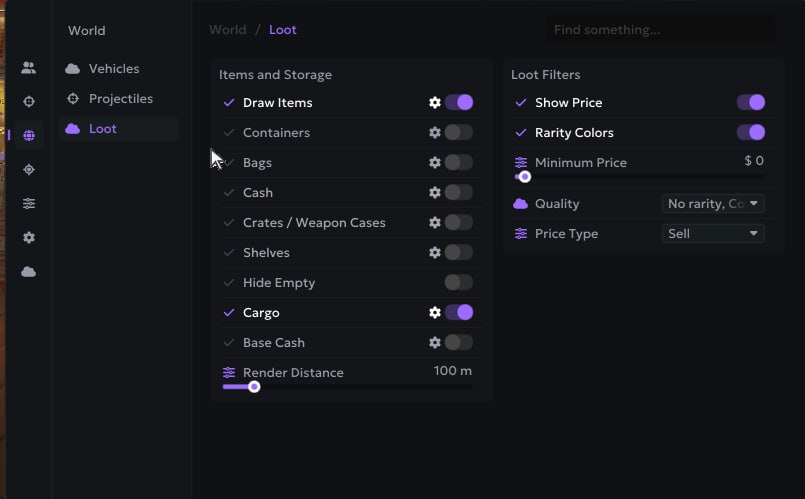
Items and Storage [Loot]
- Draw Items
- Containers
- Bags
- Cash
- Crates / Weapon Cases
- Shelves
- Hide Empty
- Cargo
- Base Cash
- Render Distance
Loot Filters [Loot]
- Show Price
- Rarity Colors
- Minimum Price
- Quality
- Price Type
Awareness
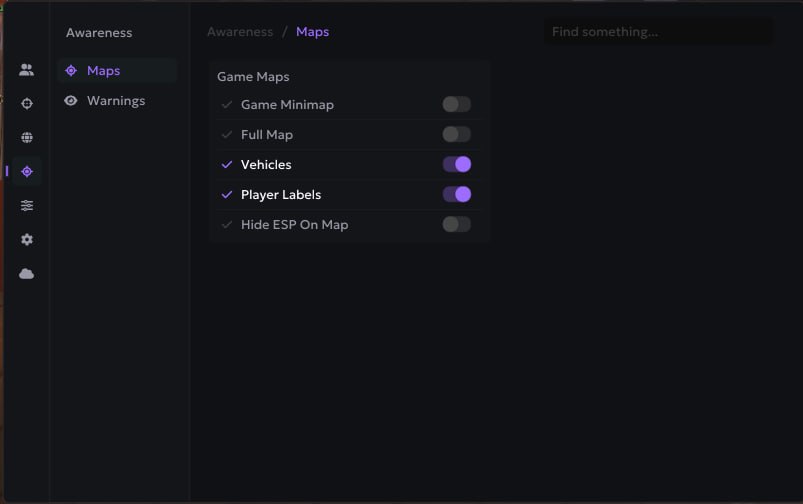
Game Maps [Maps]
- Game Minimap
- Full Map
- Vehicles
- Player Labels
- Hide ESP On Map
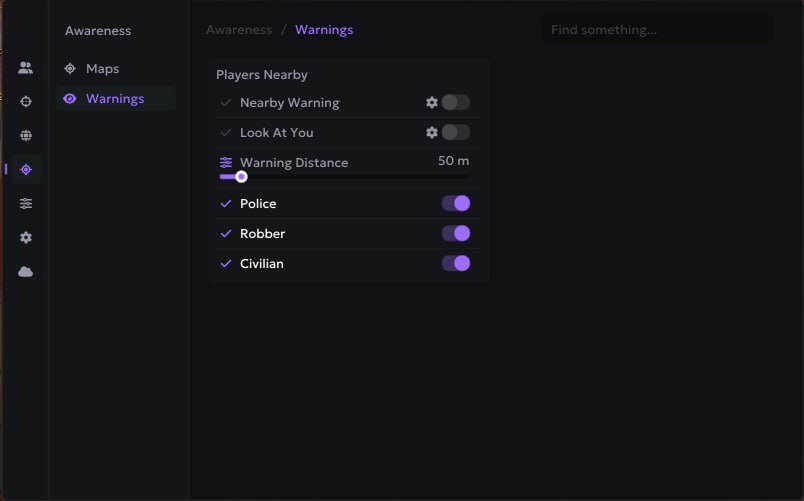
Players Nearby [Warnings]
- Nearby Warning
- Look At You
- Warning Distance
- Police
- Robber
- Civilian
Misc
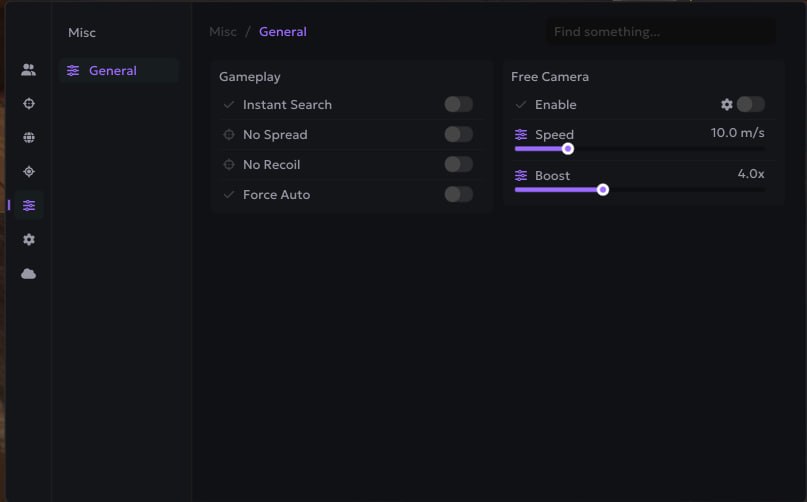
Gameplay [General]
- Instant Search
- No Spread
- No Recoil
- Force Auto
Free Camera [General]
- Enable
- Speed
- Boost
Settings
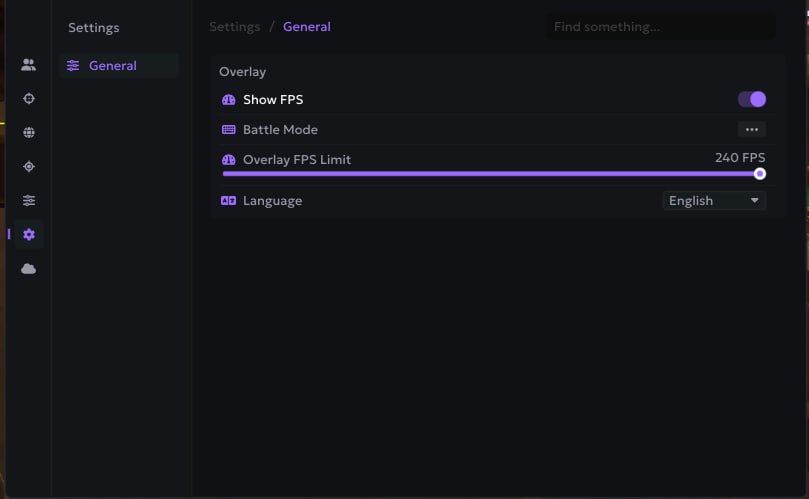
Overlay [General]
- Show FPS
- Battle Mode
- Overlay FPS Limit
- Language
Configs
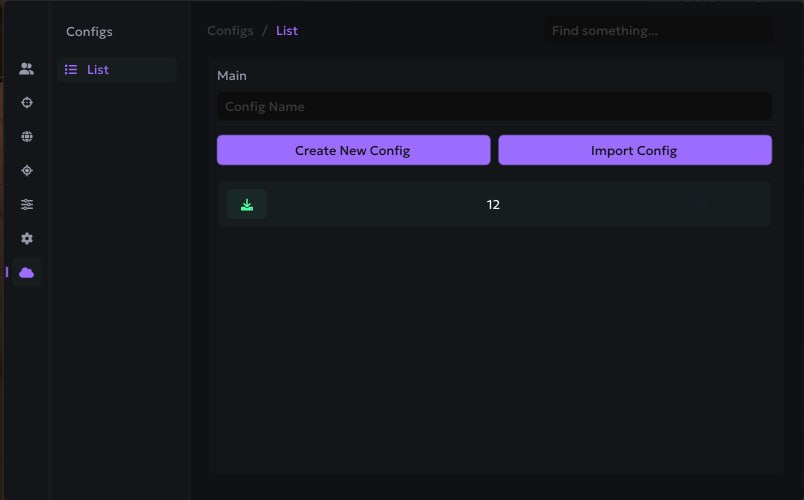
- Config Name
- Create New Config
- Import Config
- Save
- Load
- Delete
- Export
MEDIA