Rust
PRIVATE SOFTWARE
COFFEE
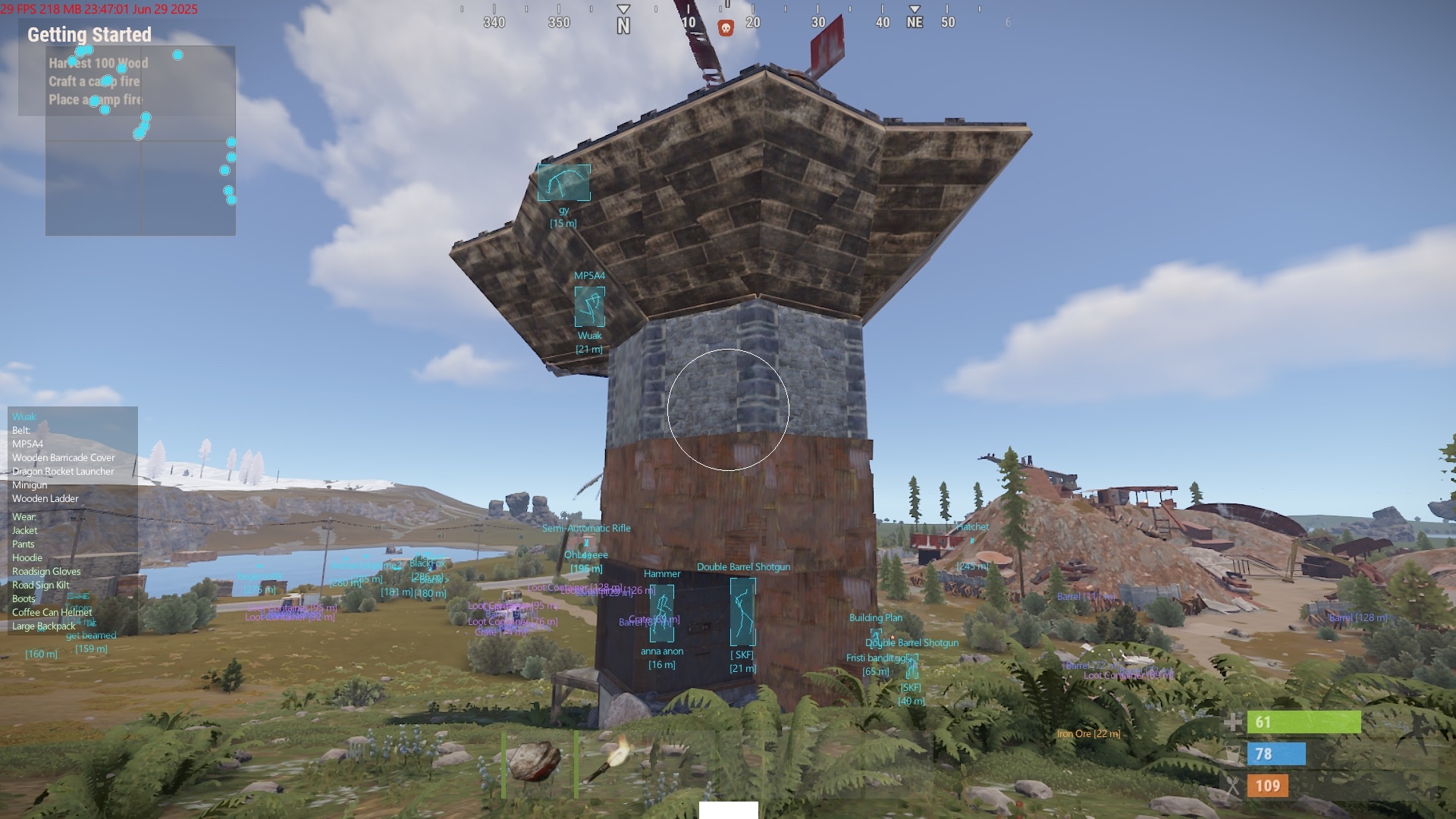
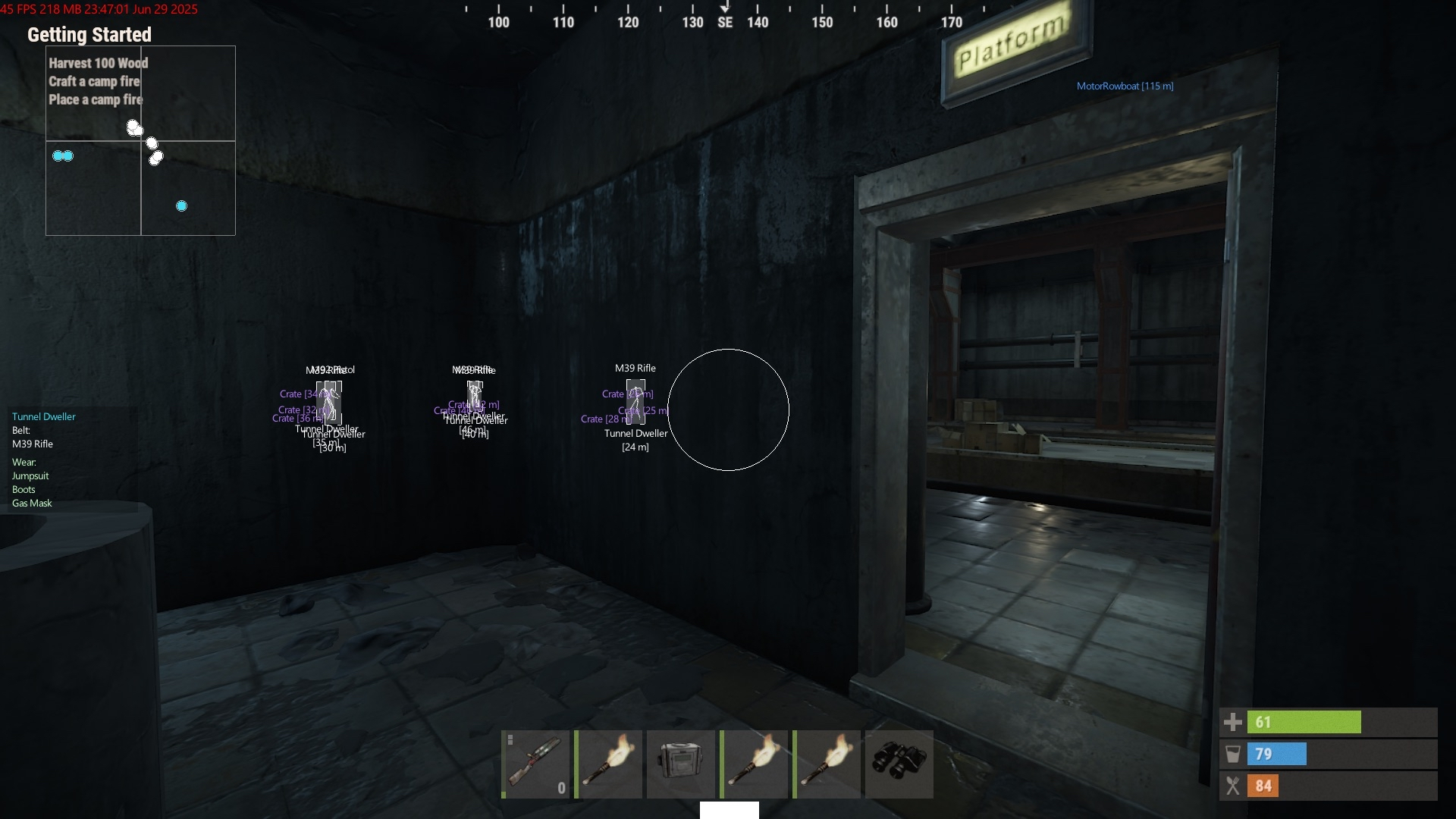
Coffee for Rust is a streamproof private cheat featuring ESP for players, bots, loot, and world objects, providing clear visibility of important elements in your environment. It also includes a radar for enhanced situational awareness, helping you stay alert and in control throughout every session. Streamproof
STATUS
ON UPDATE
FEATURES
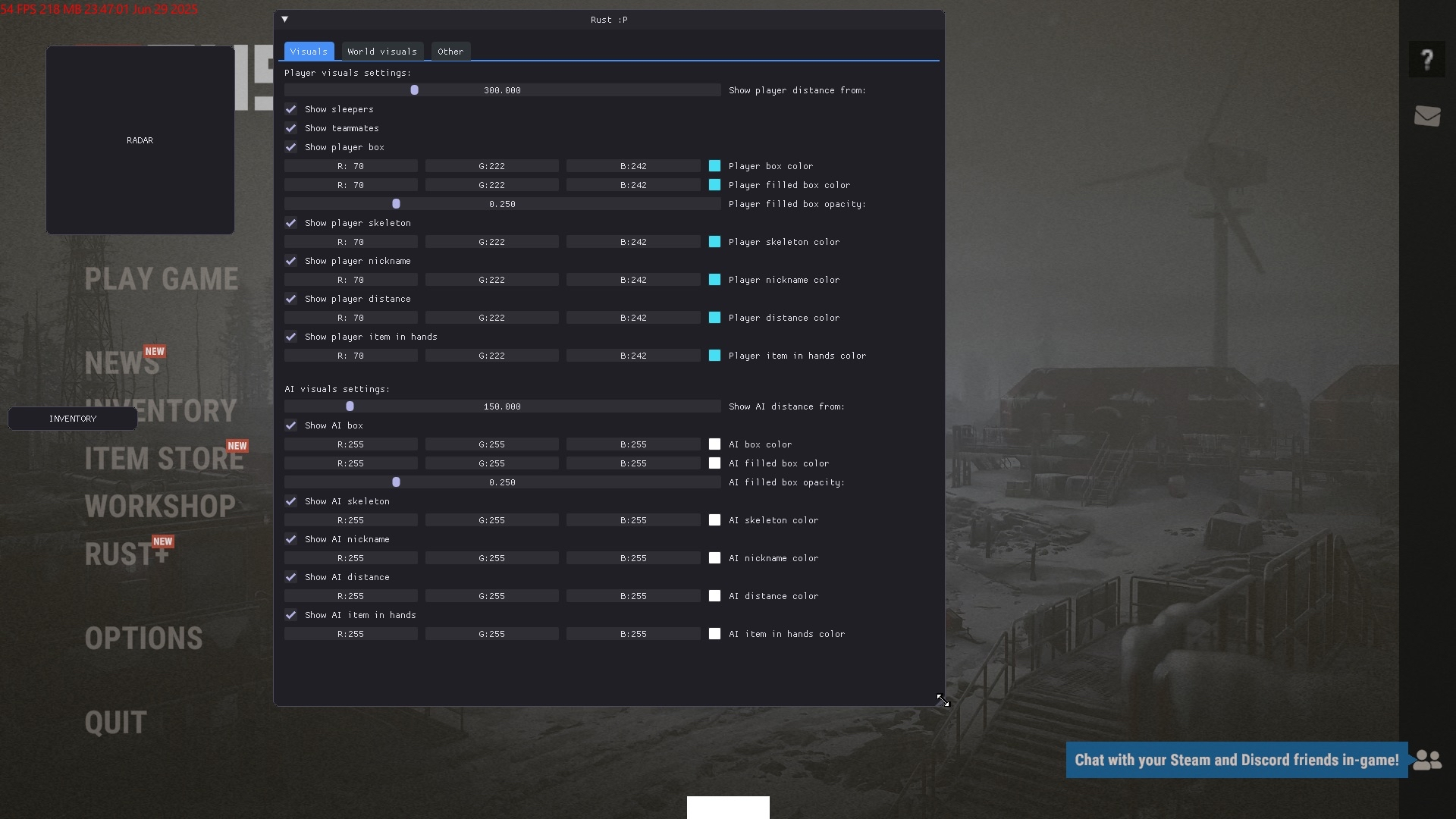
PLAYER VISUALS SETTINGS
- Show sleepers
- Show teammates
- Show player box
- Show player skeleton
- Show player nickname
- Show player distance
- Show player item in hands
- Show player distance from
AI VISUALS SETTINGS
- Show AI box
- Show AI skeleton
- Show AI nickname
- Show AI distance
- Show AI item in hands
- Show AI distance from
- AI visuals range (distance slider)
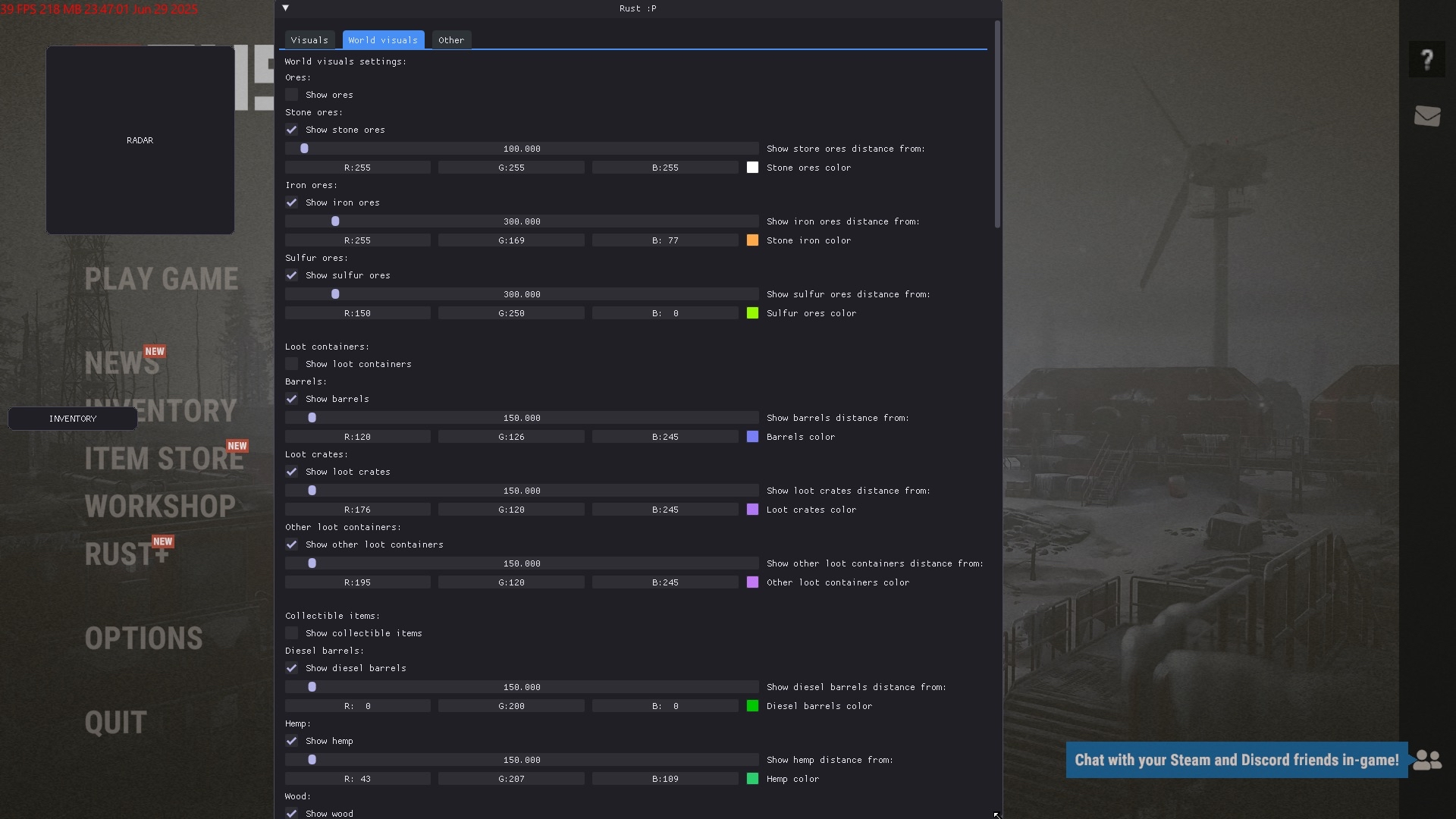
WORLD VISUALS SETTINGS
You can customize each category by color and render distance
- Ores
- Show stone ores
- Show iron ores
- Show sulfur ores
- Loot Containers
- Show barrels
- Show loot crates
- Show other loot containers
- Collectible Items
- Show diesel barrels
- Show hemp
- Show wood
- Show stone ore
- Show iron ore
- Show sulfur ore
- Show other collectible items
- Vehicles
- Show helicopters
- Show cars
- Show bikes
- Show boats
- Show submarines
- Show other vehicles
- Show patrol helicopter
- Show bradley
- Show SAM sites
- Other
- Show animals
- Show explosives
- Show tool cupboards
- Show sleeping bags
- Show hackable crates
- Show drones
- Show cargo plane
- Show supply drop
- Show refinery
- Show recycler
- Show stash container
- Show gun traps
- Show lootable corpses
- Show dropped items
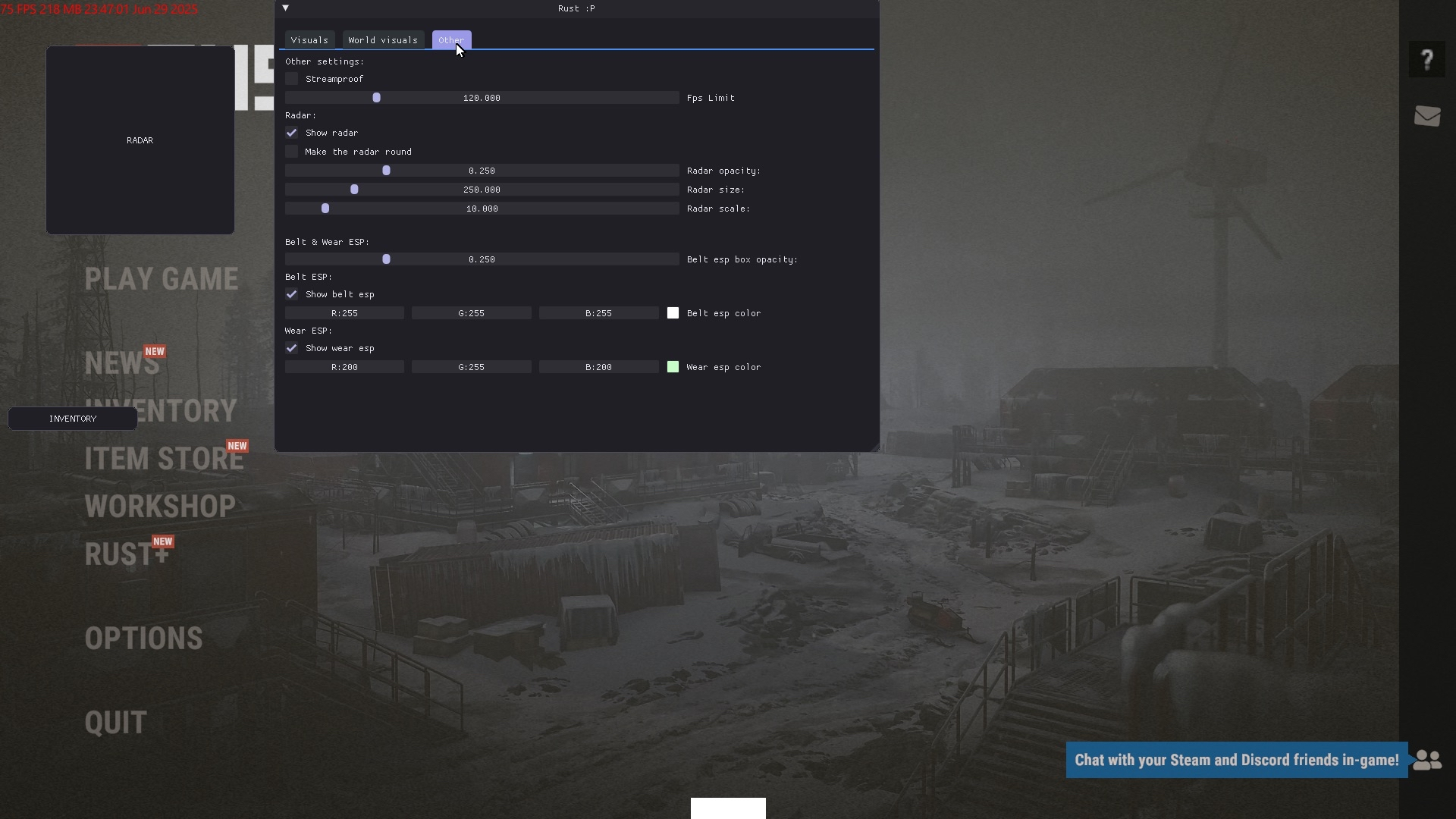
RADAR SETTINGS
- Show radar
- Make radar round
- Radar opacity
- Radar size
- Radar scale
OTHER SETTINGS
- Streamproof
- FPS Limit
MEDIA