Rust
PRIVATE SOFTWARE
MaSoN Full
MaSoN Full for Rust is a streamproof private cheat featuring a silent aimbot for undetectable precision, player ESP for real-time awareness, and ESP for loot and world objects. It also includes a few handy misc options to enhance your gameplay, making MaSoN Full a reliable tool for gaining a strong edge in every encounter.
STATUS
UNDETECTED
FEATURES
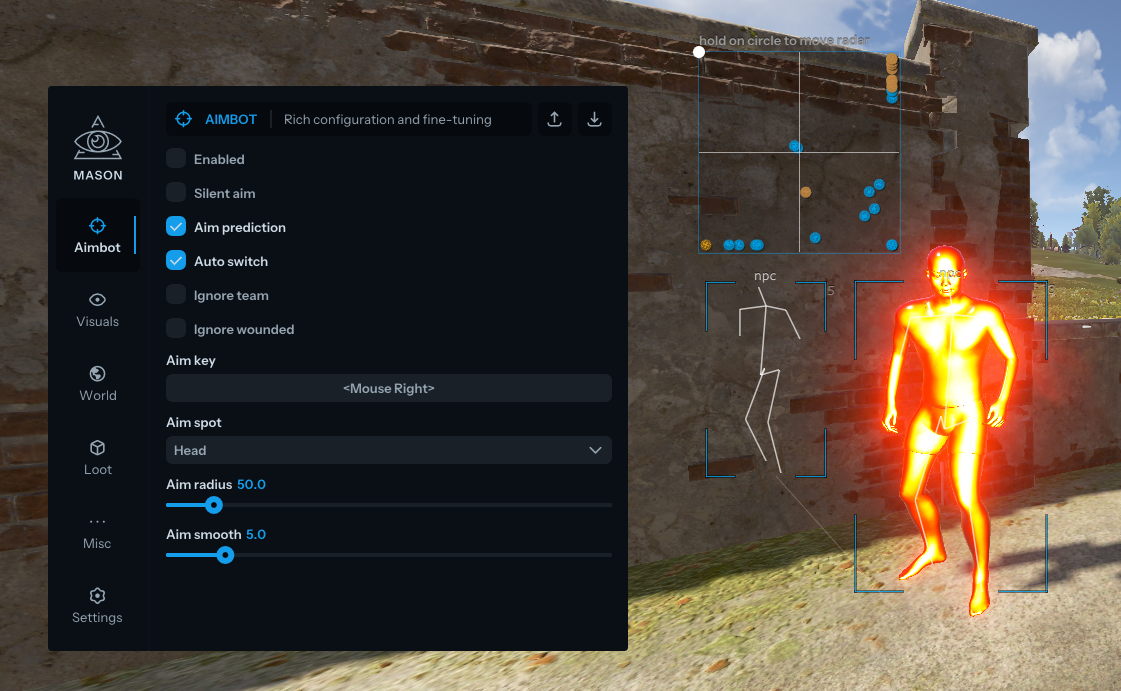
AIMBOT
- Enable Aimbot
- Silent Aim — hit targets without moving the crosshair
- Aim Prediction — enable target movement prediction
- Auto Switch — automatically switch to the next target within aimbot radius
- Aim Key — set the key to activate the aimbot (hold to aim)
- Aim Spot — select the body part to aim at
- Aim Radius — set the aimbot working radius
- Ignore Team — aimbot ignores teammates
- Ignore Wounded — aimbot ignores wounded targets
- Aim Smooth (LOW SMOOTH IS A BAN RISK) — adjust aiming smoothness, lower values increase ban risk
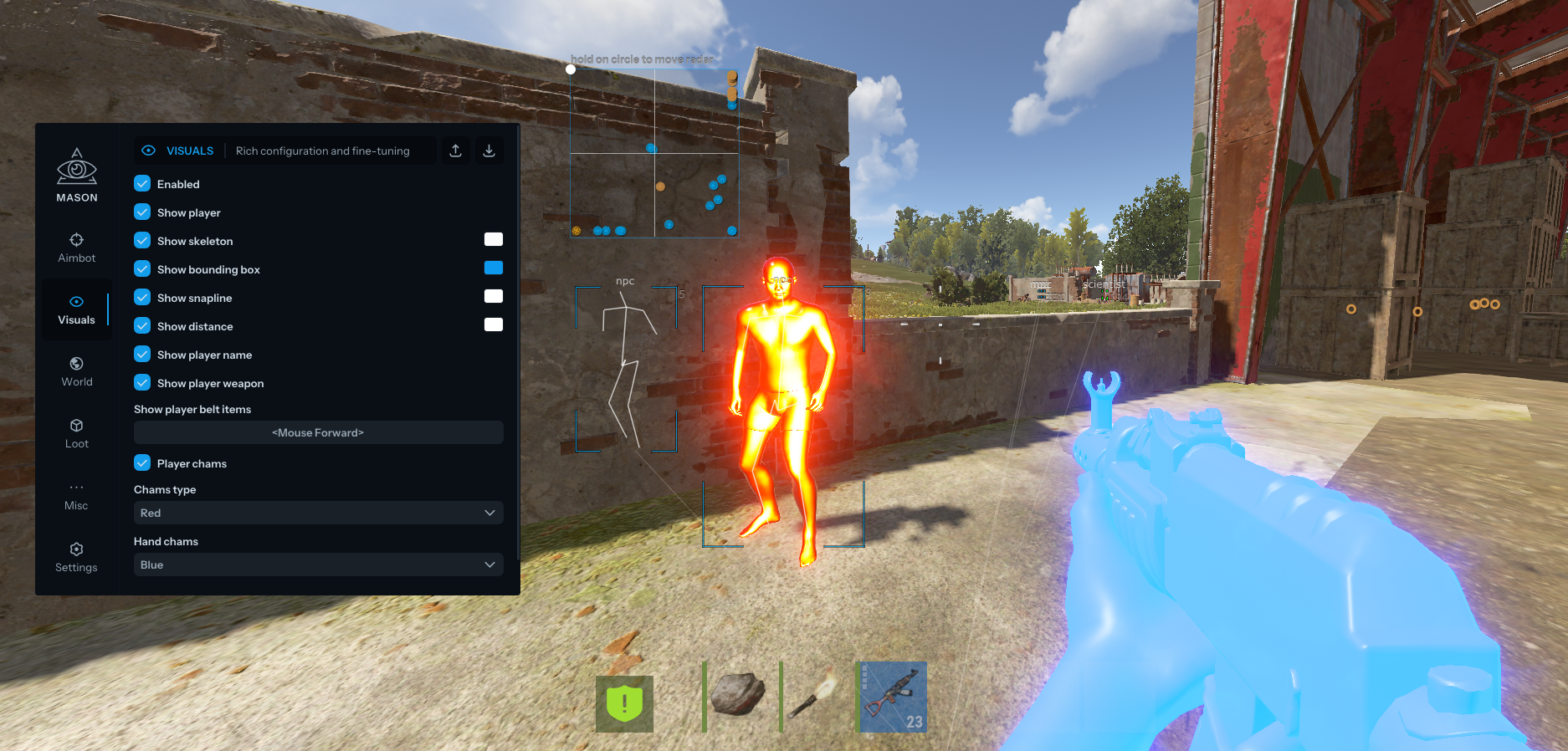
VISUALS
- Enable ESP
- Show Bounding Box — display 2D boxes
- Show Snapline — draw lines to targets
- Show Distance — display distance to entities
- Show Player Name — display player names
- Show Player Weapon — display held weapons
- Show Player Belt Items — display equipped items
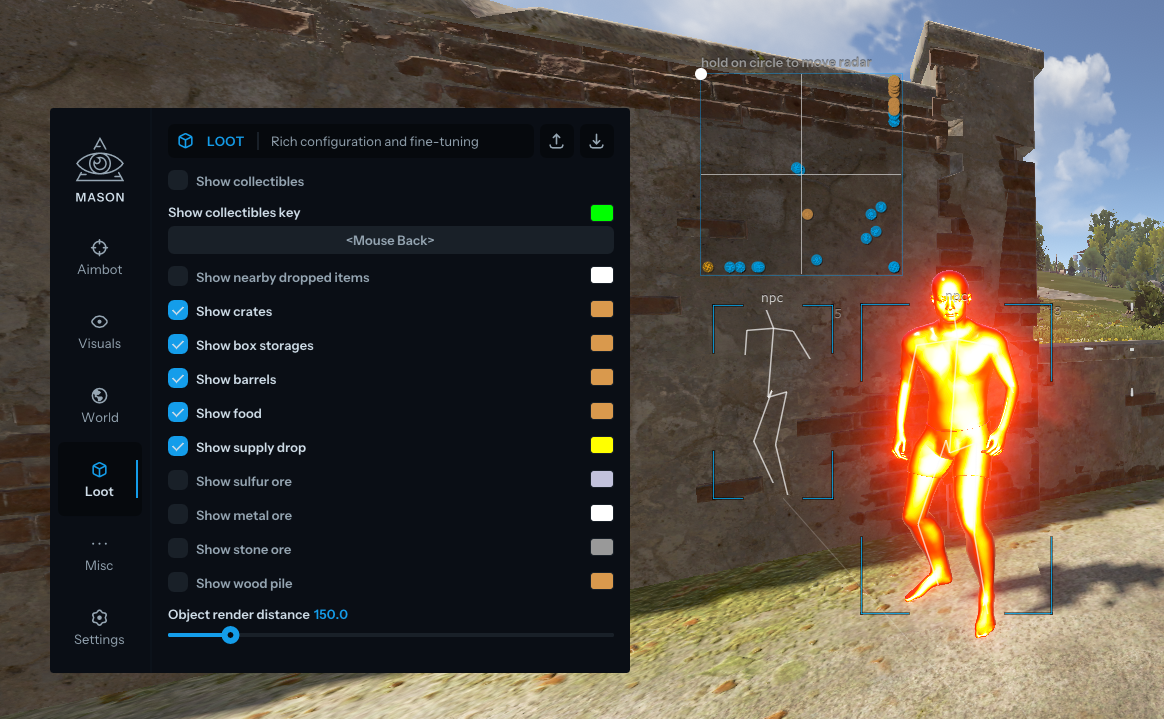
- Show Nearby Collectibles — display nearby collectible items
- Show Nearby Dropped Items — display dropped items when collectibles are enabled
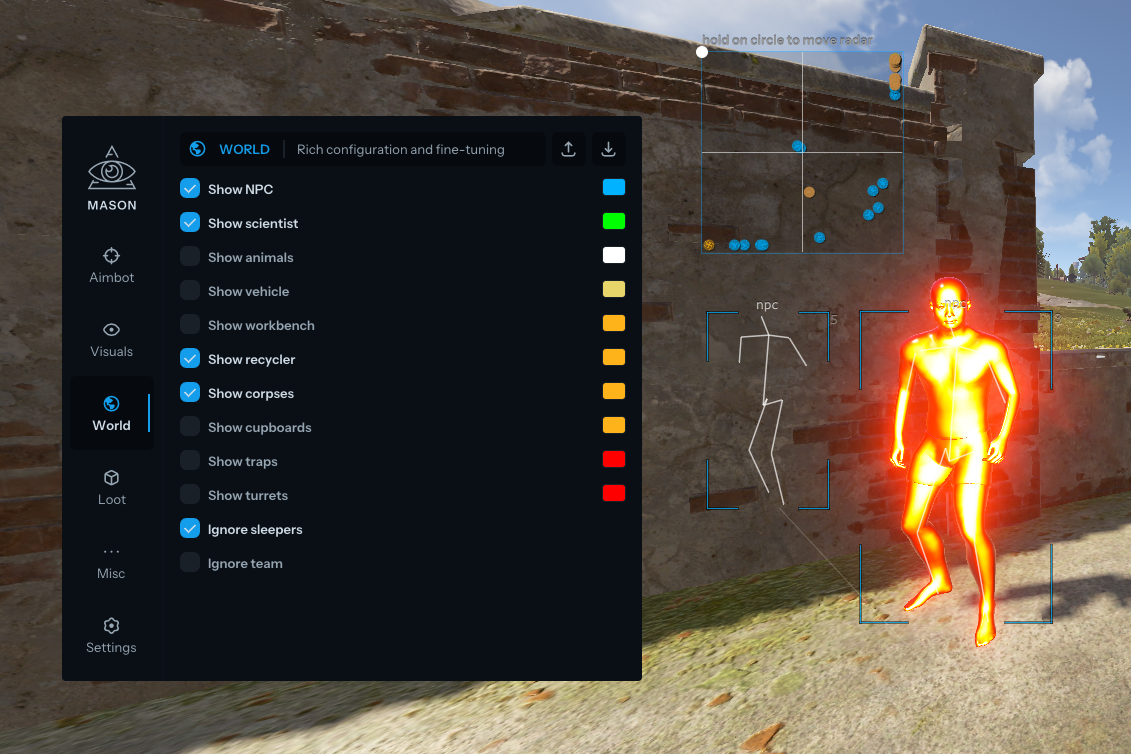
- Show NPC — display NPCs
- Show Scientists — display scientist NPCs
- Show Animals — display animals
- Show Vehicles — display vehicles and their names
- Show Recycler — display recyclers
- Show Copters — display helicopters
- Show Crates — display loot crates
- Show Cupboards — display tool cupboards
- Show Food — display food items
- Show Supply Drop — display airdrops
- Show Traps — display traps
- Show Turrets — display turrets
- Show Sulfur Ore — display sulfur nodes
- Show Metal Ore — display metal nodes
- Show Stone Ore — display stone nodes
- Show Wood Pile — display wood piles
- Ignore Sleepers — ignore sleeping players
- Players Distance Limit — set player ESP distance
- Object Distance Limit — set object ESP distance
- Show Workbench — display workbenches
- Show Skeleton — display player skeletons
- Show Out-of-FOV Players — arrows showing enemies behind you
- Show Bullet Tracers — display bullet trajectories
- Show Dormant — display last known player position when data is unavailable
- Chams Type — visible enemies colored:
- Pink
- Blue
- Green
- Red
- Hidden enemies displayed as White
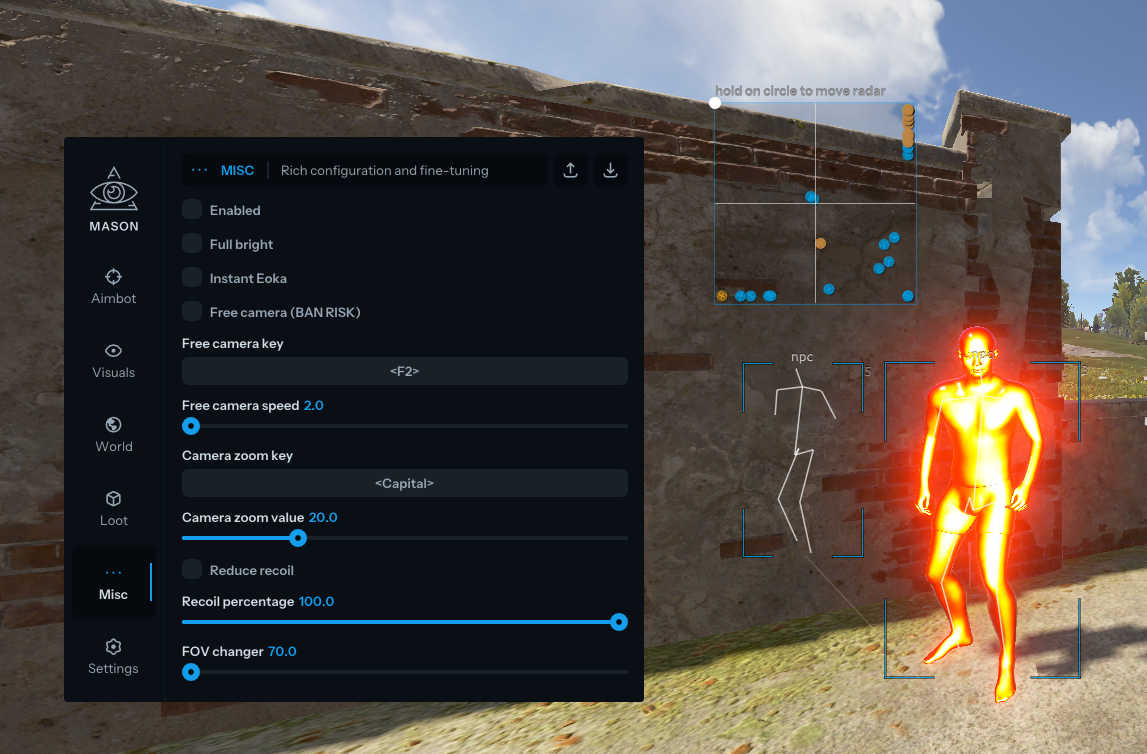
MISC
- Enable Misc Features
- Full Bright — see at night like daytime (TEMPORARILY DISABLED)
- Instant Eoka — instant firing with Eoka pistol
- Reduce Recoil & Recoil Percentage — reduce recoil (up to 30% for safety)
- Camera Zoom — zoom camera with a key
- Interactive Free Camera — free camera mode (use at your own risk, TEMPORARILY DISABLED)
- Remove Constructions — see through walls
- FOV Changer — change in-game FOV
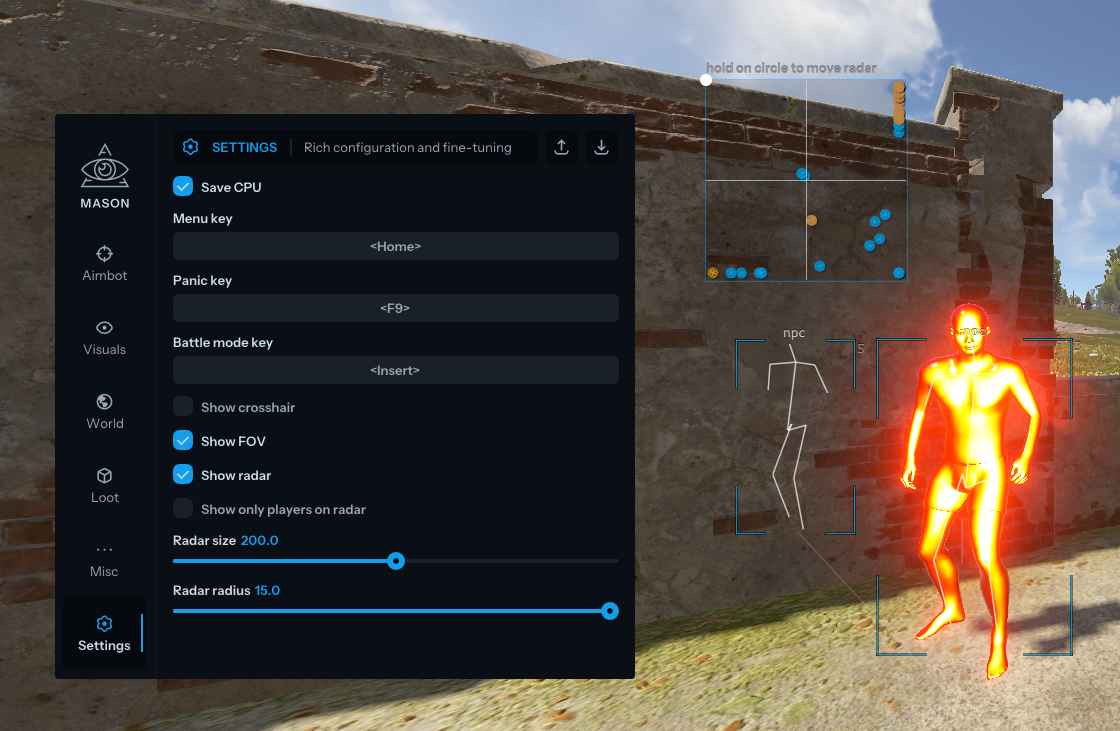
CONFIGURATION
- Save CPU — reduce CPU usage
- Menu Key — set menu toggle key
- Panic Key — instantly disable the cheat
- Battle Mode Key — enable player-only ESP mode
- Load Config from Clipboard
- Visuals Font Size — set ESP font size
- Save Config to Clipboard
GRAPHICAL USER INTERFACE
- Show Aim Radius — display aimbot radius
- Show Crosshair — display crosshair in screen center
- Show Radar — display radar
- Radar Size — set radar size
- Radar Radius — set radar working radius
MEDIA