Rust
PRIVATE SOFTWARE
Mason Internal
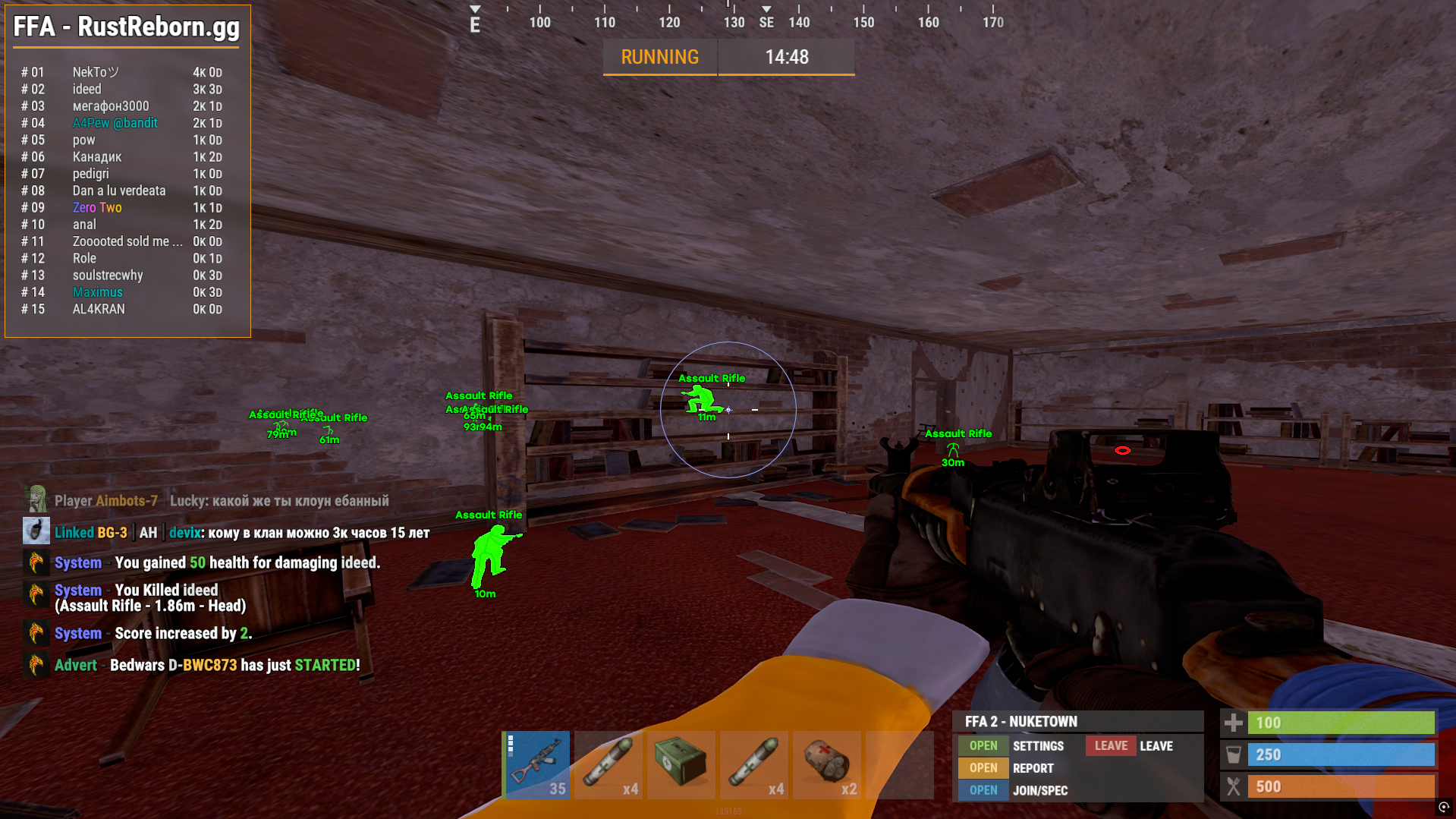
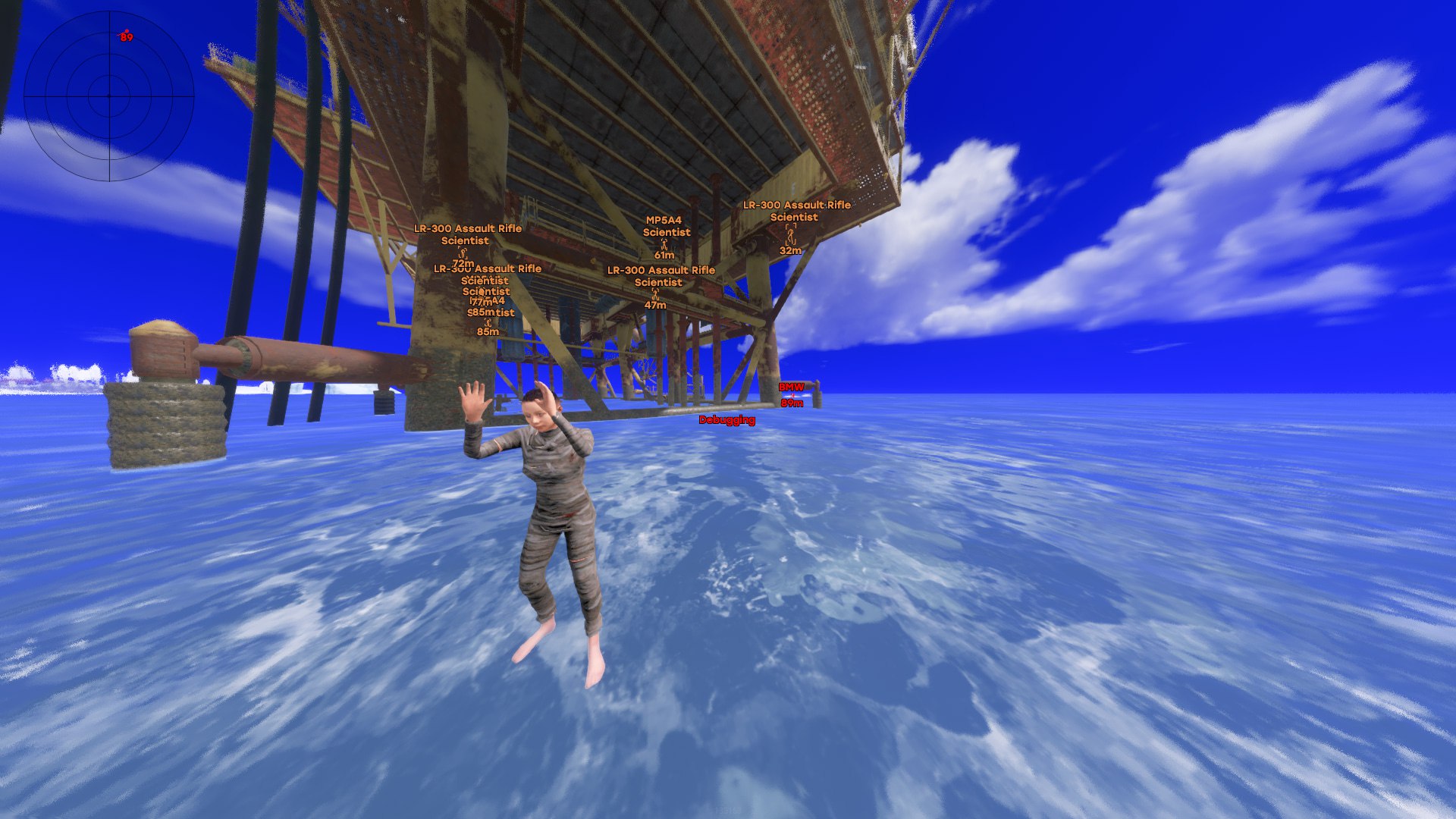
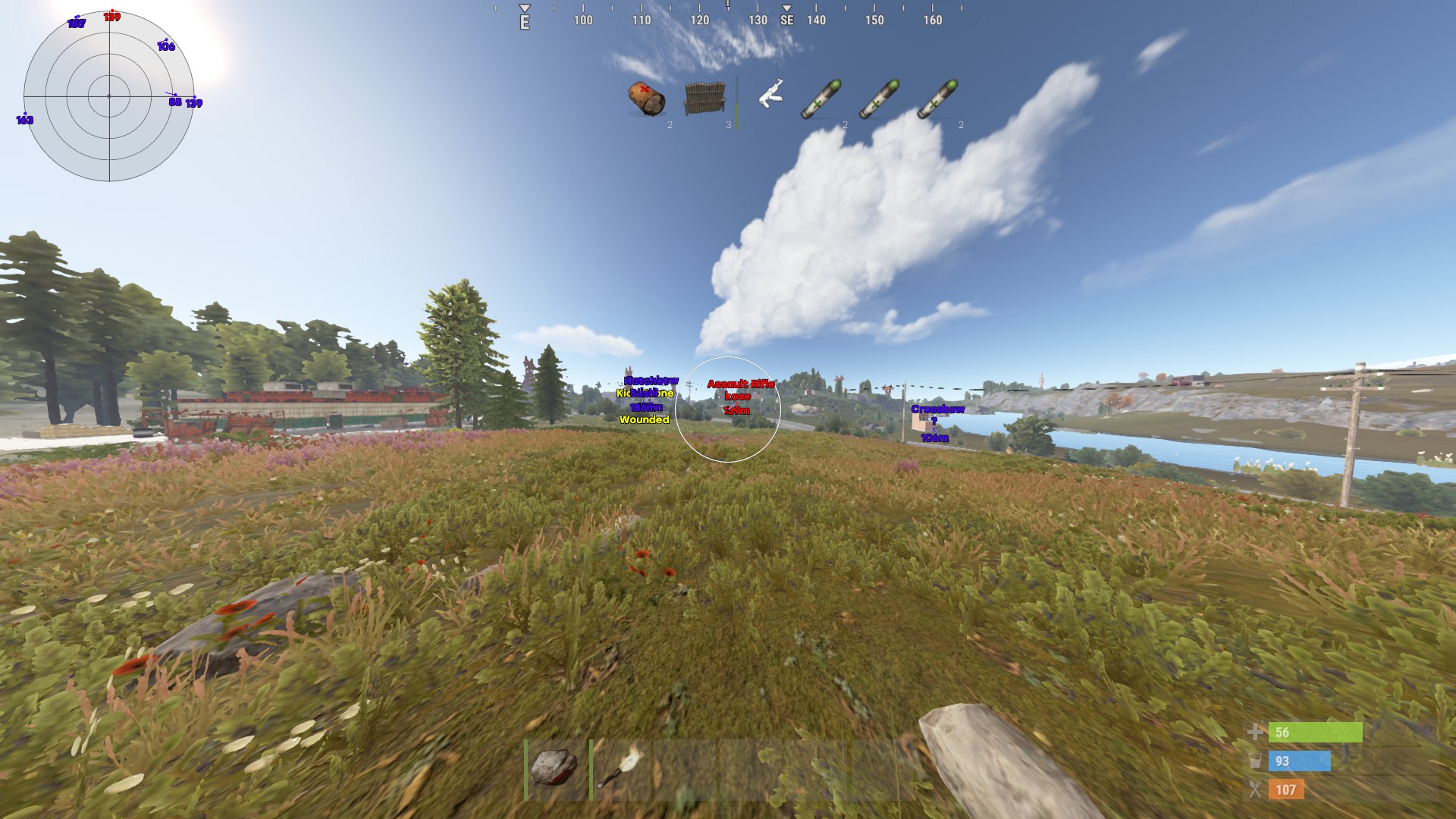
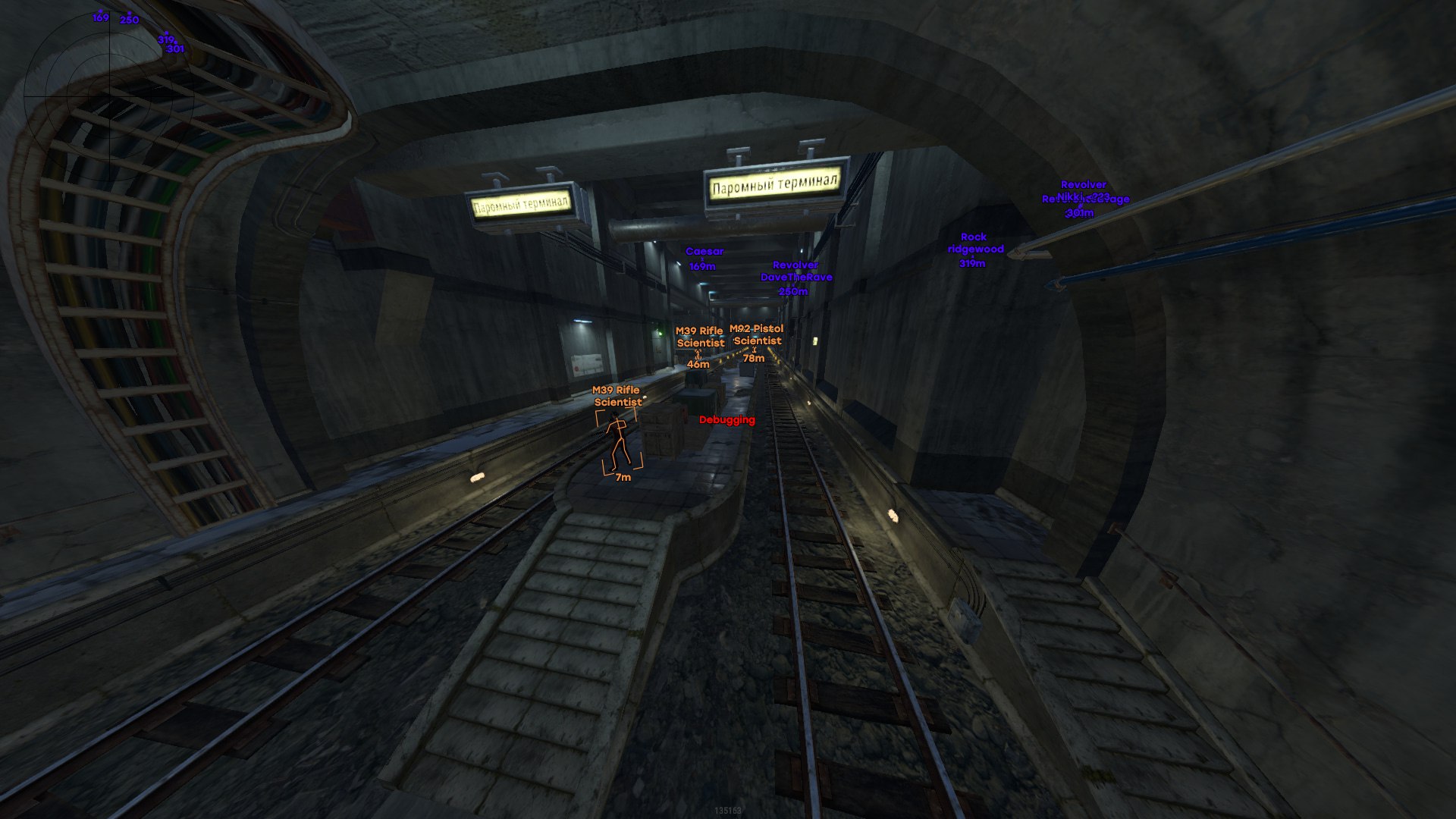
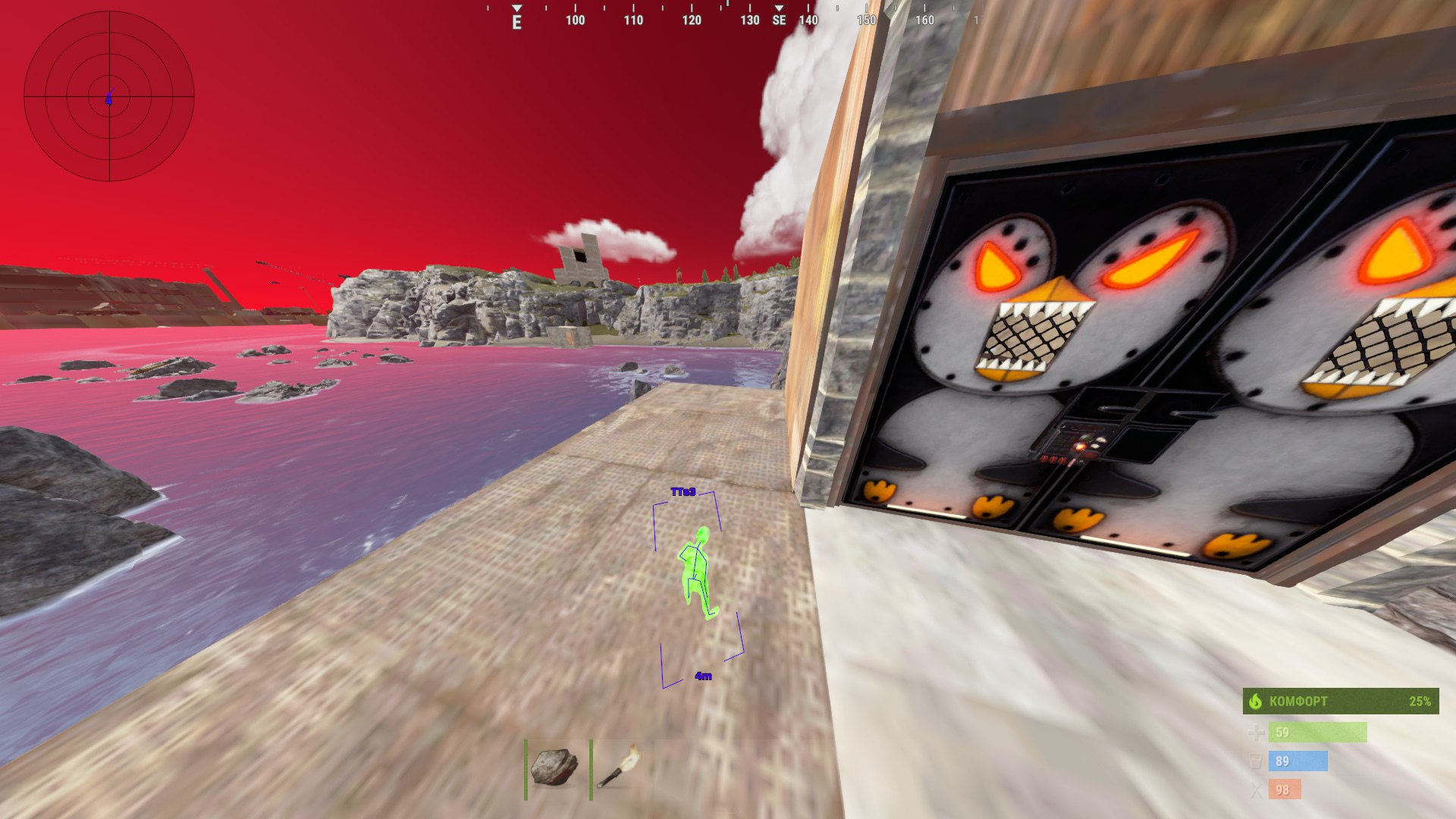
Mason Internal for Rust brings aiming support and a detailed view of the world into one configurable package. Aimbot, player ESP and resource markers help you follow threats, choose when to engage and plan what to collect. Weapon-handling controls and movement utilities give you further options for adapting your play. Keep the fight and your next supply run in view, with settings you can shape around the information you need.
Mason Internal is not hidden in videos or screenshots. A USB flash drive is required.
STATUS
UNDETECTED

FEATURES
Aim
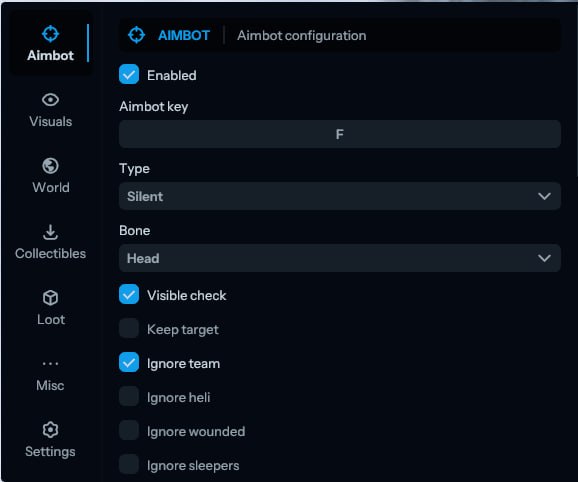
- Enable aimbot
- Aimbot key
- Type
- Silent
- Bone
- Head
- Visible check
- Keep target
- Ignore team
- Ignore heli
- Ignore wounded
- Ignore sleepers
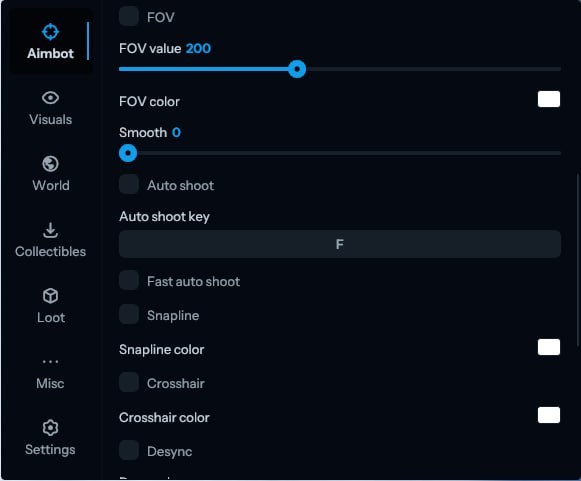
- FOV
- FOV value
- FOV color
- Smooth
- Auto shoot
- Auto shoot key
- Fast auto shoot
- Snapline
- Snapline color
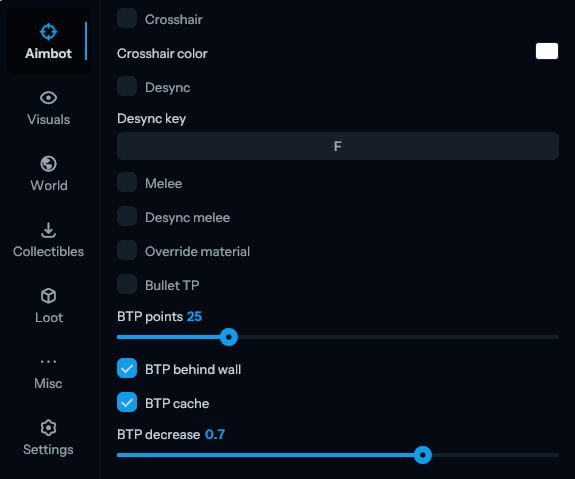
- Crosshair
- Crosshair color
- Desync
- Desync key
- Melee
- Desync melee
- Override material
- Bullet TP
- BTP points
- BTP behind wall
- BTP cache
- BTP decrease
ESP
Visuals
- Players
- Players distance
- Nickname
- Distance
- Skeleton
- Boxes
- Box type
- 3D
- Chams type
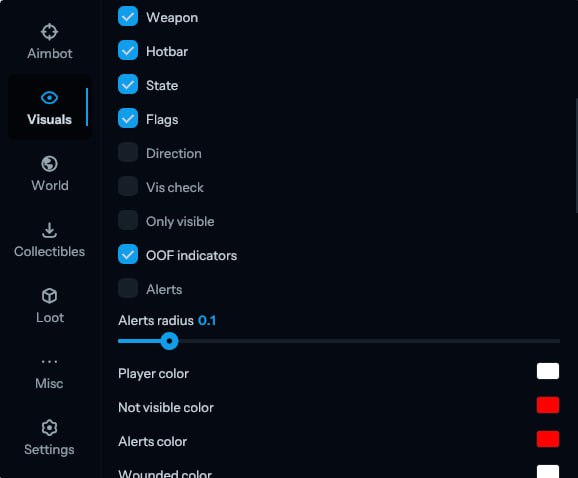
- Weapon
- Hotbar
- State
- Flags
- Direction
- Vis check
- Only visible
- OOF indicators
- Alerts
- Alerts radius
- Player color
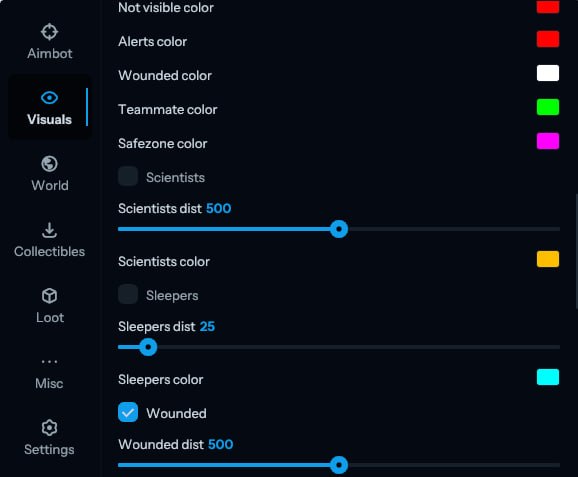
- Not visible color
- Alerts color
- Wounded color
- Teammate color
- Safezone color
- Scientists
- Scientists dist
- Scientists color
- Sleepers
- Sleepers dist
- Sleepers color
- Wounded
- Wounded dist
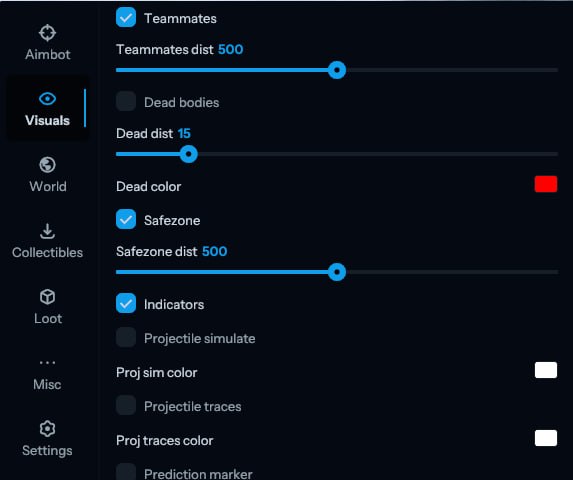
- Teammates
- Teammates dist
- Dead bodies
- Dead dist
- Dead color
- Safezone
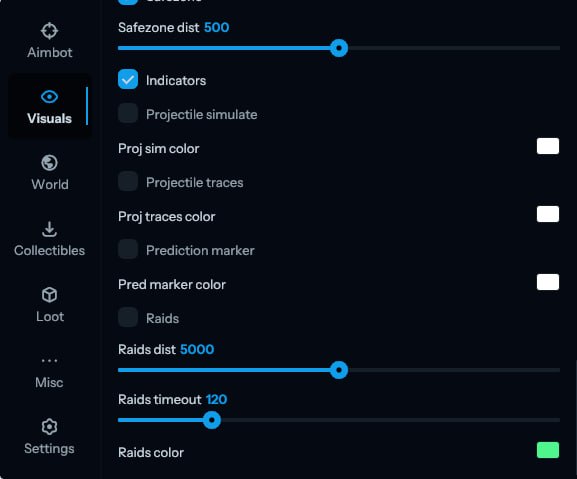
- Safezone dist
- Indicators
- Projectile simulate
- Proj sim color
- Projectile traces
- Proj traces color
- Prediction marker
- Pred marker color
- Raids
- Raids dist
- Raids timeout
- Raids color
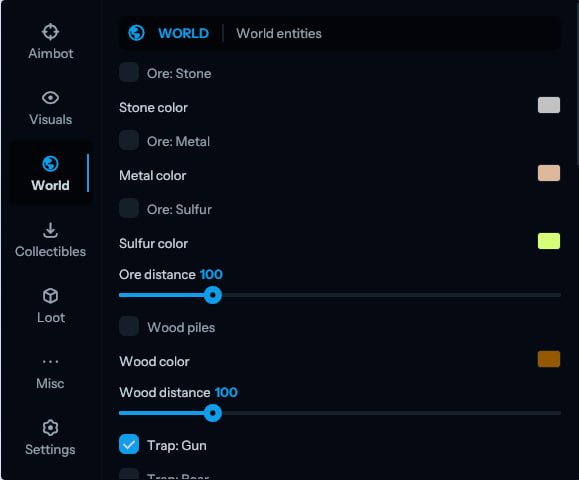
World
- Ore: Stone
- Stone color
- Ore: Metal
- Metal color
- Ore: Sulfur
- Sulfur color
- Ore distance
- Wood piles
- Wood color
- Wood distance
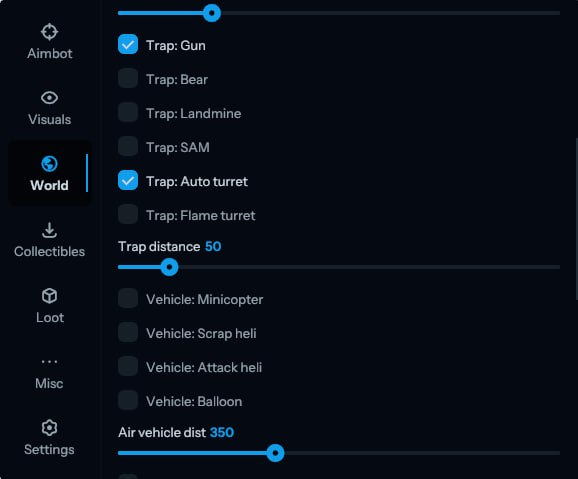
Traps
- Trap: Gun
- Trap: Bear
- Trap: Landmine
- Trap: SAM
- Trap: Auto turret
- Trap: Flame turret
- Trap distance
Air Vehicles
- Vehicle: Minicopter
- Vehicle: Scrap heli
- Vehicle: Attack heli
- Vehicle: Balloon
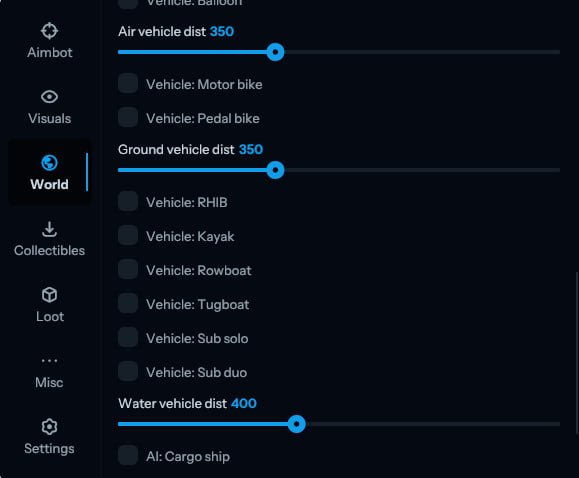
- Air vehicle dist
Ground Vehicles
- Vehicle: Motor bike
- Vehicle: Pedal bike
- Ground vehicle dist
Water Vehicles
- Vehicle: RHIB
- Vehicle: Kayak
- Vehicle: Rowboat
- Vehicle: Tugboat
- Vehicle: Sub solo
- Vehicle: Sub duo
- Water vehicle dist
AI Entities
- AI: Cargo ship
- AI: Bradley
- AI: Patrol heli
- AI vehicle dist
Collectibles
- Hemp
- Hemp color
- Wood
- Wood color
- Stone
- Stone color
- Metal
- Metal color
- Sulfur
- Sulfur color
- Diesel
- Diesel color
Food
- Food: Corn
- Corn color
- Food: Potato
- Potato color
- Food: Pumpkin
- Pumpkin color
- Food: Mushroom
- Mushroom color
- Food distance
Berries
- Berry: Red
- Red color
- Berry: Blue
- Blue color
- Berry: Black
- Black color
- Berry: Green
- Green color
- Berry: White
- White color
- Berry: Yellow
- Yellow color
- Berry distance
Loot
- Player corpse
- Corpse color
- Animal corpse
- Backpack
- Dropped items
- Dropped color
- Lootable dist
Crates
- Crate: Food
- Crate: Tools
- Crate: Elite
- Crate: Basic
- Crate: Normal
- Crate: Medical
- Crate: Military
- Crate dist
- Mine crate
- Mine crate dist
- UW crate: Basic
- UW crate: Advanced
- UW crate dist
Lab Crates
- Lab: Fuel
- Lab: Ammo
- Lab: Tech
- Lab crate dist
Special Loot
- Supply drop
- Locked crate
- Drop crate dist
Barrels
- Barrel: Oil
- Barrel: Blue
- Barrel: Basic
- Barrel dist
Construction & Other
- Recycler
- Cupboard
- Vending machine
- Show sell orders
- Workbench 1
- Workbench 2
- Workbench 3
- Construction dist
Misc
- Anti violations
- Flyhack collisions
- Recoil modifier
- Spread modifier
- Instant eoka
- Fast bullets
- Can attack
- Auto reload
- Omni sprint
- Silent walk
- Flyhack
- Flyhack key
- Debug camera
- Debug cam key
- Teleport
- Teleport key
- Instant revive
- Instant heal
- No viewmodel bob
- No viewmodel lower
- Instant loot
- Auto refill jackhammer
- Auto respawn
- FOV changer
- FOV value
- Zoom
- Zoom value
- Zoom key
- Bright night
- Small viewmodel
Settings
- Menu key
- ESP font
- Pixel
- Load
- Save
- Refresh
MEDIA