Rust
PRIVATE SOFTWARE
MEMEZ INT
Memez Int for Rust is a robust private cheat built for ruthless survival and decisive PvP control. Featuring aimbot, player ESP, and loot & object ESP, it reveals threats and valuable targets across the map for faster, smarter decisions. Multiple exploits and rage features give you aggressive options when you need to break engagements or secure quick wins. Designed for players who demand raw power and situational dominance, Memez Int sharpens your reactions and amplifies your raid efficiency.
STATUS
UNDETECTED
FEATURES
AIMBOT
- Memory Aim
- Silent Aim (hidden aiming without camera movement)
- Aim FOV (field of view angle)
- Hitchance (hit probability)
- Ignore Team
- Visible Check
- Predict Count (target movement prediction)
- Target Info (show target data)
- Draw FOV (draw aiming zone)
- RGB FOV (customize FOV color)
- Thick FOV (adjust outline thickness)
WEAPON
- Thick Bullet (increase bullet size)
- Fast Bullet (increase bullet speed)
- Always Head Melee (auto headshot in melee)
- Free Shooting (shoot without restrictions)
- Force Automatic (force automatic fire)
- Instant Eoka (instant Eoka shot)
- No Recoil (disable recoil)
- Recoil Percent (adjust recoil intensity)
- No Spread (disable bullet spread)
- Fast Shoot (increase fire rate)
- Instant Compound Bow (instant bow draw)
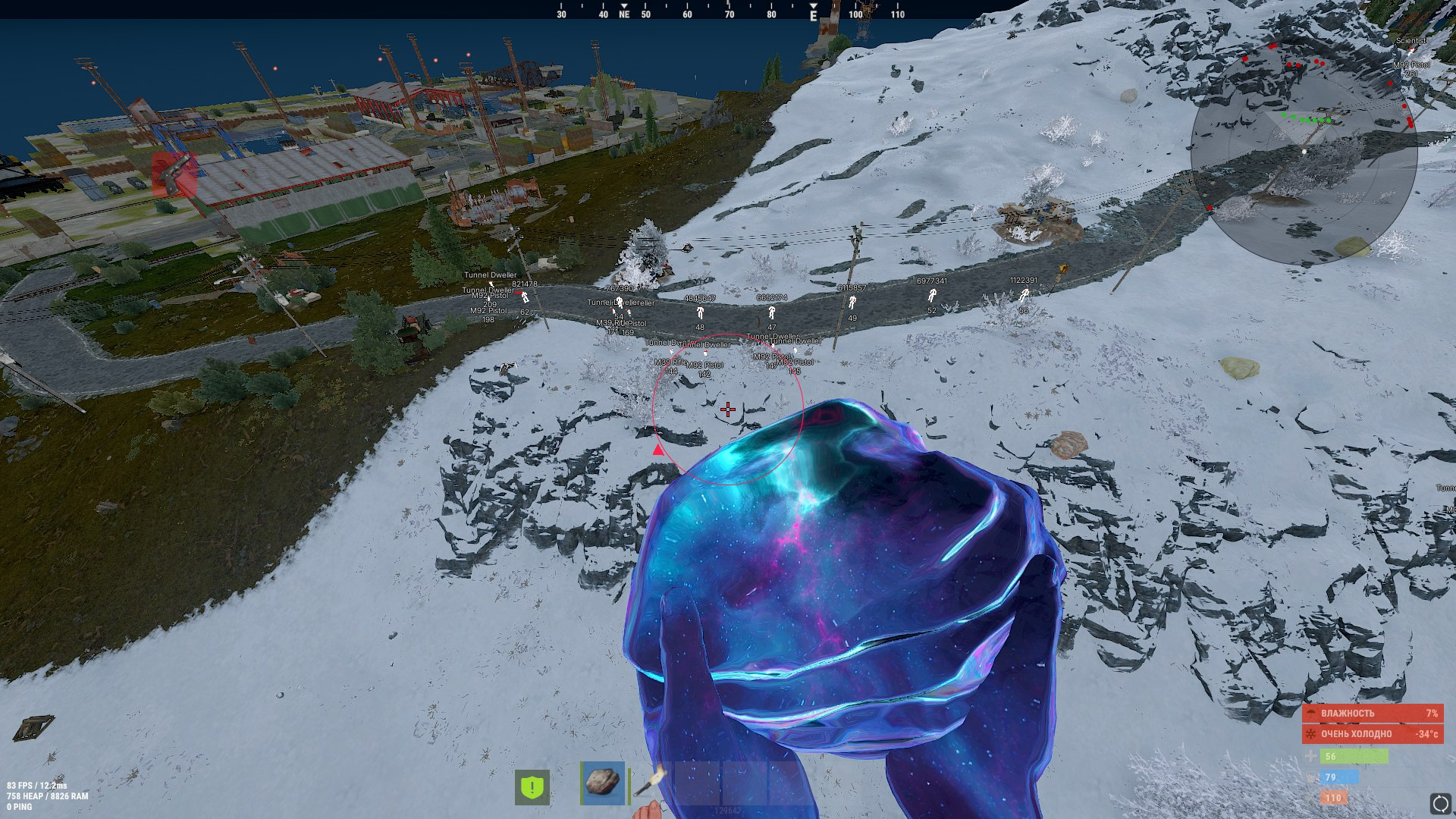
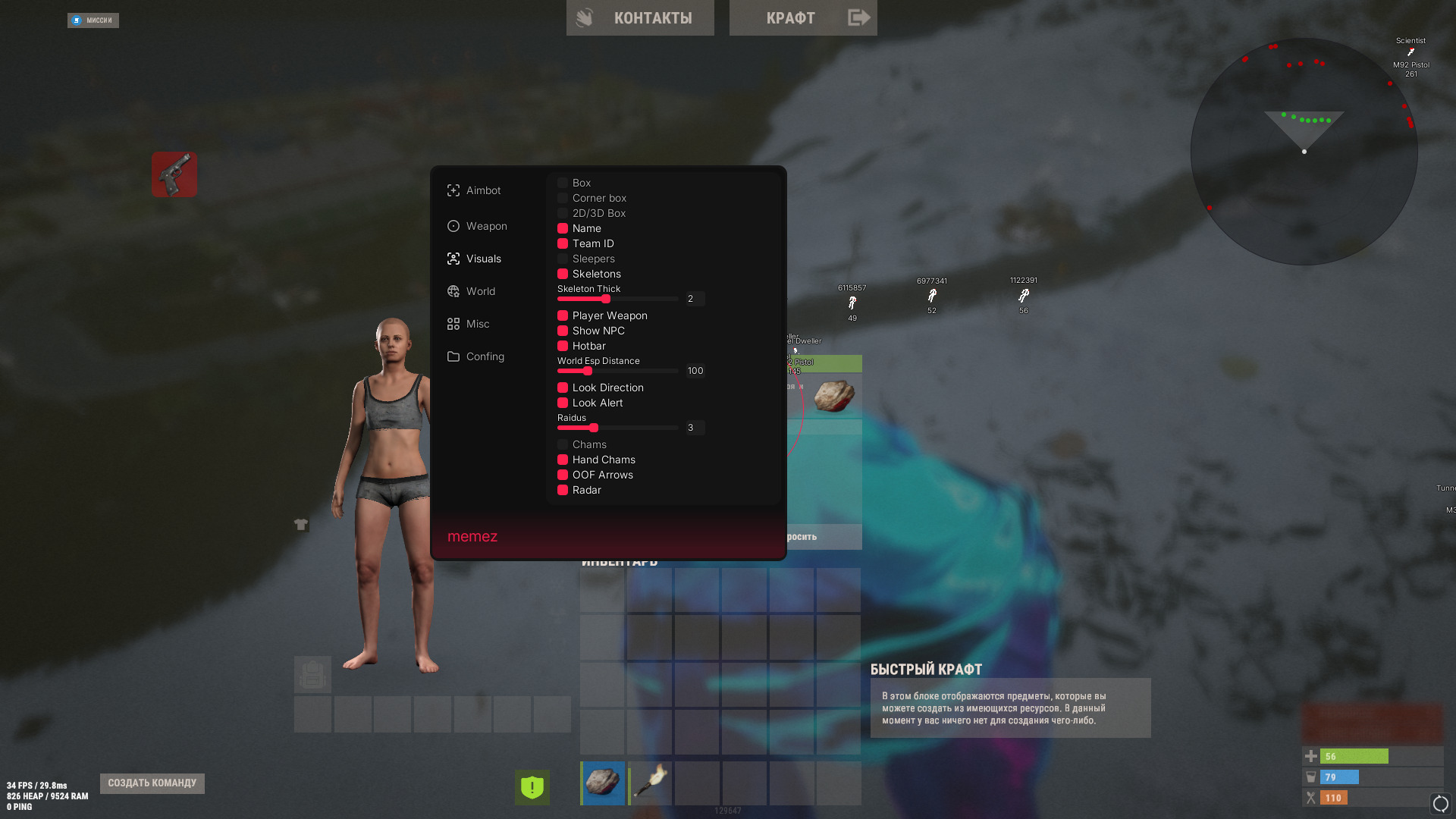
VISUALS
- Box (rectangular box around players)
- Corner Box (corner-style ESP)
- 2D Boxes (2D outlines)
- 3D Boxes (3D outlines)
- Name (display player names)
- Team ID (show team identifiers)
- Sleepers (show sleeping players)
- Skeletons (show skeleton ESP)
- Player Weapon (show weapon in hand)
- Show NPC (display NPCs)
- HotBar (display quick access bar)
- Look Direction (show viewing direction)
- Look Alert (alert when a player looks at you)
- Chams (colored player models)
- Hand Chams (effects for hands)
- OOF Arrows (off-screen arrows)
- Radar (mini-map for entities)
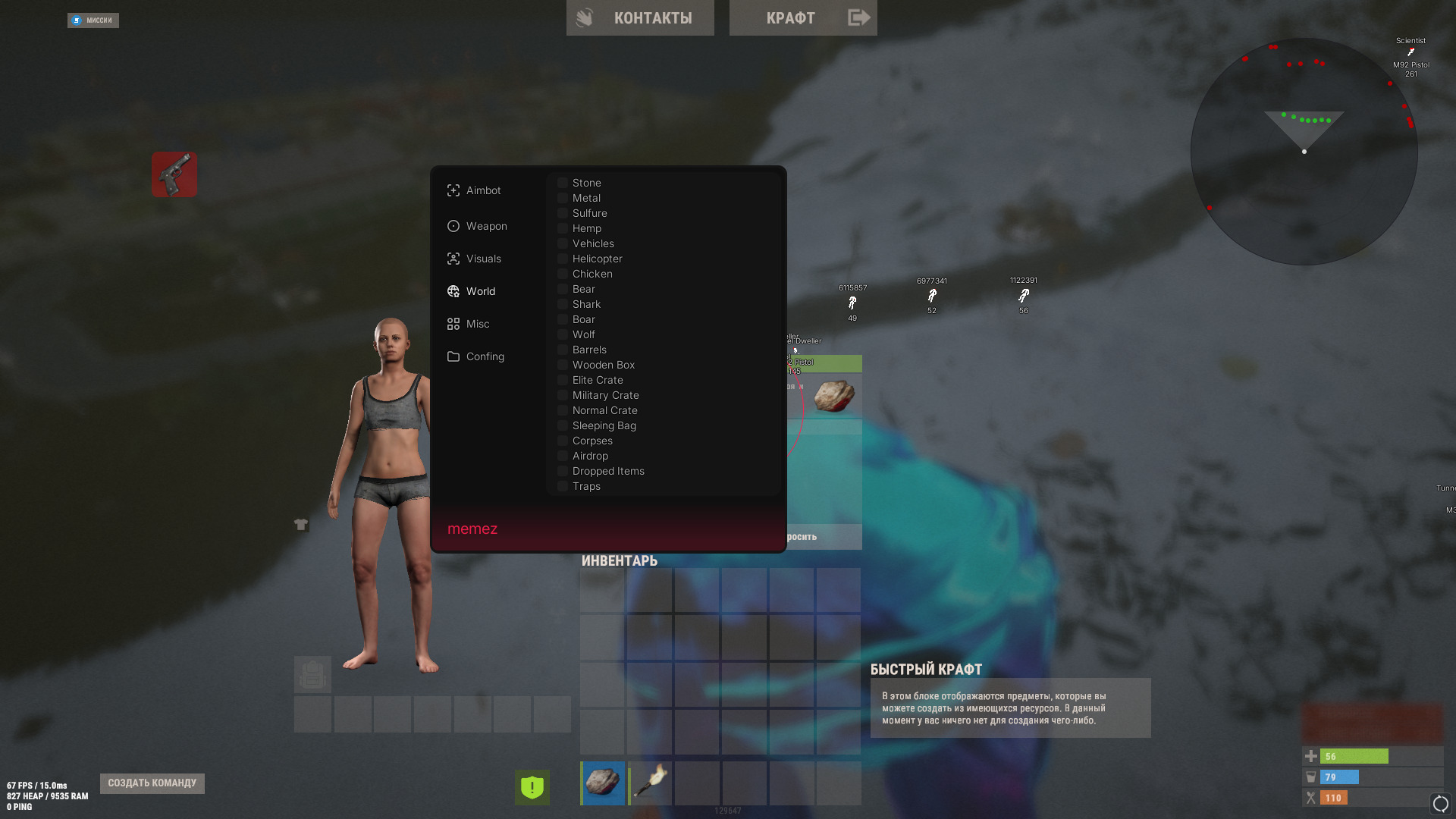
WORLD
- Stones (show stones and ores)
- Crates (show loot crates and containers)
- Animals (show animals)
- Traps (show traps)
- Dropped Items (show dropped items)
- Other (misc world objects)
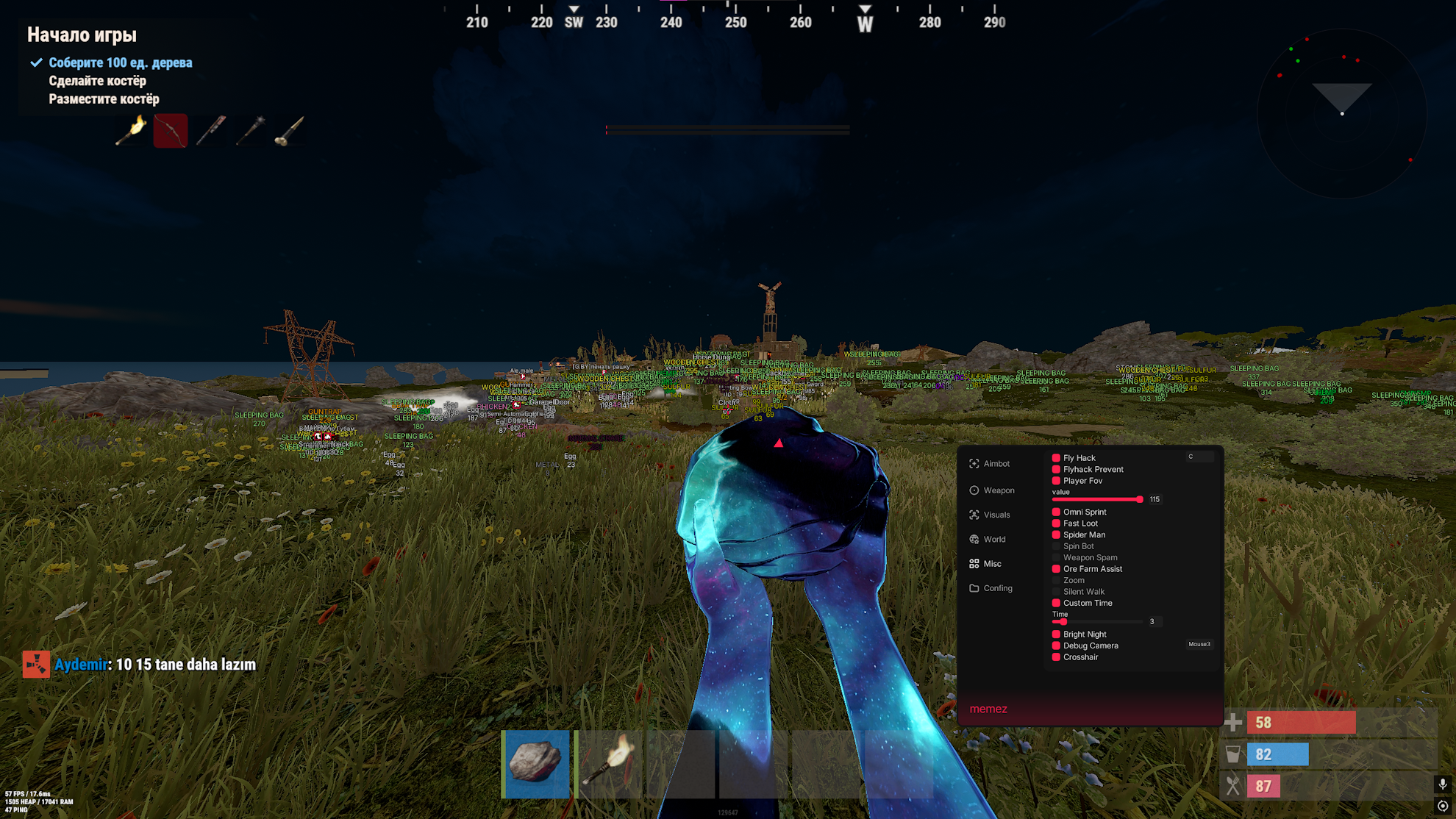
MISC
- Player FOV (adjust field of view)
- Omni Sprint (sprint in all directions)
- Fast Loot (quick loot pickup)
- Spider Man (climb walls)
- Spin Bot (spin to avoid hits)
- Weapon Spam (rapid weapon switching)
- Ore Farm Assist (auto mining assist)
- Zoom (optical zoom)
- Silent Walk (silent movement)
- Custom Time (change time of day)
- Bright Night (bright night vision)
- Crosshair (customizable crosshair)
- Remove Constructions (remove walls/structures)
- Force Run (auto run)
CONFIG
- Save/Load Config
- Language Switch (English / Russian)
MEDIA