Rust
PRIVATE SOFTWARE
Phoenix Full
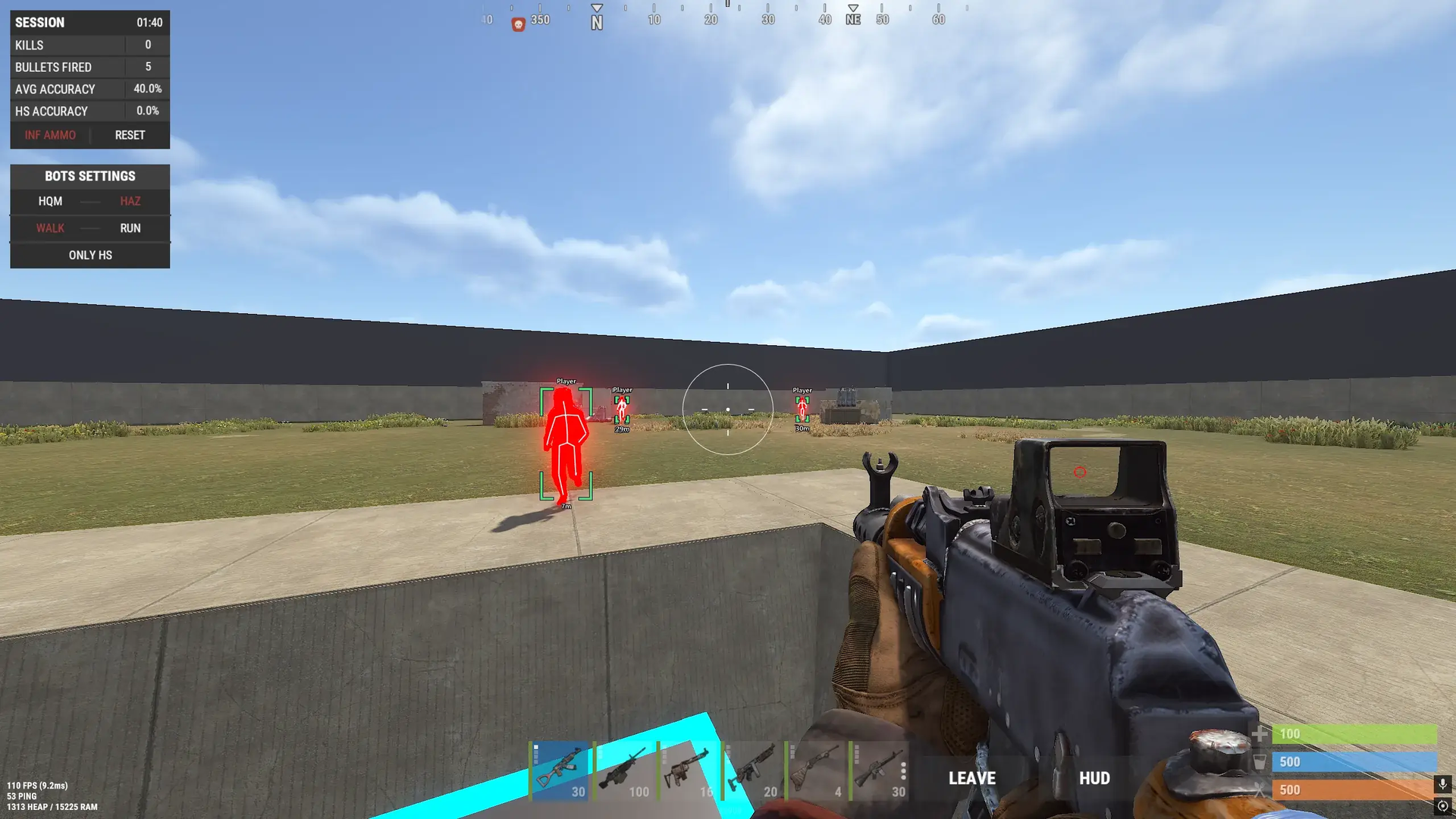
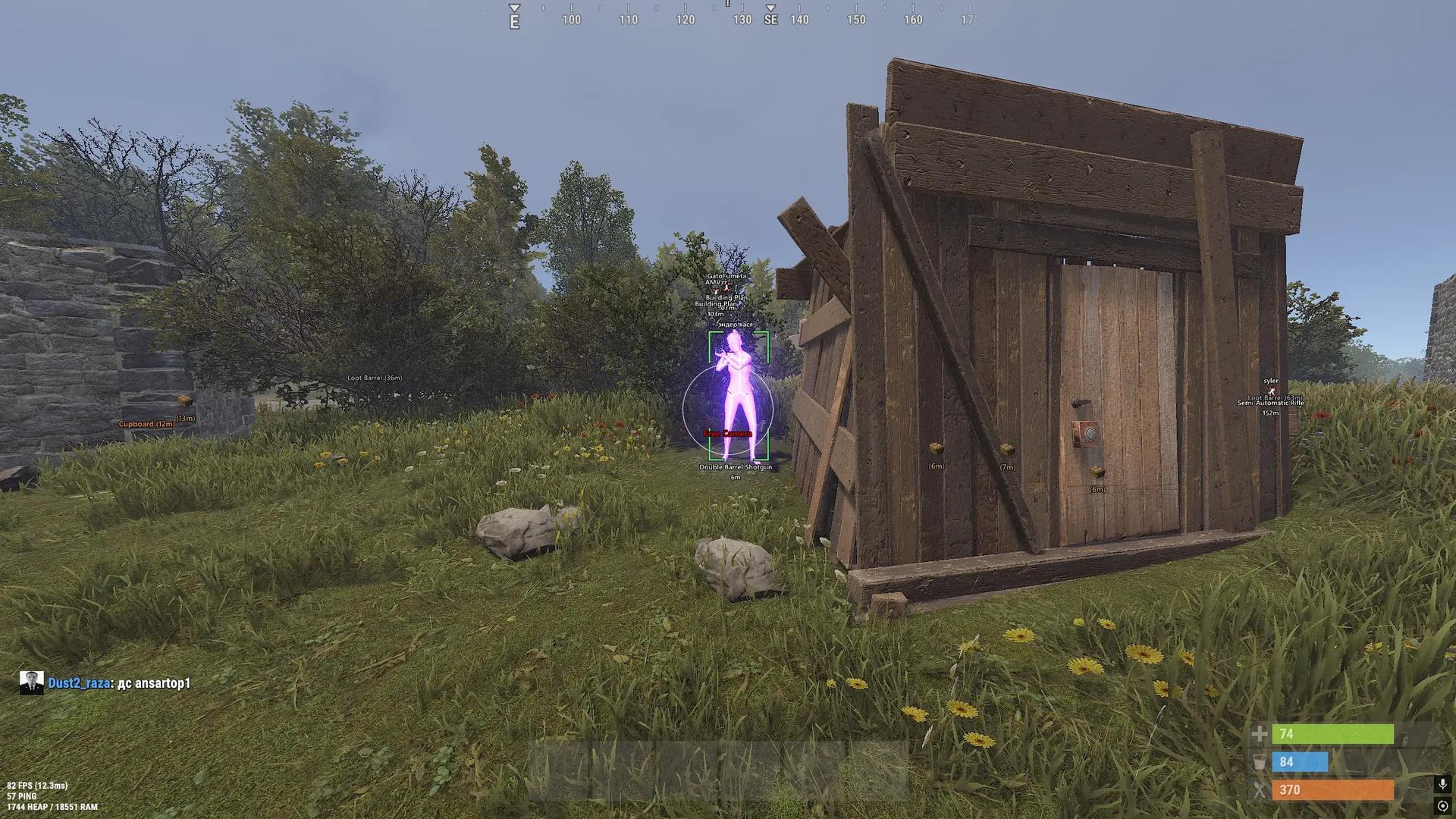
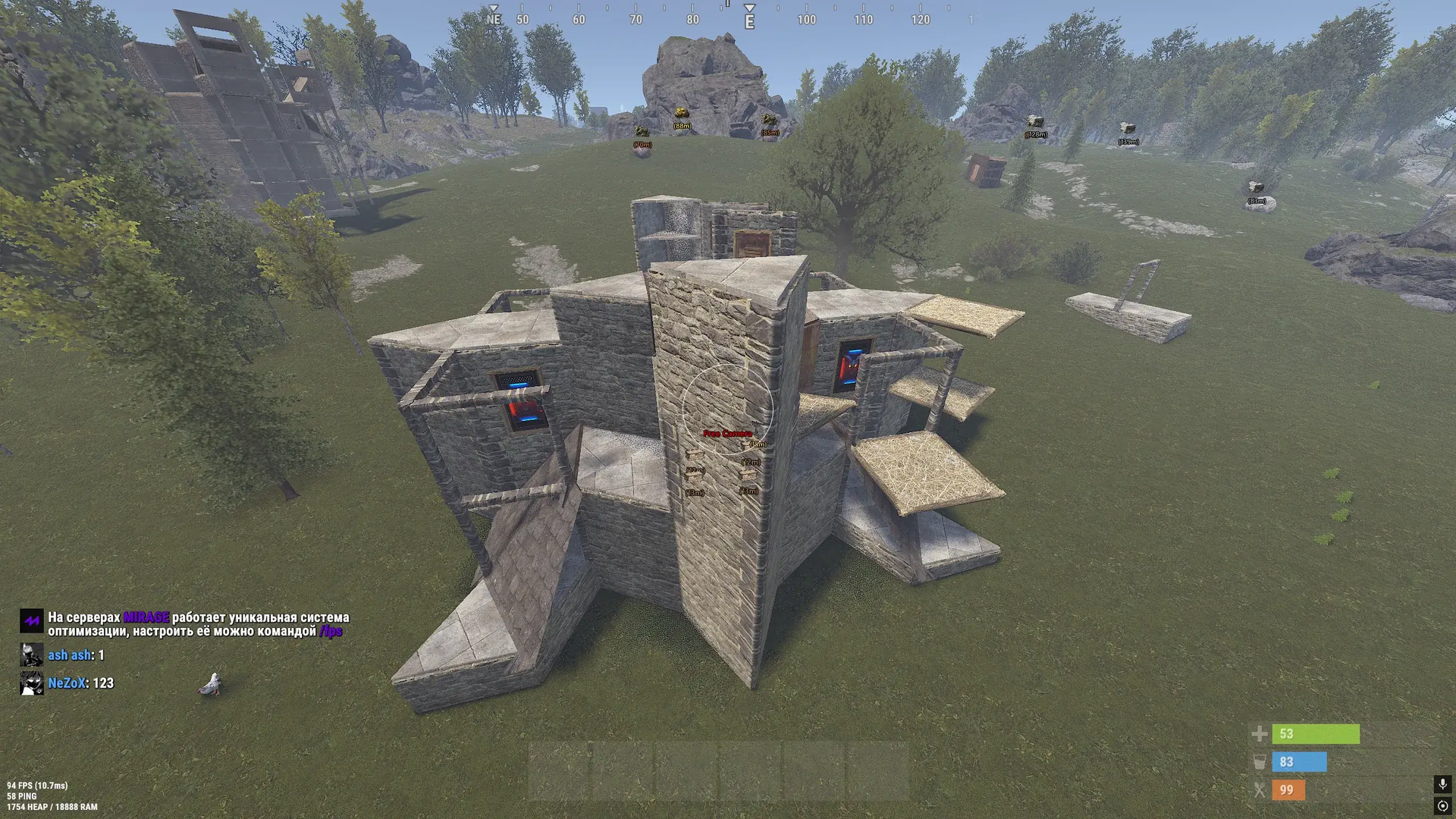
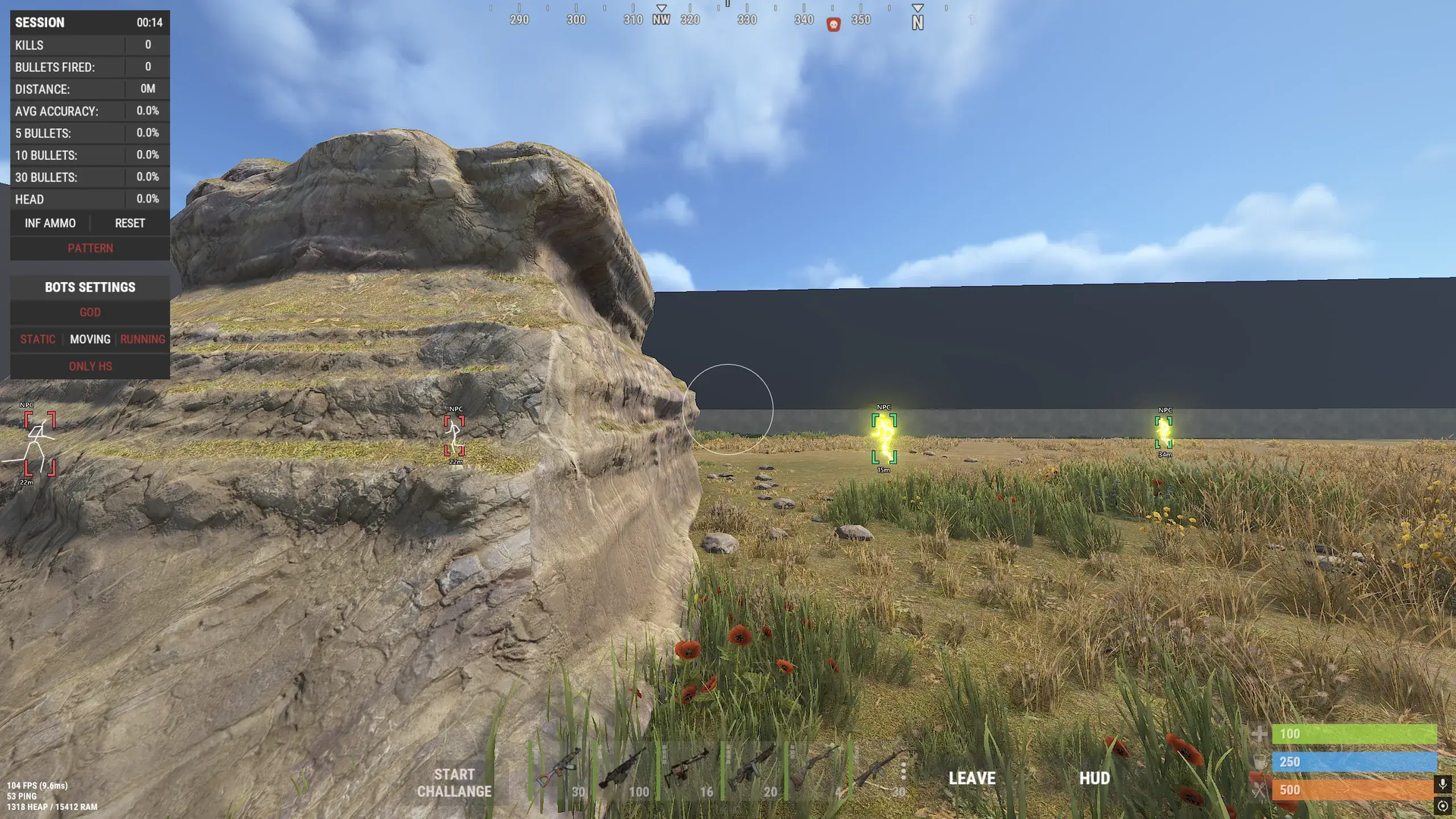
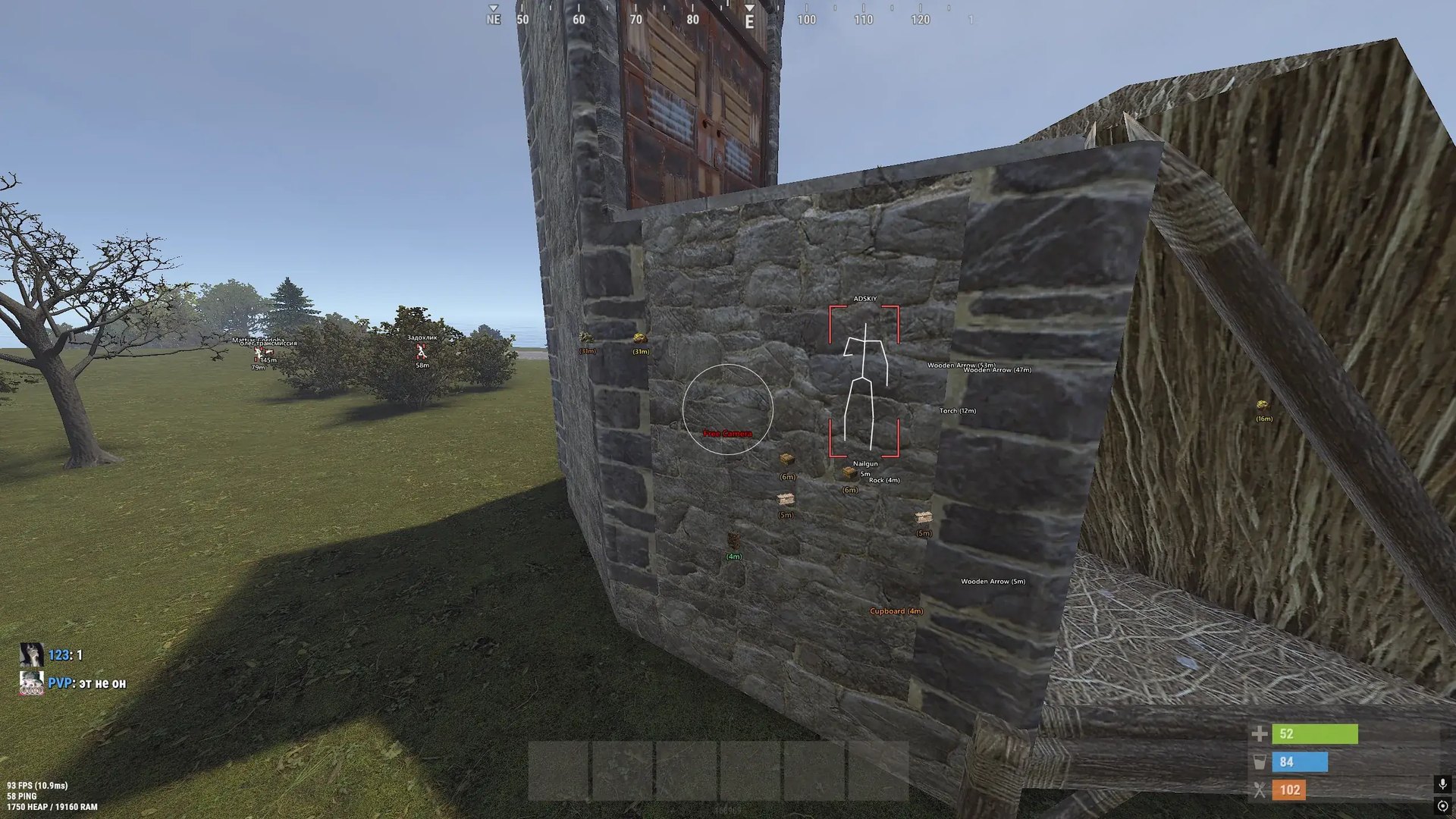
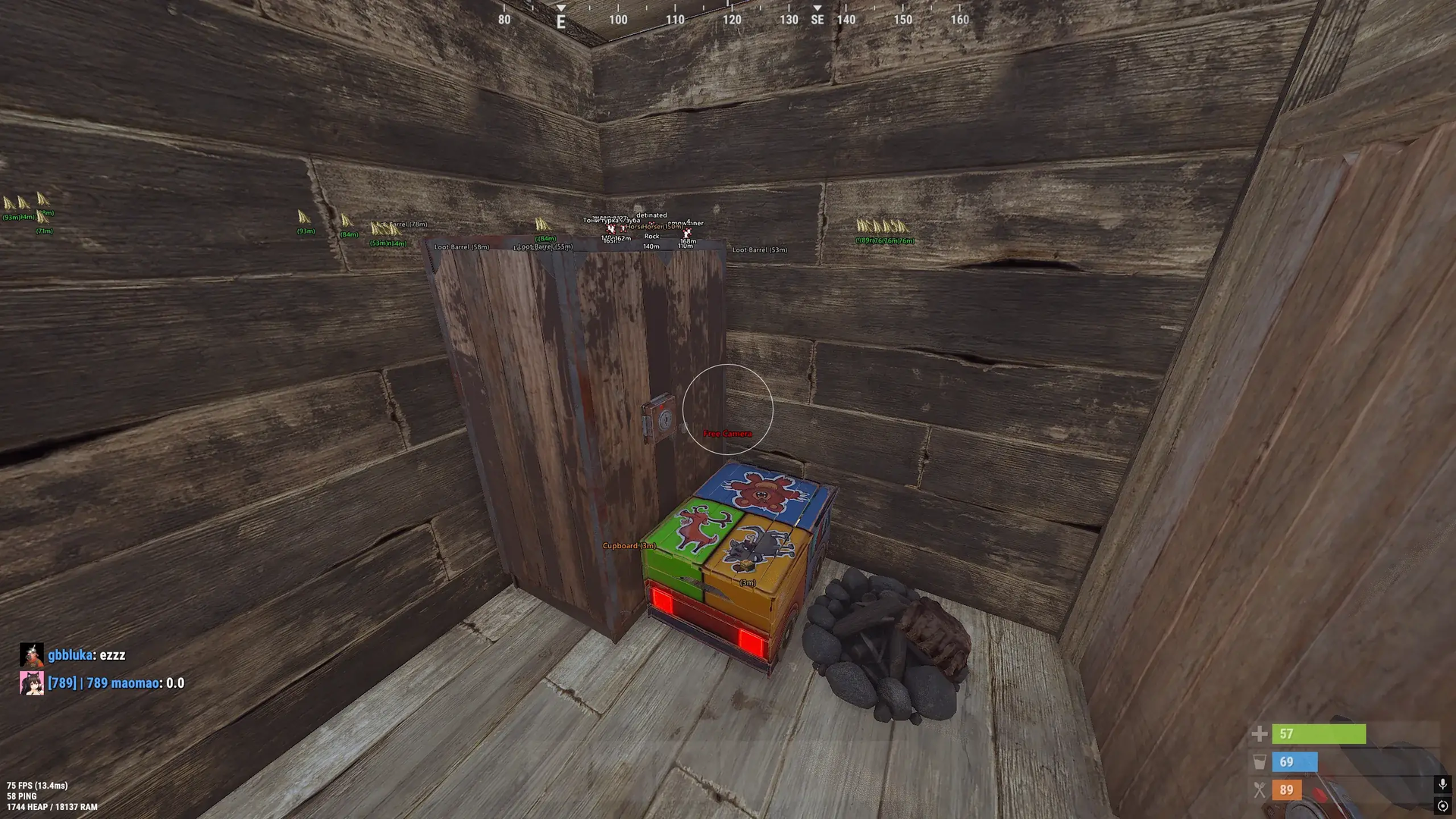
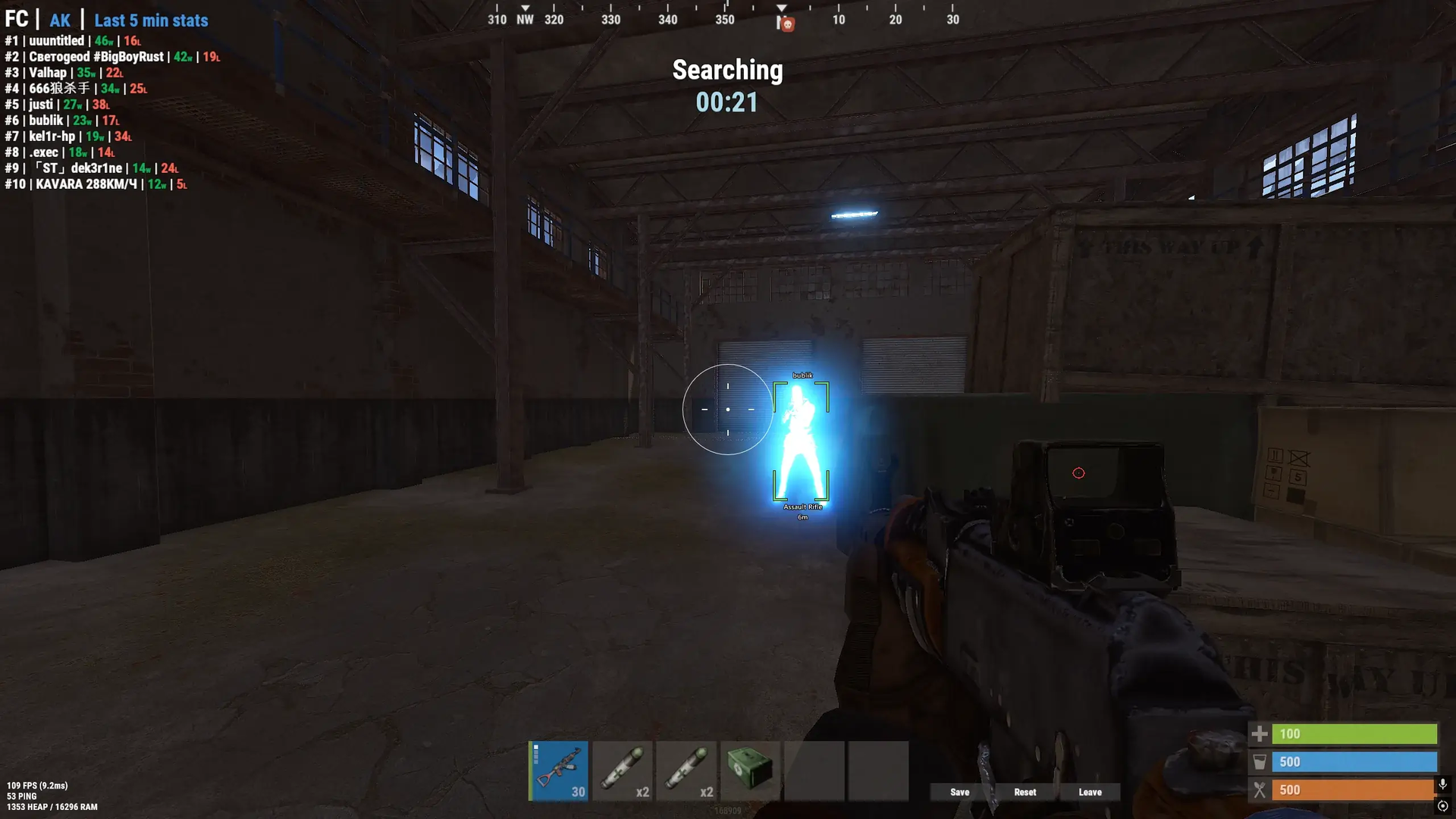
Phoenix Full for Rust combines flexible aiming with a broad view of players, supplies and the world around you. Vector and Silent aimbot modes, player ESP and Chams help you track threats and approach engagements with more control, while detailed world filters let you focus on the supplies and objects you need. Free Camera and Spider Man add ways to inspect your surroundings and move vertically, and Bright Night increases the brightness of the night scene. Switch to Battle Mode to keep only player ESP in view when you want to focus on the fight.
STATUS
UNDETECTED
FEATURES
AIMBOT
- Enable or disable automatic aiming
- Aim mode: Vector or Silent
- Adjust the target-acquisition FOV
- Show the aim FOV circle
- Choose the FOV-circle color
- Adjust aiming smoothness
- Choose the target body part
- Target NPCs
- Target players
- Exclude teammates from aim targets
- Target wounded players
- Lock onto the current target
- Aim only at visible targets
- Set the delay before switching targets
- NoSpread: disable weapon spread
- Set aim distance limits for different targets
PLAYER ESP
- Enable player display
- Player boxes: full boxes or corners
- Adjust box thickness
- Add outlines to ESP boxes
- Add outlines to text for readability
- Hide teammates from player ESP
- Show sleeping players
- Show wounded players
- Show teammates
- Show player names
- Show distance to players
- Show the item or weapon held by a player
- Show players’ hotbar items
- Set the maximum player-display distance
- Adjust ESP text size
- Use different player colors according to visibility
- Player skeletons with adjustable color and line thickness
- Apply a selected material or texture to player models with Chams
- Choose the Chams material
- Show dead players’ bodies and backpacks
NPC ESP
- Enable NPC display
- Show NPC names
- Show distance to NPCs
- Show items held by NPCs
- Set the maximum NPC-display distance
- Adjust NPC text size
- Show boxes around NPCs
- Choose the NPC-box color
- Adjust NPC-box thickness
- Add outlines to NPC boxes
- NPC skeletons with adjustable color and line thickness
RESOURCE ESP
- Enable or disable resource display
- Show stone ore with adjustable color, icons, distance and text size
- Show metal ore with configurable display
- Show sulfur ore with configurable display
- Show hemp with configurable display
- Choose a color for each resource category
BUILDING ESP
- Enable or disable object display
- Show tool cupboards with configurable display
- Show workbenches of different tiers with configurable display
- Show wooden boxes with configurable display
- Choose a color for each object category
TRAP ESP
- Enable or disable trap display
- Show auto turrets
- Show landmines
- Show flame turrets
- Show SAM sites
- Show shotgun traps
- Show drones
- Show trap icons beside text
- Set the display distance for each trap type
- Adjust trap text size
- Choose a color for each trap category
CRATE ESP
- Enable supply-crate display
- Show basic crates
- Show military crates
- Show elite crates
- Show tool crates
- Show medical crates
- Show food crates
- Show mine crates
- Show underwater crates
- Show locked crates
- Show loot barrels
- Show airdrop supplies
- Set the display distance for each crate type
- Show icons beside text for some crate types
- Choose a color for each crate category
VEHICLE ESP
- Enable vehicle display
- Show horses
- Show cars
- Show motorboats
- Show RHIBs
- Show tugboats
- Show submarines
- Show minicopters
- Show transport helicopters
- Show attack helicopters
- Show patrol helicopters
- Show Bradley APCs
- Show trains
- Show hot-air balloons
- Show snowmobiles
- Show motorbikes
- Show bicycles
- Choose a color for each vehicle category
- Set the display distance for each vehicle type
LOOT ESP
- Enable item and loot display
- Show dropped items
- Filter dropped items by category
- Enable or disable item icons
- Set the display distance for each loot type
- Adjust text size for each item group
- Loot category: weapons
- Loot category: ammunition
- Loot category: armor and clothing
- Loot category: medical items
- Loot category: resources
- Loot category: components
- Loot category: tools
- Loot category: food and seeds
- Loot category: deployable objects
- Loot category: other items
EXPLOITS
- Spider Man: climb upward without ladders
- Free Camera: move the camera independently of the character
- Adjust free-camera movement speed
- Adjust free-camera control sensitivity
- Bright Night: increase brightness at night
- Adjust the night-brightness level
OTHER FEATURES
- Battle Mode: use a keybind to hide other ESP categories and keep player display
- Choose the mod-menu interface font
- Limit the overlay refresh rate
- Save the current configuration
- Load a saved configuration
- Reset configuration settings
MEDIA