SCUM
PRIVATE SOFTWARE
Byster
Discover Byster, the premier private cheat for SCUM designed to dominate the harsh survival world. Featuring a powerful aimbot that locks onto players, zombies, and NPCs with precision, comprehensive ESP that reveals the locations of animals, items, vehicles, sentries, and razors across the map, and essential misc tools like customizable crosshair and FPS counter for optimal performance. Elevate your SCUM gameplay with Byster's advanced, undetectable features that give you the ultimate edge in every encounter.
STATUS
UNDETECTED

FEATURES
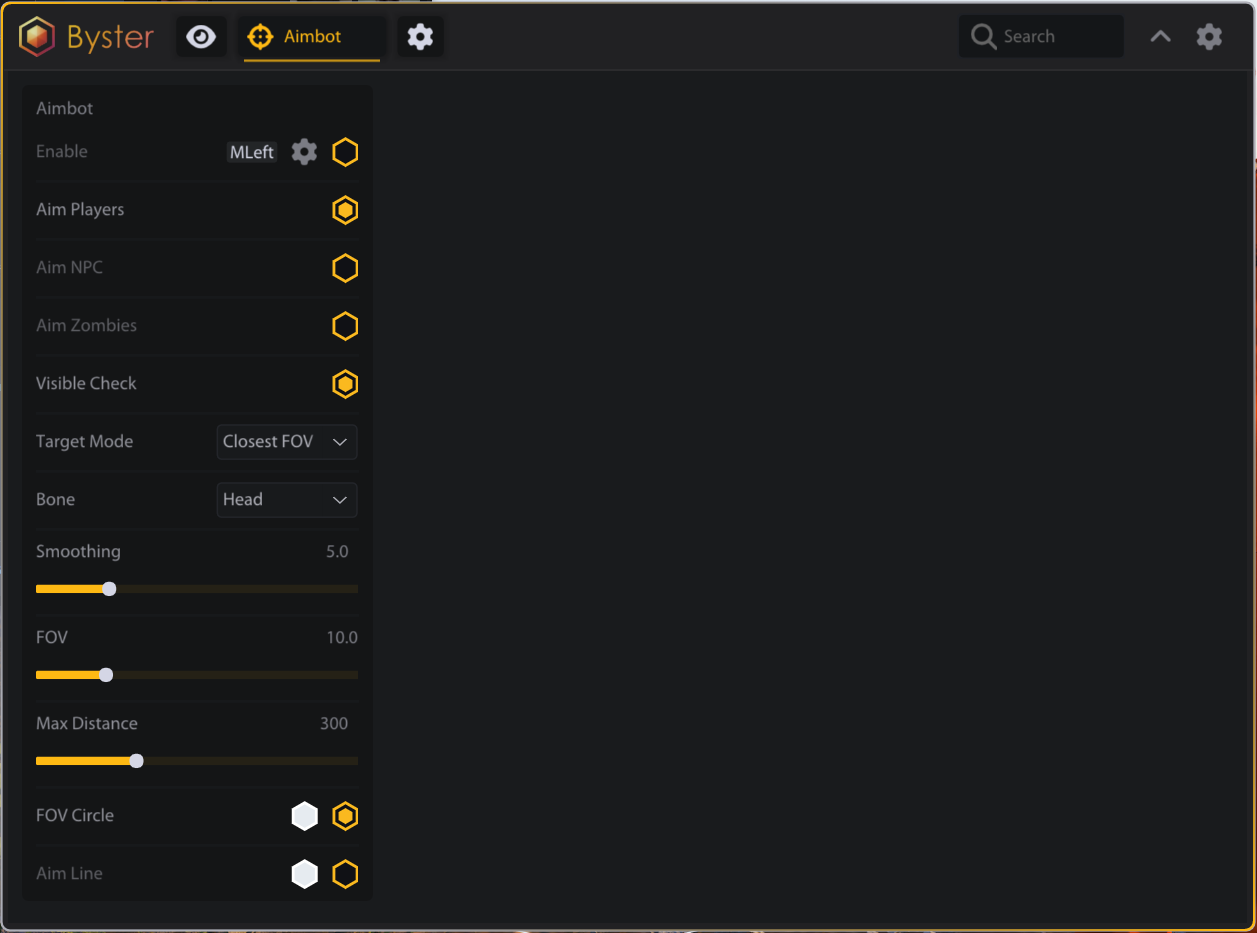
AIMBOT
- Enable (with keybind)
- Aim Players
- Aim NPC
- Aim Zombies
- Visible Check
- Target Mode (Closest FOV / Closest Distance / Combined)
- Bone (Head / Chest / Left Arm / Right Arm / Left Leg / Right Leg)
- Smoothing
- FOV
- Max Distance
- FOV Circle
- Aim Line
ESP
- PLAYERS
- Enable ESP
- Name
- Health Bar
- Health Text
- Distance
- Snap Line
- Weapon
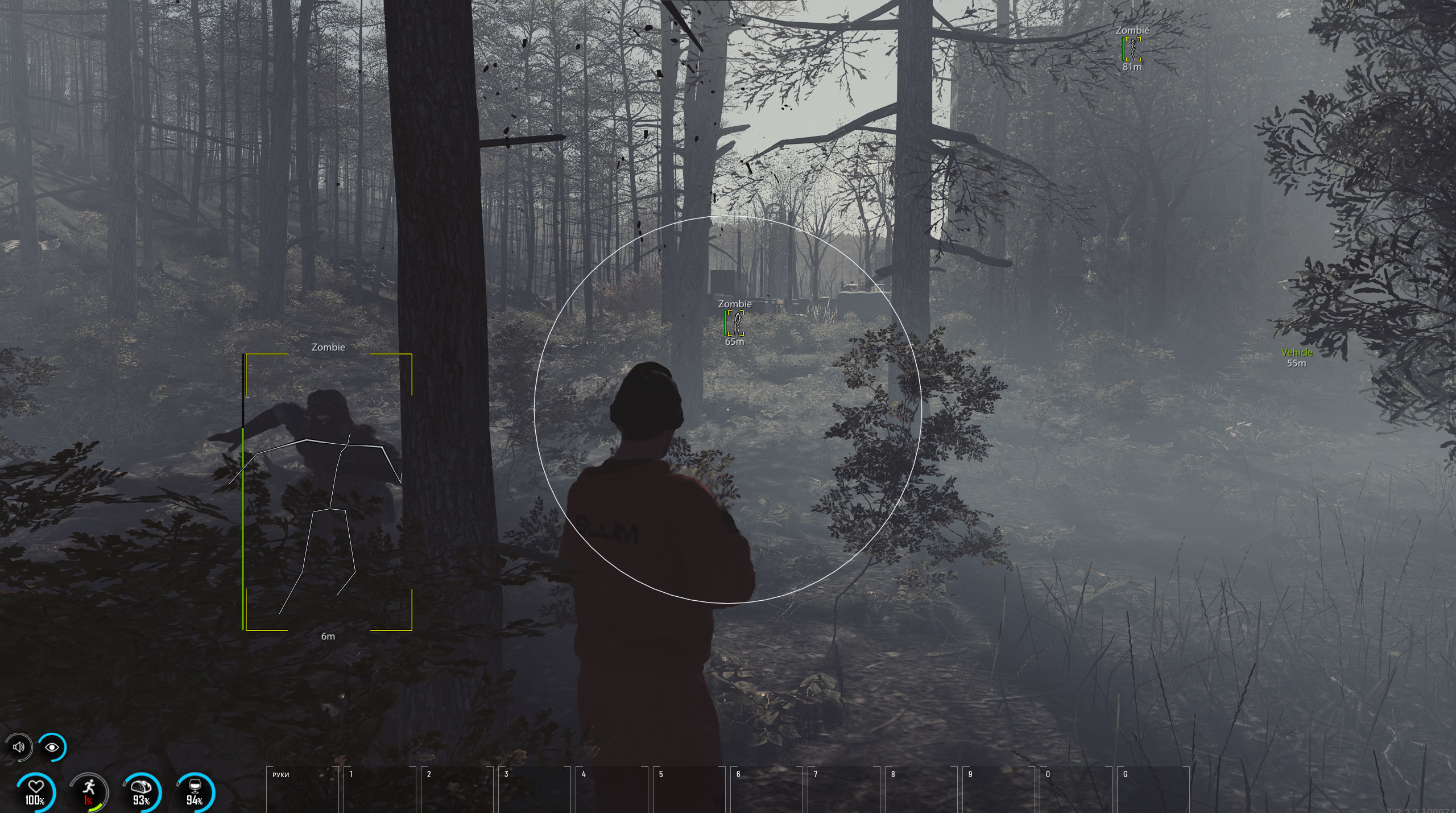
- Skeleton
- Box (Off / Corner / 2D)
- Visible Check
- Max Distance
- ZOMBIES
- Enable ESP
- Name
- Health Bar
- Distance
- Snap Line
- Skeleton
- Box (Off / Corner / 2D)
- Visible Check
- Max Distance
- NPC
- Enable ESP
- Name
- Health Bar
- Distance
- Snap Line
- Skeleton
- Box (Off / Corner / 2D)
- Max Distance
- ANIMALS
- Enable ESP
- Name
- Distance
- Snap Line
- Max Distance
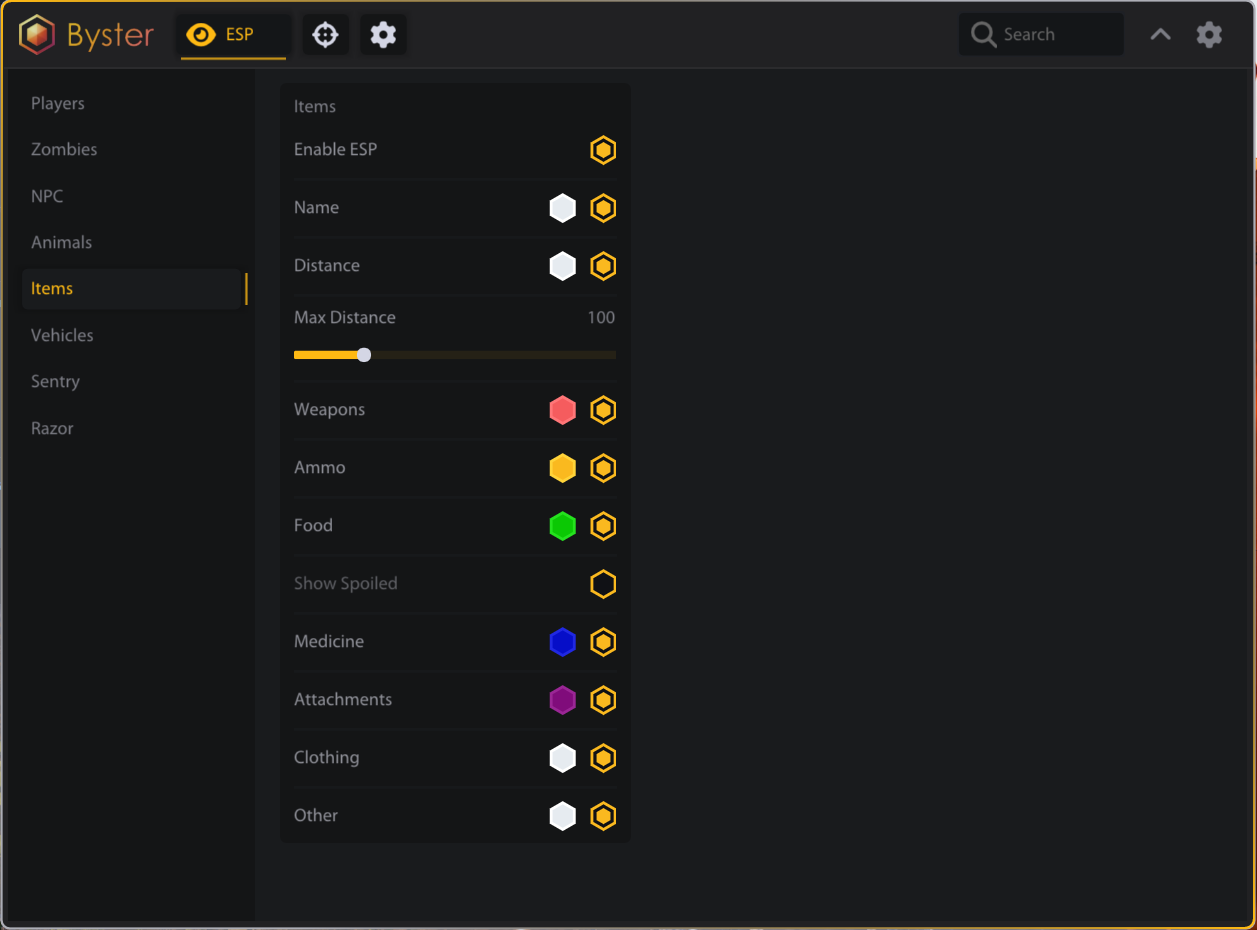
- ITEMS
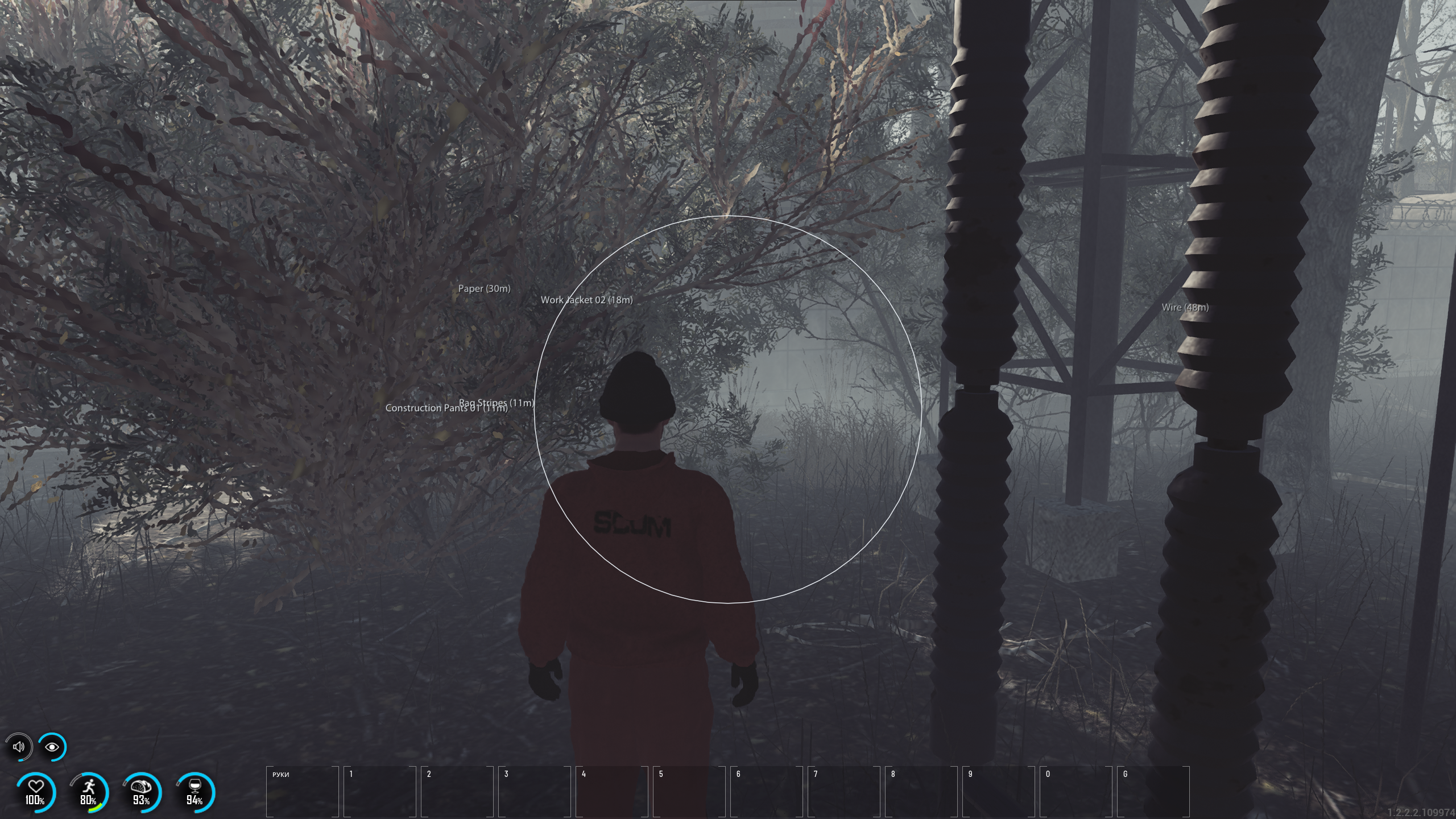
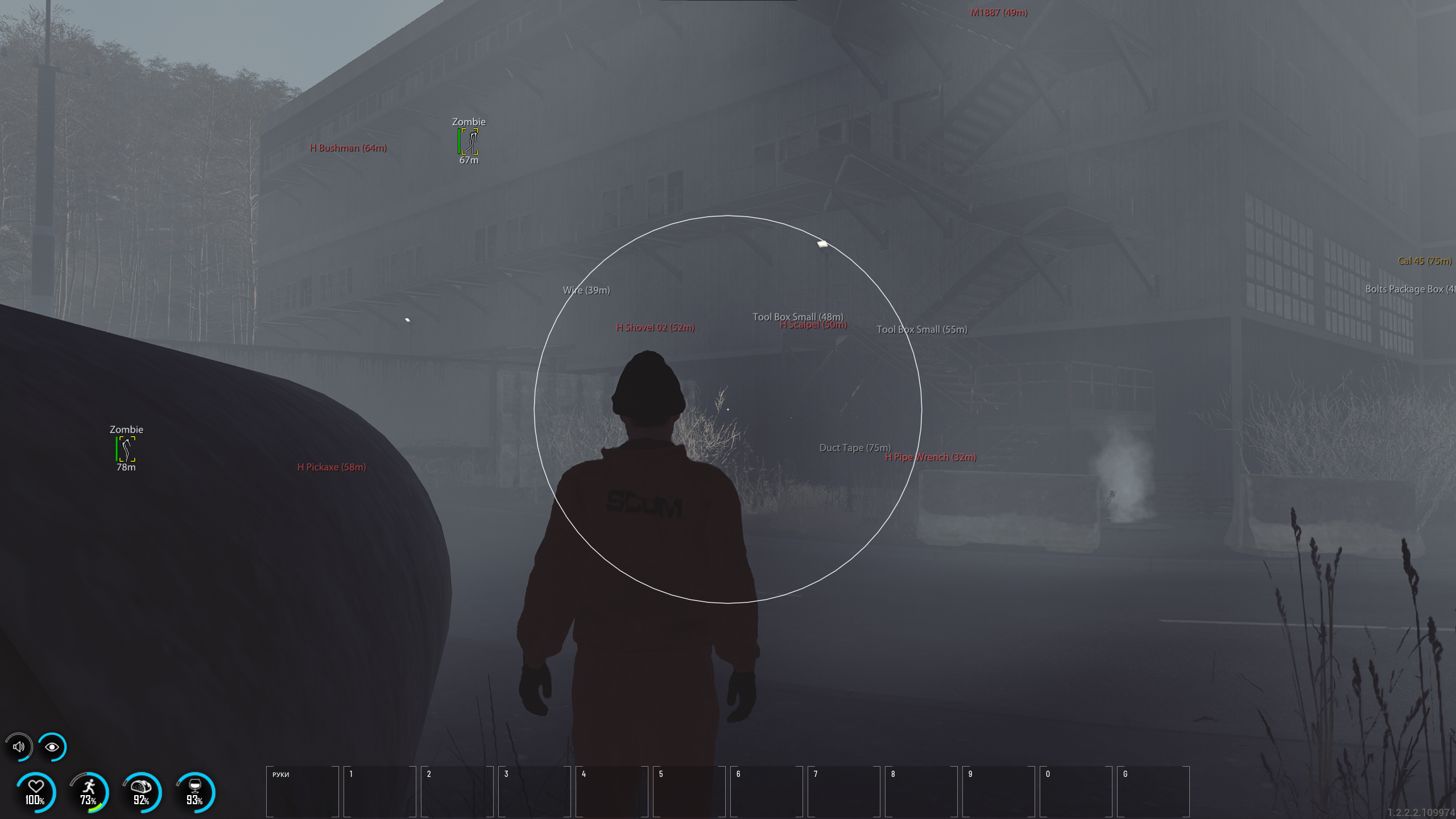
- Enable ESP
- Name
- Distance
- Max Distance
- Weapons
- Ammo
- Food
- Show Spoiled
- Medicine
- Attachments
- Clothing
- Other
- VEHICLES
- Enable ESP
- Name
- Distance
- Snap Line
- Max Distance
- SENTRY
- Enable ESP
- Name
- Distance
- Snap Line
- Visible Check
- Max Distance
- RAZOR
- Enable ESP
- Name
- Distance
- Skeleton
- Max Distance
MISC
- Crosshair
- FPS Counter
- Overlay FPS
MEDIA