Squad
PRIVATE SOFTWARE
SMG
SMG for Squad is an internal private cheat built for smooth, lag-free performance on Windows 10 and 11. It includes a built-in HWID spoofer for hardware ban protection, a powerful aimbot, and a magic bullet feature. With extensive visuals, customization options, and playful features like infinite stamina, speedhack, and zoomhack, SMG offers a comprehensive toolkit for dominating Squad.
STATUS
UNDETECTED
FEATURES
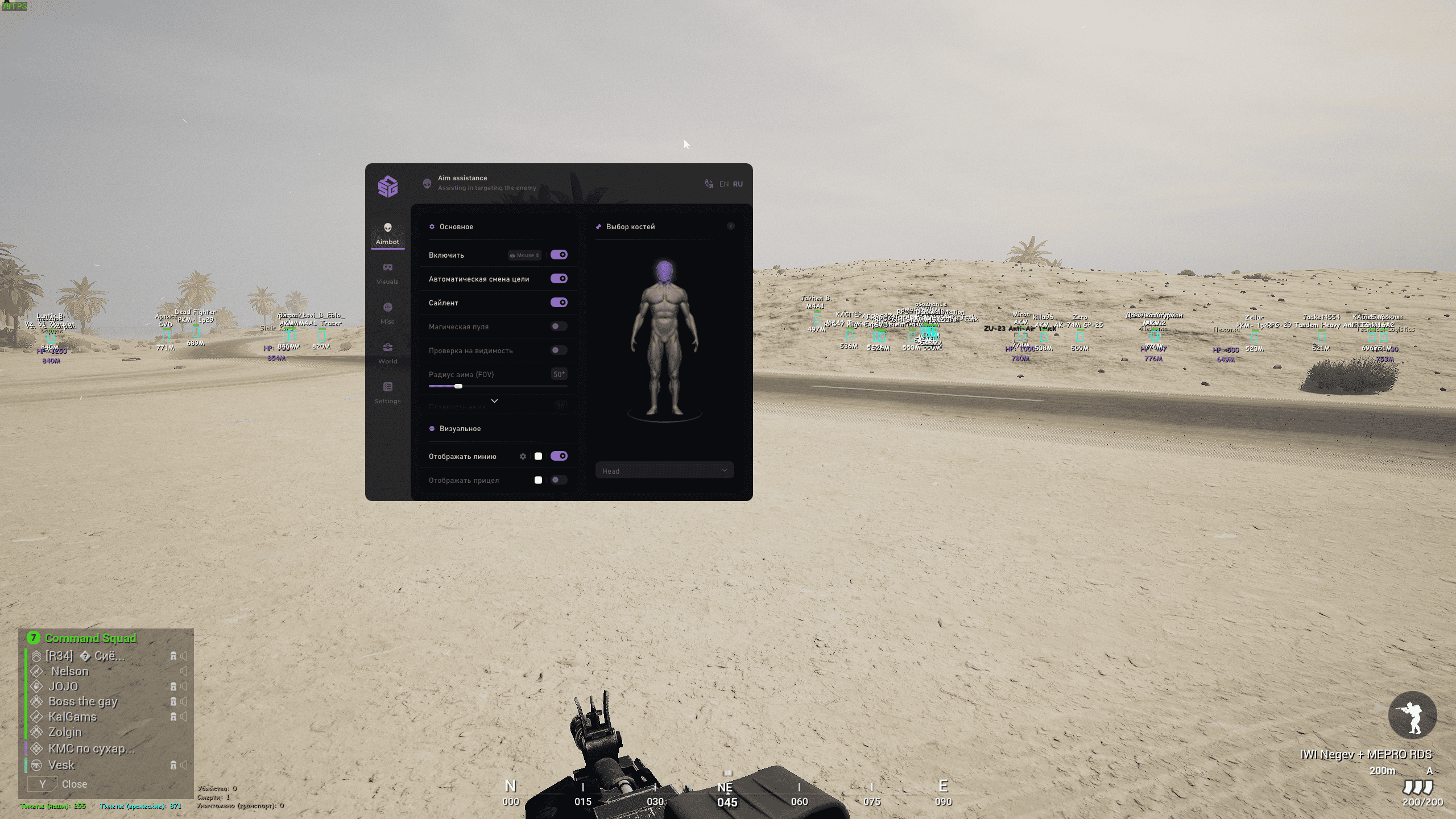
AIMBOT
- Enable (Select key)
- Auto target switch
- Silent
- Magic bullets
- Visibility check
- Aim radius
- Show target line
- Show crosshair
- Show aim FOV
- Bone selection (head, shoulders, body, legs, arms)
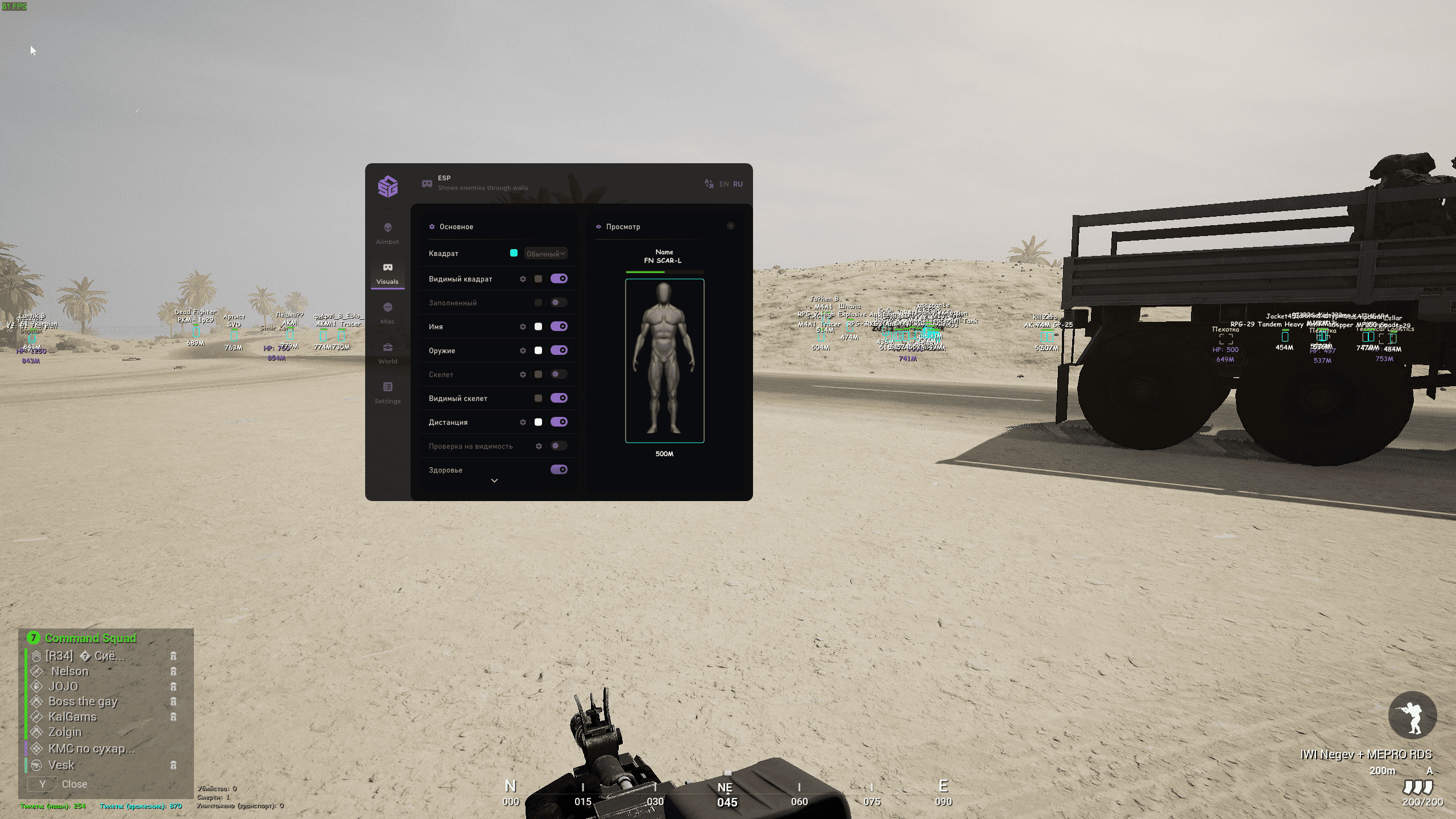
VISUALS
- Box (regular/cornered)
- Visible box (Color selection)
- Filled box (Color selection)
- Name (Color selection + additional settings)
- Weapon (Color selection + additional settings)
- Skeleton (Color selection + additional settings)
- Visible skeleton
- Distance (Color selection + additional settings)
- Visibility check (Color selection + additional settings)
- Health
- Visible state
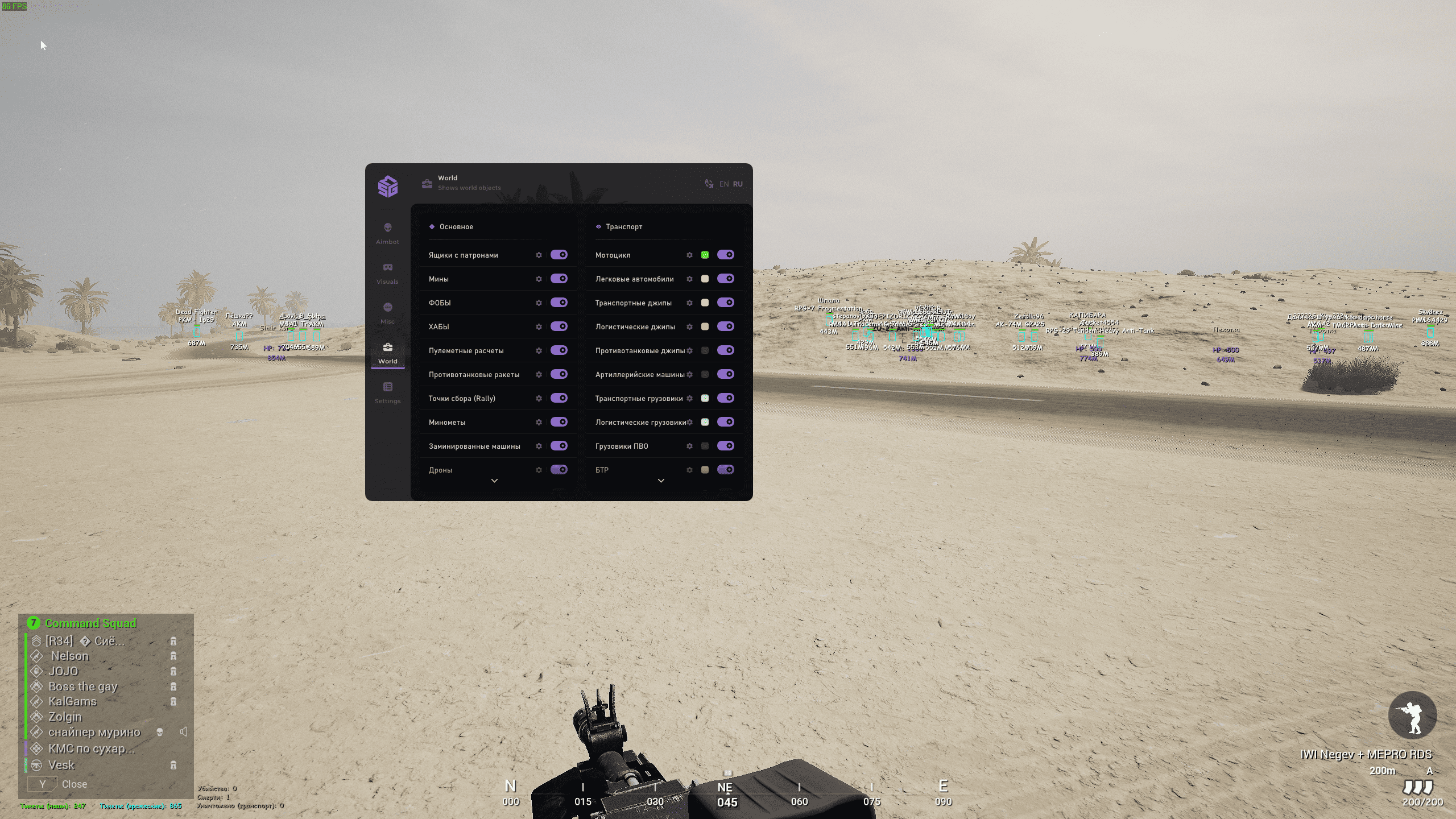
WORLD
- Ammo boxes
- Mines
- FOBs
- HABs
- Machine gun emplacements
- Anti-tank missiles
- Rally points
- Mortars
- Car bombs
- Drones
- Grenades
- Team tickets
- Enemy team tickets
- Ammo count (personal/mounted weapons)
- Kill count
- Death count
- Destroyed vehicles count
- Motorcycle
- Cars
- Transport jeeps
- Logistics jeeps
- Anti-tank jeeps
- Infantry fighting vehicles
- Artillery vehicles
- Transport trucks
- Logistics trucks
- Anti-air trucks
- Attack helicopters
- Boats
- Anti-aircraft artillery
- APC
- Tank
WORLD SETTINGS
- HP (bars/numbers/percentage)
- Boxes (regular/cornered)
- Distance
- Name (customizable)
- Hide unclaimed vehicles
- Max distance
- Font size
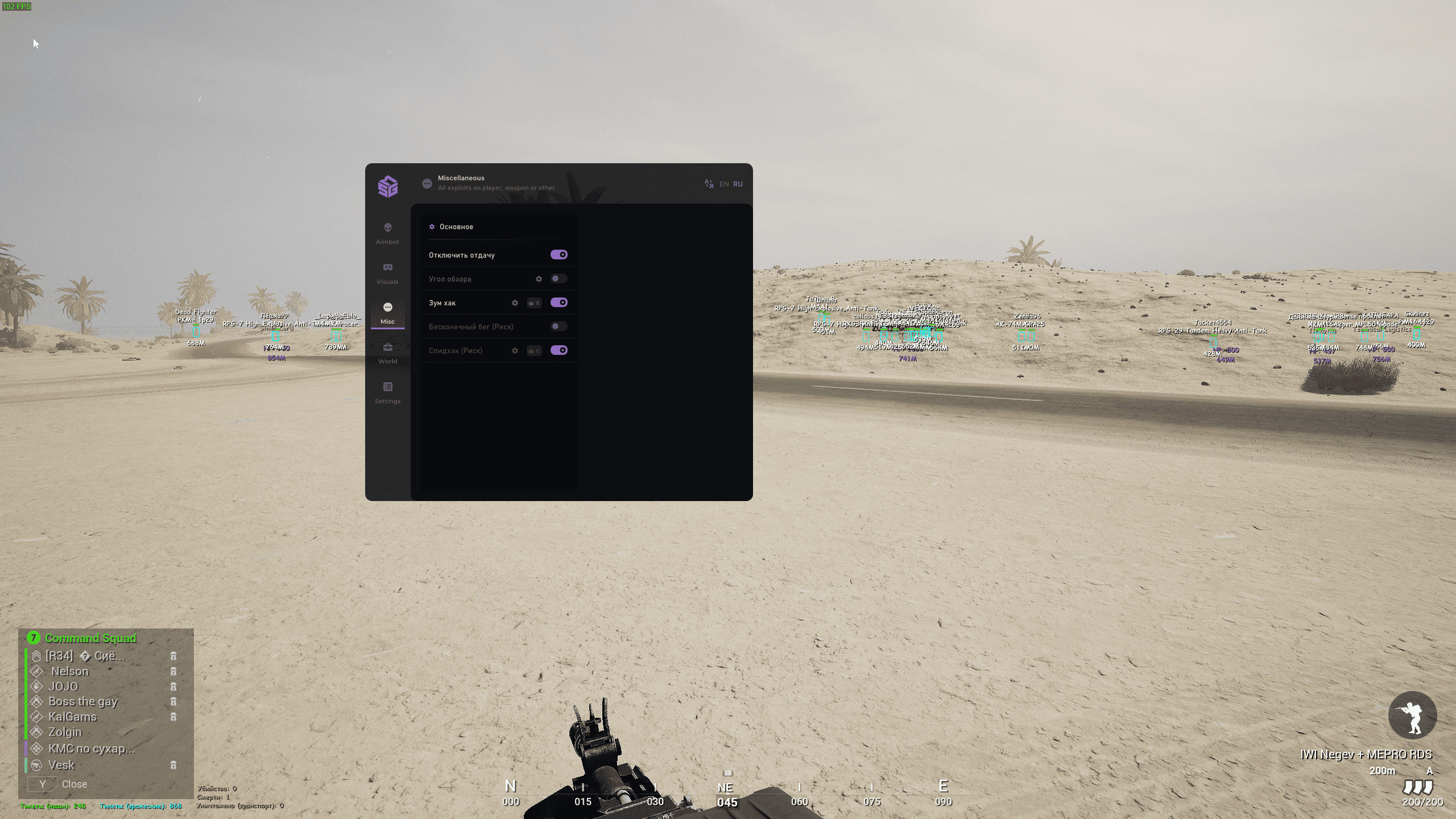
MISC
- No recoil
- Field of view
- Zoom hack
- Infinite sprint (stamina)
- Speed hack
- Save config
- Load config
- Font size
- Select font
- Upload custom font
MEDIA