W-Thunda
PRIVATE SOFTWARE
WarChill
WarChill is a private cheat for W-Thunda for those who want to play on their main account and be confident in its security. Each build has its own loader, worker, and driver with unique hash sums, as well as a unique port for communication with the system. Suitable for those who want to play safely on an account with tanks worth $3000 and stream, as well as for ordinary players who just want to dominate in the game.
Kernel version
- 🟢 Perfect for most users
- 🟢 Ballistics calculation point
- 🟢 All game modes AB, RB, SB
- 🟢 Planes, tanks, ships
STATUS
UNDETECTED

FEATURES
ESP Players
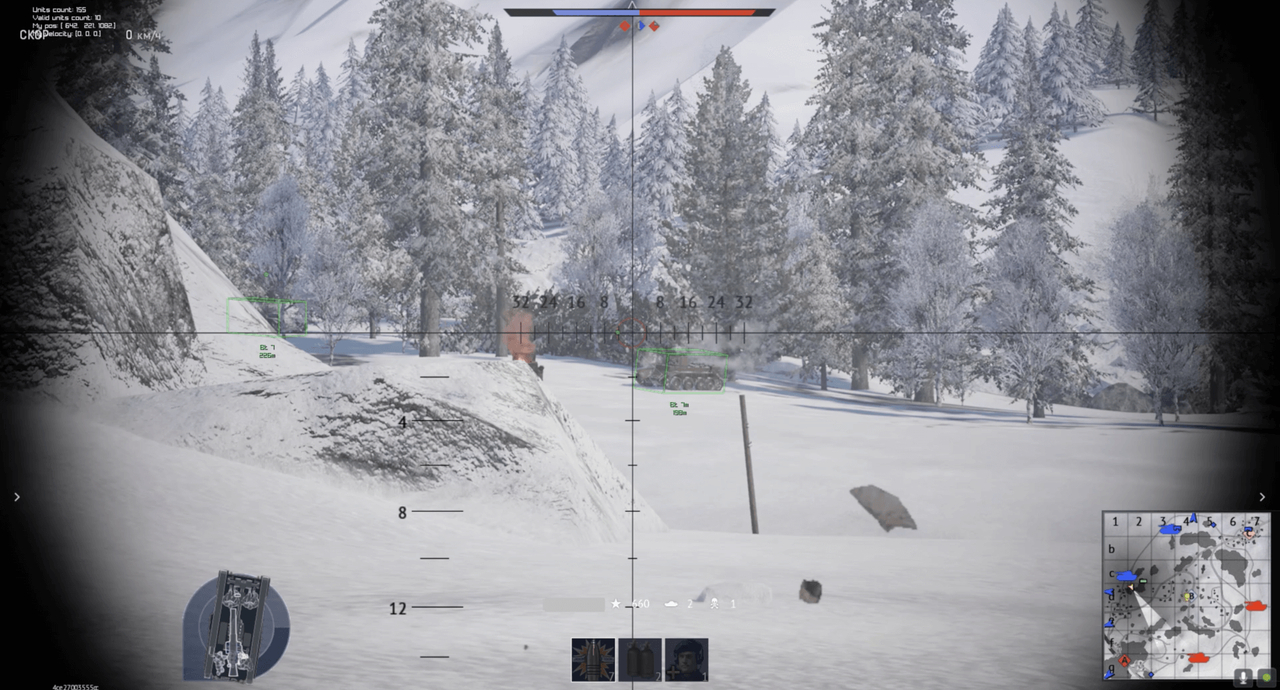
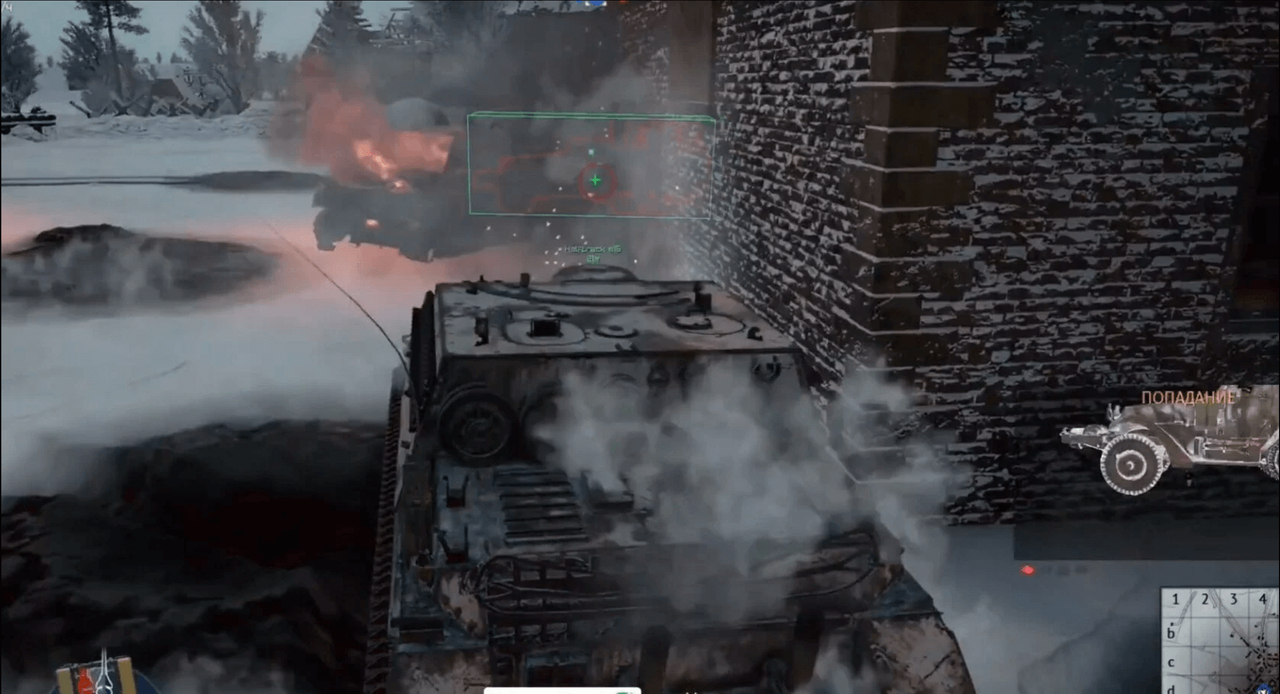
- Smart 3d boxes - Three-dimensional boxes with rendering only visible box faces
- Visibility check - ESP color changes depending on whether the opponent is visible or not
- Cache manager - Displays the opponent in white even when there is no server information about them
- Distance & Vehicle name - Shows the distance to the opponent and the name of their vehicle
- Aim point - Shows the line and point to shoot at to hit the opponent. Aimbot also targets this point
- Out of screen warning - Displays opponents outside the field of view as a line
OVERLAY
- Fps manager - Controls the number of ESP frames, allowing the software to run on weak PCs with low frequency
- Randomizer & Focus manager - Generates a random window name and hides it from anti-cheat, also when the game window is inactive
- MSAA 4X - Smooths lines, removes the so-called "staircase effect," makes ESP more visually appealing, can be disabled on weak PCs
- VSYNC - Synchronizes the ESP frame rate with the monitor's refresh rate
- Ring0 Driver - Allows bypassing anti-cheat and interacting with the game
- Ring0 Loader - Allows launching a custom driver without enabling developer mode or using USB
- NO MENU FOR ADDED SECURITY - All features are enabled by default
VERSION-SPECIFIC
- Ballistics calculation point - Only in Kernel and Exclusive versions
- Aimbot - Only in the Exclusive version
- Radar - Only in the Exclusive version
MEDIA