WARDOGS
PRIVATE SOFTWARE
PUSS
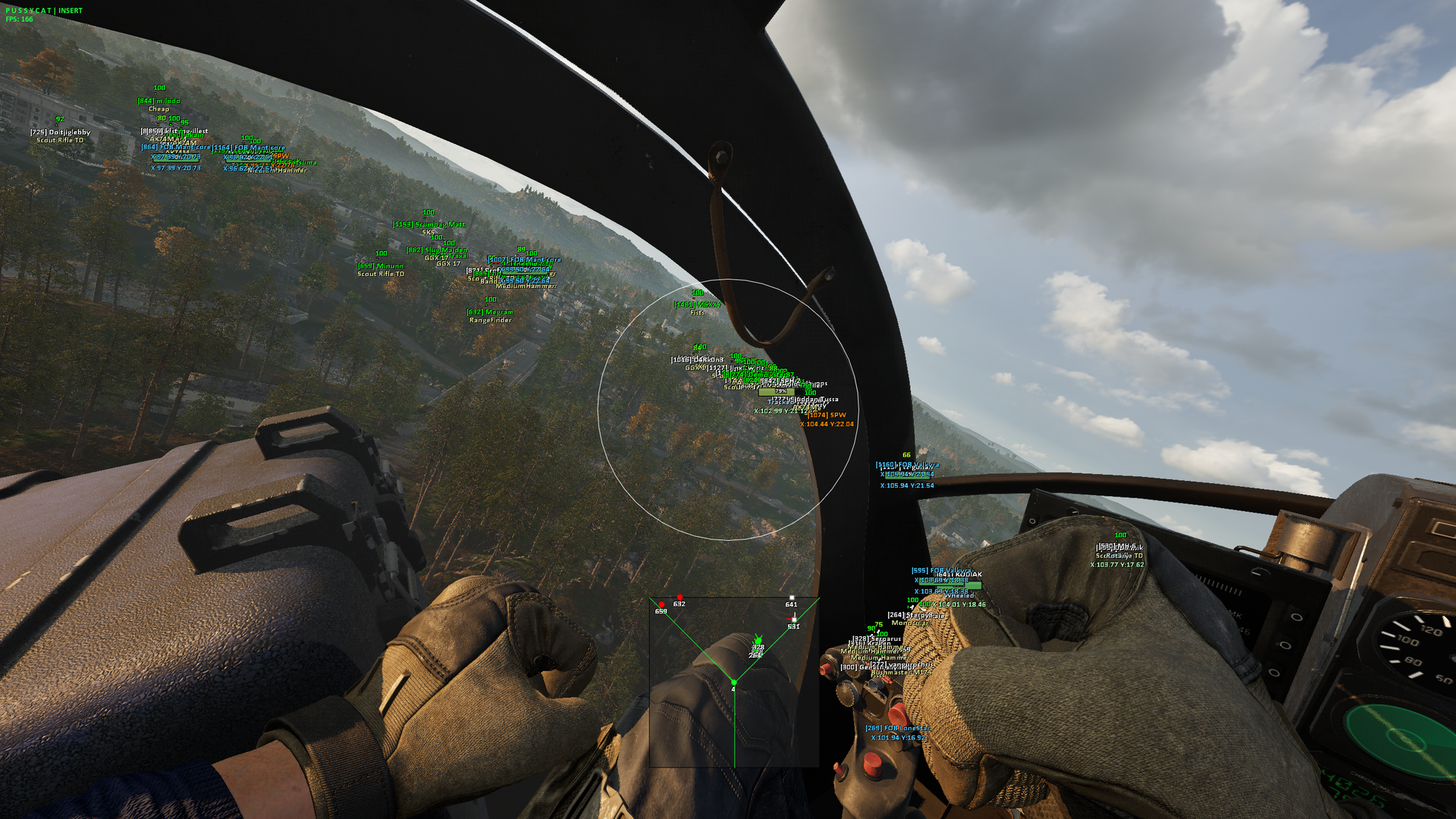
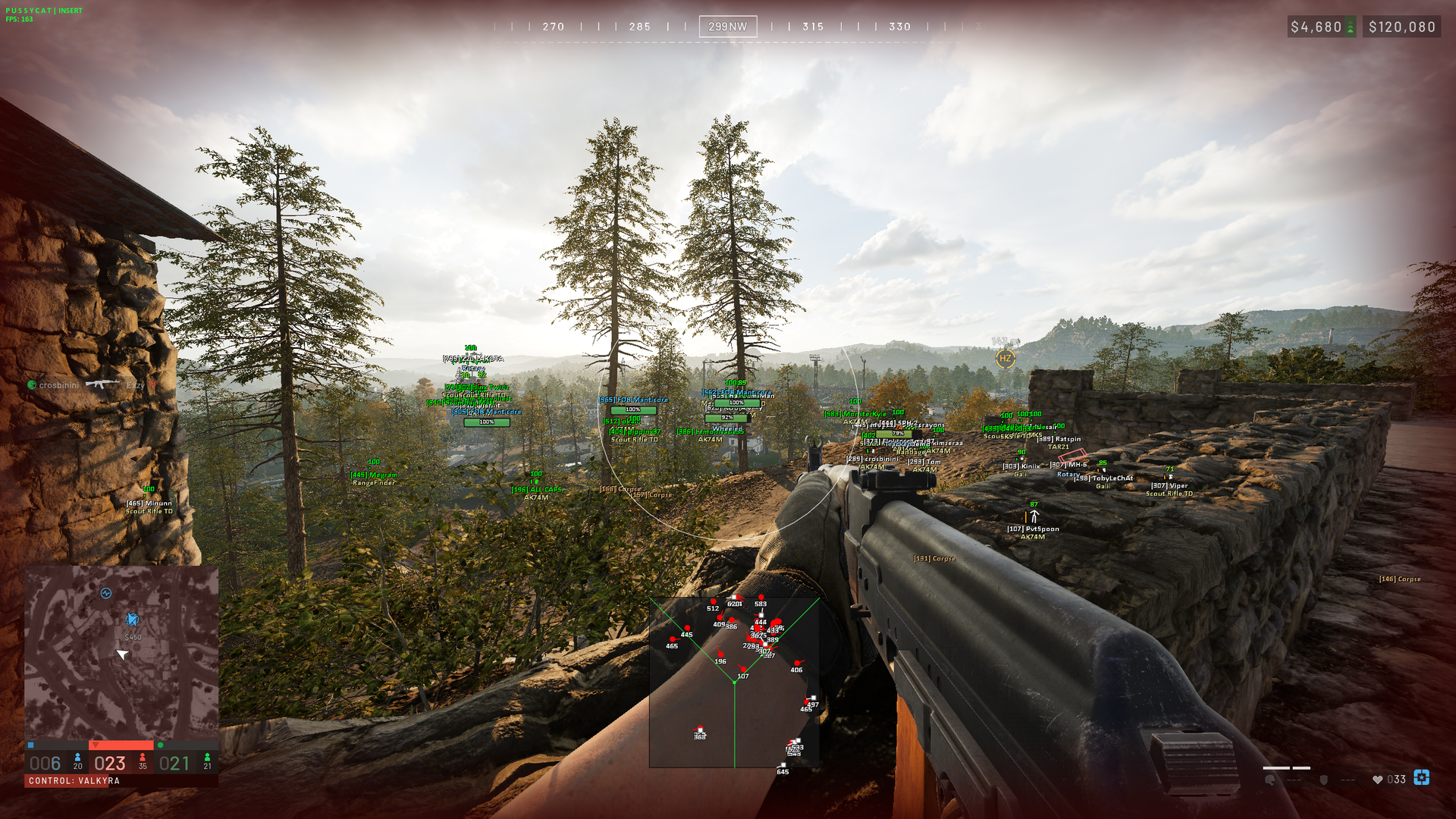
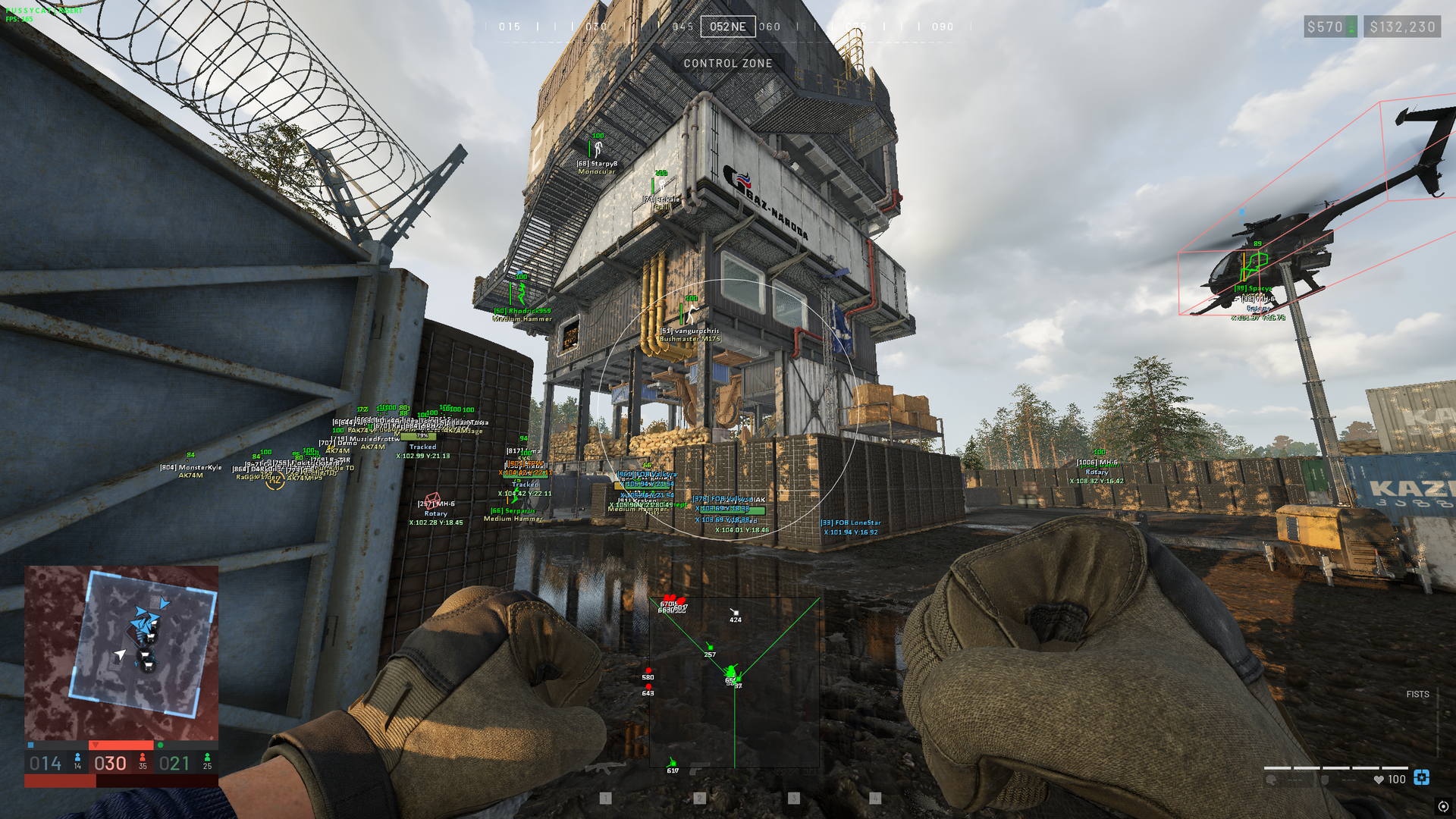
PUSS WARDOGS cheat gives you a focused way to shape aim and battlefield information during tactical FPS matches. Tune Aimbot controls and FOV, then use Players and Objects visuals to read names, weapons, health, map coordinates, and vehicles at a glance; radar and crosshair settings keep key information positioned to your preference. Save or load configurations and adjust interface controls when you want a consistent setup for the next session.
STATUS
UNDETECTED
FEATURES
Aimbot
- Enable Aimbot
- Aimbot Settings
- Aimbot Key
- Aimbot Hitbox
- Smooth
- Smooth Amount
- Visible Check
- Max Distance
- FOV
- Draw FOV
- FOV Color
- Filled FOV
- Aimbot FOV
Players
- Show Players
- Visuals
- Draw BOX
- Box Style
- Snaplines
- Snaplines Style
- Skeleton
- Names
- Weapon
- HealthPoints
- HealthBar
- Ignore Team
- Visible Check
- Show Knocked
- Max Distance
- Battle Mode
- Battle Mode Key
- Colors: Team, Enemy, Knocked, Skeleton, Names, Weapon
Objects
- Show Objects
- Debug Items
- Corpse / bags
- SPW
- Claymore
- AT Mine
- Explosive Device
- FOB
- Ignore Team Build
- Healthpoints
- Healtbar
- Buildable Drill
- Distance
- Map coords
- Vehicle
- Show Vehicle
- 3D Box
- Healthpoints
- Healtbar
- Name
- Map coords
- Distance
- Ignore Team Vehicle
- Role Vehicle: Wheeled, Tracked, Rotary, Airplane, Stationary, Other
- Colors: 3D Box, Name, Role Vehicle, Map coords
- Colors: Corpse / bags, SPW, Claymore, AT Mine, Explosive Device, FOB, Buildable Drill
Settings
- Radar
- Position X
- Position Y
- Distance
- Crosshair
- Thickness
- Size
- Color
- Exploits: Fullbright [F3]
- Font Settings
- Enemy Font Size
- Item Font Size
- Config
- Lock Overlay FPS
- Save Config
- Load Config
- Menu Key
MEDIA